
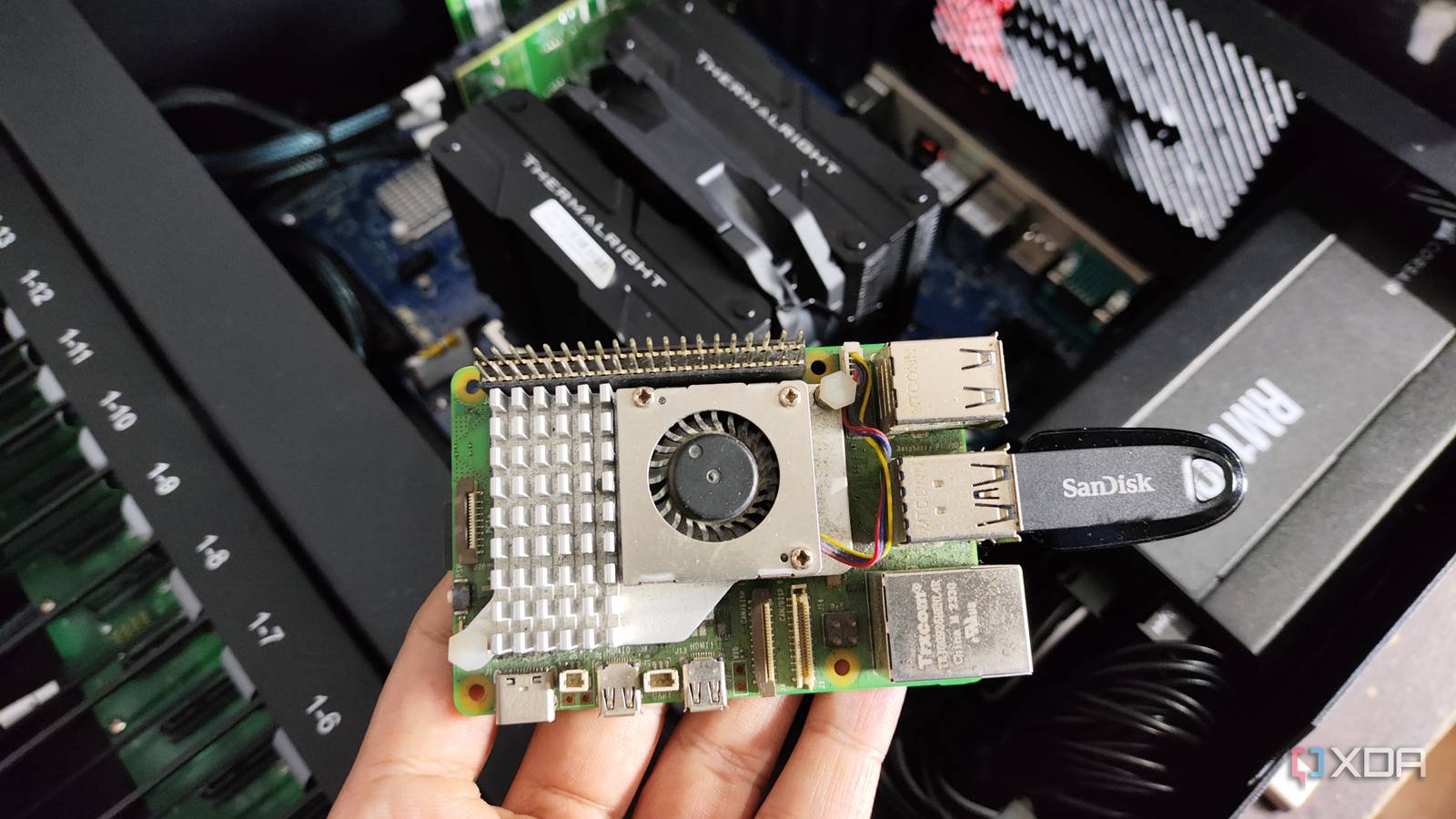
Published Sep 2, 2026, 11:00 AM EDT Maker, meme-r, and unabashed geek, Joe has been writing about technology since starting his career in 2018 at KnowTechie. He's covered everything from Apple to apps and crowdfunding and loves getting to the bottom of complicated topics. In that time, he's also written for SlashGear and numerous corporate clients before finding his home at XDA in the spring of 2023. He was the kid who took apart every toy to see how it worked, even if it didn't exactly go back together afterward. That's given him a solid background for explaining how complex systems work together, and he promises he's gotten better at the putting things back together stage since then. Talk about LLMs is everywhere, and if you listen to the loudest voices, you might think that you always need lots of memory and powerful hardware to run one. But it turns out, you can run local models on very limited hardware indeed. All you need is a Raspberry Pi (8GB version preferred) and a USB drive. I know, I was surprised too, but that's what NightRun promises. It's a small local model plus a chat interface that boots up into memory, so it doesn't even touch the operating system on your Raspberry Pi or x86 computer. I had to test it out when I heard about the project, and while it has some limitations, it's pretty cool for its size. What is NightRun? And why would you want an LLM on a USB drive? Most local LLM setups I've written about follow a similar process. Pick an OS, install a runtime like Lemonade or LM Studio, download a model, and start chatting. NightRun throws out the first two steps entirely. It's a single UEFI application written in Rust, so your machine's firmware launches it directly from a USB stick; it loads a language model into RAM, and you type into a chat window drawn pixel by pixel on the framebuffer. There's no bootloader chain, no init system, and no network stack, so once the model loads, nothing enters or leaves the machine. The developer calls it weird software, and that's underselling it a little. The catch is that everything has to fit in RAM, and NightRun is CPU-only, so the model list is short and small: Llama 3.2 1B and 3B, Granite 4.1 3B, and Qwen3 4B, all in the 1.3GB to 2.4GB range and all pinned to specific quantizations. It runs on x86_64 PCs and the Raspberry Pi 5, and the Pi is clearly the point. A Pi 5 with an SD card that boots straight into a chatbot is an appliance, not a computer running an AI app, and that framing matters more than any benchmark. And because there's no OS to borrow from, NightRun draws its own terminal, ships its own bitmap font, verifies the model with CRC checksums as it streams into memory, and, on the Pi, even drives the fan itself. Two commands exist: `/clear` for a fresh conversation and `/bye` to power off. That's the whole feature list, on purpose. Oh, and most of it was written with Claude Code, which the README treats as part of the experiment rather than something to hide. Nightrun NightRun is an LLM that runs from a USB drive. Installing a vibe-coded project isn't without issues But a little more vibe-coding fixed it On paper, the install is a one-liner that clones the repo and hands you off to an interactive installer. You pick a target (x86_64 USB or Pi 5 SD card), pick a model, and it downloads the GGUF against a pinned Hugging Face revision and SHA-256, converts it to NightRun's own `.nrm` format, builds a bootable image, and flashes it. The flashing step is the most careful I've seen in a hobby project: it only lists whole disks on USB or SD transports, refuses anything that backs your root filesystem, and makes you type `FLASH /dev/sdX` exactly, including the current device path, before it writes a byte. Then it reads the whole thing back and compares hashes. I ran it from WSL2 on my desktop, which is where things got interesting. The image build failed. Then it failed again, differently. Then a third time. The zoomed-out version is that NightRun builds against a custom UEFI target spec on Rust nightly, and nightly has moved on since the developer last touched it. The spec declared a soft-float ABI while also enabling SSE, which older compilers shrugged at, and the current one flatly rejects, so that line had to go. With that fixed, the linker complained about a missing `wcslen` because the newer LLVM had spotted a loop walking a UTF-16 string and helpfully replaced it with a call to a C library function that doesn't exist when you have no C library. I had no idea what was going on from my Googling, so I put the error messages and project into Claude Code. Feels like fair play when the project was vibe-coded in the first place, and Claude found an obvious flag to stop LLVM from being clever, which promptly took `memcpy`, `memset`, and `memmove` away with it. Nine lines of Rust providing `wcslen` by hand was the real fix. None of this is a logic bug in NightRun, and the project's own parity tests can't catch it because they run on the host rather than the EFI target. But it's a fair warning that a project this young will break on toolchain updates, and the installer buries the actual compiler error two log files deep behind a generic "nr-boot build failed." Then the flash failed. I'd passed the USB stick into WSL2 with usbipd-win, which worked well enough for the installer to see it, but the readback didn't match. I booted it anyway, mostly to see what would happen, and NightRun's loader stopped dead with a CRC mismatch on the model file. That's the safety story working exactly as advertised, and it made for a better photo than a successful boot would have. Building the image directly with `cargo xtask image` and writing it from Windows with Rufus in DD mode fixed it in a couple of minutes. If you're on Windows, honestly, skip the usbipd step and do that from the start. It turns out tiny models are fairly capable But it's important to know about their limitations The local LLM landscape has changed dramatically, as has AI overall, from the days of my machine learning degree courses in the 90s. A 4B model can handle coherent chat, and I use a 0.8B model to decide which of the larger models in my downloads to call into service for coding tasks. NightRun only has four model options (Llama 3.2 1B/3B, Granite 4.1 3B, Qwen3 4B): CPU-only decoding, no network stack, no kernel, and a 4096-token context. That would have choked any model a couple of years ago, and you'd get nonsense answers, but that's not the case today. I used a laptop to test because I wanted the screen output for illustrative purposes, but it will run on a Raspberry Pi as well. I asked the model for a poem about a computer that boots straight into a chatbot, because if you can't get meta at this stage, when can you? The response is in the image above, and it's better than I expected. I also asked another five questions, including explaining what UEFI is in three sentences, saying hello in a variety of languages, a markdown table comparing USB 2.0 and USB 3.0, and 30 uses for a Raspberry Pi. I also ran the same six questions in Lemonade on the same laptop, with the same model and context window. T The Lemonade answers were longer, but overall, both sets were close. The NightRun answers had two failures, but neither was the 'gotcha' question, which was: "A train leaves at 3:15, and the trip takes 2 hours 50 minutes. When does it arrive?' Both answered that correctly. The differences were that NightRun is a pure terminal, so there was no markdown to use, and that the question about how to say hello was missing some letter accents because it didn't have unicode support. Overall, it's a neat demo of what a small model can do, and I can't deny that the synthwave GUI isn't to my liking. It could be that one day any AI gets added to systems by plugging in a USB drive in this manner, taking away all the messy setup process. It's honestly impressive that you can run an LLM on a Raspberry Pi at all Single-board computers like the Raspberry Pi are more capable than many give them credit for. Add that to the advances of smaller local LLMs, and you've got an edge computing device that can do more than answer simple questions. NightRun is one of the many examples of what can be done with a small computer and an idea, and the installation issues are par for the course with project code.
There's no Linux on my Raspberry Pi anymore — it boots straight into a local LLM instead
Full Article
Original Source
Read the full article at Xda-developers →KhanList aggregates and links to publicly available news content. We do not host full articles from third-party sources. Always verify important information with original sources.