
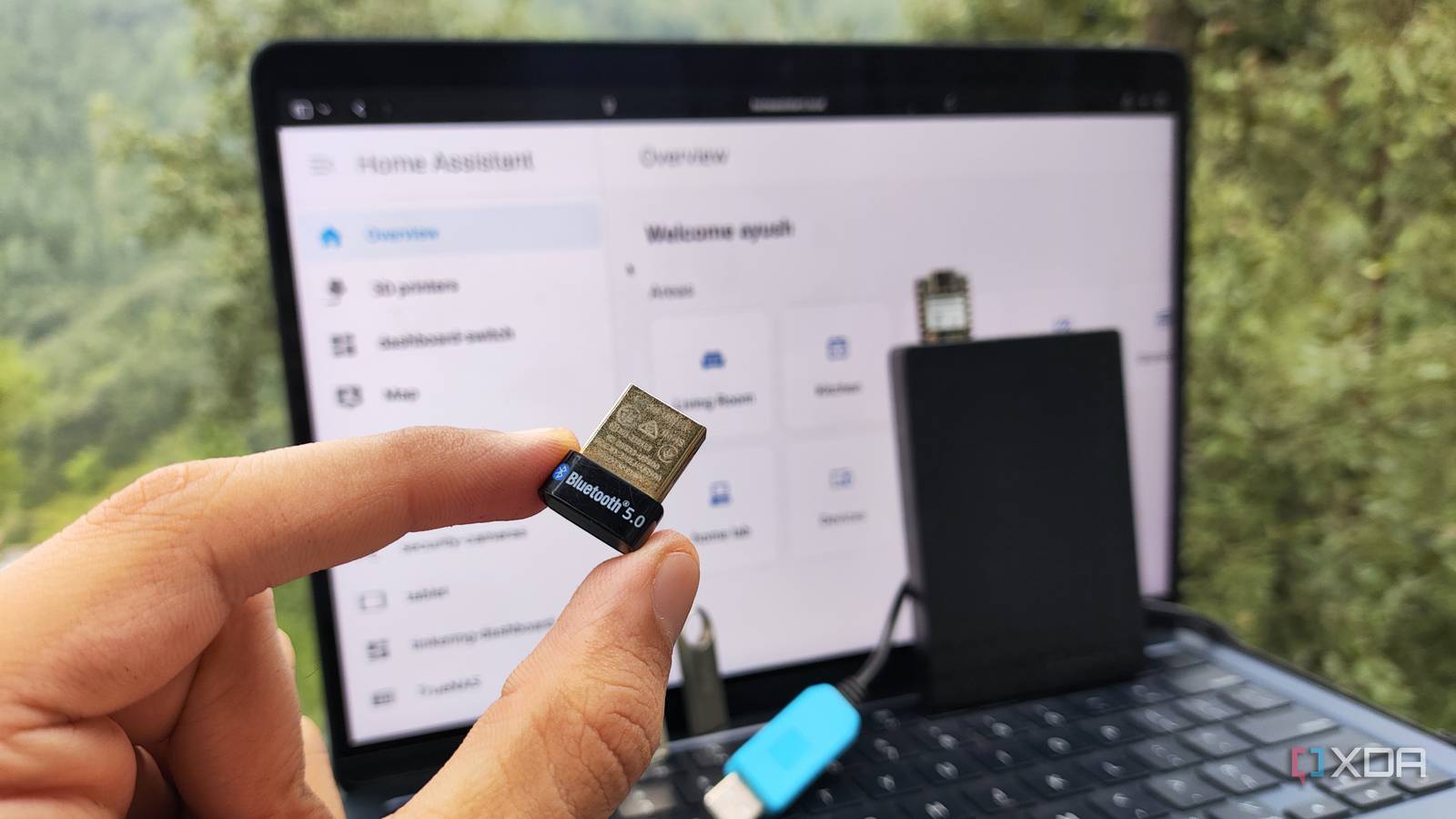
Published Sep 17, 2026, 4:30 PM EDT Ayush Pande is a PC hardware and gaming writer. When he's not working on a new article, you can find him with his head stuck inside a PC or tinkering with a server operating system. Besides computing, his interests include spending hours in long RPGs, yelling at his friends in co-op games, and practicing guitar. Although Home Assistant’s terrific IoT paraphernalia management provisions and automation capabilities are worth highlighting, what I really love about this smart home platform is the sheer amount of ways I can customize it. The templates for deploying FOSS services within the app store alone make it possible to extend HASS’ functionality by bringing support for NVR solutions, ESP32 calibration tools, AI services, and a bunch of other utilities. That’s before I even mention the sheer number of wacky and ingenious integrations available on the Home Assistant Community Store. That said, Home Assistant isn’t just customizable on the software front. I’ve often seen folks rock Home Assistant hosts with a handful of unoccupied USB ports. And let me tell you, there’s no shortage of cool USB gizmos you can pair with your HASS server to boost its functionality. Backups, database operations, camera footage – everything’s fair game for these drives Back when I had a bare-metal Home Assistant server running on a cheap N100 mini-PC, I had a little bit of a problem with the backups. Since I didn’t have the handy Proxmox VM snapshots as I do now, I had to rely on local backups, which could easily get lost if something went wrong with the old SSD powering the mini-PC. As such, I added a direct-cheap external SSD to Home Assistant and configured the automated backups to use it as the storage drive. That way, I wouldn’t risk choking the underlying boot drive with frequent backups. Nor would I have to worry about my precious HASS configs, automations, apps, blueprints, and integrations getting lost if the boot drive kicked the bucket. The same holds true for footage from security cameras. Although I rely on a separate Frigate instance for NVR detection, hosting this platform (or even motionEye) directly on a Home Assistant server would cause it to occupy large chunks of space every time a new footage gets saved. Heck, even if you don’t rely on either NVR utility and just stick to FFMPEG cameras hooked up to Home Assistant, it wouldn’t take too long for all the footage to start choking up the boot drive. Connecting an external drive to HASS and forcing the platform to save all screenshots and videos to it can help out a lot in this situation, and you could go down the HDD route to save some extra bucks on an SSD. Although it’s not all that important for folks relying on modern SSDs for their Home Assistant boot pool, having a cheap drive handle the intensive logging and database write tasks can slow down the boot drive’s wear rate – and this is something I often did with dirt-cheap flash drives for my microSD card-powered Raspberry Pi HASS instance. But USB adapters are what you’re really looking for With all the IoT protocols out there, you’re bound to need a few of these adapters Switching from external drives to full-on USB adapters that I still use with my Home Assistant server, most PCs don’t support common communication standards that you’d find on smart devices. Even good ol’ Bluetooth might not be available on old PCs and thin clients, and considering the sheer number of cool gizmos that only support this standard, you’d be doing your Home Assistant hub a disservice if you only relied on Wi-Fi connectivity for your smart devices. Tossing a USB Bluetooth adapter into the mix is all you need to bring these devices to Home Assistant. Between smart toothbrushes, fitness trackers, and measuring scales, you might end up finding several devices on your Home Assistant’s integration page when you finally arm it with a USB adapter. While some mini-PCs might ship with Bluetooth functionality, I can’t say the same for Zigbee, Z-wave, and Thread protocols. And with more devices relying on these channels for local communication instead of Wi-Fi, I’d recommend picking up their respective adapters. Of course, you might not even need all of them depending on your specific smart devices. But at the very least, I’d recommend bringing Zigbee support to your HASS instance, as it’s a popular standard for modern IoT paraphernalia, and you don’t need to shell out a lot of money on its adapters. I use a Home Assistant virtual machine running on top of Proxmox, and I had no issues connecting all these adapters to my HASS server once I configured USB passthrough. If you’re fond of ESP32 or Raspberry Pi Pico boards, I’d recommend leaving a spare USB port for microcontroller projects. Yes, I’m aware that ESPHome Device Builder lets you flash microcontrollers even when they’re hooked up to the client machine running the HASS web UI. But for projects such as radio co-processors, you’ll want to use a USB port on the Home Assistant host. USB devices become even more useful once you go down the home server route Besides Home Assistant, typical self-hosting workstations and virtualization rigs benefit from USB gizmos. A DAS, for example, can serve as a nice alternative to expensive NAS solutions when all you want to do is archive TBs of data and aren’t all that concerned about the file-sharing aspects of a centralized storage server. Likewise, USB-to-Ethernet adapters can be a decent investment if your server rig has a broken Ethernet port but doesn’t include dedicated PCIe slots where you can plug NICs. Home Assistant OS Windows, macOS, Linux iOS compatible Yes Android compatible Yes
The unused USB ports on your Home Assistant server can do more than you think
Full Article
Original Source
Read the full article at Xda-developers →KhanList aggregates and links to publicly available news content. We do not host full articles from third-party sources. Always verify important information with original sources.