
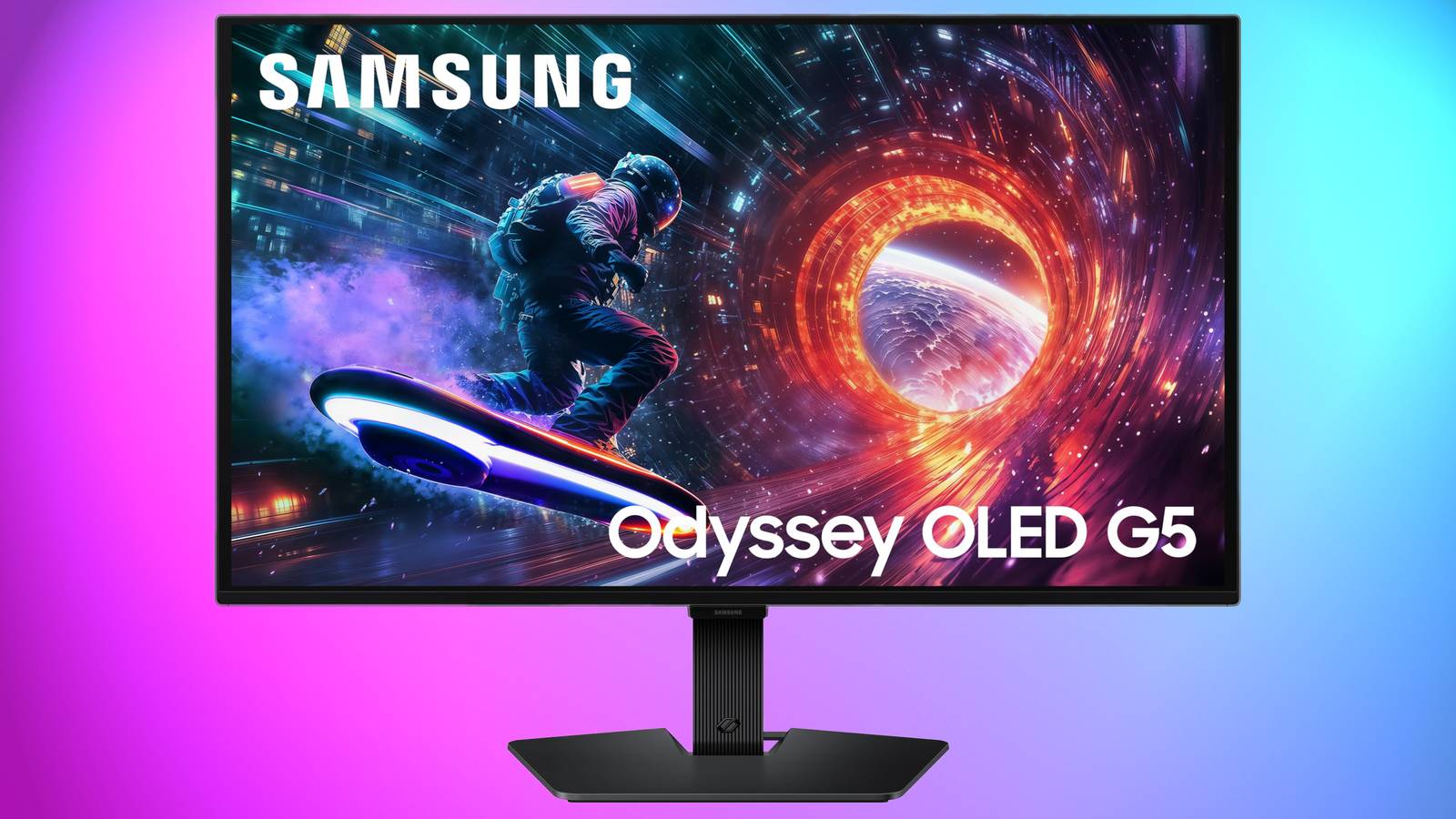
Published Nov 18, 2026, 5:54 PM EST Sign in to your XDA account Monitors are often the last thing you buy when you're building a budget PC. The GPU and CPU usually eat up most of the spend, and you don't want to end up with an old office screen that doesn't actually do your hardware any favors. The Samsung Odyssey G5 is currently on Amazon for $139.99, down from $179.99, and makes for a great budget monitor. Samsung Odyssey G5 Resolution 2560 × 1440 (QHD) Response Time 1ms (MPRT) HDR HDR10 Brightness 300 cd/m² Dimensions 24.34 × 20.5 × 9.22 in (with stand) This is a quality mid-range monitor featuring a Quad HD display and 144Hz refresh rate. A quality screen that won't strain your budget Flat-panel gaming for just $139.99 The flat panel is the main thing to know here. If you already have a primary display, a flat second screen sits beside it without the two angling away from each other, so you can keep Discord, a stream, or a browser window in view while you play. It's an easy way to add screen space to a build that's already stretched thin. It can also, of course, work as your only display. A flat panel keeps straight lines straight all the way to the edges, which suits spreadsheets and email during the day and games at night. However, if you want a curved monitor, you'll need to look elsewhere—this deal isn't for you. Keep in mind that Samsung sells several monitors under the Odyssey G5 name; this deal is specifically for the Samsung Odyssey G5 (G51F). Some older Odyssey G5 models are curved, so make sure the listing you open shows the flat panel version. This is a modest discount rather than a blowout, but on a build where the GPU and CPU have already taken most of your money, $40 can go toward a better keyboard, a decent set of cables, or your next component. When working with a tight budget, $40 can go a long way. The Samsung Odyssey G5 makes the most sense if you're replacing an old office monitor or adding a second screen to a desk you already use for gaming. This is a straightforward and worthy upgrade for a budget build. If the specs on the listing fit your setup, we'd recommend picking it up.
The Samsung Odyssey G5 monitor drops to just $139.99, and is a solid budget screen
Full Article
Original Source
Read the full article at Xda-developers →KhanList aggregates and links to publicly available news content. We do not host full articles from third-party sources. Always verify important information with original sources.