
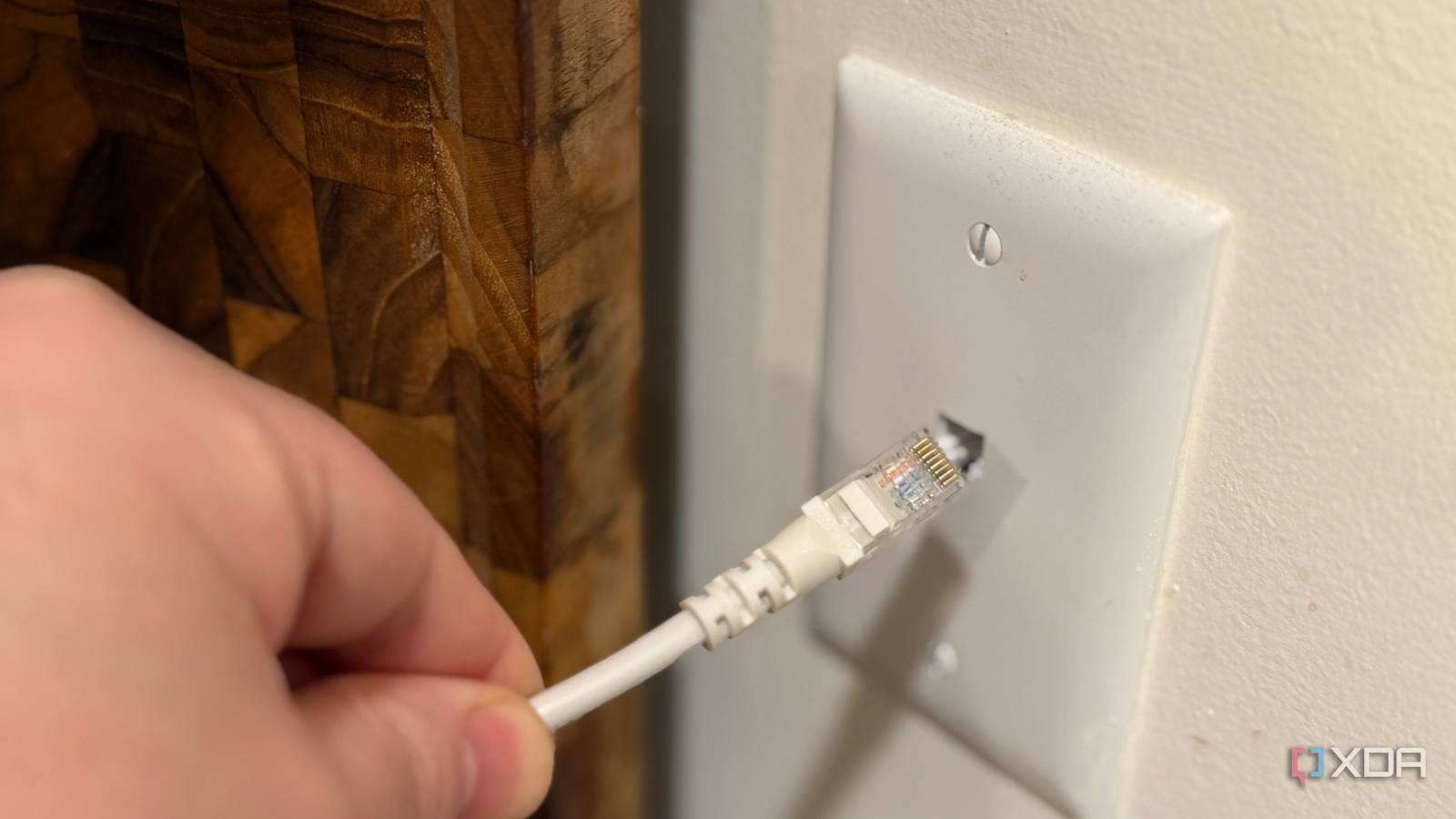
Published Nov 3, 2026, 8:00 AM EST Maker, meme-r, and unabashed geek, Joe has been writing about technology since starting his career in 2018 at KnowTechie. He's covered everything from Apple to apps and crowdfunding and loves getting to the bottom of complicated topics. In that time, he's also written for SlashGear and numerous corporate clients before finding his home at XDA in the spring of 2023. He was the kid who took apart every toy to see how it worked, even if it didn't exactly go back together afterward. That's given him a solid background for explaining how complex systems work together, and he promises he's gotten better at the putting things back together stage since then. Setting up your home network for best performance usually means a healthy mix of wired and wireless connectivity. Even if you're just using wired connections for backhaul, the more things you can have using those wires instead of wireless frees up space for the devices that can't connect that way. That means figuring out where to string cable for Ethernet, but before you do that it's worth unscrewing a few wall plates. That's because the RJ11 wall jacks that are there for your landline telephone might actually have Ethernet-capable wires behind them. That's how the builders installed them in my home, with a big bundle of cables near the garage door for the ISP and telco engineers to choose from when installing services. It takes a few minutes to check, and then you might be able to skip the annoying task of pulling new cables through your walls. How to tell if your phone jacks are hiding Ethernet cable The cable jacket tells you everything if you pull the plate off If you want to know whether you can repurpose your phone wiring, find a wall plate and unscrew it. You're looking for the writing printed onto the cable jacket, which will tell you what category of wiring it is. It will say the category with a number, a bandwidth rating, and possibly a TIA spec. There are also a few other physical things to look for. Cat5, Cat5e, and Cat6 will have four twisted pairs inside. Cat3 will only have four wires, and it's sometimes flat. Most new builds from the late 1990s will have used Cat5 or better, even for the phone lines. The other thing is that the jacket color means nothing. There is no universal color coding system for the jacket. Wires made a decade ago or in a different country might be different to the same color today, and you should try to find the markings before deciding what category your potential Ethernet cable is. You might see patch cables in different colors used for specific device categories. That is different to in-wall cabling at home, and also it's a convention for what type of devices are connected, not an indicator of speed or bandwidth of the cable. Two cables behind one jack means the builder daisy-chained it Depending on how your builder did things, phone cables might all go back to a central point (like in my home), or they would be daisy-chained to make all the phone sockets on one long circuit. Your landline works either way, but Ethernet will not work if daisy-chained. If you see two cables behind one jack, you've got choices to make. You can pull new cables, or you could terminate each cable as Ethernet, then put a small switch (preferably managed) at that location to connect the two cable runs. You'd do this at every jack where there is a daisy-chain connection, and somewhere in your home there will be one jack with only one cable. You could put your router anywhere in that chain as long as you terminate the cables correctly. Turning phone lines into Ethernet without pulling a new cable Swapping the wall plate is the easy part I never got a landline installed, so I don't have a media enclosure with a telephone distribution board. But most houses will, and you'll have to rewire at least that cabinet to get Ethernet around your home. Moving the runs you want off that board and onto a keystone patch panel will give you the ability to connect to a managed network switch, then to your router, giving you connectivity around your home. At least, once you re-terminate the ends of those cables with 8P8C wall jacks. One gotcha to be aware of is RJ31X, which is used for the alarm-panel port (if you have one). Trace that back from the alarm panel before you start pulling cables out so you don't get an unwanted visit from your monitoring company. Also, every cable that you do move off the distribution board will want testing with a cable tester, not just a link light. That will ensure the connectivity speeds you are doing this for, rather than giving you something else to troubleshoot later. What speeds old phone wiring can actually handle Even plain Cat5 was built for gigabit over a full 100m run If you're wiring up your home, skip every number and go to Cat6a. Not because you need 10 Gbps now, but because you only want to have to wire once if possible and the price of the cable is only a small part of it. But we're talking about what might already be in your walls, and that could be a variety of things. It's been a long time since Cat3 was introduced, but some older homes will likely have this set up as phone wiring. If so, you can still get fast speeds using G.hn adapters, but it might be worth considering rewiring. Cable Rated Ethernet Speed What to expect in a house-length run Things to know Cat3 10 Mbps (10BASE-T) 10 Mbps, 100 Mbps only sometimes on short runs Gigabit isn't possible, use G.hn instead Cat5 1 Gbps to 100m (1000BASE-T) 1 Gbps (as long as well installed) 2.5BASE-T isn't specified for Cat5 Cat5e 1 Gbps; 2.5 and 5 Gbps to 100m (802.3bz) 2.5 Gbps comfortably, 5 Gbps to spec 10 Gbps isn't specified, might be possible on short runs Cat6 5 Gbps to 100m, 10 Gbps to 55m 10 Gbps Cat6A is only needed for 10 Gbps on longer runs G.hn over one phone pair Gigabit-class PHY rate (vendor spec) Roughly 200–600 Mbps under 50m Usable on Cat3. Beaten by Coax or Cat5+. Any new build should have at least Cat5 in the walls, partly because I'm not sure where the builder would source anything older. If you're building your home, skip to Cat6a again, because it'll save you time in the future. Maybe even put some fiber optic cables alongside those runs, and think about using a conduit and putting double runs of any cable just in case one breaks. Your house might already be wired for Ethernet The landline might be going the way of the dinosaurs in many countries, but the wiring that was used to send that signal around your home is still there and surprisingly capable. If you want to check, start with the room that has the worst Wi-Fi signal, because that's the prime candidate for adding an access point. If the wiring is there, you only need a few things to get better connectivity sorted out.
The phone jacks nobody uses in my house turned out to be Ethernet cables in disguise
Full Article
Original Source
Read the full article at Xda-developers →KhanList aggregates and links to publicly available news content. We do not host full articles from third-party sources. Always verify important information with original sources.