
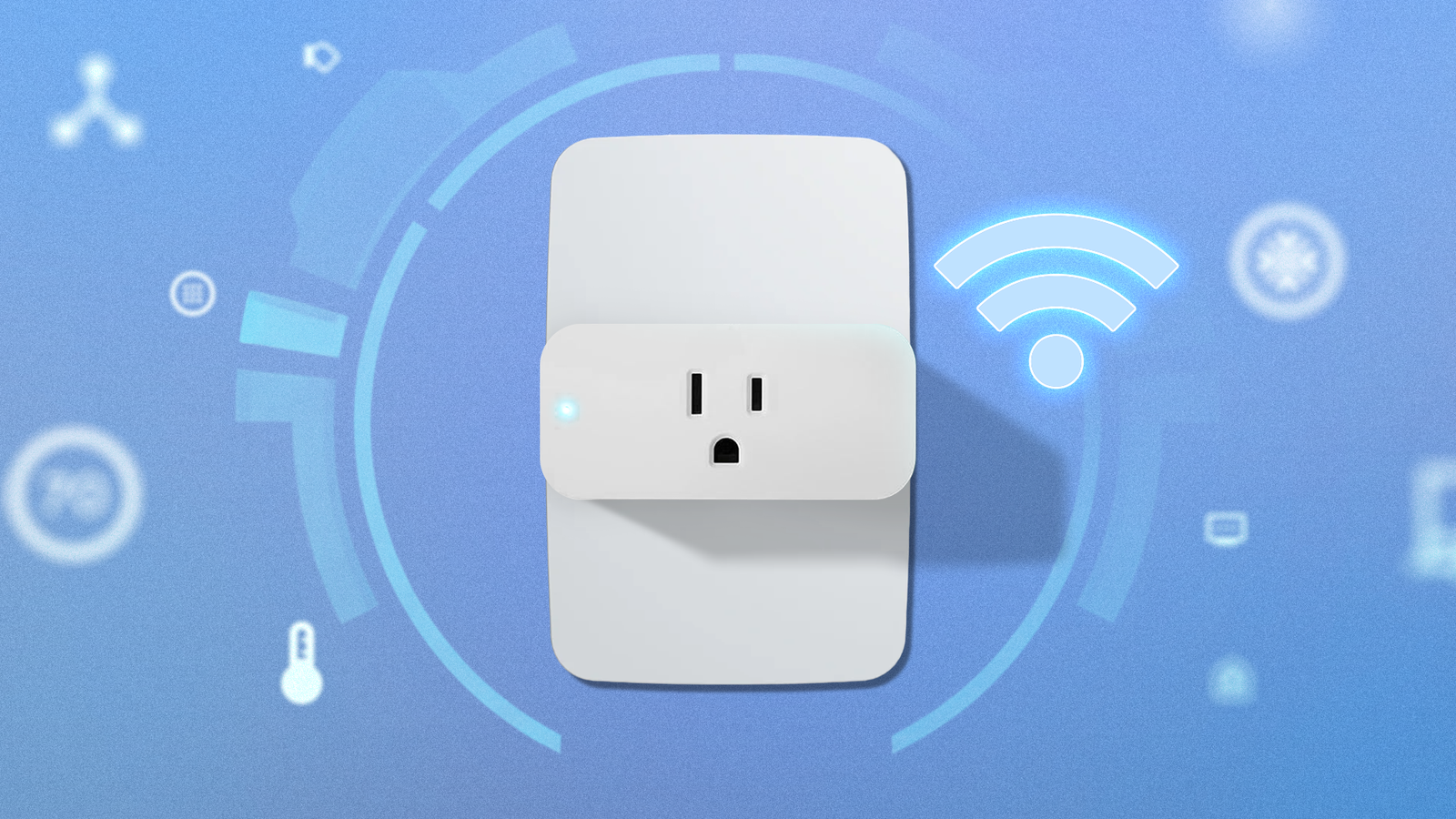
Credit: Lucas Gouveia / Android Police Published Aug 18, 2026, 9:30 AM EDT Timi is the news and deals reporter for Android Police, who has been reporting on technology since 2008. He has worked in tech retail and also the IT space, providing hardware and software support, which gives him a unique perspective on the tech that he covers. This allows him to effectively break down complex subjects into easy-to-read pieces that even casual readers can enjoy. Before joining Android Police, he was a news writer for XDA, where he eventually transitioned to covering deals. He also worked as an editor and reporter for Neowin, where he covered news and attended major tech events like CES. He also reviewed phones, tablets, PC products, and other devices. In addition, he also created video content for the Neowin YouTube channel. Sign in to your Android Police account Life with early classes can be tough. Late nights can happen for a variety of reasons, and sometimes a simple alarm isn't enough. We've all been there at least once in our lives, and it's an absolute nightmare. However, there's a lot of technology that can help you wake up on time, and it doesn't have to be your phone's alarm or a dedicated alarm clock. A smart plug can help in ways you never imagined We've talked about smart plugs before. Although simple and affordable, they can bring scheduling and automation to everyday devices that don't already have that functionality built in. For our use, we'll use one of these to set up the right sleep environment. That's right: To wake up early, you need to get the best sleep possible. Because if you wake up tired and spent, what's the point? To do that, we recommend grabbing a bundle of smart plugs and adjustable lighting to dial in the mood you want. After you've plugged in your lights, you can adjust the color settings to make them more ideal for sleep. Warmer colors are generally better, so aim for under 2700K. The magic happens when you set up a timer or automation to do it automatically. You've had a long day, you get home, and the lighting is ready to go. It's soothing. It's calm. It's the ideal way to end the day. Everyone is different, so set a time that lets you put away your phone and wind down. The automation process will be a little different for every device, but we highly recommend synchronizing everything to get the full effect. That means putting your devices into Bedtime Mode while the lights dim and change color. Although it may sound complex, you can do it all with a smart plug and adjustable lights. You might even be able to skip the plugs altogether if your devices can be controlled through an app. In addition to lights, you can set up other accessories that help you sleep better, like a white noise machine or a scent diffuser. The possibilities are endless. The challenge You used the method above and got a good night's sleep. But you must wake up on time to get to early classes, right? So, use the automation features of your new setup to help you wake up naturally. You can set the light to brighten gradually as your wake-up time approaches. If you're a heavy sleeper, set up a lamp to shine directly on you at a set time to wake up. This is about using the tools around you but being clever with smart plugs. If you want to take this a step further, you can have your blinds open automatically. And if all else fails, sure, set an alarm with a blaring sound to get you going. These are only suggestions. So, whatever works for you is best. Smart plugs can be used in all kinds of creative ways, so decide how a smart plug can help you and make it easier for you to get to your early classes on time. Govee Smart Plug $27 $30 Save $3 Connectivity 2.4 GHz WiFi Integrations Alexa, Google Assistant Schedules Yes Price $12 Dimensions 2.68 x 2.28 x 1.65 inches Make any device smart with these simple plugs. Govee RGBIC Light Strip $12 $15 Save $3 Cheap and adjustable. Plus, you can chain a bunch of them together with ease.
The one-smart-plug dorm routine: Simple Android automations for early classes
Full Article
Original Source
Read the full article at Androidpolice →KhanList aggregates and links to publicly available news content. We do not host full articles from third-party sources. Always verify important information with original sources.