
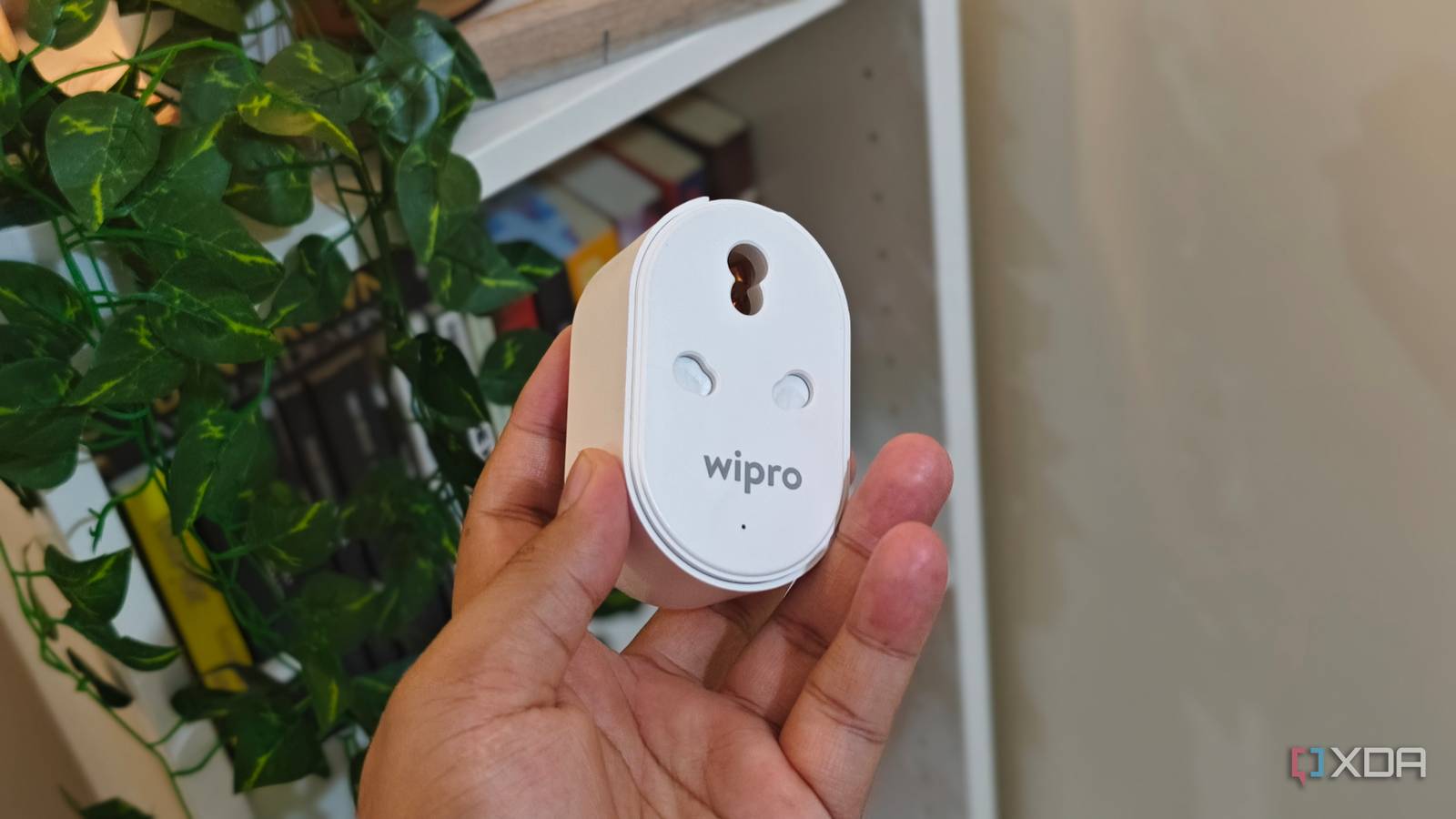
Published Aug 13, 2026, 10:00 AM EDT Anurag is an experienced journalist and author who’s been covering tech for the past 5 years, with a focus on Windows, Android, and Apple. He’s written for sites like Android Police, Neowin, Dexerto, and MakeTechEasier. Anurag’s always pumped about tech and loves getting his hands on the latest gadgets. When he's not procrastinating, you’ll probably find him catching the newest movies in theaters or scrolling through Twitter from his bed. If you get overwhelmed looking at how massive some home automation setups are, you're not alone. I used to feel the same way. I would see my friends and people on the internet with homes where the lights turned off when they stepped out, the security system armed itself, the curtains opened in the morning, and half the appliances seemed to have developed a mind of their own. Over the years, I've managed to build a fairly advanced setup of my own. I also made the classic beginner mistake along the way. I bought a ton of smart home devices before I had worked out what I wanted to do with them. The better way to start is to look at your habits and find one small inconvenience that you deal with every day. For that, I always recommend a smart plug. It costs around $10, takes a few minutes to set up, and teaches you far more about useful home automation than a smart speaker does. A smart plug turns dumb appliances into smart ones And it barely costs anything The smart plug I use is a Wipro 16A plug that works through the Wipro Next Smart app. It was what I had available locally here, and the basic idea is the same regardless of the brand. In the US, options such as the TP-Link Tapo P125M, Kasa EP25, and Amazon Smart Plug do the same job. The Tapo model works with Matter, and Amazon's plug makes the most sense if your home already runs through Alexa. My electric blanket is one of the simplest examples of why this is useful. I would regularly forget to turn it on, then get into a cold bed and remember that blankets take time to warm up. I connected it to a smart plug and set it to turn on around 10 PM. Now it starts heating up before I go to bed without me having to remember it every night. The more interesting use cases come from annoyances you have already accepted as normal. I recently placed a lamp on top of my bookshelf, only to realize that its socket was hidden behind the shelf. Every evening, I had to move the bookshelf slightly, reach behind it to turn on the lamp, then do the same thing before going to bed. It was a ridiculous amount of effort for one lamp. I kept doing it because the alternative involved rearranging the room. I eventually connected the lamp to a smart plug. I could now control it from my phone, and after setting a schedule, I didn't even need to do that. The lamp turns on in the evening and switches off around the time I go to bed. It can also help me repurpose old devices Especially your old phones and laptops A smart plug became even more useful when I started turning an old Android phone into a small home server. I use the phone to run Jellyfin and stream media to my TV, and I have also experimented with using it as a Tailscale node to run a few self-hosted apps. It is a five-year-old phone doing work that would otherwise require another dedicated device, so I am getting far more out of it than I expected. The battery was the annoying part. I didn't want to leave an old phone at 100% and connected to a charger all day. Manually plugging and unplugging it would defeat the point of using it as an always-available server. With the charger connected via a smart plug, the phone's battery level can be integrated into the automation. I can have the plug switch off when the phone reaches 80% and start supplying power again when it drops to around 20% or 30%. You can also use a simple charging schedule if you aren't feeding the battery level into your automation system. Once you know roughly how quickly the phone drains, you can have the plug turn on for a fixed period every few hours. It takes a little trial and error to find the right interval. Once it is set, the phone can keep running without you having to babysit its charger. The same arrangement works with an old laptop. I also use one for server tasks, and its battery presents the same problem on a larger scale. A smart plug lets me cycle the charger rather than keep the laptop at full charge around the clock, which is particularly useful on older machines that don't have a built-in charging limit. Smart speaker comes after the smart plug And then everything else Once you have a few useful automations running, a smart speaker will make much more sense. Once your lamps, chargers, blanket, and other appliances are connected, it becomes a convenient control point for the entire setup. Alexa Routines and Apple Home scenes can group several actions together, so a single “good night” command could turn off the lamp, switch on the blanket, and stop any chargers that don’t need to run overnight. Once you have the basic appliances and the setup ready, you can then consider adding sensors to the mix. They allow your automations to respond to what is happening around the house. You could consider adding a motion sensor to turn on the bookshelf lamp when you enter the room, or a temperature sensor to control the fan or air conditioning. From there, you can add more specialized devices. You can then invest in smart bulbs, smart switches, and even devices like a thermostat, locks, and curtain motors. I would suggest looking for Matter-compatible devices so you can mix products from different brands and not rely on a particular company. Choose the right tool for your smart home Adding more appliances to your smart home is important, but more than that, you need the right tool to control it. You can always rely on Home Assistant to control your smart home, add automation, and handle everything else you need. But if you want to take things to the next level, you can also consider adding a local LLM to the mix. I would just not recommend it to beginners. Once you have a fair amount of hands-on experience with these tools, you can start experimenting with things like AI.
The one smart home device I'd tell any beginner to buy first, and it isn't a speaker
Full Article
Original Source
Read the full article at Xda-developers →KhanList aggregates and links to publicly available news content. We do not host full articles from third-party sources. Always verify important information with original sources.