
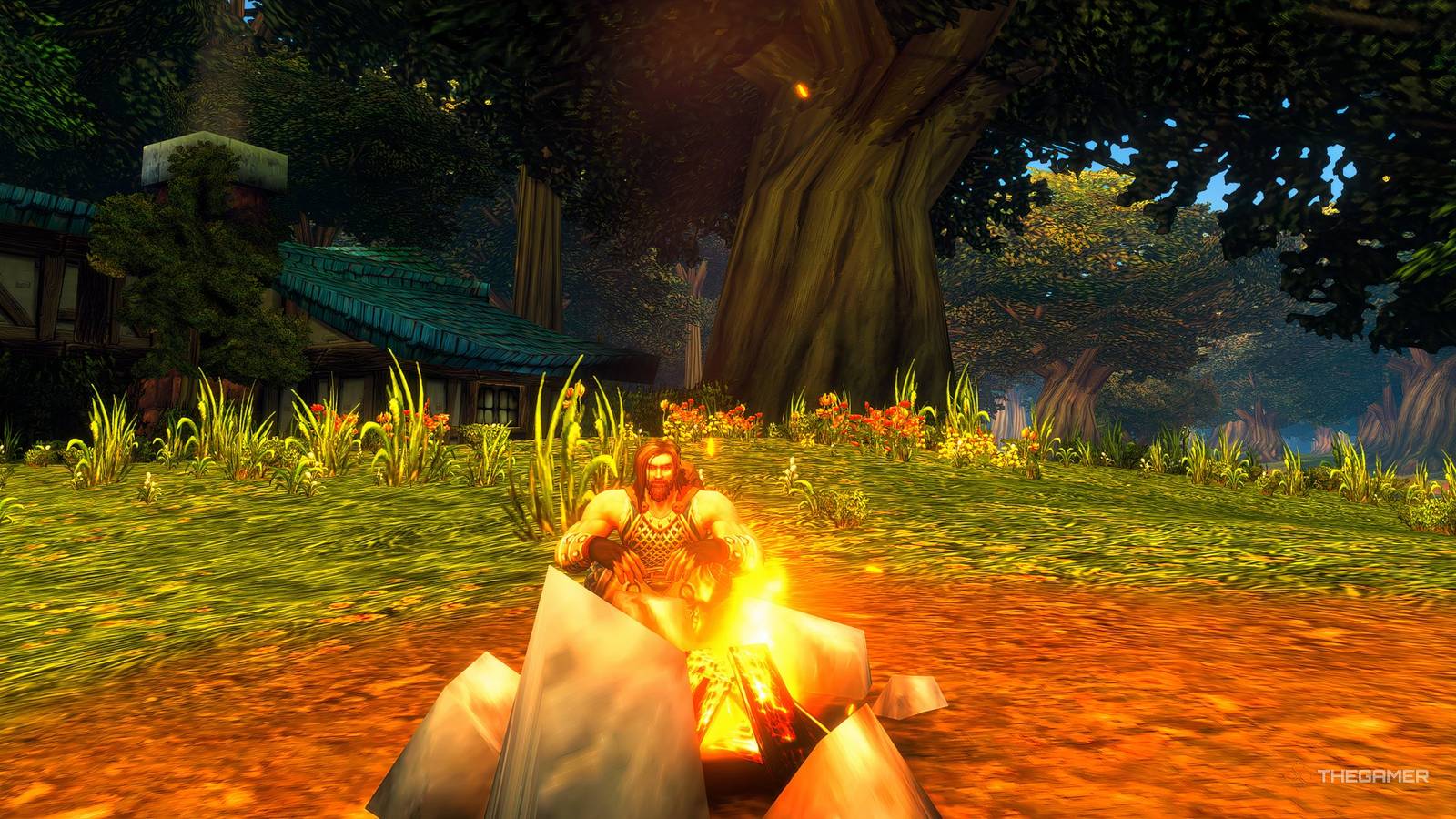
World Of Warcraft: Forever - How To Complete The Great Outdoors Stuck on The Great Outdoors quest? Quick fix for World of Warcraft: Forever camping bug and Boosted Rest. Published Nov 16, 2026, 9:59 AM EST Matthew Kevin Mitchell is a writer for TheGamer. In his previous roles, Matthew primarily covered Manga, like One Piece, horror movies, like Scream, and survival horror games, such as Dead by Daylight. His favorite moment came during his first press event covering Scream 6. He hails from Denver, Colorado, where he received his Bachelor of Science in Information Technology from Regis University. When he isn’t scaring himself silly or writing, he loves to play goalie in rec ice hockey, spoil his dog Nux, and drink an unhealthy amount of coffee. World of Warcraft: Forever introduces several new features, including a camping system that provides useful buffs to help you explore Azeroth. One of the first quests you'll encounter that uses this system is The Great Outdoors, a short introduction to camping. If you've landed on this guide, I'm sure you may be looking for some extra help here. Although the quest seems straightforward, I found that one objective doesn't always register properly. If you're having the same problem, here's how to complete the quest and get around the issue. We detail everything you need to know, below. How To Complete The Great Outdoors You can start The Great Outdoors early in your adventure, regardless of your race. The quest giver and location vary by starting area, but the objectives remain the same. Here's how to complete The Great Outdoors: Accept The Great Outdoors from the camping instructor. Stand beside the Basic Campfire next to the quest giver. Press X to sit down or type /sit into your chat window. Remain seated for 60 seconds until you receive the Boosted Rest buff. Return to the quest giver to finish the quest. While resting, you'll see the Welcoming Campfire effect counting down. Once the timer finishes, you'll receive Boosted Rest and complete the main objective. What To Do If The Great Outdoors Is Bugged When completing The Great Outdoors, I found that the Sit near campfire objective didn't always register, even when I was sitting beside the correct fire. To fix this, press X to sit next to the fire. Then, type /sit into the chat while already seated. This should help the game recognize that you are sitting. Look for the Welcoming Campfire icon in the top-right corner, where your normal buffs appear, to confirm it was triggered. Once you've completed The Great Outdoors, you'll be introduced to additional camping quests, including ones that teach you about various professions like mining, cooking, and herbalism. Within these professions, you can craft new items that provide various buffs when added to a camp. The camping system becomes more useful as you level, so be sure to use the bonuses and meet friends along the way.
The Great Outdoors Walkthrough In World of Warcraft: Forever
Full Article
Original Source
Read the full article at Thegamer →KhanList aggregates and links to publicly available news content. We do not host full articles from third-party sources. Always verify important information with original sources.