
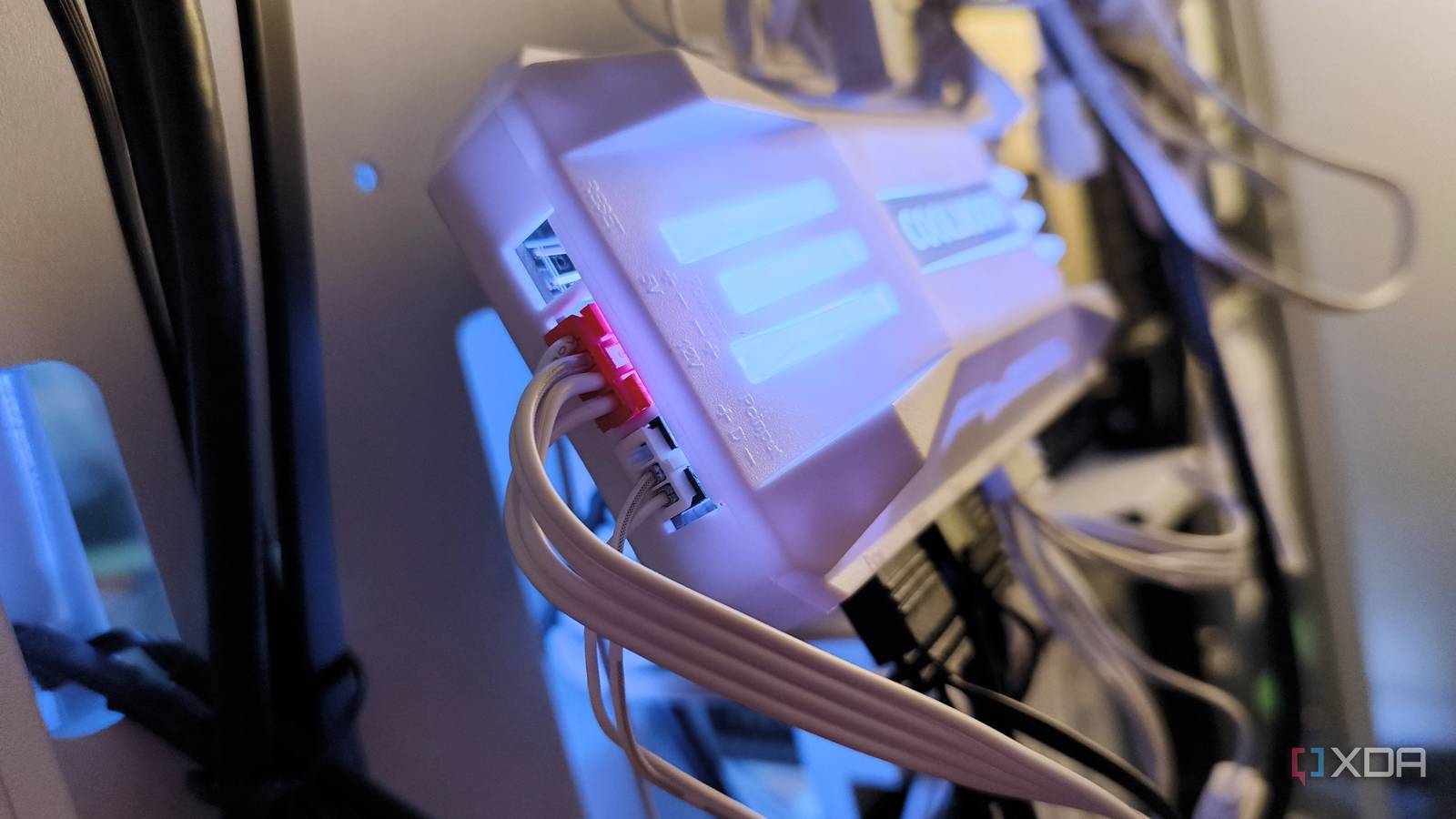
Published Sep 3, 2026, 9:30 AM EDT Madeline (She/Her) is a PC Author at XDA with 13 years of experience in tech journalism. She focuses on gaming, computer hardware, components, and software. Her byline has appeared at multiple publications including Laptop Mag, Tom's Guide, Bleeding Cool, and Diver Mag. Madeline is also a photographer and scuba instructor. If your PC is running a bit hot, you may be thinking about upgrading your case with a new AIO cooler, more fans, or a giant heat sink. And while those options will work, they can get a bit expensive. They may also take up more space in your case than you really want to lose. While you could despair at this point, there is one niche PC cooler upgrade you can snag for $20 or less that will get you the cooling boost you need without taking up extra space in your tower or setting you back a pretty penny. In fact, you can find some options for as low as $10. Now, if you're wondering what kind of PC cooling upgrade will get you great thermal control without costing more than $20, that's understandable. Fan controllers are rather underappreciated in today's PC building market. What is a fan controller? Just tell me the basics. In simple terms, a fan controller will control your computer's case fans and RGB. Your case may have even come with a built-in fan controller. However, chances are that the built-in controller isn't particularly effective, and it may be difficult to control or fine-tune. Your case's built-in controller module may also fail to sync your RGB, which may not be a make-or-break for performance, but it is the kind of adjustment that adds a personal touch to a PC build. You can upgrade your case's built-in fan controller for a better option that provides more control over your fan speed curves, resulting in improved cooling. It may also give you better optimization options for noise control, and can sync your lighting to your fans far better than the default. While some new motherboards do have fan controllers built in for your case fans, not all motherboards do. And if you're upgrading an older rig, chances are your motherboard doesn't have great fan controls. Which means adding a fan controller to your case — either internal or external — is going to be the best solution. Manual fan curves are always better It may sound scary, but manually setting your fan curves is always ideal. While your cooling system will always offer some kind of default fan curve, chances are that curve won't get you the best performance out of your PC case. These default and auto-fan settings are alright for most users, but if you're looking to really push the performance of your gaming rig or workstation, the preset fan curves just won't give you the headroom you need. Setting manual fan curves and speeds will provide significantly better cooling when pushing your CPU and GPU to their maximum, and all it takes is a tweak or two in your BIOS settings. Though you'll likely have to do some fine-tuning to get things really dialed in, it generally doesn't take too much extra time to get your fan curves set. And in the end, that time will have been a worthy investment for the performance increase you'll be able to get. Alternatively, manual fan curves can also get you a much quieter PC than using the defaults. Any kind of "high performance" or "turbo" fan mode is often going to sound like a jet engine during takeoff, and sometimes that's a sacrifice you'll accept for increased power. But if you want a PC that operates quietly, then those default curves are also going to do you a disservice, and you're better off setting your fan speeds and curves by hand. Don't forget the software A fan controller isn't going to be enough. Don't neglect your fan control software options either. While a new fan controller will be about $10-$20 worth of a hardware upgrade, you'll want to make sure you're getting the most out of that controller. And that means software. Some fan controllers come with proprietary software for use, but not all of them do. And even then, you might find the software isn't as useful or modular as you'd like. Thankfully, there are other options. A common resource for fan controls is the aptly named Fan Control. It'll get you all the controls you need, and can work with your fan controller, or directly with your motherboard if you've plugged your fans straight into it, rather than opt for an extra fan controller. While some motherboards are decent at fan controls, if you're upgrading from an older rig or your motherboard doesn't have fan control options built in, go for an external fan controller and make sure you get your software settings tweaked right. Price to performance A fan controller won't break the bank. Adding a fan controller to your PC can cost anywhere from $10 to $30, though most decent options tend to average about $20 right now. This is an incredibly cost-effective upgrade when you consider how much your PC's performance will improve with a simple, cheap addition to your case. While you can still go out and buy that chunky $20 heatsink instead, you've got diminishing returns with a heatsink, while a fan controller offers you greater control, and it takes up far less room inside your PC case compared to a massive CPU heatsink. And a $20 fan controller is far cheaper than a new AIO cooler or water-cooled system, which may not even be compatible with your PC case. While it's not the go-to solution for most PC building enthusiasts, there are solid benefits to opting for a fan controller instead of changing your entire cooling setup.
The best PC cooling upgrade I made cost $20 and wasn't a giant heatsink
Full Article
Original Source
Read the full article at Xda-developers →KhanList aggregates and links to publicly available news content. We do not host full articles from third-party sources. Always verify important information with original sources.