
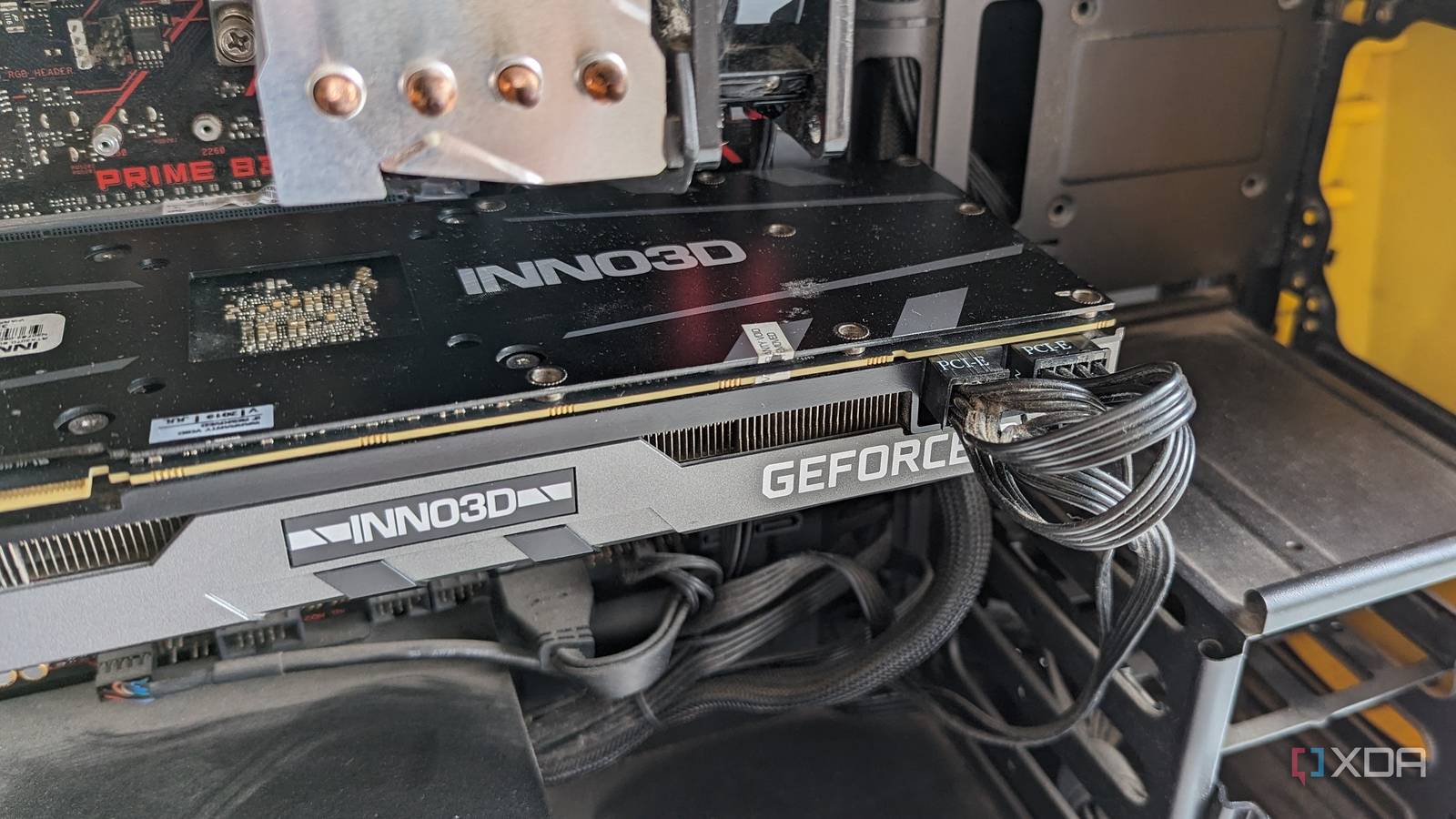
Published Nov 29, 2026, 12:00 PM EST Hamlin has been in the tech field for over nine years. Since 2017, his work has appeared on MakeUseOf, Android Police, OSXDaily, Beebom, and more. He served as the Senior Editor at Valnet's MakeUseOf for over two years before joining XDA. He uses a high-end gaming rig for desktop use and a MacBook for traveling, but dislikes some of the quirks of macOS. You're more likely to catch him at the gym or on a flight than anywhere else. I'm sure we can all agree that buying a graphics card with 8GB of VRAM is a bad idea in 2026. But this isn't about whether you should buy one today. It's about whether you should ditch your 8GB card and upgrade. If GPU prices were reasonable, I'd happily recommend upgrading, but I don't think anybody needs to rush in this market. I still have an RTX 3070 in the PC at my parents' place, which I use whenever I visit them, and honestly, it still holds up just fine. It's no match for my RTX 4090 at home, but it's still impressive that I don't have to use the Low preset every time I play a new AAA title. And with DLSS, I can even game at 1440p if I want to. Really, the biggest thing holding the RTX 3070 back is its VRAM. If it weren't for that, this card probably would've attained the same legendary status as the GTX 1080 Ti. Now, there's nothing I can do about its VRAM capacity, but knowing which settings hit VRAM the hardest has made all the difference. Texture quality The most VRAM-intensive setting of the bunch As someone who has primarily used high-end GPUs, texture quality is the last graphics setting I touch when I'm trying to improve my frame rates. That's because it barely has an impact on performance as long as you have enough VRAM. On flagship cards like my RTX 4090, VRAM usage isn't something I have to think about. Even on my RTX 3070, I didn't have to worry much about texture quality when the card first came out, but nowadays, it's actually the first setting I change. I can't afford to run out of VRAM because that would force my GPU to fetch assets from slower system RAM over PCIe, which can cause horrible stutters whenever you enter a new area or quickly pan the camera around. I usually stick to Medium textures at 1080p but occasionally drop down to Low at 1440p. In Battlefield 6, for example, the difference in VRAM usage between Low and High (there's no Medium setting) is 1.2GB. Going from High to Ultra costs another 1GB. So you can see why I don't have much room to work with. Shadow quality It's not just the FPS that takes a hit You probably already know that shadow quality is one of the most GPU-intensive graphics settings. I don't max it out even on my RTX 4090 since shadows already look good enough at High. What makes this setting problematic on my RTX 3070, though, is the VRAM usage. Higher settings mean higher-resolution shadow maps, which take up more of my VRAM budget. It's not nearly as bad as texture quality, but higher-quality shadows can still cost you an additional 200–300 MB of VRAM depending on the title. Many games have a VRAM usage bar in the graphics menu, so keep an eye on it as you change this setting. Either way, I stick to Medium because I don't find the difference dramatic enough while gaming at 1080p or 1440p. The extra frames I get in return are more noticeable, though. Ray tracing An absolute no-go despite being a major selling point This probably comes as no surprise to all of you, but I don't bother enabling ray tracing on my RTX 3070. Outside of testing performance when I first got it, I don't recall ever playing a game with ray tracing on this card. In fact, I rarely enable ray tracing, let alone path tracing, when I'm gaming on my RTX 4090 simply because the FPS hit isn't worth it. But with the RTX 3070, VRAM usage is arguably an even bigger problem. Sure, I can run Cyberpunk 2077 with ray tracing at 1440p and get close to a 60FPS experience if I lean on DLSS, but that game came out in 2020. Newer games are already eating up most of my VRAM budget without ray tracing. For the hell of it, I checked how much additional VRAM the path tracing setting in 007 First Light would eat up, and the game estimated around 4GB. That's half of my VRAM for a single graphics setting. Tell XDB what you want the PC to do and how much you want to spend. We'll find parts that fit, with current prices. What will you use it for? Pick any Games or apps Optional Budget Resolution scaling with DLSS This would mostly be a 1080p card without it The RTX 3070, when it launched in 2020, was considered a 1440p-class card. Six years later, I wouldn't say that's the case anymore if we're strictly talking about running newer AAA releases at native resolution. Fortunately, DLSS has gotten significantly better since then, to the point where I actually prefer using DLSS Quality over native TAA to continue gaming at 1440p. DLSS does use a small amount of VRAM, but since the game internally renders at 960p (with DLSS Quality), overall VRAM usage ends up lower. The savings aren't huge, but if that means I can get away with Medium textures instead of Low at 1440p, I'll gladly take it. For instance, in Cyberpunk 2077, my VRAM usage dropped from 7.3GB to 6.8GB at 1440p/Ultra after enabling DLSS Quality. 8GB isn't ideal, but neither are current GPU prices If current-gen GPUs were actually available at their MSRPs, I would've probably gotten my hands on an RX 9070 XT by now. As much as I'd love to have twice as much VRAM so that I can finally forget about tweaking settings in every game, I can't justify paying flagship prices for what's essentially a mid-range GPU. Besides, considering how good AAA titles look even at Medium settings these days, I don't feel like I'm missing out on much. If anything, DLSS has only made it easier to live with these compromises. And for a PC that I use twice a month when I visit my parents, that's good enough for me.
The 8GB graphics card isn't dead, and 4 settings are all that stand between mine and every new game
Full Article
Original Source
Read the full article at Xda-developers →KhanList aggregates and links to publicly available news content. We do not host full articles from third-party sources. Always verify important information with original sources.