
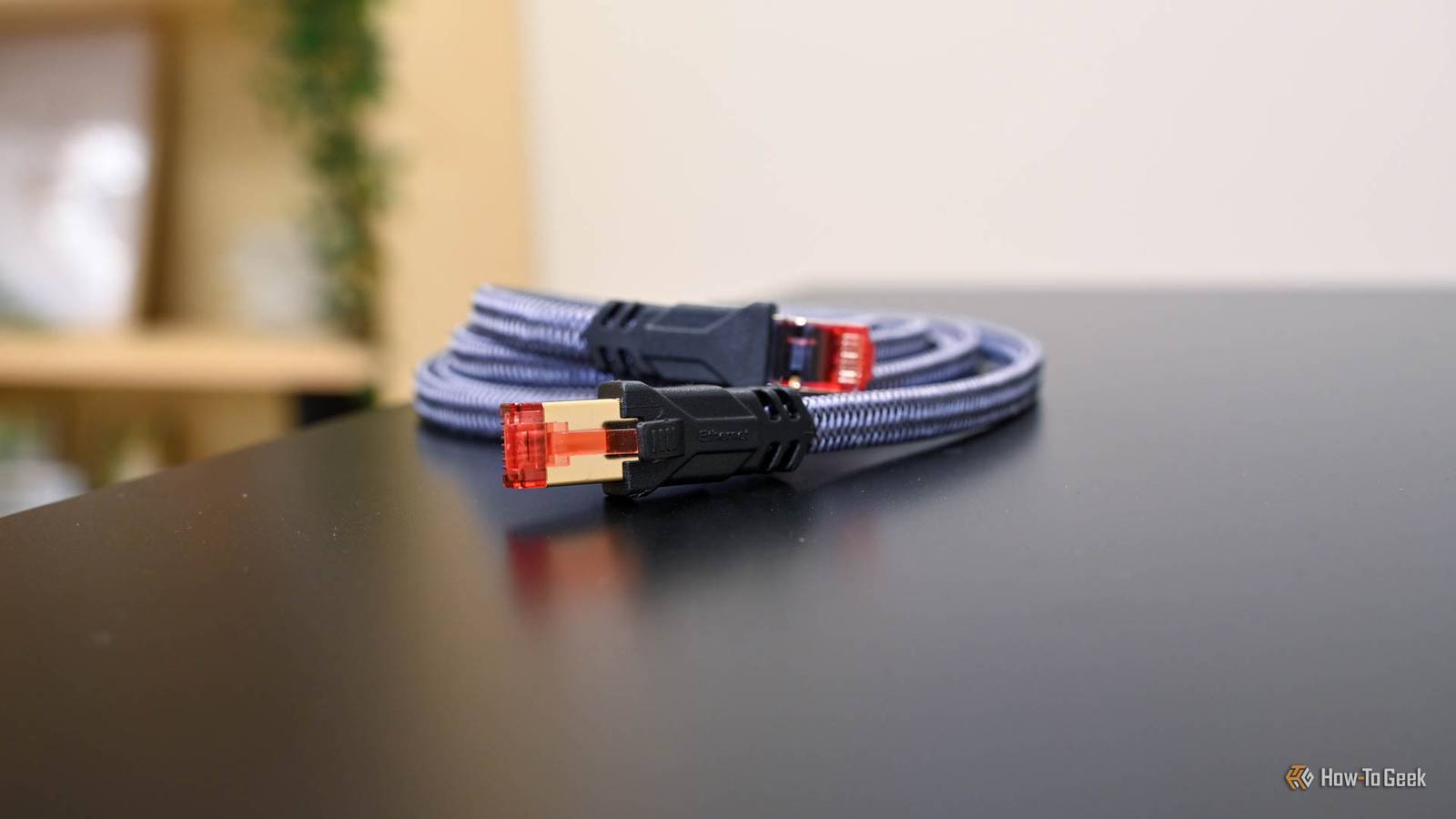
Published Oct 4, 2026, 9:00 AM EDT Adam has a degree in Engineering and has a life-long interest in technology. He has been writing for over a decade for various print and online publications, with a focus on consumer tech. He joined How-To Geek in 2024 while working at Pocket-lint. As well as being a long-term fan of Apple products, he also has a strong interest in smart home tech, running a Home Assistant server at home to automate all his smart home devices. He believes that the ideal smart home should work with minimal interaction from the user, with automations running as if by magic rather than requiring you to push buttons on a control panel. You can find more of his work on Muck Rack. I've had issues with my homelab dying in the past for several different reasons. Services hogging all the RAM have caused things to crash, and I've even had problems with the mini PC overheating. When my self-hosted services stopped working recently, I assumed that it was for a similar reason, but the problem turned out to be caused entirely by a faulty Ethernet cable. My homelab services stopped working At first, I blamed my mini PC I first noticed that something was wrong with my homelab when I couldn't connect to Home Assistant. At first, the problem was intermittent; I could connect sometimes, but other times, my smart home server couldn't be reached. KOReader Sync, the service that lets me continue reading from the same place across all my eReaders, also stopped working. I couldn't save my current position or restore it from the server. All my services run in Proxmox on a mini PC, and since I've had problems in the past, I immediately assumed there was a problem with the computer itself. I couldn't access the Proxmox web interface, which made me think the mini PC was at fault, so I rebooted it, and Proxmox and Home Assistant came back. I still didn't know the cause of the problems. I decided to do a little digging. The logs showed something strange was happening My gigabit connection kept becoming a 100 Mbps connection I'd had a problem in the past where an add-on in Home Assistant had started using crazy amounts of RAM, which brought everything crashing to a halt. A quick look at the logs told me that this wasn't the problem. Instead, I discovered something unusual. After the reboot, the Ethernet interface was connected, but it had negotiated at only 100Mbps instead of the usual 1Gbps. Looking back through the logs, I discovered that this wasn't the first time this had happened. The kernel logs showed repeated issues with the Ethernet connection dropping and often reconnecting at 100Mbps over several days. Those logs also provided a potential solution. When the driver reported that the Ethernet connection had downshifted from 1Gbps to a 100Mbps connection, the message included a suggestion to check the Ethernet cable. The connection issue caused a second problem My NFS backup made the problem worse The logs also provided further information about why the Ethernet connection was causing such problems. The issue was affecting backups saved to another computer using Network File System (NFS). I have an old Dell OptiPlex computer that's much slower than my mini PC but contains some large internal drives. I use NFS to save backup data from my mini PC to the OptiPlex, so that if my mini PC completely dies, the data still exists in another location. NFS can handle temporary outages by waiting and retrying if the target is unreachable. The Ethernet problems meant that Proxmox was trying to talk to the OptiPlex over an unreliable connection. The NFS client kept waiting and retrying, and this was holding up Proxmox's own status checks, with one taking more than 24 minutes to complete. This made Proxmox's management processes painfully sluggish while the flaky connection cut the server off the network. Together, this made my services unreachable even though the mini PC was still powered on. A new Ethernet cable fixed everything One small cable caused a lot of chaos Once I'd spotted the message about checking the cabling, I reseated both ends of the Ethernet cable in the mini PC and my router. This seemed to solve the problem, with a full 1Gbps connection being negotiated. My joy only lasted 12 seconds before the connection dropped and came back at 100Mbps. I removed the Ethernet cable and replaced it with a brand-new cable that I had lying around. The link came back up at 1Gbps full duplex and stayed there with no subsequent errors. Home Assistant responded as usual, and I was able to sync my books once more. I didn't need to replace my mini PC or restore Home Assistant. One $5 Ethernet cable brought my homelab down. It turns out that despite running complex software hosting multiple services, sometimes something as simple as a broken cable can bring it all to a grinding halt. The smallest part caused the biggest headache It seems that when I moved a few things around, the Ethernet cable bent sharply and got damaged. Enough of the cable was still intact for it to work intermittently, but the connection kept dropping or falling back to 100Mbps. I was convinced my mini PC was to blame and cursed it loudly while trying to get to the bottom of the problem. The symptoms suggested a more complicated cause, but ultimately it was very simple. The next time your homelab goes down, check the $5 parts before blaming the $350 ones.
The $5 problem that brought my entire homelab down
Full Article
Original Source
Read the full article at Howtogeek →KhanList aggregates and links to publicly available news content. We do not host full articles from third-party sources. Always verify important information with original sources.