
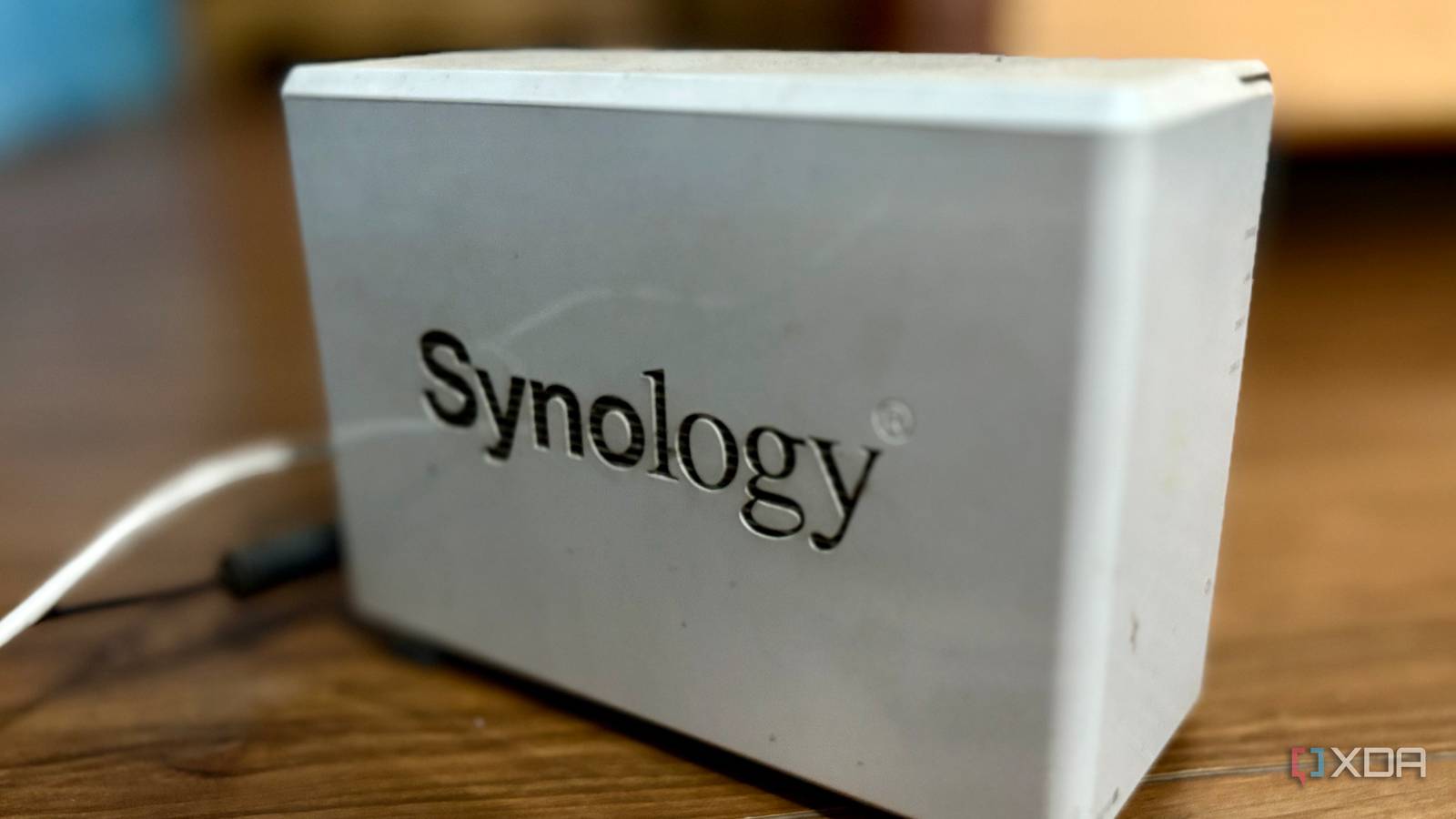
Published Oct 1, 2026, 5:01 PM EDT Shekhar Vaidya is a veteran technology journalist and computer science engineer. He is the founder of TechLatest, where he has spent years providing technical analysis on hardware and Windows ecosystems. Now a Computing Writer at XDA, Shekhar leverages his deep background in NAS, storage solutions, and PC internals to help readers master their tech. My first NAS was an unfamiliar device for me. I won it on a random giveaway, and for the first couple of years, it sat in my storage room, as I was in my sophomore year living in a hostel. After I graduated and moved back to my home, I started using it. For years, it was simply used for bulk storage, since it was a weak two-bay DS218j NAS. But last week, an online article led to checking my drive’s SMART data. Synology’s DSM only showed me a healthy status, but I wanted to see what led to that verdict. What the Synology dashboard shows you Every screen says healthy, and none of them say why I am no expert in drives and storage tech, but since I own a few storage devices myself, I follow the news. Last week I was reading about a hard drive study, and that led me to check my hard drive data as well. My old Synology NAS has only one Toshiba HDD installed. I think if you are already into NAS and storage devices, you are already familiar with SMART. In case you aren't, every modern drive comes with a built-in monitoring system, known as Self-Monitoring, Analysis, and Reporting Technology, or SMART. As usual, I opened DSM to check the stats, hoping Synology would give me all the information I needed. Specifically, I was looking for Backblaze’s five SMART attributes — 5, 187, 188, 197, and 198. 5 is Reallocated_Sector_Ct, 187 is Reported_Uncorrectable_Errors, 188 is Command_Timeout, 197 is Current_Pending_Sector, 198 is Offline_Uncorrectable. Collectively, they cover sectors being remapped, unreadable data, command problems, and pending/uncorrectable sectors, and Backblaze uses them to flag failing drives. In Storage Manager, the overview page only showed a green tick with a healthy label. Nothing else. Then I moved to the HDD/SSD section and checked my HDD’s health info. Again, the health info window gave me nothing important, just the basic info. The overview tab showed me a 36°C temperature and a 29,336 power-on hours record. The S.M.A.R.T. tab offered Quick and Extended tests, and the last test result showed a healthy status. And finally, the History tab, which had absolutely nothing. I even tried to run a quick test, but the results did change. I was expecting the five Backblaze attributes, but Synology exposed none of them and gave me just a simple label saying my drive is alright. But I wasn’t going to stop there and take Synology’s word as is. So, I stopped looking in the DSM GUI and went looking for the SMART data underneath it. What the drive reports when you ask directly Three clean numbers, and two that don't exist Since the DSM diagnostics proved useless, the next obvious thing was to directly ask the drive to give me those numbers. I enabled the NAS’s SSH access over port 22, connected to it via Termius, and ran smartctl -d sat -A /dev/sdb. Starting with the good news, it turned out my Toshiba drive was only reporting 5, 197, and 198 out of the five Backblaze attributes, and they were all clean. The reported raw values for all three were 0. Presumably, that was why the DSM showed healthy in the dashboard. But there is a catch. The reported THRESH for SMART 5 was 5, and the reported RAW_VALUE was 0, so it is clean with no remapped sectors. For SMART 197 and 198, the reported THRESH was 0. That means 197 and 198 effectively never trip the drive's own failure flag. Anyway, they’re both labeled as aging indicators (Old_age) by the vendor, so I didn’t dig deep. The two attributes the drive didn’t report were 187 and 188. This wasn’t something that DSM was hiding. What I could figure out is this particular Toshiba drive doesn't include them in its SMART table. They were both kind of important metrics, but since they weren’t present at all, I'm leaving them out. I started to look for five Backblaze attributes. I found three of them, and none gave me a dramatic finding. But while looking at the full SMART table, I found another attribute, and it was the odd one. The one number that scared me 9,527 errors, and none in 25,000 hours While looking at the full SMART table, another completely different attribute stood out, SMART 199. The table reported it as UDMA_CRC_Error_Count. It wasn’t one of Backblaze’s five but looked genuinely alarming. The reported raw value was 9,527. After some quick research, what I understood is that this is the count when the drive ran a command and came back with an error. So, 9,527 was the error count, and the log only kept the last five of them with their corresponding power-on hours. Those five errors appear to be Interface CRC (ICRC) errors, typically checksum failures on the cable. And the highest numbered (#9527) error was the newest, and it occurred at 4,312 power-on hours. I remembered seeinf my drive’s power-on hours on DSM as well; I quickly navigated to the Storage Manager to match those. The recorded power-on hours were 29,339. That means the last reported error was roughly 25,000 power-on hours earlier, and it hasn’t increased since then. At that moment, the scary number became less alarming because the count became history instead of a live fault. I expected DSM to give me detailed statistics of my hard drive, but it only gave me one word: “Healthy.” It didn’t show either the five Backblaze attributes or the 199 counter I got from the SMART table directly from the drive. If DSM tracked those errors over time, I could have reconstructed when those remaining 9,522 errors occurred. The drive passed, and I'm still not sure This was just a single drive, one 6-year-old NAS, and one snapshot of its SMART data. Even though the reported Backblaze SMART attributes look fine and DSM showed a healthy label, that doesn’t mean the drive is in good condition and would never fail. I know my drive. I know it is old enough to be retired. But the attributes say otherwise. So, the SMART data is useful, but it shouldn't be the only data to be considered the final deciding factor.
Synology's health check missed 9,527 errors on my drive, and I only found them by asking directly
Full Article
Original Source
Read the full article at Xda-developers →KhanList aggregates and links to publicly available news content. We do not host full articles from third-party sources. Always verify important information with original sources.