
Published Sep 4, 2026, 9:00 AM EDT His love of PCs and their components was born out of trying to squeeze every ounce of performance out of the family computer. Tinkering with his own build at age 10 turned into building PCs for friends and family, fostering a passion that would ultimately take shape as a career path. Besides being the first call for tech support for those close to him, Ty is a computer science student, with his focus being cloud computing and networking. He also competed in semi-pro Counter-Strike for 8 years, making him intimately familiar with everything to do with peripherals. We take emulation for granted in so many different ways, but performance is near the top of the list. So many emulators today run excellently on a wide range of hardware and operating systems, and you'd be hard-pressed to find a retro game emulator that doesn't run well everywhere, but that doesn't mean they're all grade A5 perfect. I found that Linux actually has some serious advantages for emulation in a few different areas. Graphics processing, controller drivers, and some other small annoyances that add up if you're serious about retro gaming. Windows doesn't get out of the way enough Compositing is the first clear advantage of Linux Naturally, Linux gives users a lot more control over the more granular parts of their operating system, and one of the consequences of that for emulation is much better compositing, which is one of the final steps that comes before displaying a frame to your display. Compositing affects everything from input latency, frame pacing, and tearing, and modern Windows handles this a lot less gracefully than Linux does today, especially on Wayland. Wayland compositors can use direct scanout, which means when an emulator is in full-screen mode it can push the emulator's framebuffer direct to the display instead of having to touch Wayland at all. Windows, by contrast, has to push through Desktop Window Manager. In many cases, this can be avoided once Independent Flip engages, which is Windows' way of dodging DWM, but it's not always consistent. You can enable Fullscreen Optimizations, which allows the emulator to behave more like it has direct access, but it's not quite the same. Linux can produce emulation with little to no latency, and it's not like Windows is incapable of that, but there's a lot more tweaking that has to be done to arrive there. The controller drivers are already in the kernel Windows cannot say the same If you've ever used a controller that wasn't an Xbox one on PC, you've definitely installed something to try and get it to work. Windows doesn't ship with drivers for every type of controller, and while Steam can do some of the work passing through inputs, if you're running an emulator outside of that environment, you're configuring a driver somewhere in that process. My DualShock 3 is a great example: Windows doesn't work out of the box with it in an emulator, and it even treats MotioninJoy as malware in some instances, with Defender nuking it as soon as it hit my disk. For wireless, DsHidMini is what most people reach for, but on Linux, everything connected immediately because the drivers are included in the kernel. Sony released the hid-playstation driver for the DualSense in 2020, and DualShock 4 support moved into it in Linux 6.2. Linux 5.16 brought support for the Switch Pro Controller and Joy-Cons, alongside LED work for PlayStation 5 pads. Modern PlayStation controllers do enumerate on Windows as generic HID devices, but getting anything that isn't XInput to work with it requires more configuration, and honestly, I'd rather just boot up my Linux partition than install anything else. The CRT conversation For the hardcore retro gamers With regard to drivers, one of the more extreme arguments against Windows comes in the form of CRTs, and this isn't something I've experienced first-hand, but with my initial round of research, it seems like Windows is almost hostile to our old tube TVs. GroovyMAME's documentation brought to light a couple of things for me: it states outright that Linux is the preferred platform for this, and that matching its fluidity on Windows requires CRT_Emudriver, built from modified Catalyst, Crimson or Adrenalin releases and working best on cards like the Radeon 9250, X300 to X600, and HD 4350. That driver covers pre-RDNA Radeons only; RDNA, RDNA 2 and anything newer are unsupported. Driving a real 15kHz display from Windows therefore means a hacked legacy driver and a specific old AMD card, and with a GeForce card, there is no supported path at all. On Linux, though, GroovyArcade patches are applicable on newer Radeon models, and it's possible to output 1440x240p on modern hardware. It is not turnkey there either, and interlaced modes in particular remain awkward, but it's far closer to plug-and-play than anything Windows can do right now. AMD and Linux are the way to go right now Combining a Radeon card and your Linux distro of choice seems like the play in 2026 for retro game emulation. For the more popular stuff, Windows can absolutely keep up just fine, but you just don't have as much control, and for an OS that requires tweaking to provide an excellent retro emulation experience, a lack of control can be a killer. Linux provides a better out-of-box-experience, more control, and provided you have the right hardware, can be a much better foundation for an emulation box.
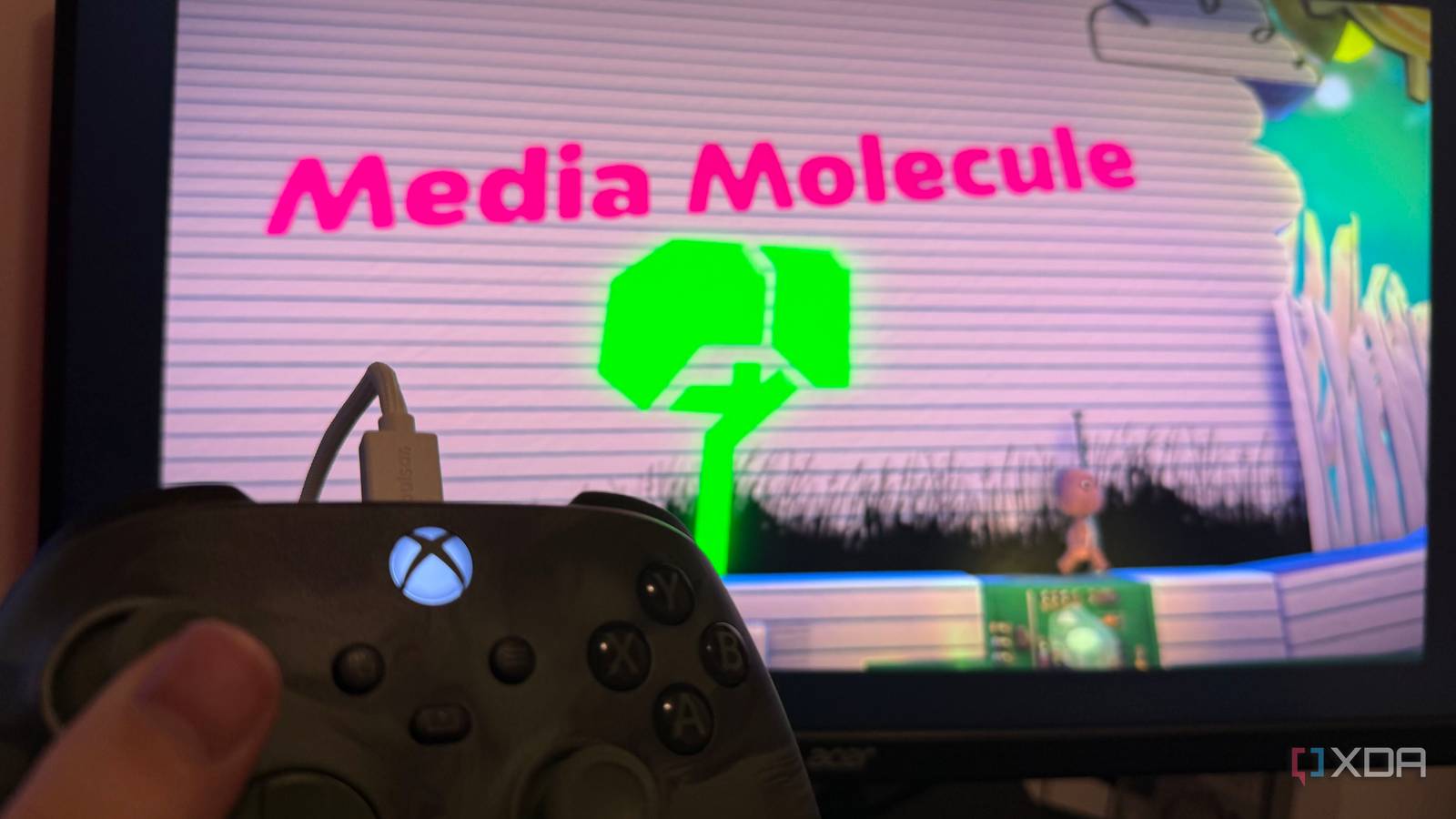
Switching from Windows to Linux for retro-game emulation fixed problems I didn't know Windows was causing
Full Article
Original Source
Read the full article at Xda-developers →KhanList aggregates and links to publicly available news content. We do not host full articles from third-party sources. Always verify important information with original sources.