
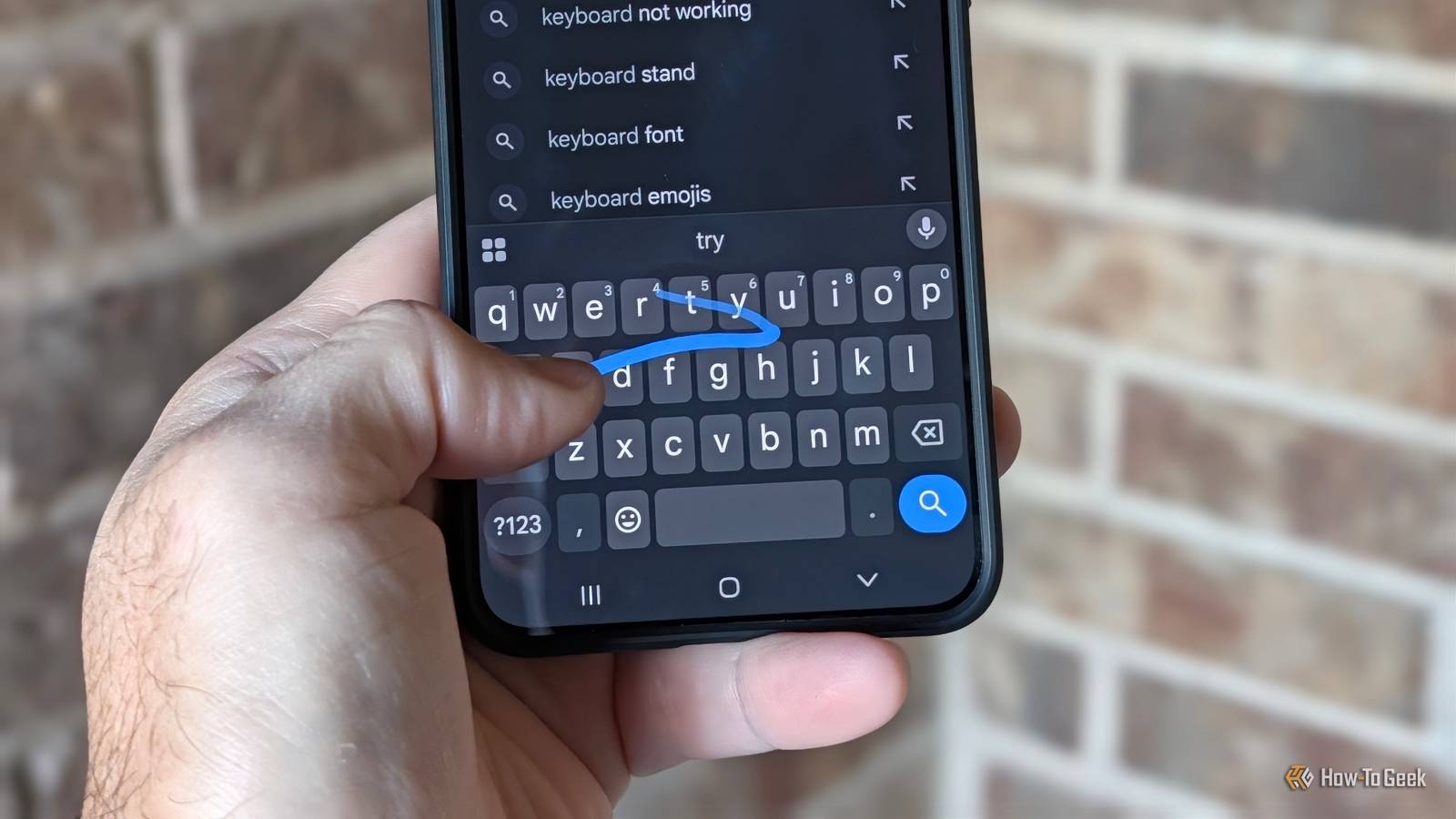
Published Nov 19, 2026, 9:00 AM EST Cory Gunther is a senior author and Newsletter Editor at Valnet, covering cutting-edge tech, Android, and more for How-To Geek. He's covered Android, cars, and technology for over a decade. When he's not reviewing the latest gadget, you can find him off-roading in his Toyota truck, fixing said truck, or doing something outdoors with friends and family. He's covered CES, SEMA, and MWC and reviewed countless phones, TVs, speakers, EVs, e-bikes, and more. Before Valnet, Cory worked for GottaBeMobile. His writing has also appeared on SlashGear, InputMag, and AndroidCentral. He's written over 9,000 articles. When swipe typing first hit Android, it felt a bit revolutionary. Ditching the hunt-and-peck routine for smooth thumb drags with Swype back in the early days was fun, new, and magical. Fast-forward to today, and my muscle memory has completely lost the plot. Somewhere along the way, between all the new swipe-to-type keyboard options and customization, I stopped using one or the other. Instead, I developed a completely random hybrid typing style. I'll tap out half a sentence and swipe the rest, or even mix and match during the same sentence with no rhyme or reason. Am I the only one? The rise of Swype, SwiftKey, and more Replace tapping with swipe, glide, or gesture typing It all started back in December 2009, when Cliff Kushler (the co-inventor of T9 predictive text) released Swype. It was the first mobile phone keyboard to feature swipe-to-type. Fun fact: it first appeared on a Samsung Windows mobile phone, then landed for Android in early 2010. I remember using it on my T-Mobile G2, the Droid X, and several other Android phones from the early days. It was popular for years, with guides about it right here on HTG dating back to 2012. Eventually, SwiftKey came along, and it was fun, with further updates adding more customization, better next-word prediction, and, eventually, multi-language swipe support. Android users have been able to enjoy swipe (flow or glide) typing since 2010, but the iPhone didn't get it until iOS 8's release in 2014, when Apple began allowing third-party keyboards like Swype and Fleksy. It wasn't until 2019, with iOS 13, that Apple finally announced native swipe typing, which it called QuickPath. The Google Keyboard had swipe-to-type by 2013; in 2016, Google renamed it Gboard, which continued to offer the feature as Glide typing. These days, there are all sorts of excellent keyboard apps that'll let you swipe to type. Some of those include Gboard, Swype, TouchPal, Microsoft SwiftKey AI keyboard, and a few of my co-workers enjoy Heliboard. My preferred keyboard is Gboard — and I've been using it with a weird hybrid typing style for as long as I can remember. Why you should use Gboard Glide typing Effortless One-Handed Use Credit: Joe Fedewa / Justin Duino / How-To Geek I'll occasionally try other keyboards, but I always come back to Gboard. I feel like it's still the best option, the most reliable, and has a slew of features that make it stand out. And while I still hunt and peck, Google's glide typing is a lifesaver on the huge screens we have nowadays. Glide or swipe typing is effortless, especially with one-handed use. You're not constantly lifting your thumbs or repositioning your hand trying to reach a key without dropping your phone. I also love Gboard's built-in automatic capitalization, punctuation, and more. I'm also a fan of Google's keyboard shortcut gestures, quick access to the notepad full of my copy/paste content, and things of that nature. Don't get me wrong, there are tons of great keyboard options these days, but Gboard still wins in my book. If you've somehow never tried glide typing, give it a try for a week or two; you'll be glad you did. Swipe typing on Android turned me into a hybrid typist I can't be the only one Credit: Lucas Gouveia/How-To GeekCredit: Justin Duino / How-To Geek Whatever you want to call it — glide typing was supposed to make tapping obsolete on smartphones. Instead, it broke my brain. These days, if you watch my thumbs as I rattle off a text message, you'll see a completely random mix of deliberate taps, swipes, mistakes, and more, all happening in the same sentence. I have no idea how or why I started doing it, but I think I've figured out when. I've been paying attention to my typing habits over the last few days as I prepared to write this article, and I've noticed a trend. When the next word I'm about to type starts with a letter that one of my thumbs is already sitting above, my brain naturally jumps into swipe mode, gliding across the screen without a second thought. It's all muscle memory, and it's a mess. But to be honest, I'm okay with that. I feel like swipe typing is faster, and when I'm in a rush, I default to it more than tapping. It's also a lifesaver when using a phone one-handed, which is probably when I use it most. I've tried sticking strictly to swipe typing or tapping, and I can't seem to do it. Eventually, that muscle memory takes over, and I'll randomly glide or tap a word somewhere. Or I'm using the awesome Gboard Rambler feature for voice typing. Is swipe typing faster? So, is swipe typing actually faster than tapping? It's hard to say for sure, as they both have a place in my daily flow. Plus, it depends on your typing style, preference, and familiarity. If you're just starting out, it might take some serious getting used to for the first few weeks. My colleague Joe recently tried timing both, and his results were inconclusive. He concluded that, "When it comes to pure speed, typing with two thumbs seems to be the fastest method. However, capitalizing proper nouns and adding punctuation slows you down." But if you're using Gboard, that all happens automatically, making glide typing a clear winner. Either way, I don't think I'll stop being a chaotic hybrid typist anytime soon.
Swiping changed how I type on Android, but now it’s a chaotic hybrid
Full Article
Original Source
Read the full article at Howtogeek →KhanList aggregates and links to publicly available news content. We do not host full articles from third-party sources. Always verify important information with original sources.