
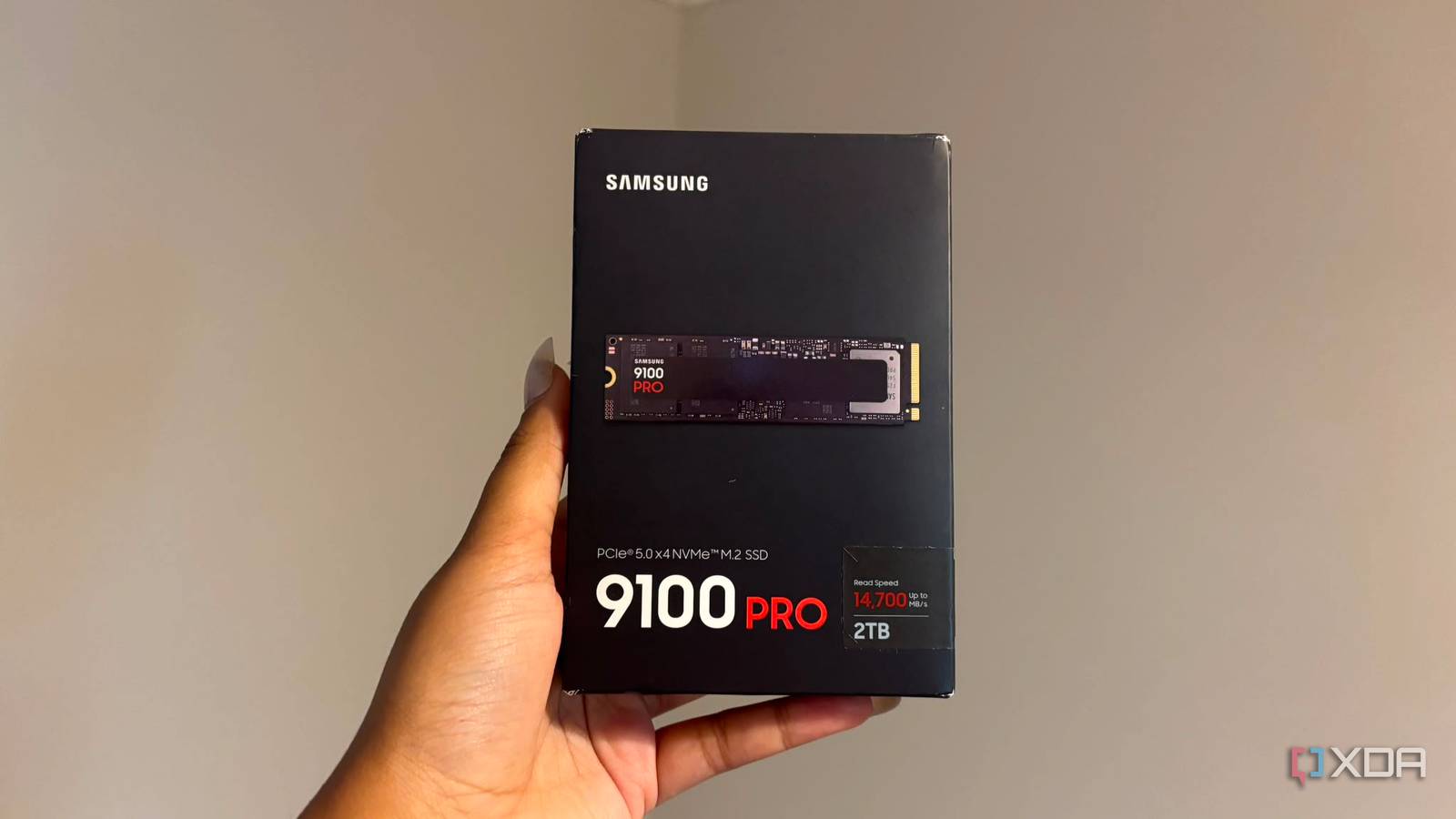
Published Nov 10, 2026, 11:00 AM EST Hamlin has been in the tech field for over nine years. Since 2017, his work has appeared on MakeUseOf, Android Police, OSXDaily, Beebom, and more. He served as the Senior Editor at Valnet's MakeUseOf for over two years before joining XDA. He uses a high-end gaming rig for desktop use and a MacBook for traveling, but dislikes some of the quirks of macOS. You're more likely to catch him at the gym or on a flight than anywhere else. Storage prices have already gotten out of hand over the past year, thanks to AI data center demand and NAND manufacturers prioritizing enterprise SSDs. So if you're planning to build a new PC or you just want more storage, the last thing I'd recommend is paying the PCIe 5.0 tax just because the advertised speeds look insane. I wish I'd taken my own advice when I bought the Crucial T710 back in January, although I suppose I can't complain too much considering how much more expensive SSDs have gotten since then. Still, I upgraded from a Corsair MP600 when I had almost no reason to, other than wanting to see what a Gen5 SSD could do. It's nice to flex my CrystalDiskMark results for sure, but those numbers haven't translated into faster loading times in any of the games I play. Maybe it's faster by a hair? But that's not a difference I can notice without a stopwatch. At this point, I'm sure I could go back to my old drive, and my PC would feel just as fast. So if you're on the fence, take my mistake as a lesson and save your money. PCIe 5.0 SSDs barely do anything for gaming Because games don't care about sequential read speeds as much as you do The number that's printed on the box and catches your attention is the sequential read speed. My Crucial T710, for instance, advertises speeds of up to 14,500MB/s, making it almost three times as fast as my old Corsair MP600, at least theoretically. You'd think that would improve my load times by at least a few seconds, but that's not how game loading works. Those advertised speeds are measured under ideal conditions when reading large amounts of sequential data, but games don't read one massive file from your SSD and call it a day. Typically, games rely more on smaller, random reads than sequential reads, so the number that SSD manufacturers love bragging about doesn't tell you how quickly your games will load. And that's not the only thing affecting loading times, either. Your CPU also has to decompress game assets and process other data. Nowadays, some AAA titles use DirectStorage to offload decompression to the GPU, but that still doesn't make sequential read speeds the deciding factor in loading times. Those higher sequential speeds come at a cost PCIe 5.0 SSDs run considerably hotter than their Gen4 counterparts, especially when you're pushing them to their limits. Even at idle, my Crucial T710 was running 7-10C hotter than my MP600, which had me freaking out for a couple of days. In my defense, I was using the motherboard heatsink, whereas my MP600 had its own dedicated heatsink. Of course, you won't notice those higher temperatures unless you're monitoring them with HWiNFO64 or another tool, but that doesn't mean you should ignore them. There's a reason why many PCIe 5.0 SSDs ship with chunky heatsinks, and sometimes even tiny fans to keep temperatures down. If you have a motherboard with a basic M.2 heatsink, it might not be enough to keep the Gen5 drive cool under sustained workloads. And if temperatures get too high, you know what happens. Thermal throttling kicks in, and your SSD starts slowing itself down to avoid overheating. Do you really want to deal with all this just to shave a second off your loading times? I get the appeal if you do more than just game But I'd rather pay for more storage Look, I'm not saying Gen5 SSDs aren't worth getting at all. If you're just gaming on your PC, then yes, Gen4 just makes way more sense. Even PCIe 3.0 SSDs are more than enough for 95% of gamers. But if you don't have an NVMe yet, I get why you'd want to lean toward the latest one. Those who regularly transfer massive files, say hundreds of gigabytes of video footage between drives, can actually benefit from double the sequential bandwidth of high-end Gen4 NVMe drives. So if you're a content creator who also games, I'm not going to stop you. That said, the average gamer is still better off prioritizing capacity over paying a premium for an NVMe that seems "blazing fast" on paper but runs hotter and doesn't make a difference in loading times. With so many AAA titles taking up over 100GB these days, even 2TB NVMe SSDs can fill up pretty quickly. So unless you have a high-speed fiber connection that allows you to download your games again in no time, you're probably going to want as much storage as you can afford. Stick to the sweet spot instead of chasing bragging rights You could argue that Gen 5 SSDs may eventually become relevant for gaming as developers find ways to take advantage of all that extra bandwidth. But as it stands, Gen 4 NVMe drives are more than enough for even demanding open-world titles that use DirectStorage. And considering how Gen3 SSDs still hold their own in terms of loading times, I don't think you'll actually need a PCIe 5.0 drive anytime soon. What I find gamers complaining about most these days is the lack of storage, not how long they stare at loading screens. So it just makes more sense to pay for what actually matters instead of chasing numbers to impress your non-tech-savvy friends.
Stop paying extra for a PCIe 5.0 SSD when your games load just as fast on Gen4
Full Article
Original Source
Read the full article at Xda-developers →KhanList aggregates and links to publicly available news content. We do not host full articles from third-party sources. Always verify important information with original sources.