
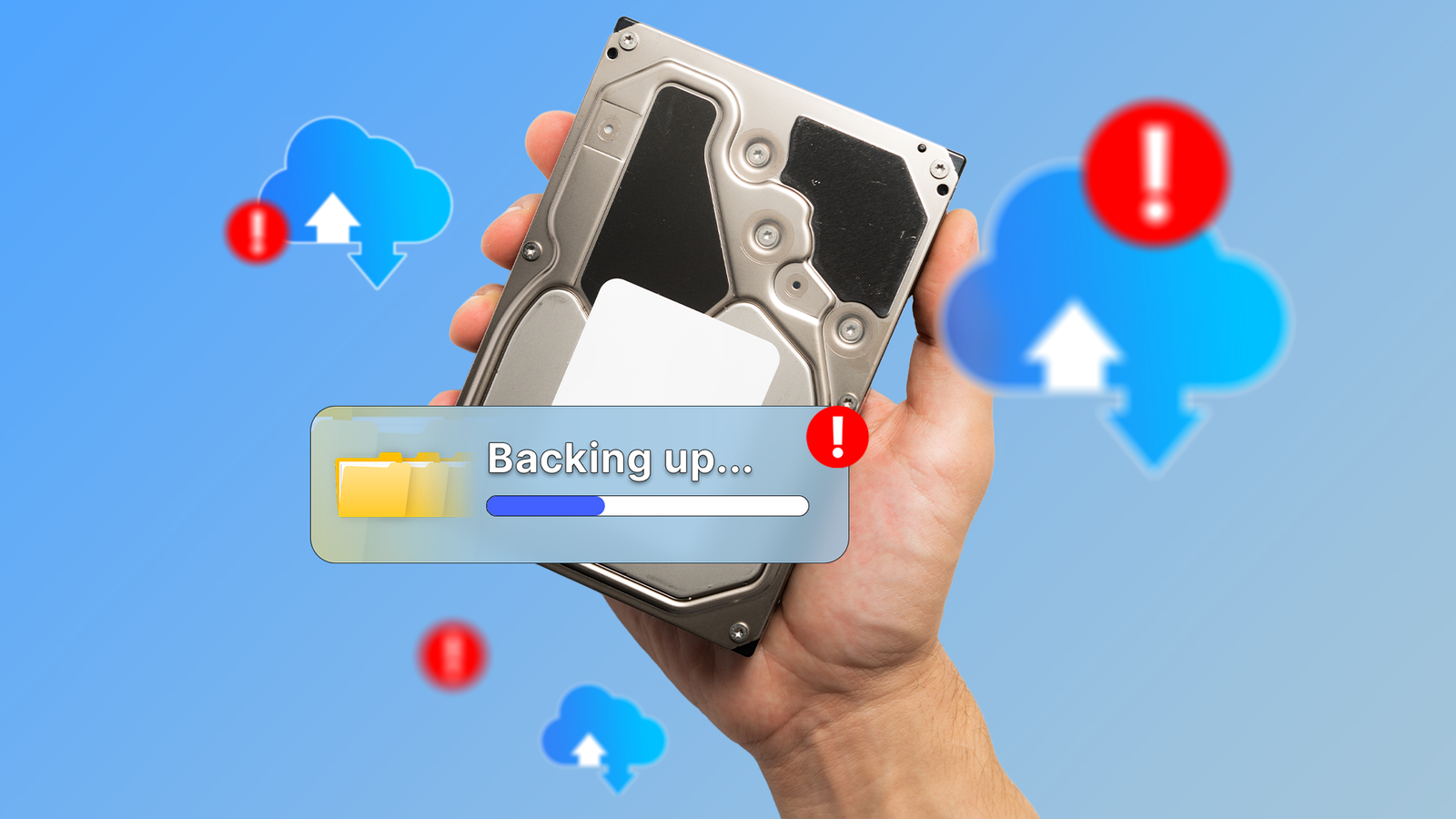
Published Sep 24, 2026, 9:30 AM EDT Arol is a tech journalist who currently works as a contributor at How-To Geek since 2022. He first began writing online for the short-lived portal of Spanish-language gaming forum Emudesc in 2013. Years later, in 2017, he got his true start in tech journalism working for a small Google-focused site called Pixel Spot. He transitioned to a news and feature writer role at XDA Developers that same year, where he worked until 2021 before making the jump to other websites. Arol brings nearly a decade of writing experience, and the occasional hot take, to his writings. While he's a technology lover at heart, he holds computer hardware and smartphones particularly close to heart. You'll normally find him covering news, although he has also written the occasional deal, buyer's guide, how-to post, and round-up. He's also written for Android Police and MakeUseOf. He's also a Political Science student. When he's not writing, you'll probably find him hitting the gym, trying to ace a new hobby, reading his textbooks, or traveling. You can reach him at me@arolwright.com. Cloud storage can get costly, so an alternative for many people is to just grab any important memories and store them in a hard drive to revisit in the future. Sadly, though, this is a bad idea—and if you're doing this, you'll probably want to get that drive spinning as soon as possible. Enter the concept of bit rot: the silent killer for your precious photos and videos and, frankly, any file you might have on that old drive filled with dust. What's bit rot? A magnetic disaster Credit: Patrick Campanale / How-To Geek At its most fundamental level, bit rot—formally known as data degradation or data decay—is how we call the gradual decay of storage media and the subsequent corruption of the information residing on it. Remember that, even as technology has progressed, data ultimately still exists and is stored as binary code, consisting of zeros and ones. The way a hard drive works is that these bits are recorded by magnetizing tiny, microscopic sectors on a spinning platter. A north pole might represent a one, while a south pole represents a zero. Over time, these magnetic domains can lose their orientation due to the natural tendency of magnetic polarity to disperse, a process often accelerated by environmental factors. When a bit flips—changing from a zero to a one or vice versa—without the operating system explicitly commanding that change, bit rot has occurred. And a teeny tiny bit flip can have catastrophic consequences. This is pretty dangerous because it's a silent process. Unlike a catastrophic drive failure where the mechanical arm breaks or the motor burns out, bit rot happens at the molecular level. It's physics. The file system may still show the file as existing, occupying the correct amount of space, and retaining its original creation date. However, the internal structure of the file has fundamentally changed, all because of that one changed bit. If the rot affects a non-critical part of a text file, you might just see a random character appear in a sentence. However, if that flipped bit resides in the header of a photo file or the keyframe of a video, the entire file can become unreadable. The computer attempts to open the image, encounters code that no longer makes sense, and simply displays an error message or a corrupted, pixelated mess. It is the digital equivalent of ink fading on a page until the words are no longer legible, occurring entirely without your knowledge until you attempt to access the memory years later. How common is bit rot? It's inevitable The prevalence of bit rot is widely misunderstood because it is often confused with total hardware failure, yet it is a nearly inevitable occurrence given a long enough timeline. It is not a question of if a storage medium will degrade, but rather when. In the context of magnetic hard drives, which are the most common medium for long-term storage of old photos, the magnetic signature required to hold data is not permanent. While modern error-correcting code (ECC) built into hard drives is designed to catch and fix these minor errors as they happen, this defense mechanism requires the drive to be powered on and reading the data. When a drive sits in a drawer disconnected from power for years, the error correction systems are dormant, allowing the gradual magnetic decay to accumulate unchecked. This is why this happens to old, unplugged drives after years without use, and not drives that are constantly running. The frequency of this decay relies heavily on the quality of the drive and the environment in which it is stored. High heat and humidity are the primary accelerators of bit rot. In a hot attic or a damp basement, the chemical breakdown of the drive's protective layers and the thermal agitation of the magnetic particles speed up the loss of data significantly. This is not exclusive to spinning hard drives. SSDs, which store data using electrical charges in floating-gate transistors, might actually be even more prone to data loss when left unpowered. The electrical charge leaks out over time, leading to data corruption much faster than magnetic decay in traditional drives. While cosmic rays and background radiation can statistically cause bit flips, the most common culprit is simply the entropy of the physical materials. Every hard drive sitting in a closet right now is slowly undergoing this process. Quiz8 Questions · Test Your KnowledgeData backups and the 3-2-1 ruleTrivia challengeThink you know how to keep your data safe? Test your knowledge of backup strategies, rules, and best practices.Backup RulesStorageStrategyRecoverySecurityBeginWhat does the '3' in the 3-2-1 backup rule refer to?A3 different cloud storage providersB3 total copies of your dataC3 separate backup schedulesD3 different file formats for each backupThat's right! The '3' means you should maintain 3 total copies of your data — the original plus two backups. Having multiple copies dramatically reduces the risk of total data loss from any single failure.Not quite. The '3' refers to keeping 3 total copies of your data, including the original. This redundancy ensures that even if one or two copies are lost or corrupted, you still have a surviving copy to restore from.ContinueIn the 3-2-1 backup rule, what does the '2' stand for?A2 full backups and 1 incremental backupBBacking up data at least twice per weekCStoring copies on 2 different types of storage mediaDKeeping 2 offsite copies at all timesExactly! The '2' means your copies should be stored on at least 2 different types of media — for example, an external hard drive and a cloud service. This protects you from media-specific failures like a hard drive manufacturer defect.Not quite. The '2' in the 3-2-1 rule refers to using 2 different types of storage media, such as a local NAS drive and a cloud service. Diversifying your media types guards against failure modes that might affect one type but not another.ContinueWhat does the '1' in the 3-2-1 backup rule specify?AAt least 1 backup should be encryptedBAt least 1 copy should be stored offsiteCAt least 1 backup should be tested monthlyDAt least 1 copy should be kept on physical mediaCorrect! The '1' means at least one copy must be stored offsite — away from your primary location. This protects your data from local disasters like fires, floods, or theft that could destroy everything stored in one place.Not quite. The '1' requires that at least one copy be stored offsite, such as in a cloud service or at a separate physical location. Local disasters like fires or floods can wipe out everything in a single building, so offsite storage is a critical safeguard.ContinueThe 3-2-1-1-0 backup strategy adds two extra elements to the original 3-2-1 rule. What does the second '1' represent?A1 backup stored in a write-once, read-many (WORM) or air-gapped formatB1 backup verified by a third-party serviceC1 backup stored exclusively on tape mediaD1 dedicated backup administrator responsible for the processSpot on! The second '1' means one copy should be offline, air-gapped, or immutable — such as a WORM drive or tape that ransomware cannot reach and overwrite. This is a critical defense against modern ransomware attacks that specifically target connected backups.Not quite. The extra '1' in 3-2-1-1-0 stands for one copy that is offline, air-gapped, or stored in an immutable format like WORM media. This prevents ransomware or malicious actors from encrypting or deleting all your backup copies simultaneously.ContinueIn the 3-2-1-1-0 rule, what does the '0' at the end signify?AZero backups should be stored in a public cloudBZero unverified backups — all backups should be tested for errorsCZero days between each backup sessionDZero physical media copies allowed in the strategyExactly right! The '0' means zero backup errors — all backups should be verified and tested to ensure they can actually be restored. A backup you've never tested is not a reliable backup, as corrupt or incomplete backups offer false security.Not quite. The '0' stands for zero errors, meaning every backup should be verified and confirmed restorable. It's a common but dangerous mistake to assume backups work without testing them — many organizations have discovered corrupted backups only when they desperately needed them.ContinueWhich of the following backup types only saves data that has changed since the last FULL backup, regardless of any incremental backups in between?AIncremental backupBDifferential backupCMirror backupDSnapshot backupWell done! A differential backup saves all changes made since the last full backup, growing larger over time until the next full backup is performed. Compared to incremental backups, restoring from a differential backup is faster because you only need two sets: the last full backup and the latest differential.Not quite. That's a differential backup. Unlike incremental backups (which only save changes since the last backup of any type), differential backups capture everything changed since the last full backup. This makes them faster to restore but they consume more storage space over time.ContinueWhat is the term for the maximum amount of data loss a business or individual is willing to accept, measured in time, when a data loss event occurs?ARecovery Time Objective (RTO)BMean Time Between Failures (MTBF)CRecovery Point Objective (RPO)DData Loss Threshold (DLT)Correct! Recovery Point Objective (RPO) defines how much data you can afford to lose, measured in time — for example, an RPO of 4 hours means you back up every 4 hours and can tolerate losing up to that much work. It directly determines how frequently you need to perform backups.Not quite. The correct term is Recovery Point Objective (RPO), which defines the maximum acceptable age of the files you need to recover after a failure. RPO is different from RTO (Recovery Time Objective), which measures how quickly you need to be back up and running after an incident.ContinueWhy is it generally recommended that at least one backup copy be kept 'air-gapped' in a modern backup strategy?AAir-gapped backups compress data more efficiently than connected storageBRegulatory compliance in most countries legally requires an air-gapped copyCAir-gapped backups are immune to ransomware and remote attacks since they have no network connectionDAir-gapped storage reads and writes data faster than cloud alternativesExactly! An air-gapped backup is physically isolated from any network, meaning ransomware and remote attackers cannot reach it to encrypt or delete it. As ransomware increasingly targets connected backup systems, an air-gapped copy serves as the last line of defense for guaranteed recovery.Not quite. The key benefit of an air-gapped backup is that it has no network connection, making it completely unreachable by ransomware, hackers, or remote attacks. Modern ransomware strains are specifically designed to find and encrypt connected backup drives, so an offline copy is your most reliable safety net.See My ScoreChallenge CompleteYour Score/ 8Thanks for playing!Try Again Should you worry about bit rot? Just follow best practices and you'll be fine Credit: Corbin Davenport / How-To Geek If your goal is to preserve a digital family album for decades, bit rot is absolutely a cause for concern, specifically because of the passive way most people treat archival storage. The "set it and forget it" mentality is the single greatest risk factor for digital photos. Many users treat hard drives like time capsules, burying them in a box with the expectation of digging them up twenty years later to find everything pristine. Please don't do this. Digital storage media is not archival in the same way that acid-free paper or stone tablets are. It requires active maintenance. If you rely on a single external hard drive that hasn't been plugged in since 2015, there is a statistically significant chance that some of those files have already suffered corruption. A "perfect" hard drive that's not subject to bit rot doesn't exist, so what are your solutions for archival? It's wise to maintain multiple copies on different media types and to periodically check them. This is often referred to as data scrubbing, where files are read and verified against checksums to ensure integrity. If you don't want to do that, or you can't, then simply powering on their archive drives once or twice a year and ensuring the files open correctly can allow the drive's firmware to refresh the data. Just don't keep it unplugged for years on end and expect it to be completely fine. Samsung T7 SSD Storage capacity 2TB Transfer rate 10 GB/s Dimensions 3.3"L x 2.2"W x 0.3"Th Weight 0.13 Pounds The Samsung T7 is a USB 3.2 external SSD with read/write speeds up to 1,050/1,000 MB/s.
Stop leaving hard drives in a drawer: Why 'Bit Rot' is destroying your data
Full Article
Original Source
Read the full article at Howtogeek →KhanList aggregates and links to publicly available news content. We do not host full articles from third-party sources. Always verify important information with original sources.