
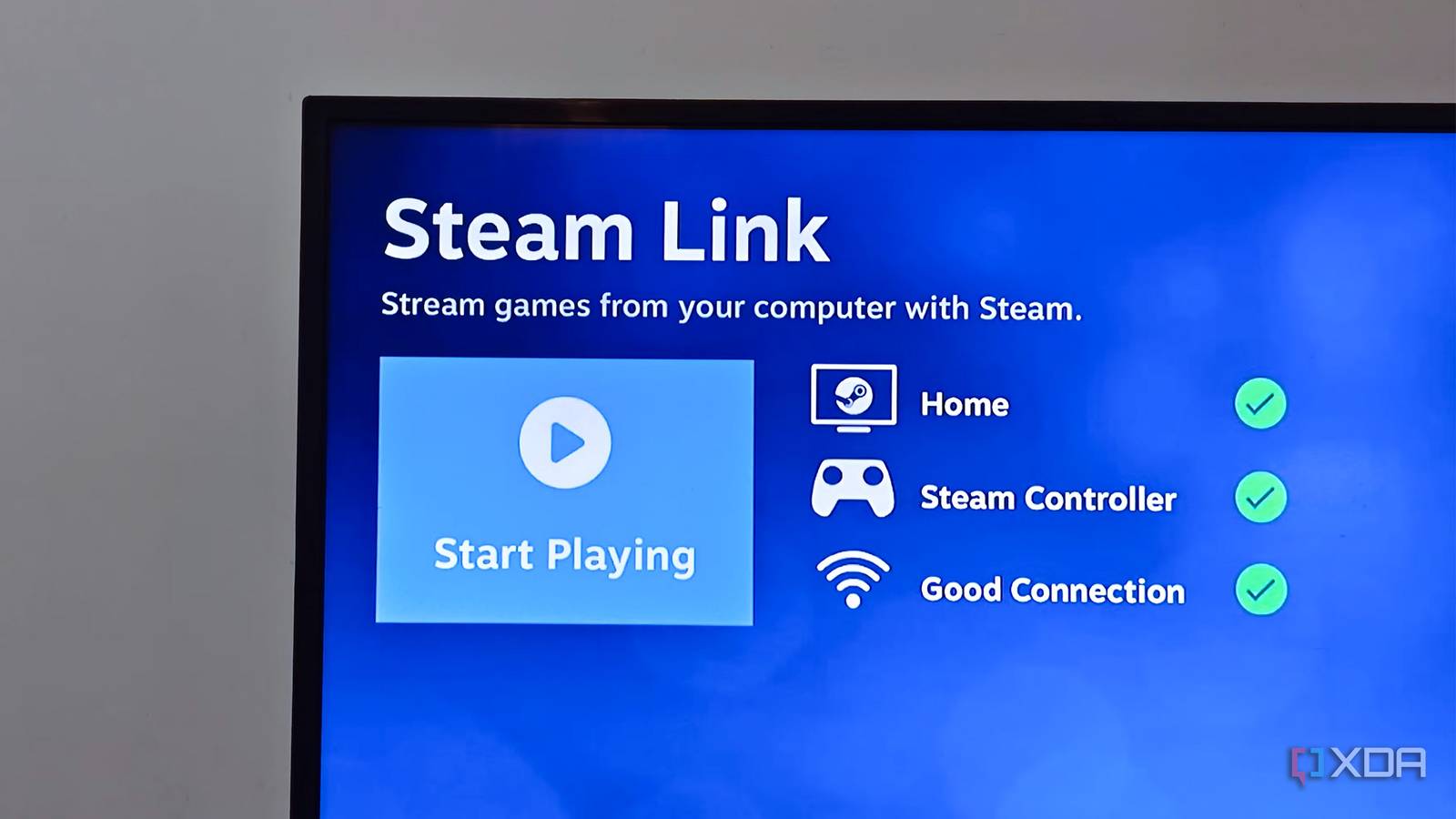
Published Nov 1, 2026, 8:30 AM EST Anurag is an experienced journalist and author who’s been covering tech for the past 5 years, with a focus on Windows, Android, and Apple. He’s written for sites like Android Police, Neowin, Dexerto, and MakeTechEasier. Anurag’s always pumped about tech and loves getting his hands on the latest gadgets. When he's not procrastinating, you’ll probably find him catching the newest movies in theaters or scrolling through Twitter from his bed. Valve announced its new Steam Machine last November, bringing a console-style way to play your Steam library on the TV, much like Sony’s PlayStation or Microsoft’s Xbox. If you’ve spent years building a massive Steam library and mostly play at a desk, I can see the appeal of a dedicated couch machine. But I wouldn’t recommend it to most people who already own a capable gaming PC. With prices starting at $1,049, you’re spending a lot on hardware to run games your computer already handles. I think you should try Steam Link on a cheap, compatible TV box first. You still need your PC running the games, but you can play them on your television from the couch without buying another gaming computer. You already own the expensive hardware Your gaming PC does the work If you already have a PC that runs your games well, you don’t need to buy another one to play them on your TV. You’ve already spent money on a graphics card, processor, and everything else needed to run those games. It makes more sense to use that computer in another room, especially when you can do it with a cheap Android TV box or one you already own. With Steam Link, the game continues running on your PC, which sends the video and audio to your television over your home network. When you press a button on your controller, that input goes back to the computer. The PC still does everything that requires expensive gaming hardware, so the TV doesn’t need much processing power. You do need hardware that can decode the video quickly and maintain a good network connection. That’s a much smaller requirement than running the game itself, and it’s why an inexpensive box can handle the receiving end of a demanding PC game. I’d try this before spending money on a Steam Machine. If you already have a compatible Android TV box, the app is free, so you can test it without buying anything. Even if you need to pick up a box, you’re paying for a streaming device rather than another gaming computer. Playing on the couch is the whole point Steam already has a TV interface When I think about the appeal of a Steam Machine, a lot of it comes down to sitting on the couch, picking up a controller, and playing PC games on a bigger screen, much like you would with a PlayStation or Xbox. I’ve been a PC gamer all my life, but sometimes I want to crash on the couch and play something like Red Dead Redemption 2 or Baldur’s Gate 3. Steam already has Big Picture mode, which gives you a controller-friendly interface designed for a television. Once you connect through Steam Link, you can browse your library and launch games without sitting at your desk. You also avoid setting up another place to install and maintain your games. If you download a game on your PC, you can stream it from there. You don’t need to download it again to play on the TV or decide which games deserve space on a second drive. Updates also happen on the same computer, and you use the same installation and save files whether you play at your desk or in the living room. You don’t need every console feature The compromises are worth understanding first You aren’t getting the same experience as plugging a PlayStation, Xbox, or Steam Machine into the TV. Running games locally avoids the extra steps of encoding the picture, sending it over a network, and decoding it before you see it. With streaming, those steps add delay, and the picture goes through video compression. I wouldn’t pretend that’s identical to connecting your PC directly over HDMI. How much that matters depends on what you’re playing. I care a lot more about an immediate response in a competitive shooter than when choosing my next move in Baldur’s Gate 3. For the games I want to settle into on the couch, I don’t need this setup to match every advantage of dedicated gaming hardware. You also need to check what your box can actually output. 4K video support doesn’t automatically mean high-refresh-rate gaming. PS5 supports 4K output at 120Hz, and Xbox Series X supports up to 120fps in supported games. You shouldn’t assume a cheap streaming box will offer the same options just because your PC and television support them. I’d start with Ethernet where possible and enable the TV’s Game Mode before deciding I need another computer.
Steam Link on a cheap TV box is the Steam Machine most people actually need
Full Article
Original Source
Read the full article at Xda-developers →KhanList aggregates and links to publicly available news content. We do not host full articles from third-party sources. Always verify important information with original sources.