
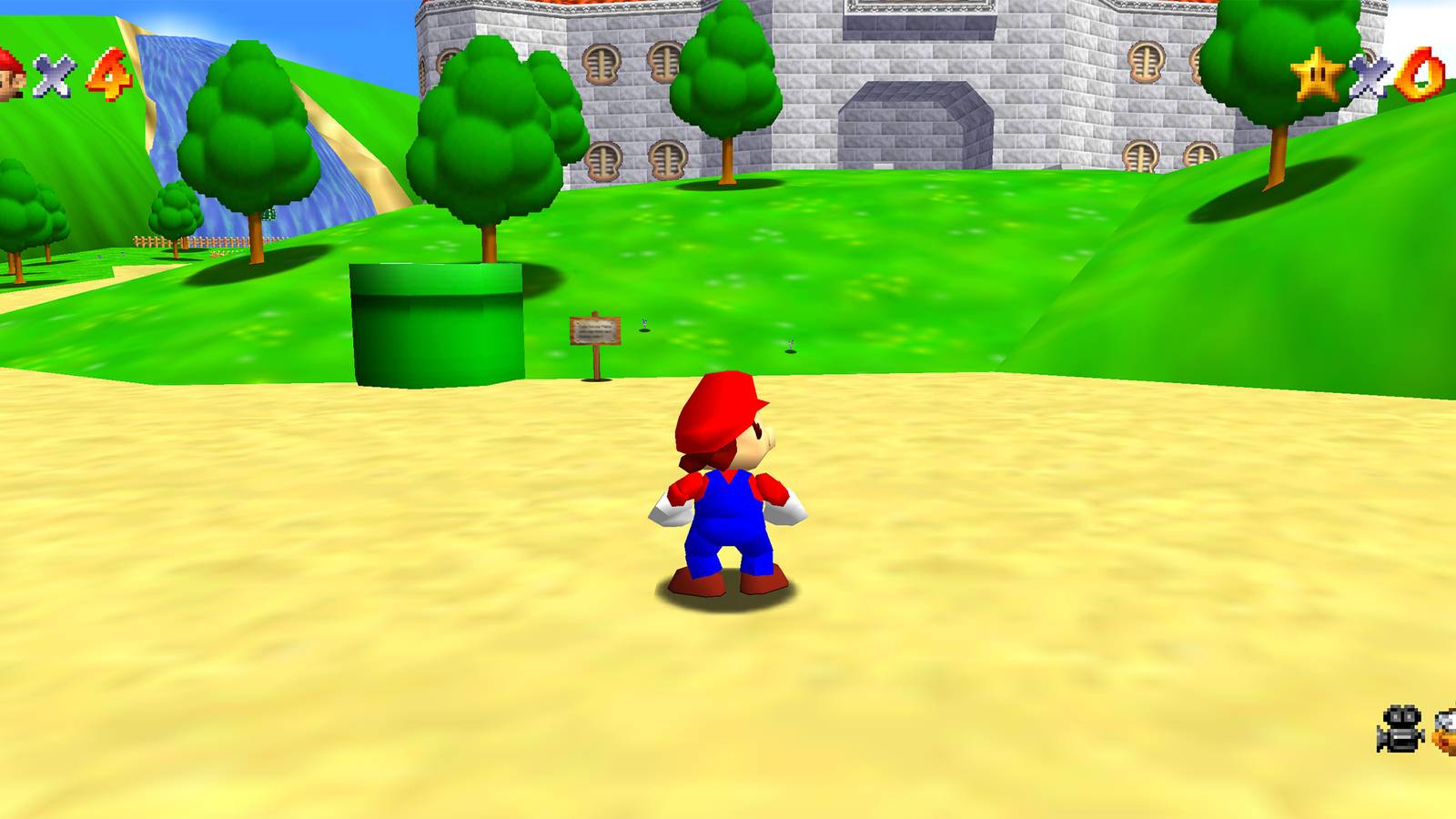
Credit: Oliver Sauter Published Oct 10, 2026, 2:22 AM EDT Simon is a Computer Science BSc graduate who has been writing about technology since 2014, and using Windows machines since 3.1. After working for an indie game studio and acting as the family's go-to technician for all computer issues, he found his passion for writing and decided to use his skill set to write about all things tech. Since beginning his writing career, he has written for many different publications such as WorldStart, Listverse, and MakeTechEasier. However, after finding his home at MakeUseOf in February 2019, he would eventually move on to its sister site, XDA, to bring the latest and greatest in Windows, Linux, and DIY electronics. Sign in to your XDA account Summary Super Mario 64 ported to Microsoft Zune HD via sm64-zune—full-speed emulation with sound, touch controls, and saves. You need a Zune HD (firmware 4.5 tested), a legally dumped SM64 ROM with an exact checksum, and Linux+Docker. Build takes ~5-10 minutes on x86-64 Linux; repo includes fixes, error codes, and deployment steps. I think one of the coolest things people can do with old tech is repurpose it. Recently, we've seen a wave of people tinker with their Kindles to give them new leases on life (such as that one time someone turned their Paperwhite into an e-ink digital assistant). Now, someone else has demonstrated that the Microsoft Zune HD that has been sitting in your bits box for years can now become your very own portable Super Mario 64 console. Getting Super Mario 64 on the Microsoft Zune HD is a lot easier than you'd think You will need to acquire the game ROM legally, though Credit: rsheldiii As spotted by Hackaday, this cool project comes to us via rsheldiii on GitHub. They've managed to port sm64ex over to the Zune HD, complete with sound effects, touch controls, saving, and full-speed emulation; at least, most of the time. To get started, assemble the following: A Zune HD and its USB cable. Only firmware 4.5 has been tested so far. A Super Mario 64 (USA) ROM dumped from your own cartridge. The checksum needs to be 9bef1128717f958171a4afac3ed78ee2bb4e86ce, The build checks. An x86-64 Linux computer with Docker and git, 6 GB of free disk space, and an internet connection for the first build. Once done, all you need to do is run a handful of commands that grab the code from the sm64-zune GitHub repository, build it, and then deploy it on your Zune. The first run will take around 5-10 minutes, as the project needs to create the build container image and download the compilers. If everything goes smoothly, you'll have Super Mario 64 running on your Zune HD. Controlling Mario requires using the on-screen touch controls, which likely won't feel as great as an N64 controller, but hey, it's running off a Zune HD, after all. The repository also has descriptions of how the project works, plus a list of potential error codes you may encounter and how to fix each one.
Someone got Super Mario 64 running on the Zune HD, and so can you
Full Article
Original Source
Read the full article at Xda-developers →KhanList aggregates and links to publicly available news content. We do not host full articles from third-party sources. Always verify important information with original sources.