
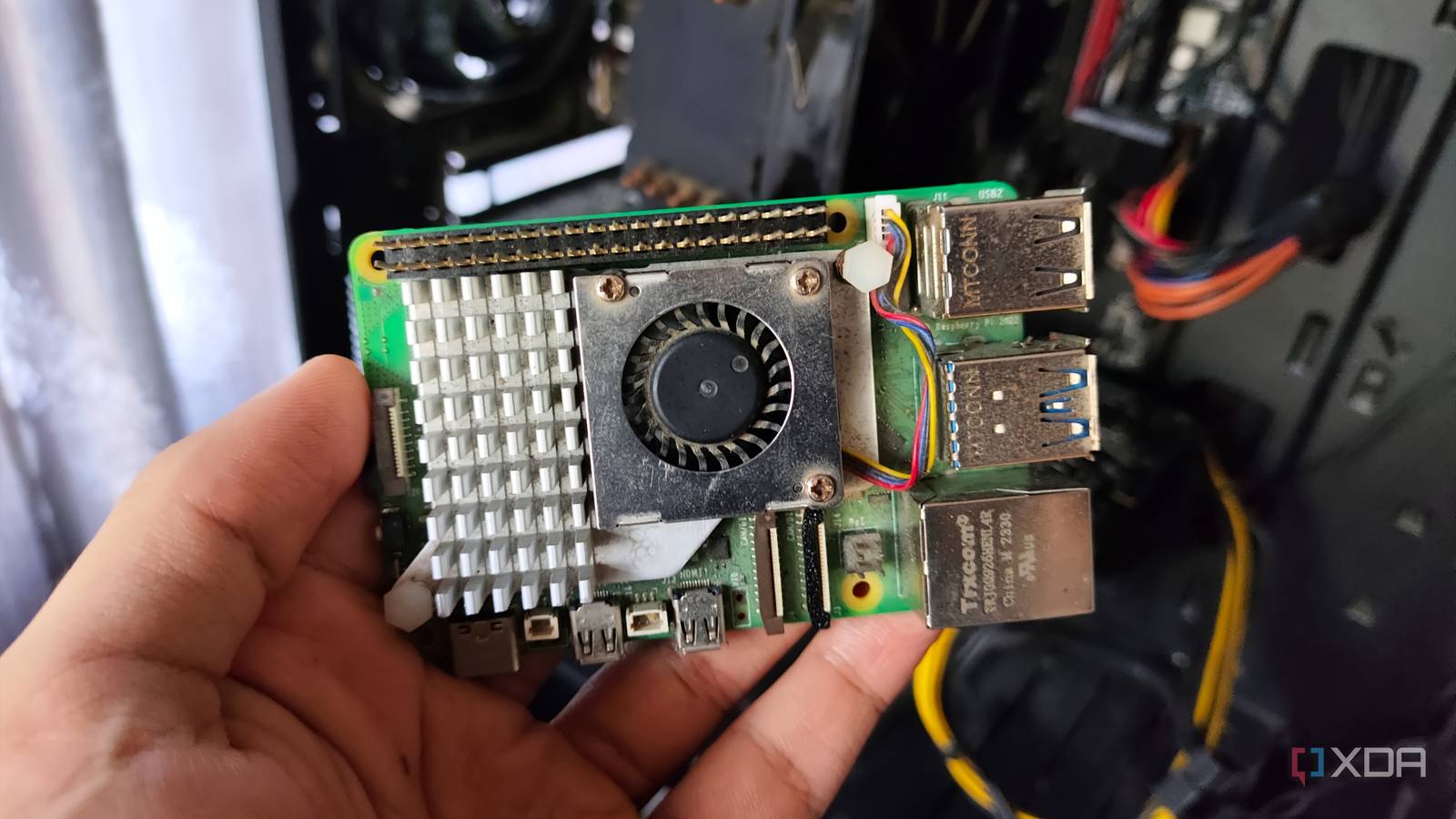
Published Nov 28, 2026, 11:55 PM EST Simon is a Computer Science BSc graduate who has been writing about technology since 2014, and using Windows machines since 3.1. After working for an indie game studio and acting as the family's go-to technician for all computer issues, he found his passion for writing and decided to use his skill set to write about all things tech. Since beginning his writing career, he has written for many different publications such as WorldStart, Listverse, and MakeTechEasier. However, after finding his home at MakeUseOf in February 2019, he would eventually move on to its sister site, XDA, to bring the latest and greatest in Windows, Linux, and DIY electronics. Sign in to your XDA account Summary Raspberry Pi 5 with AI HAT+2 runs GitHub Copilot CLI locally via qwen2.5-coder:1.5b. It works great for quick summaries and first-pass drafts; switch to the cloud for deep, heavy tasks. Runs on ~25.5W from the Pi's PSU, giving you an energy-efficient, private, offline LLM on your own hardware. If you want to utilize the power of LLMs in your work, but you're not a fan of paying a monthly fee or sending your documents to a data center, running a local AI model is always appealing. It may not have the strength of the cloud-based models, but it can do everything on hardware you own. Well, someone has managed to fit an AI model on their Raspberry Pi 5 using the AI HAT+ 2. And while it's not going to win any performance awards, it's both local and not very power-hungry. The Raspberry Pi 5 is a great way to run local LLMs It's offline, it's private, and it's not too bad at handling tasks As spotted by Hackaday, the Vice President of Developer Relations at GitHub, Martin Woodward, shared what they've been working on. They managed to fit the GitHub Copilot CLI onto a Raspberry Pi 5 with an AI HAT+ 2 installed, and because it all works locally, it doesn't need to send any data off the device to get its job done. It's worth noting that this isn't the version of Copilot you'll find on the web. This is GitHub's official command-line version of Copilot, using its bring-your-own-model support to run the open qwen2.5-coder:1.5b model under the hood. So, does this have the power to go toe-to-toe with the big leagues? Well, no. As you might expect, a Raspberry Pi 5 can't quite keep up with the huge data centers the flagship models use, even with its little AI HAT+ 2 installed. Is it a mighty little model to keep around the house? Woodward's experience seems to say it is: "However, for the quick stuff (summaries, first-pass text drafts) works great and switch to the big cloud models when I need some proper thinking done. Same Copilot, just a different brain behind it. And the power numbers are lovely. The official Pi 27W PSU tops out at 25.5W of output for the whole lot. For context, Apple lists a Mac mini M4 at 65W max. Not a like-for-like comparison, but it’s the sort of thing you can leave humming on a shelf without feeling guilty." That sounds pretty good to me. If you've got a Raspberry Pi 5 and an AI HAT+ 2 sitting around, you can visit the Woodward Web website for a full guide on how to get this local Copilot setup running on your SBC.
Someone got a private, offline GitHub Copilot CLI running on a Raspberry Pi 5 with the AI HAT+ 2
Full Article
Original Source
Read the full article at Xda-developers →KhanList aggregates and links to publicly available news content. We do not host full articles from third-party sources. Always verify important information with original sources.