
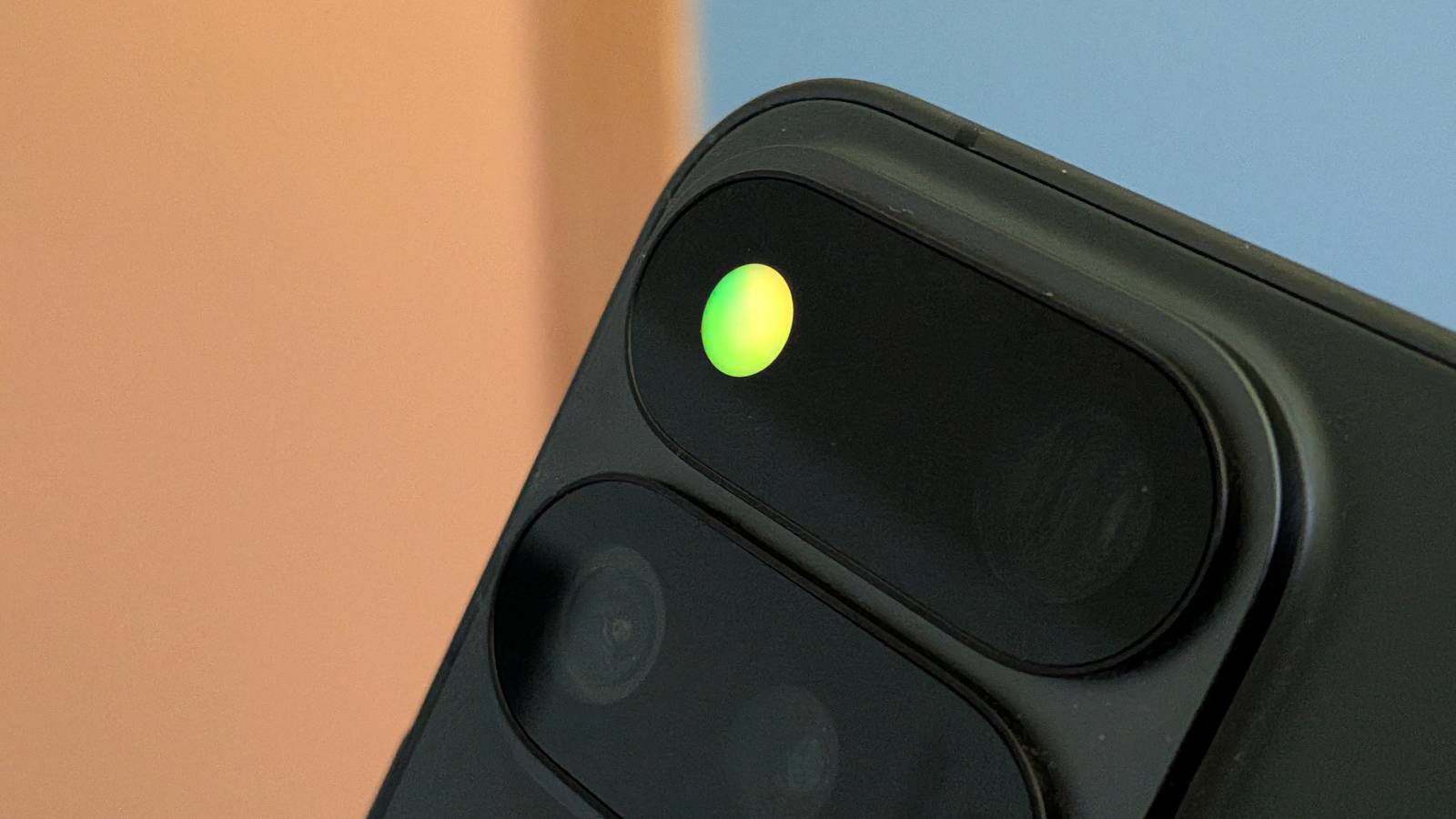
Credit: Joe Fedewa / How-To Geek Published Aug 20, 2026, 1:20 PM EDT Joe Fedewa has been writing about technology for over a decade. Android and the rest of the Google ecosystem have been a focus for years, as well as reviewing devices, hosting podcasts, filming videos, and writing tutorials. Joe loves all things technology and is also an avid DIYer and food blogger. He has written thousands of articles, hundreds of tutorials, and dozens of reviews. Before joining How-To Geek, Joe worked at XDA-Developers as Managing Editor and covered news from the Google ecosystem. He got his start in the industry covering Windows Phone on a small blog, and later moved to Phandroid where he covered Android news, reviewed devices, wrote tutorials, created YouTube videos, and hosted a podcast. From smartphones to Bluetooth earbuds to Z-Wave switches, Joe is interested in all kinds of technology. After several years of jailbreaking and heavily modifying an iPod Touch, he moved on to his first smartphone, the HTC DROID Eris. He's been hooked ever since. Sign in to your How-To Geek account It’s no secret that the leap from the Pixel 10 series to the Pixel 11 series is pretty minimal. One of the few genuinely new features is the “HiLight” LED notification light on the back of all four models. Unfortunately, Google heavily limited what it can do, but that’s not a problem for the Android community. I recently wrote about how disappointed I am with HiLight on my Pixel 11 Pro Fold. At the end of the article, I mentioned that I had no doubt someone would figure out how to make it better, and that’s exactly what’s happened. GitHub user DhananjayBhosale released an app that does the work Google didn’t bother with. Out of the box, HiLight on the Pixel 11 series lights up for two reasons: Hands-free Gemini interaction and phone calls from your favorite contacts. For the phone calls, you get exactly five (5) colors to choose from. That is the end of HiLight’s default functionality. DhananjayBhosale’s app—called “HiLight Studio”—greatly expands on HiLight’s abilities. In fact, it lets you do pretty much anything you want. That includes app notifications with custom colors, animations for new messages, colors from your wallpaper, a Quick Settings tile, and tons more. It turns HiLight into the fun playground that it should have been from the start. Now, you will need to do a bit of work to enable HiLight Studio after sideloading it from GitHub, but it’s not wildly difficult. The developer recommends using an app called “Shizuku” to automate the ADB process, and that’s what I used. It only took a minute or two. Find the full installation instructions, along with the APK file, on the GitHub page. It’s always awesome to see the Android community come through with functionality that a manufacturer should have included. HiLight had the potential to be super cool and useful, but Google did very little with it. Now, Pixel 11 owners can actually take advantage of one of the rare, unique features they have—and maybe more people will consider buying one. Google Pixel 11 Pro Brand Google SoC Google Tensor G6
Someone already fixed the Pixel 11's most disappointing feature
Full Article
Original Source
Read the full article at Howtogeek →KhanList aggregates and links to publicly available news content. We do not host full articles from third-party sources. Always verify important information with original sources.