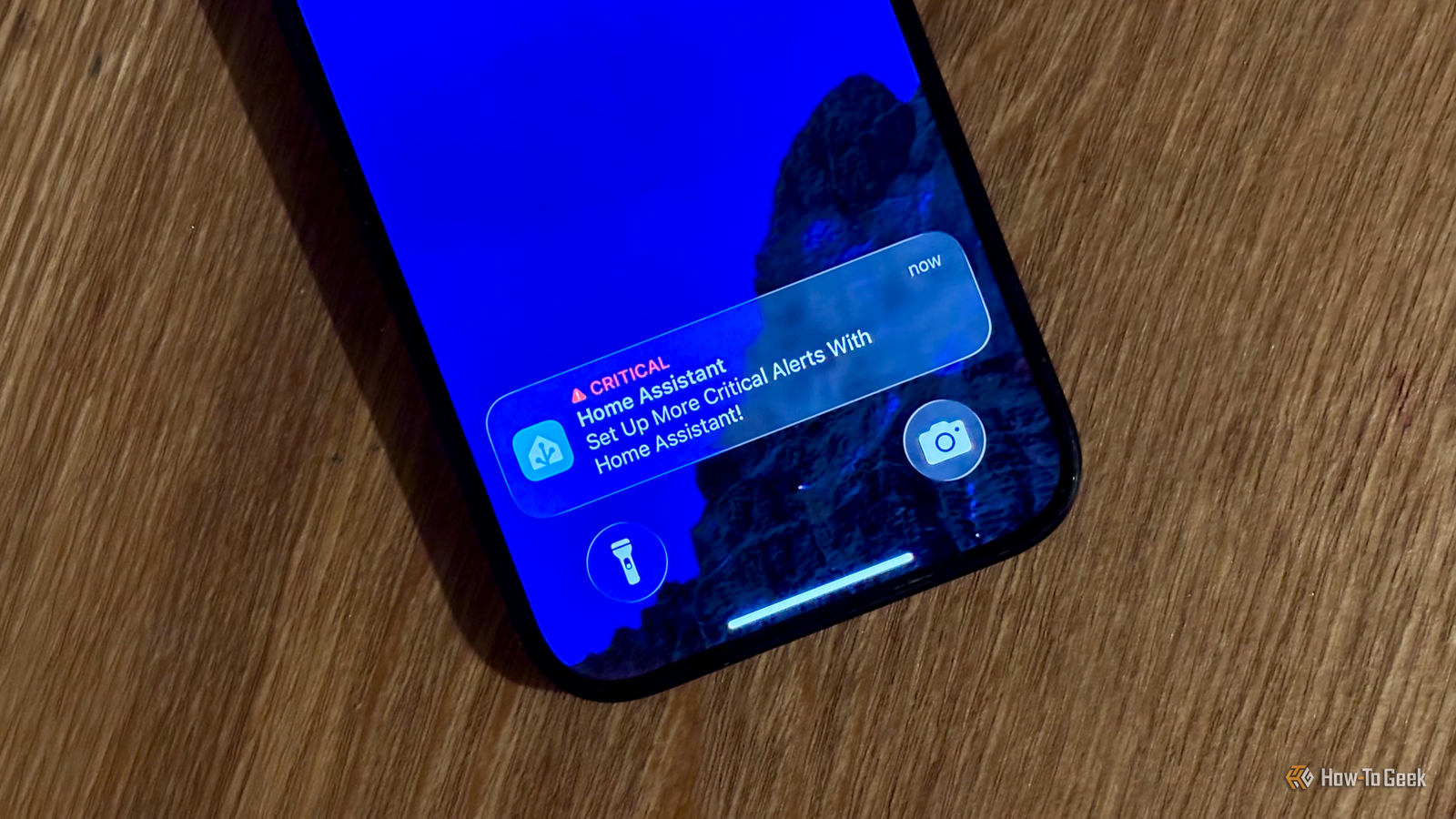
Published Jul 23, 2026, 7:00 AM EDT Adam has a degree in Engineering and has a life-long interest in technology. He has been writing for over a decade for various print and online publications, with a focus on consumer tech. He joined How-To Geek in 2024 while working at Pocket-lint. As well as being a long-term fan of Apple products, he also has a strong interest in smart home tech, running a Home Assistant server at home to automate all his smart home devices. He believes that the ideal smart home should work with minimal interaction from the user, with automations running as if by magic rather than requiring you to push buttons on a control panel. You can find more of his work on Muck Rack. My phone is constantly bombarded with notifications. I try to limit them as much as possible, but even so, they quickly become easy to ignore. Sometimes, Home Assistant needs to alert me about something important, such as a water leak being detected, and these are notifications I really don't want to miss. There are several methods I use to make notifications almost impossible to miss. Spoken announcements are hard to ignore Room presence to target the right speakers Credit: Adam Davidson / How-To Geek I have a lot of smart speakers around my home, and they're a really useful way to play spoken notifications that are very difficult to miss. When a smart speaker starts speaking, you tend to listen, and for important alerts, you can crank up the volume to the point where you're definitely going to hear them. For example, I have a simple automation that plays a spoken announcement when an automation fails. Some automations can fail silently for a long time before you discover them, and this announcement lets me know as soon as it happens. I have room presence set up using Bermuda, so I can target the closest speaker to my location or play the announcement on all of my smart speakers if it's a really important one. reSpeaker Lite Brand Seeed Studio CPU ESP32-S3R8 The reSpeaker Lite Voice Assistant Kit includes a two-mic array, a pre-soldered XIAO ESP32-S3 controller, and an XMOS XU316 audio processor with onboard natural language understanding, interference cancellation, acoustic echo cancellation, noise suppression, and automatic gain control. Hooked up a 5W speaker, you can create your own local voice assistant that you can connect to Home Assistant via ESPHome. Memory 8M PSRAM & 8MB Flash Ports USB-C, 3.5mm Jack Flashing your smart bulbs Color bulbs also work really well Audible alerts work well, but so do visual ones. Smart bulbs aren't always the best solution for some problems, but for getting your attention, they can be really useful. When it's dark out, flashing your lights is really effective, because you're plunged into darkness for an instant, which is pretty hard to miss. During daylight, it's easier to miss a white light flashing on and off. This is where a color smart bulb can really help. If something important changes, turning all the smart bulbs in your home red is something that you will usually notice sooner rather than later. Calling my phone If I'm at my desk, important alerts get put through as calls Credit: Adam Davidson / How-To Geek This one is a little niche, because it involves a setup that most Home Assistant users don't have. For my needs, however, it's ideal, and it's probably the method that I use the most. I spend a lot of my workday sitting at my desk, and I have a SIP phone on the desk that I've hooked up to Home Assistant. I can pick up the phone and say, "Turn off the light" or "Play music" and the appropriate action will happen. It can also work the other way. If there's an important notification, Home Assistant can ring the phone. When I pick up, a spoken announcement will tell me what's up. The message repeats until I hang up. It works really well. The phone only rings if I'm detected in my home office; otherwise, it uses a different notification method. If I'm at my desk, however, the loud ringing telephone is not something I ever fail to notice. Notifications on the smart TV We spend a lot of time in front of the TV Credit: Adam Davidson / How-To Geek If I'm not at my desk or in bed, the place I'm most likely to be is in front of the TV. We spend most evenings watching shows or movies and trying desperately not to doomscroll. Since I'm spending several hours staring at the TV, it's a no-brainer to use the TV for notifications when I'm watching. I have an automation that will show alerts on my smart TV if the TV is detected as on and the presence sensor detects that people are in the room. These notifications only appear on the screen for a few seconds, but if we're watching something, you can't really miss them. The automation also pauses the currently playing media for a couple of seconds, so if we are staring at our phones, the sudden loss of sound is enough to make us look up at the TV again. Critical alerts The right alert tones make themselves heard Credit: Adam Davidson / How-To Geek This last one may seem like a bit of a cop out for an article that's about alternatives to phone notifications, but it's genuinely one of the most effective methods that I use. As well as standard notifications, Home Assistant can send critical alerts to iPhones, which ignore your phone's current silent mode or Do Not Disturb settings, and always play an audible alert. On Android, you can get a similar result using notification channels configured to override Do Not Disturb. Once the required permission is enabled in your phone's settings, alerts sent through that channel can play an audible sound even when Do Not Disturb is active. On my iPhone, I can choose which alert sound plays. I've chosen a very long and irritating sound, and when there's an important notification, it's sent as a critical alert, and the annoying sound plays at full volume. It really is impossible to miss. The beauty of critical alerts is that, unlike the rest of the methods on this list, they work even outside my home. I can't see that my lights have turned red when I'm at a coffee shop, but I can definitely still hear my phone play a hideous tune. Don't miss important notifications For most occasions, a standard phone notification is fine. If the message isn't time-critical, then there's no need to try to get my attention immediately. For important notifications, however, I needed to find ways to ensure that I was alerted as soon as possible, and the methods above have proven invaluable.
Some Home Assistant alerts are too important for a phone notification—here's what I use instead
Full Article
Original Source
Read the full article at Howtogeek →KhanList aggregates and links to publicly available news content. We do not host full articles from third-party sources. Always verify important information with original sources.