
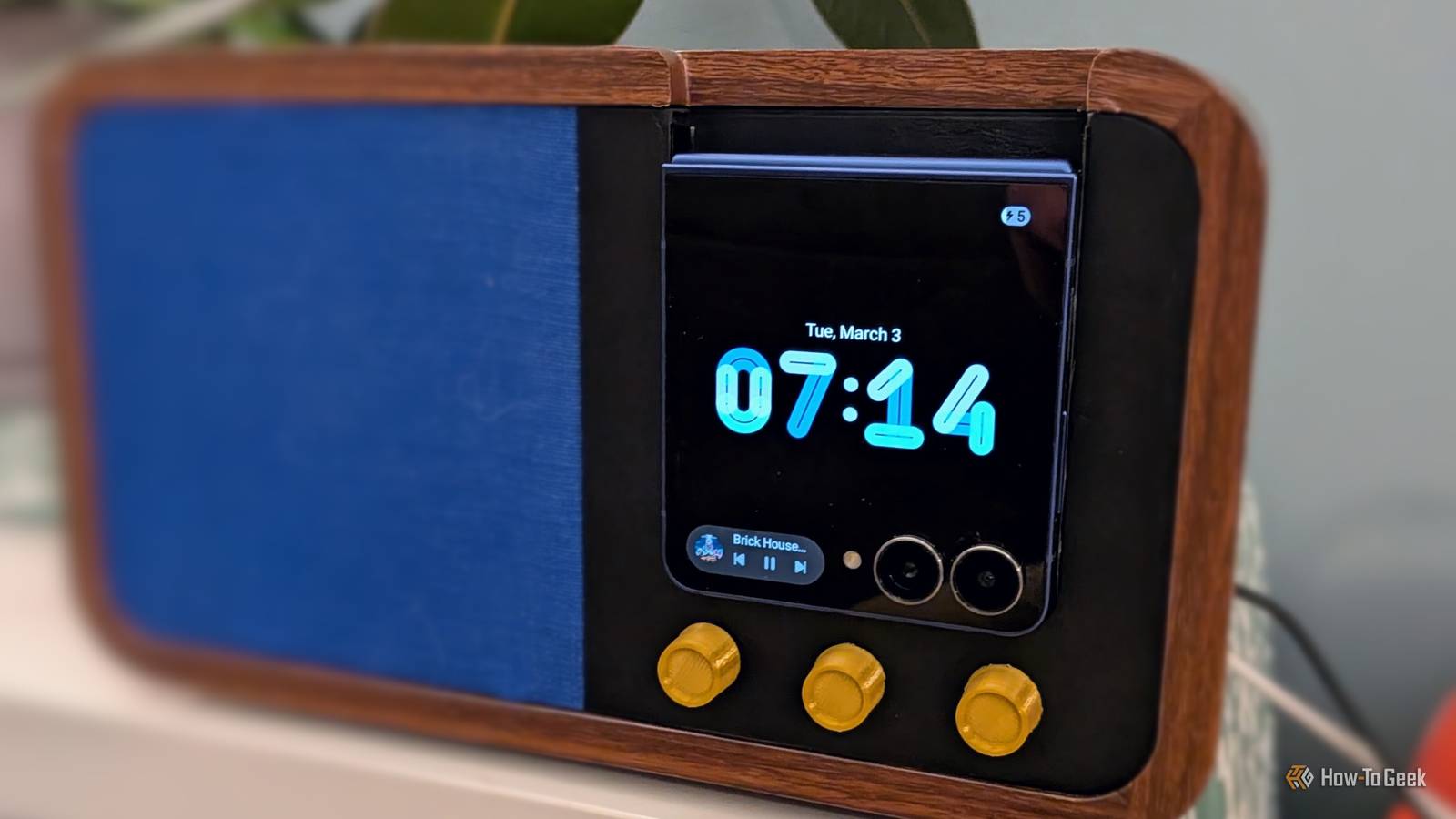
Published Oct 4, 2026, 3:00 PM EDT Joe Fedewa has been writing about technology for over a decade. Android and the rest of the Google ecosystem have been a focus for years, as well as reviewing devices, hosting podcasts, filming videos, and writing tutorials. Joe loves all things technology and is also an avid DIYer and food blogger. He has written thousands of articles, hundreds of tutorials, and dozens of reviews. Before joining How-To Geek, Joe worked at XDA-Developers as Managing Editor and covered news from the Google ecosystem. He got his start in the industry covering Windows Phone on a small blog, and later moved to Phandroid where he covered Android news, reviewed devices, wrote tutorials, created YouTube videos, and hosted a podcast. From smartphones to Bluetooth earbuds to Z-Wave switches, Joe is interested in all kinds of technology. After several years of jailbreaking and heavily modifying an iPod Touch, he moved on to his first smartphone, the HTC DROID Eris. He's been hooked ever since. It's no secret that Android phones are great for DIY smart home projects. They're essentially an all-in-one Raspberry Pi. However, there's always one big looming question: Is it safe to keep a phone plugged in 24/7? Well, it depends. This is a question I've grappled with many times. We've all heard the stories (or experienced firsthand) of swelling batteries and scary fires. Yet, it's hard to ignore the appeal of repurposing an Android phone as the brains behind a "smart display" or numerous other projects. It turns out, some Android phones are perfect for these ideas. A removable battery isn't the only requirement Look for a specific feature If you're of a certain age, you'll remember the days when most laptops and smartphones had removable batteries. This was handy for a variety of reasons, but one particularly neat trick was the ability to use the device without the battery installed at all. I know this because one of my first laptops had a faulty battery, and I continued to use it as essentially a "desktop" computer for a while. Many old Android phones had this ability as well, but it wasn't really an intentional feature. While they could often boot up without the battery installed, actually using the phone for extended periods in this state was less reliable. Oddly enough, that's been improved in recent years. Nowadays, the key is something called "bypass charging" or a "pause USB power delivery" mode. Unlike those old phones that could be used without a battery as a happy accident, this is an intentionally designed feature for doing exactly that. Plus, in many cases, it's possible on devices with non-removable batteries, too. You just have to know where to look. Modern Android phones that can bypass battery power Yes, they still exist Ironically, a removable battery is no longer a requirement to bypass the battery. The aforementioned features are available on phones with non-removable batteries as well. This includes some Pixel phones, Samsung Galaxy phones, and a few other brands. However, a removable battery is still the best option. For Samsung Galaxy devices, "Pause USB Power Delivery" has some specific requirements for when it can be enabled. If your device supports the feature, you'll find it at Settings > Advanced features > Game Booster settings. There's a toggle called "Pause USB PD charging while gaming." As the description states, this is only activated with a compatible 25W USB PD charger and when the battery is above 20%. Google Pixel phones also have this feature, but it's very cryptic. Apparently, if you have a Pixel 8 or newer, enabling the "Limit to 80%" charging setting also enables bypass charging. When the battery reaches 80%, power is no longer routed to the battery. Like Samsung, this appears to be limited to compatible 25W USB PD chargers. Now, if you're looking for the "real thing," there are some rugged phones that can be used without a battery installed at all. The best options for most people are from Samsung. Specifically, the Galaxy XCover 7 Pro, XCover 6 Pro, and Tab Active 5 tablet include this ability. You'll need to go into the Knox settings and, again, a compatible 25W USB PD charger must be plugged in. Samsung Galaxy XCover 7 Pro Practice safe long-term power usage Even if your Android phone doesn't have one of these special modes, there are some techniques that will keep the battery relatively healthy with constant power. The 80% charging limit — even if it doesn't automatically enable bypass charging — is a great option to enable. Batteries don't like to be fully dead or constantly fully charged. Another thing you can do is disable fast charging or specifically choose to use a low-wattage charger. That's what I did for my DIY Google "smart display" radio project. It's getting very little power, and never charges above 80%. I've had it plugged in for around seven months: the battery health is still good, and it never overheats. Of course, if you're going to use an Android phone in an always-on project, nothing will beat being able to use it without a battery installed. The options are few, but they are out there.
Some Android phones can run forever without a battery—here's which ones and how to find the setting
Full Article
Original Source
Read the full article at Howtogeek →KhanList aggregates and links to publicly available news content. We do not host full articles from third-party sources. Always verify important information with original sources.