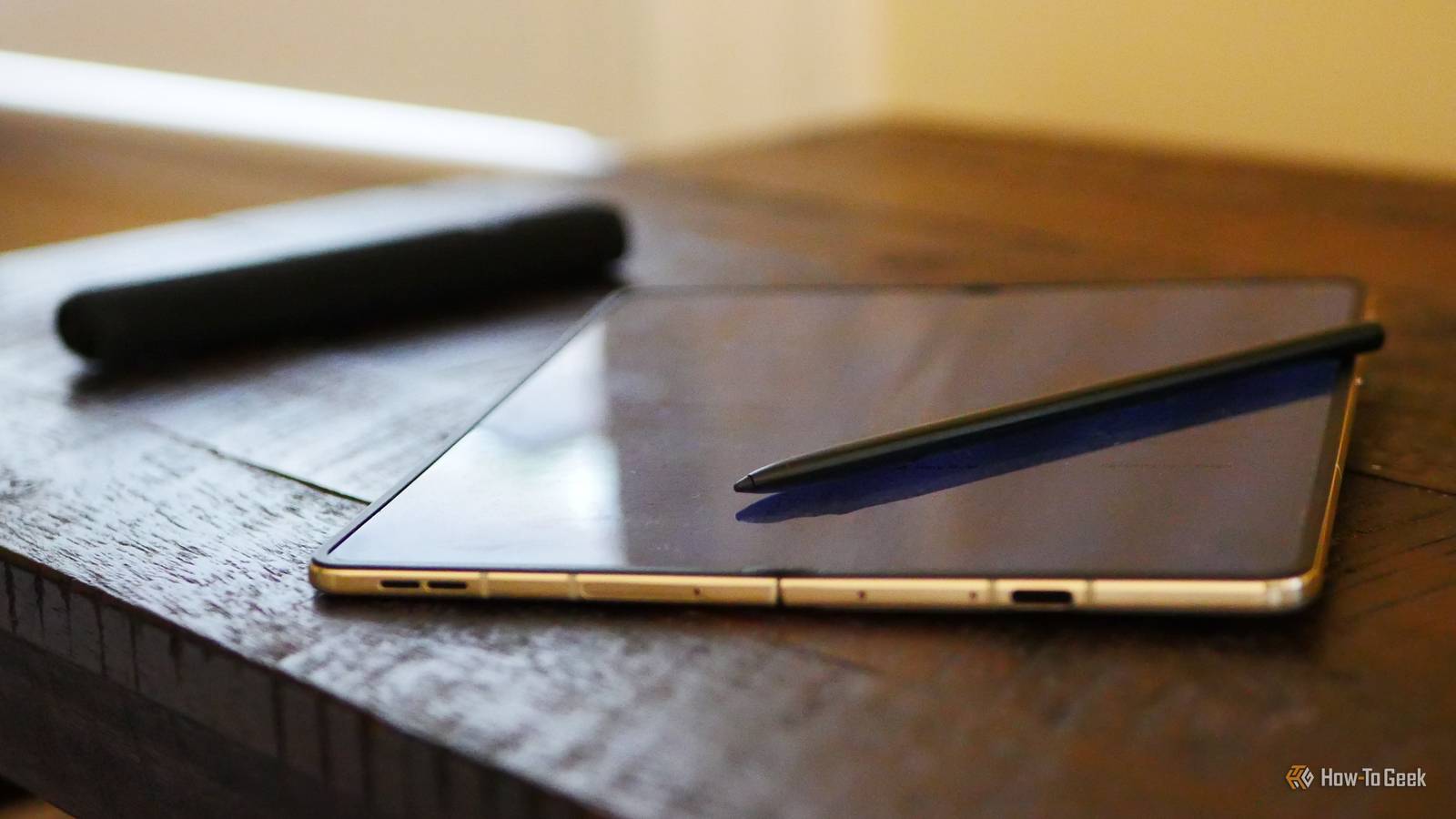
Credit: Bertel King / How-To Geek Published Jul 24, 2026, 3:30 PM EDT Bertel is a lifelong tech enthusiast with over a decade of experience writing thousands of articles about Android devices, Linux, and more. Before joining the How-To Geek team, Bertel wrote for the likes of MakeUseOf, MakeTechEasier, and Android Police—at the latter he wrote over 3,500 articles. He delights in helping others decide which tech to bring into their lives... and which tech to do without. Bertel graduated from the College of William and Mary in 2012 with degrees in History and Government. He has spent his entire career as a tech journalist covering Android, Linux, wearables, smart home devices, and more. Sign in to your How-To Geek account I use a stylus with my phone so often that I carry one in my pocket at all times. This stylus used to be an S-Pen, but no more. I've been surprised to see that the Moto Pen Ultra is better than an S Pen in both expected and unexpected ways As much as I loved the Samsung Galaxy Z Fold 6, I was distraught when its successor ditched S Pen support. This nudged me toward the Razr Fold, a phone that Motorola is happy to tell you works with a digital pen. Moto Pen Ultra Brand Motorola USB-C Input Yes The Moto Pen Ultra is a digital pen with pressure sensitivity, tilt control, and palm rejection designed for the Motorola Razr Fold. Moto's stylus comes with a charging case that keeps it safe I've broken more than one S Pen You can’t slide a pen inside a foldable phone the way you can with a Galaxy S Ultra or Moto G Stylus—there is simply not enough space. Personally, I'm glad, because doing so means either having a pen I find too thin for extended use or a phone that's too thick. The downside is that I need a separate way to carry my pen. I've broken multiple S pen that I left lying around. The Fold version of the S Pen comes with a protective sleeve, but Motorola's is a step above. Unlike the S Pen, Motorola's stylus is an active pen. It operates via Bluetooth and must be charged in order to function. This is why it ships with a charging case that keeps it topped up whenever I'm not actively writing. While Motorola could have simply shipped a plastic brick, it has taken the time to make a charging case that is both texturally appealing and more durable than the one Samsung provides, while still feeling comfortable in my pocket. Moto offers location tracking for my pen This way, I don't leave my stylus behind One perk of having more electronics baked into the stylus is that my Razr Fold is able to notify me whenever the Moto Pen Ultra leaves its case. My phone can also send me a separate notification if it detects that I have walked away while leaving my pen behind. If I get pretty far before I see this notification, I'm not out of luck. My phone can show me the exact last known GPS location of my Moto Pen Ultra. This gives me a good shot of finding my pen even if the battery dies. The Moto Pen Ultra has Bluetooth features that Samsung took away My stylus can still double as a remote shutter Samsung caught quite a bit of heat online when it removed Bluetooth functionality from the S Pen in the Galaxy S25 Ultra. At the time, I defended Samsung's decision. After all, I was a Z Fold 6 owner, and the Fold version of the S Pen never had Bluetooth in the first place. It made sense to make all versions of the S Pen more similar to each other. In short, I didn't know what I was missing. I have now come to enjoy these added features. While I still haven't found myself in a position to use my stylus as a remote shutter, I actually do really appreciate Motorola's gesture that allows me to take a screenshot by tapping my stylus against a table twice. That one, I use all the time. The Moto Pen Ultra works on the cover display Foldable phone owners don't have to think about which screen they're writing on Credit: Bertel King / How-To Geek Let's reiterate something about the S Pen—there is more than one. The S Pen that works on the Galaxy S Ultra is not the same as the S Pen that works on a tablet, and that is not the same as the S Pen you use on a foldable phone. While it didn't bother me all that much, a common critique of the S Pen on Samsung foldables up to the Z Fold 6 was that it only worked on the internal screen. Attempting to write on the cover display accomplished nothing. This isn't the case with the Moto Pen Ultra. As an active pen, it doesn't require a special Wacom layer like Samsung’s previous foldables. If I'm navigating my Razr Fold using the stylus on the inner screen, I can close the phone and continue writing on the cover display just as I was before. What matters more to me is that I can continue to use my stylus for precise navigation. Motorola Razr Fold Motorola's Razr Fold (2026) is its first book-style foldable Android phone, offering high-end performance and cameras. I haven't missed out on any of the S Pen features I care about As a pen, I haven't noticed any difference in quality between the S Pen and the Moto Pen Ultra. Both are great for writing, and it's just as easy to annotate my screen on my Motorola phone as it was on my Samsung. That said, Samsung still offers superior software. Samsung Notes is a phenomenal app, and Motorola doesn't offer anything remotely close. Fortunately, there are open source apps like Saber and subscription-based options like Notewise to fill the void.
Samsung's S Pen is not the best phone stylus anymore—and it's not even close
Full Article
Original Source
Read the full article at Howtogeek →KhanList aggregates and links to publicly available news content. We do not host full articles from third-party sources. Always verify important information with original sources.