
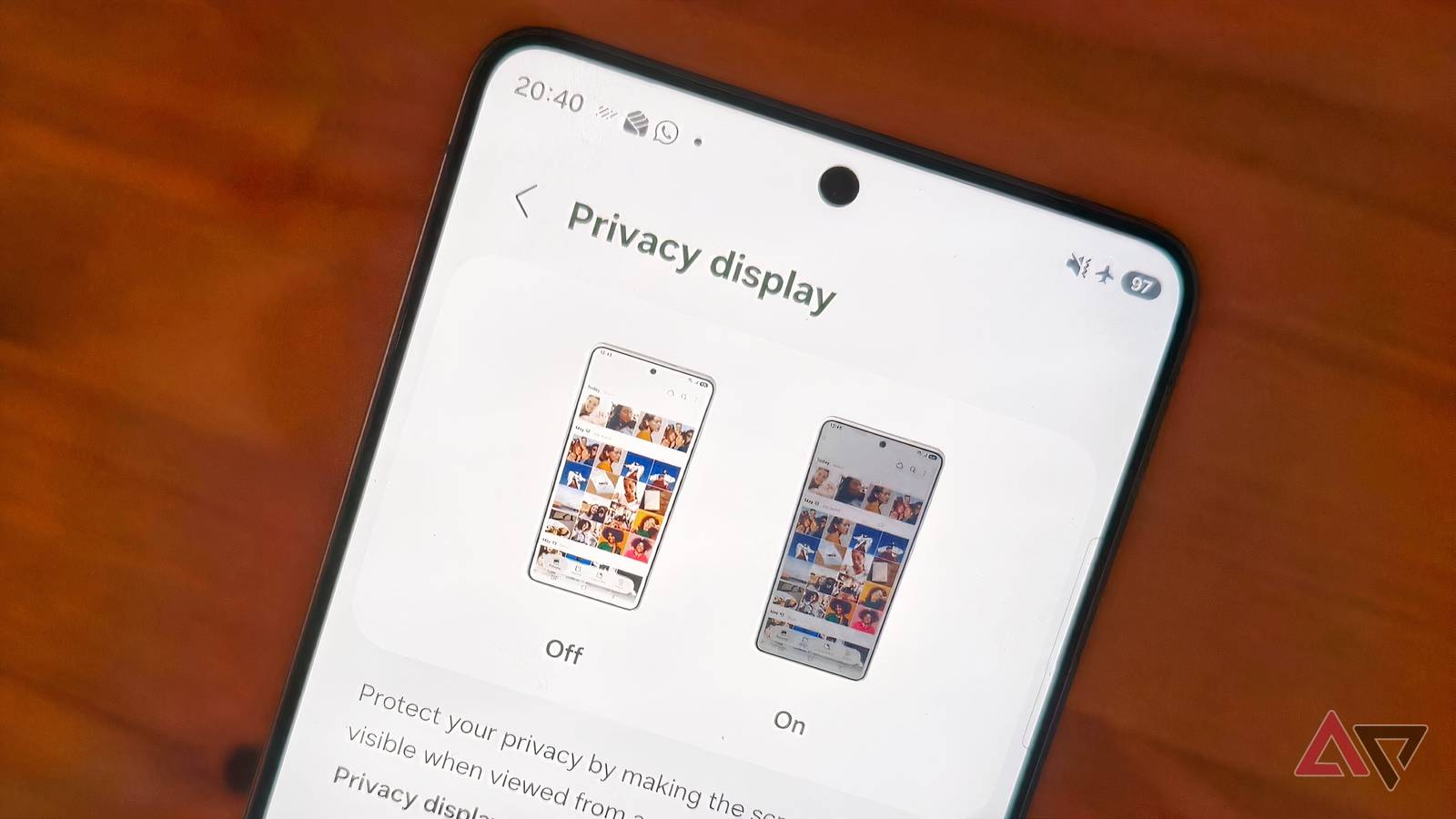
Published Aug 31, 2026, 12:56 PM EDT Chandra Steele has been writing about tech for the entirety of her journalism career. She loves making tough topics easy to understand. Before joining Android Police, Chandra was senior features writer at PCMag where she did everything from interviewing Jeff Goldblum to explaining crypto. Sign in to your Android Police account There’s a good news, bad news situation when it comes to the red tint issue that was affecting the Samsung Galaxy S26 Ultra. The good news is that Samsung determined that it can be resolved with a software update. The bad news is that the update has now resulted in dot shapes on the screen. South Korea’s Newsway reported that following the update, which was released on Aug. 26, some users are seeing small red dots near the top of the Galaxy S26 Ultra’s screen. And on some devices, the red tint migrated to the top and bottom of the screen after the update. Even those who visited Samsung authorized repair centers to fix the red tint have reported the issue. So far, Samsung has not said anything about the latest problem to pop up. On Aug. 20, Samsung posted a page on how to fix “unusual” screen colors on your Samsung Galaxy device. The suggestions involve changes to features like adaptive color tone, color correction, extra dim, and eye comfort shield. However, those who have tried all of the suggestions and have updated their phones but have a persistent red tint issue or the new dots one, might want to try visiting a Samsung service center. When the red flags were raised Because the red tint was affecting only the Ultra model in the Galaxy S26 series, many speculated that the issue was tied to its unique Privacy Display, a feature that dims pixels on the sides of the screen and boosts them in the center so that only someone looking head-on at the phone gets a clear view of what’s displayed. Samsung refuted this, saying that the cause lay in the color calibration, an issue that should theoretically be easier to solve since it’s a software one rather than a hardware one.
Samsung's Galaxy S26 Ultra fix backfires, swapping red tint for screen dots
Full Article
Original Source
Read the full article at Androidpolice →KhanList aggregates and links to publicly available news content. We do not host full articles from third-party sources. Always verify important information with original sources.