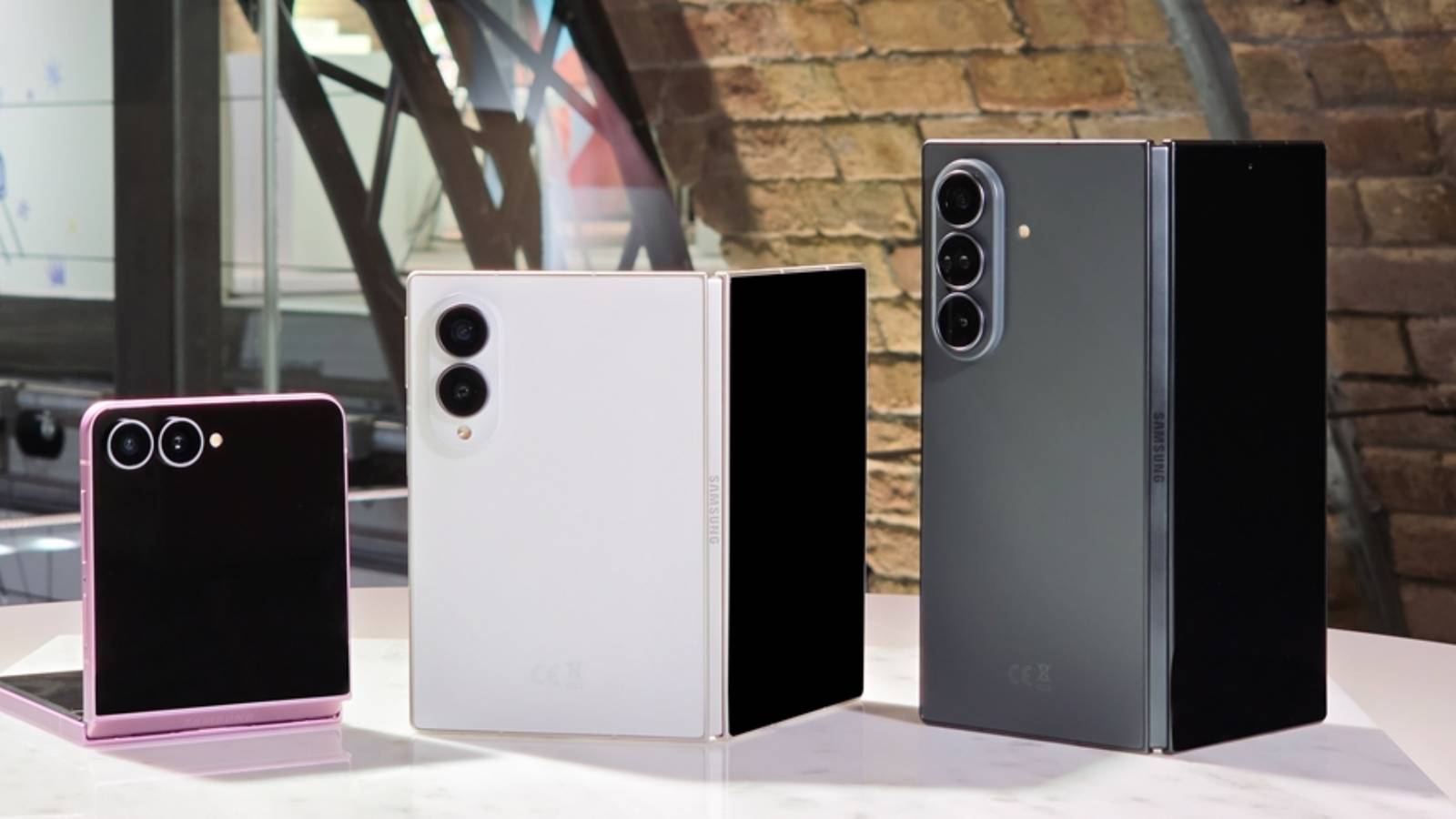
Credit: Samsung Published Jul 28, 2026, 11:46 AM EDT Jon is a seasoned journalist who has written definitive coverage of consumer tech at publications like Engadget, Android Authority, and BetaKit. He's an expert on making tech accessible ranging from mobile and PCs to emerging platforms like wearables. When he's not writing, he's going on adventures with ihis family and is an avid photographer. Sign in to your How-To Geek account Be sure to remember your Galaxy phone's PIN or password, as the consequences might be severe the next time you forget. Samsung has revealed that Android 17-based One UI 9, preloaded with new phones like the Galaxy Z Fold 8, will force a factory reset after 13 failed unlock attempts. A briefly available support document initially spotted by 9tio5Google outlines an approach stricter than Google's own. You'll face a one-minute lockout after five failed unlock attempts (versus six for standard Android 17), and the duration grows longer relatively quickly. You'll have to wait four hours after 10 failed unlocks, 12 hours after 11 bad attempts, and a full 24 hours after 12 attempts. Samsung Galaxy Z Fold 8 Display Dynamic AMOLED 2X RAM 12GB Google allows for up to 20 failed unlock attempts, but it lets you exclude identical attempts and allows as many as 12 guesses in the first 24 hours. While it's unlikely that you'll be required to reset your phone in everyday circumstances, you'll reach that point considerably sooner with Samsung phones. The One UI 9 update only ships with new Samsung phones for now, but should roll out to all eligible phones in the months ahead. It brings Android 17 features like Gemini Intelligence, optimizations for foldable phones, and security improvements that include tighter controls on AI agents. Why is Samsung forcing me to reset my phone? It's protecting against thieves and hackers, not you Samsung's factory reset requirement in One UI 9 may seem harsh, particularly if you have important on-device data. However, the policy is clearly meant to thwart determined intruders while allowing some room for mistakes and curious children. A reset theoretically discourages not just thieves, but spies and law enforcement agents who want to access your data without permission (and in some cases, without legal authority). They can't rely on brute force unlock attempts and instead have to either obtain your consent or use more targeted efforts. This reduces the chances of identity theft and might also deter governments from cracking down on dissidents or otherwise bypassing civil rights and privacy laws. If you're concerned about a forced reset wiping your Galaxy phone's data, your best solution is to create a secure backup, whether it's local (such as an external drive) or an encrypted cloud solution. You'll still have to go through the trouble of restoring your content, but you won't risk permanent loss if your phone falls into the wrong hands.
Samsung's Android 17 update will force you to reset your phone after too many failed unlocks
Full Article
Original Source
Read the full article at Howtogeek →KhanList aggregates and links to publicly available news content. We do not host full articles from third-party sources. Always verify important information with original sources.