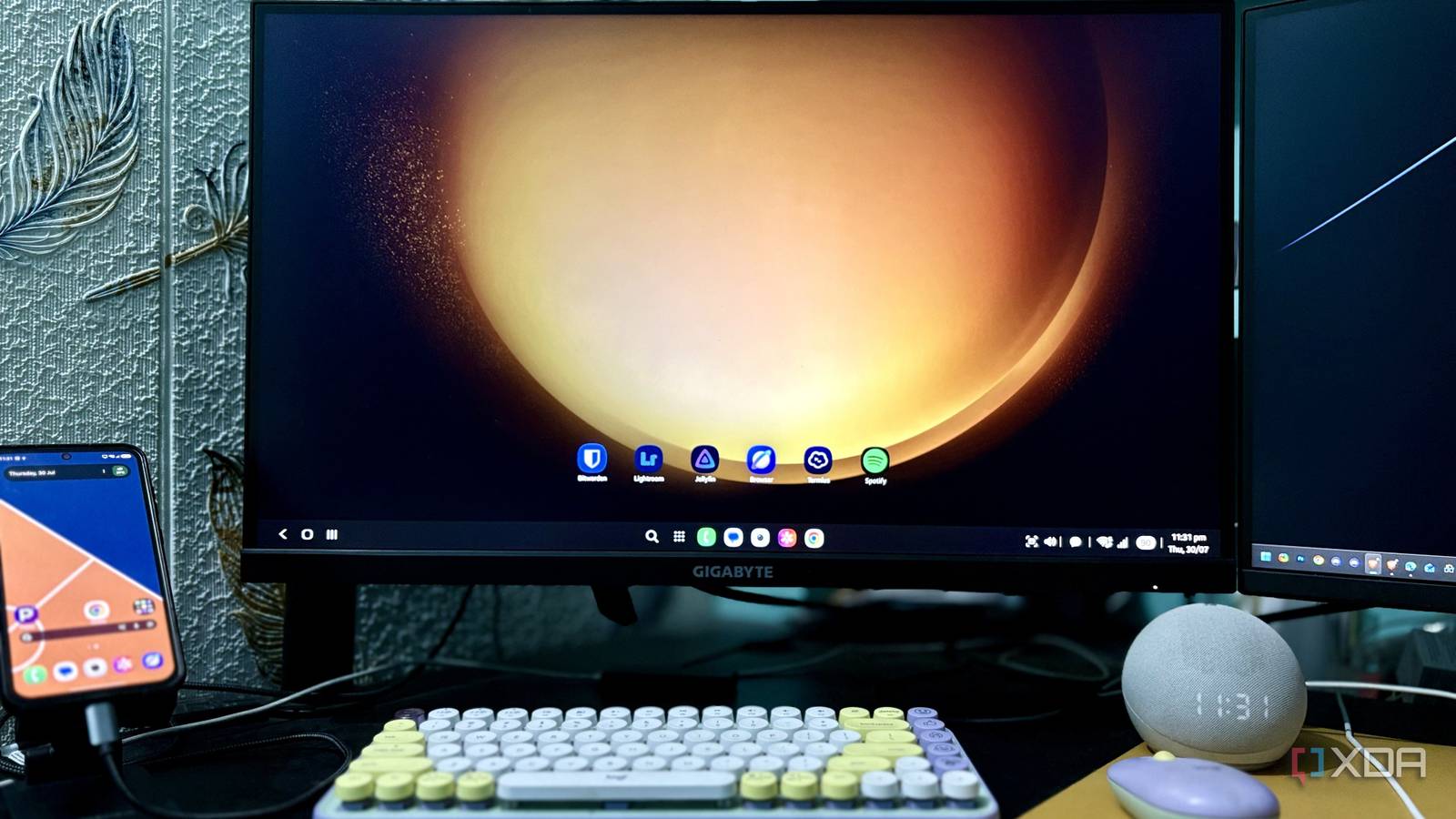
Published Aug 4, 2026, 6:00 AM EDT Shekhar Vaidya is a veteran technology journalist and computer science engineer. He is the founder of TechLatest, where he has spent years providing technical analysis on hardware and Windows ecosystems. Now a Computing Writer at XDA, Shekhar leverages his deep background in NAS, storage solutions, and PC internals to help readers master their tech. Even after being inside the Apple ecosystem — iPhone, iPad with Pencil, MacBook Pro, and AirPods Pro — I always kept my Galaxy with me. Not because it's better than my iPhone, but because a few of its features make it genuinely different. And one of those features is DeX. Samsung DeX has always intrigued me because it promises a desktop experience from a phone. But I never properly used it. A few weeks ago, I finally decided to give it a try. I connected my Galaxy to my monitor using a DP-to-Type-C cable, paired a keyboard and mouse, and DeX was ready to go. But after continuously using it for more than a month, I realized that DeX itself was only part of the equation. The experience depended just as much on the apps I used. Bitwarden (Vaultwarden) Two clicks replaced a five-step juggling act Bitwarden is the first app I open and log in to, whether I am working on my PC, MacBook, or DeX. Juggling different websites, each with its own credentials, makes it tough to remember everything. And I always say a good, unique password is better than a memorable one. Also, these days, passwords usually expire in a few months, so I always generate a 10-14 character complex password from Bitwarden and then save it on the app itself. Previously, it meant minimizing the website, opening Bitwarden, copying the password, and switching back to paste it. So, I always tried to avoid working on my mobile, but on DeX, the equation flipped. It became two clicks because I could just open Bitwarden in the background and copy the password whenever I wanted. You might be wondering why I am talking about Bitwarden but wrote Vaultwarden in the title. I had Bitwarden for many years, running their premium plan. But when I entered into self-hosting, it was one of the few things I did. I moved everything from Bitwarden to Vaultwarden. Vaultwarden is a community-driven server and is fully compatible with the Bitwarden client. The experience is nearly identical, right down to the UI. For me, it's the same password manager I already use across my devices but hosted on my own infrastructure. Bitwarden Password Manager A free password manager with user-friendly browser extensions for Firefox and Google Chrome Adobe Lightroom I went in skeptical — Lightroom didn't care In my line of work, I need to work with images and screenshots daily. The first time I ran Lightroom on DeX, I admit I expected it to feel compromised. But the screen size doesn’t matter for how the app behaves, and frankly, the experience on a large monitor is much better than editing on a small screen. I thought photo editing would expose DeX’s weaknesses, but the opposite was true; aside from switching from a wired low-DPI mouse to a BT high-DPI one, nothing felt different from the PC I am used to. Let's understand my workflow better with a real example. I usually pull up a batch of RAW files from a recent shoot and start with exposure and shadow sliders. To be honest, dragging the sliders with a mouse is much more convenient than finger drag. While working on DeX, I always connect my Logitech Pop mouse and keyboard to my phone, then connect to my monitor via a DP-to-Type-C cable. After that, it is a PC. Adobe Lightroom Lightroom is a scaled-down version of Adobe's flagship color correction application, available on iPhone. Jellyfin My server, not a streaming app, became my default I don’t think I need to explain Jellyfin to you. If you’ve been following the previous articles, you already know I always find a way to talk about my self-hosted media server. Jellyfin is among the first services I hosted on my homelab. I didn’t install the Jellyfin mobile client on my Galaxy just for DeX. It was already a part of my daily setup. But believe me, the experience on a larger screen is better than on a small mobile screen. And the app never makes me feel like it is running on a mobile device. I have a weird habit of running something in the background while I work. And what I consume is dependent on the type of work I am doing: when something requires more focus, Spotify; when working on something light, Jellyfin. Instead of opening Netflix or YouTube, I naturally open Jellyfin because my entire library already lives on my server. It makes DeX feel connected to the rest of my homelab instead of acting like an isolated phone. Jellyfin iOS compatible Yes Android compatible Yes Jellyfin is one of the best Plex alternatives you can get, and that's thanks to its open-source nature and powerful set of features. There are apps for basically every platform and it's completely free to run your very own server. Samsung Internet (browser) The browser nobody expects to recommend A quick suggestion, even before I say anything: if you are using a Galaxy, give the default Samsung Internet browser a real shot. I am a Brave user across all my devices, but on my Galaxy, Samsung Browser is my default choice. From add-ons to Samsung’s AI browsing assistant, it makes the browsing experience so much better. I initially defaulted to Brave out of habit, but Samsung Browser simply felt better suited to DeX. For someone like me, whose work starts and ends in a browser, the Samsung Browser doesn't make me feel like I am working on a phone. The large screen doesn't just expand the windows — the browsing behavior itself feels more desktop-like. Window handling, interface scaling, and keyboard shortcuts all feel like they were built with DeX in mind. I can just work with it for hours without affecting the overall phone performance. Samsung Browser Samsung Internet is the default browser on Galaxy devices, offering built-in ad-blocking, privacy features, and deep integration with Samsung DeX for a desktop-like browsing experience. Termius Where DeX stopped being a toy and became a tool This is where everything gets more interesting. If you go through any of my previous articles and check the terminal screenshots, they are all Termius. Termius isn’t just a terminal client, but it’s a full stack that handles SSH, SFTP, logs, and port forwarding. I replaced my Windows Terminal, PuTTY, and FileZilla with Termius a long time ago — but that was always on PC or Mac. I knew Termius was available for Android and iOS as well; I never used it because of the small screen and touch-based keyboard. But the first time I opened Termius on DeX was by accident — my opinion of it changed completely. The first thing I did was SSH into my Debian server, and I never looked back. When I am not at my PC or Mac, DeX serves as my control plane for my home server and VPS. From SSHing into the server to restarting Docker containers and checking logs, DeX can handle it all. Termius iOS compatible Yes Android compatible Yes Termius is a cross-platform SSH client to securely connect, manage, and organize remote servers and devices from Linux, Windows, Mac, and mobile devices like Android and iOS. DeX isn't a laptop — it's a very specific tool I wasn't trying to replace my Windows PC or MacBook Pro when I started using DeX, and it didn't. I only wanted to see how much of my everyday computing could realistically move to DeX. But after using it for more than a month, I now know that I don’t always have to depend on my PC or Mac; even my Galaxy can help me do a few of my daily tasks. Samsung gave a great feature, but these apps make the experience feel complete. If you own a Galaxy phone with DeX support, take my advice and give it a try. It’s closer to a capable desktop experience than you realize; you just need the right apps to unlock the potential.
Samsung DeX finally clicked for me when I stopped treating it like a phone
Full Article
Original Source
Read the full article at Xda-developers →KhanList aggregates and links to publicly available news content. We do not host full articles from third-party sources. Always verify important information with original sources.