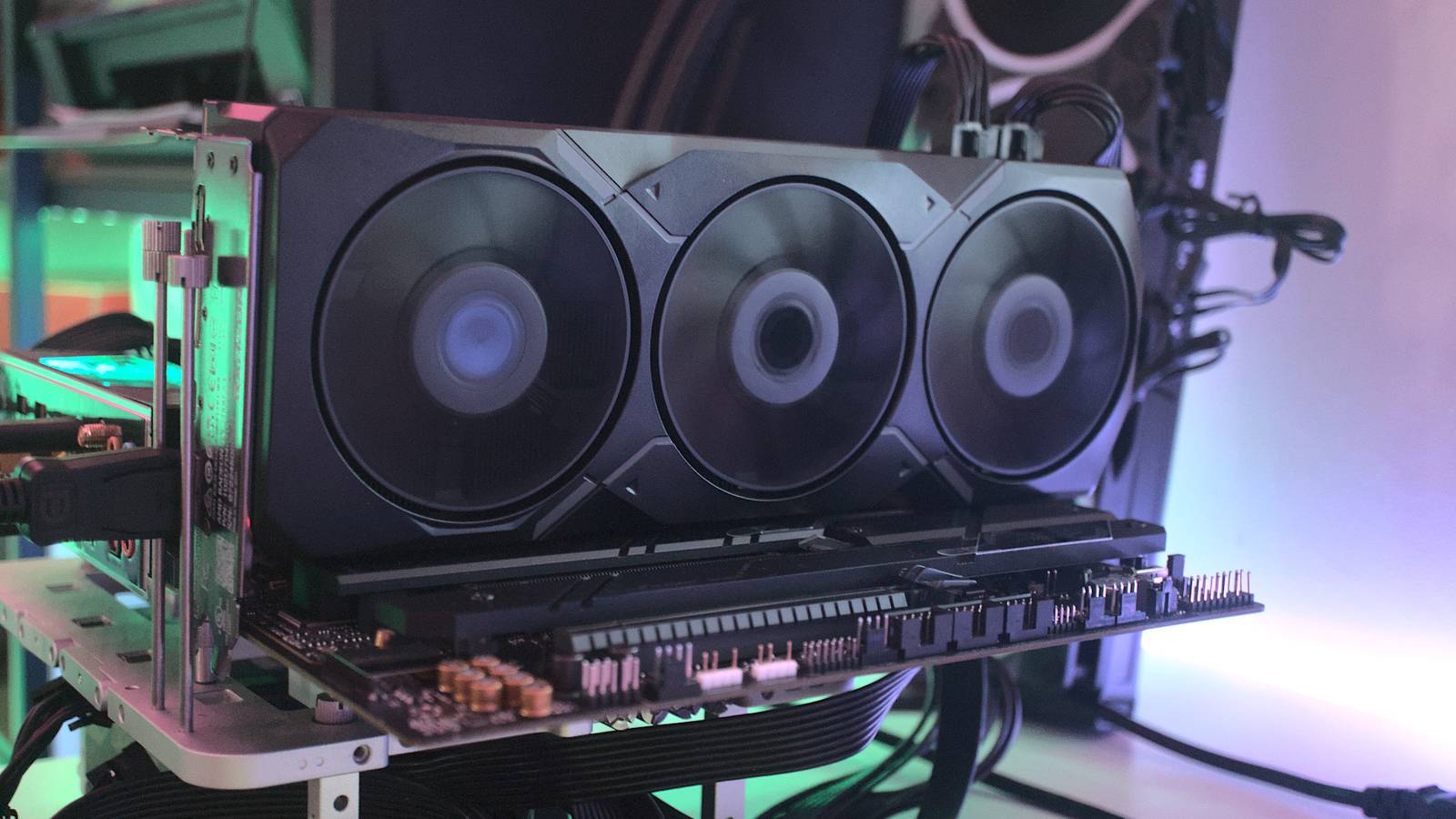
Published Aug 10, 2026, 12:00 PM EDT Richard is the PC Hardware Lead at XDA and has been covering the technology industry for almost two decades. He's been building PCs since young, and when not creating content, you can often find him inside a chassis somewhere. Running local large language models (LLMs) at home is quite the achievement, allowing one to enjoy using agents like ChatGPT and Claude without requiring an external cloud connection. Like self-hosting other apps and services, running your own LLMs allows one to remain in control of all the data stored on the server, using the model of choice, and not spending a penny outside of electricity to run it. For hardware, Nvidia is usually recommended, but I have since made the switch to AMD, and I was pleasantly surprised. Nvidia is recommended for good reason It's all in the GPU, though you'll pay the price Credit: GeForce RTX graphics cards are among the most powerful around for running LLMs at home. The GeForce RTX 3090 is often touted as the pinnacle in local AI development and value, offering plenty of memory and other parts required for handling local inferencing. It's unfortunate since this makes it almost a requirement to spend a lot of money to buy a decently equipped Nvidia GPU for running LLMs, which then puts more pressure on the overall GPU market. Then there's AMD. AMD is often found in Nvidia's shadow. The company is absolutely killing it on the CPU front, taking on Intel in the server, consumer, and gaming handheld markets, but it's still struggling to keep up with Nvidia. Team Green simply has more power, more mature ray tracing, and a better mix of hardware and software. The RX 90 series definitely helped AMD out and offers some 4K-capable cards at a more reasonable price point, but people still want Nvidia. The same goes for LLMs. Though really, you'll want any dedicated GPU to handle running the LLM instance, Nvidia is generally the more recommended route. I had a GeForce RTX 4060 Ti with 16 GB of VRAM running LLMs on a server. It wasn't perfect, but it certainly allowed me to cram as many parameters as possible without spilling things over to system RAM. I was running a few models of Qwen for development and general tasks, and things worked rather well. The low TDP also helped reduce costs. That was until the GPU decided to give up. It refused to be detected by the motherboard for POST to pass, resulting in the system only booting up successfully with a different card. This backup GPU just so happened to be an old RX 7900 XT—and by old, I mean in relation to the 9070 XT running inside my gaming rig. It's a decent older-gen card, but it never crossed my mind to consider it for running LLMs. It was always in storage as a backup, just in case the 7090 XT decides to call it quits. Making the switch to AMD was easy Running local LLMs on AMD hardware is painless I was a little fearful for the switch from Nvidia to AMD as I read how much trouble my esteemed colleague Adam Conway had a year or so ago. Thankfully, time has passed, and things have progressed in terms of support, allowing the automatic installation script for getting Open WebUI and Ollama on Proxmox to support Nvidia and AMD GPUs. And by support, I mean the installer can detect the presence of a card and configure the LXC accordingly. That's game-changing for anyone who doesn't want to mess around with the shell. Linux containers (LXCs) are notably better equipped for the job than a full-blown virtual machine (VM). Instead of having to carve out a chunk of the system for the virtual instance, the LXC can simply take what it needs. I provide limits on how much RAM and how many CPU cores are available to it, but that's about it. The GPU and other underlying components and features from Proxmox will all be available. That includes the AMD Radeon RX 7900 XT with its 24 GB of VRAM. The installer can detect the presence of a card and configure the LXC accordingly. After running the Proxmox community script (make double sure you're using the right website to copy the command across), I had an Open WebUI and Ollama LXC running with the AMD Radeon RX 7900 XT available for inferencing. It was as easy as running that one shell command, choosing a few options during the installation process, and opening up Open WebUI's assigned IP address in a new browser tab. I was up and running in no time, and it was just as seamless as Nvidia. Actually, it's better than Nvidia. My RTX 4060 Ti wouldn't initialize properly on boot. So until I loaded nvtop or eventually created a systemd script to run at boot to make it available, the LXC would refuse to start. That problem never occurred after the switch to AMD. When the server fires up, the GPU is ready to go. I'm not sure if that's due to the GPU making full use of amdgpu and open-source drivers compared to Nvidia's proprietary software, but it was immediately noticeable. No issues with performance Performance has been just as impressive. The RX 7900 XT has more VRAM than the RTX 4060 Ti, giving me breathing room for larger models without leaning on system memory. More importantly, I haven't run into AMD-specific headaches during daily use. Ollama sees the GPU, Open WebUI works as expected, and the setup survives reboots without babysitting. Proxmox hasn't once alerted me to anything being wrong with the running LXC. That all said, Nvidia is still the safer recommendation if you're building specifically for local AI, thanks to its broader software ecosystem and considerably more powerful hardware at the higher end. But if you already own a capable Radeon card, don't write it off. AMD has come a long way, and getting my local LLM server running on Radeon was easier than expected. So much so that I would gladly eye another GPU if I were to replace this one or supplement it with more memory to store larger models.
Running a local LLM on my AMD GPU was a lot easier than I expected
Full Article
Original Source
Read the full article at Xda-developers →KhanList aggregates and links to publicly available news content. We do not host full articles from third-party sources. Always verify important information with original sources.