
Published Nov 27, 2026, 3:00 PM EST Simon is a Computer Science BSc graduate who has been writing about technology since 2014, and using Windows machines since 3.1. After working for an indie game studio and acting as the family's go-to technician for all computer issues, he found his passion for writing and decided to use his skill set to write about all things tech. Since beginning his writing career, he has written for many different publications such as WorldStart, Listverse, and MakeTechEasier. However, after finding his home at MakeUseOf in February 2019, he would eventually move on to its sister site, XDA, to bring the latest and greatest in Windows, Linux, and DIY electronics. I really love revisiting the classics. Sometimes I dig through my library of tried-and-true games I've loved since childhood, and other times I revisit games I barely played just to see how they hold up today. But there are only so many times I can play a title over two decades before I need something new. And while modding is always an option, RetroAchievements is the perfect way to add something new while preserving what made it great in the first place. RetroAchievements adds new goals for games that never got a chance to get them Regular achievements weren't a thing until 2005 The gaming world hadn't even heard of achievements until the Xbox 360 entered the scene in 2005. That's when Microsoft added the Gamerscore system, and with it, achievements to earn score with. Valve added them to Steam in 2007, Sony followed suit in 2008, and now you'll find achievements almost everywhere. That means every game older than 2005 never got a chance to receive achievements, which isn't great, given how fun they can be to collect. Fortunately, I can retroactively add them using RetroAchievements. This is a fan-made achievements system where people create custom goals for older titles for people to earn, and there's even a points system and an online leaderboard. RetroAchievements works alongside your emulator of choice, and at the time of writing, the following software is supported: RetroArch PCSX2 DuckStation Dolphin PPSSPP Flycast BizHawk SkyEmu If you're stuck on which emulator to use, RetroArch is likely your best choice, regardless of which system you want to emulate. RetroArch supports a ton of systems and comes with RetroAchievements pre-installed; you just need to enable it. Picking a game to complete with RetroAchievements has some nuance It's not too complicated, but it's definitely worth learning before you hop in If this sounds good to you, you may already have an idea as to what game you'd like to revisit with achievements. However, before you grab a ROM and go, there are some things you'll want to check out. First, it's worth checking if your game is supported. Head over to the RetroAchievements website and either mouse over the Games category at the top to pick your console of choice, or type the specific game you're thinking of in the Search bar. You can also hit Ctrl+K to bring up Search. Once you've found a game, your next step is to check the supported game hashes (this is very important!). If you don't pick a ROM that matches the hash that RetroAchievements supports, you won't get any achievements. To do this, scroll down the page and look at the right sidebar. Under all the game details, you should see Supported Game Hashes. Click that to see the supported hashes, and check each system's game identification method if you want to make sure your ROMs fit the bill. You can take a peek at the achievements on the game page. It's worth checking for any unique or interesting challenges you want to complete. For example, my favorite childhood game, Sonic 2, has standard RetroAchievements for beating levels and doing tasks quickly. However, there's an achievement for beating Emerald Hill Zone Act 1 without jumping or using the spin dash, and another has you attack Robotnik in Chemical Plant Zone Act 2 while under the effects of invincibility, both of which will take some planning to beat. You can also click on an achievement and read its comments for tips, tricks, and grievances on how to get it. Getting RetroAchievements working is pretty easy If RetroAchievements sounds like something you want to try out, getting set up is pretty easy. It requires a little more work than simply booting your game in an emulator and playing it, but it's nothing too complicated. Create a free account: Head over to the RetroAchievements website and make an account. Remember your login details; you'll need them soon Open your emulator's settings: Launch RetroArch or your emulator of choice, then open the Achievements tab in the settings menu. Log in and toggle your preferences: Enter your RetroAchievements username and password, then turn it on. You'll also have the option to toggle Hardcore mode on here. If you're just casually grabbing achievements, don't worry about it. If you want to take achievement hunting more seriously, we'll cover what that means a little later. Boot up a supported ROM: Load a game that matches a supported hash. If everything is done properly, you'll see a small notification pop up showing how many achievements you've unlocked so far. Once you see that notification, you're good to start earning achievements. Chasing Hardcore and Mastery achievements adds hours of extra play Now that you're ready to rack up achievements in your fave games, there are two more things to note: the aforementioned Hardcore mode and Mastery. When earning achievements, you can do so in either Softcore or Hardcore mode. Softcore lets you earn achievements while letting you use quality-of-life tools like save states and rewinds. If you mess up earning an achievement, you can always go back and try again until you get it. Hardcore doesn't let you do that. It disables features like save states and rewind, so it's like you're earning them on the original hardware. Earning achievements here gives you a gold border instead of a standard one, and if you get all the Hardcore achievements, you get Mastery. Earning Mastery is the end-game goal for power players. You can see all the games someone has mastered in their profile, and your name is added to a list of masters for that game, showing everyone in the order they obtained the final achievement. RetroAchievements teaches an old dog new tricks With all this knowledge, you're now ready to try mastering all your childhood classics and let the world know how good you are. It also adds fun, inventive ways to play the game, which is a great way to breathe new life into an old game.
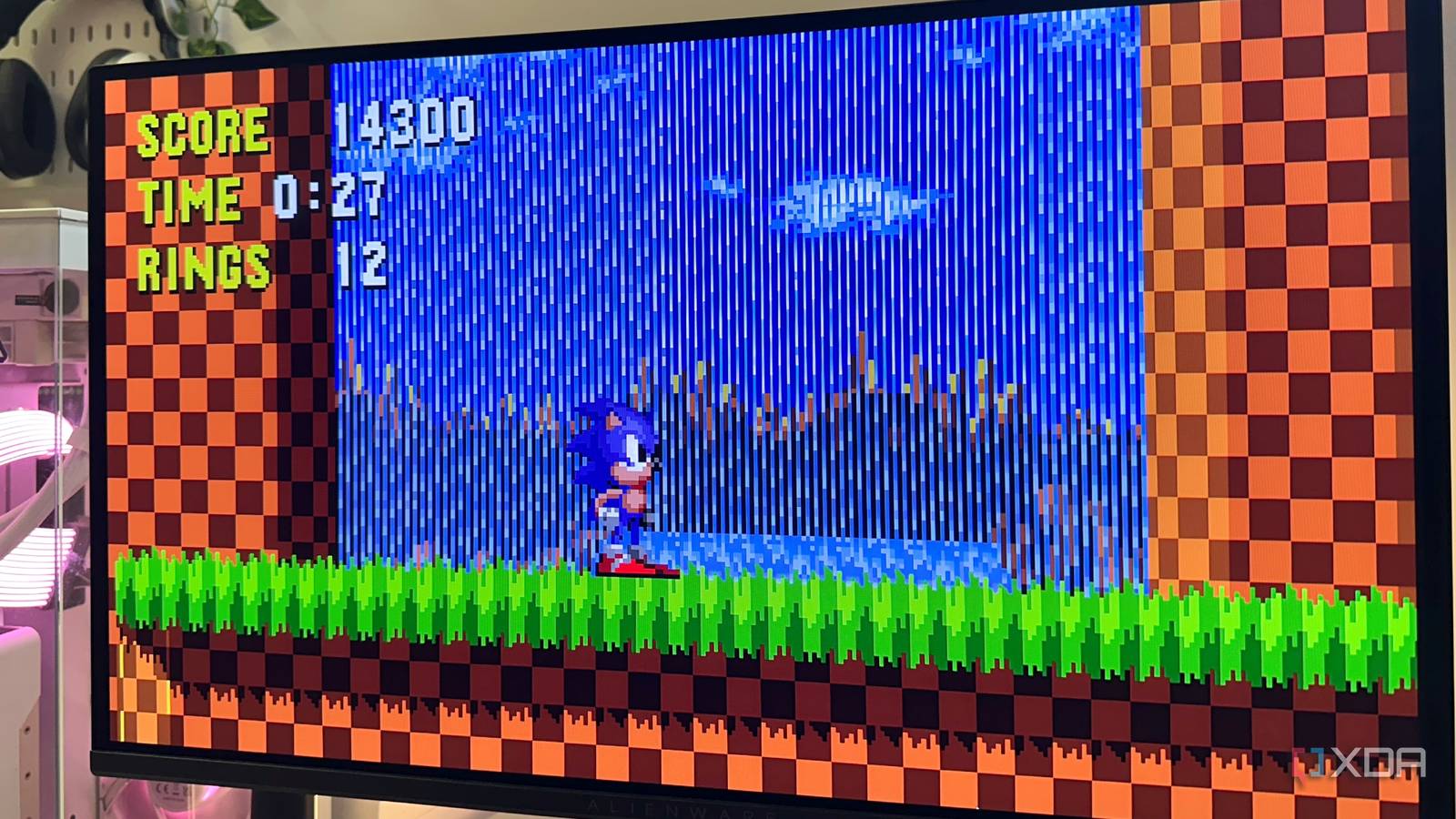
RetroAchievements gave me a reason to replay games I finished twenty years ago
Full Article
Original Source
Read the full article at Xda-developers →KhanList aggregates and links to publicly available news content. We do not host full articles from third-party sources. Always verify important information with original sources.