
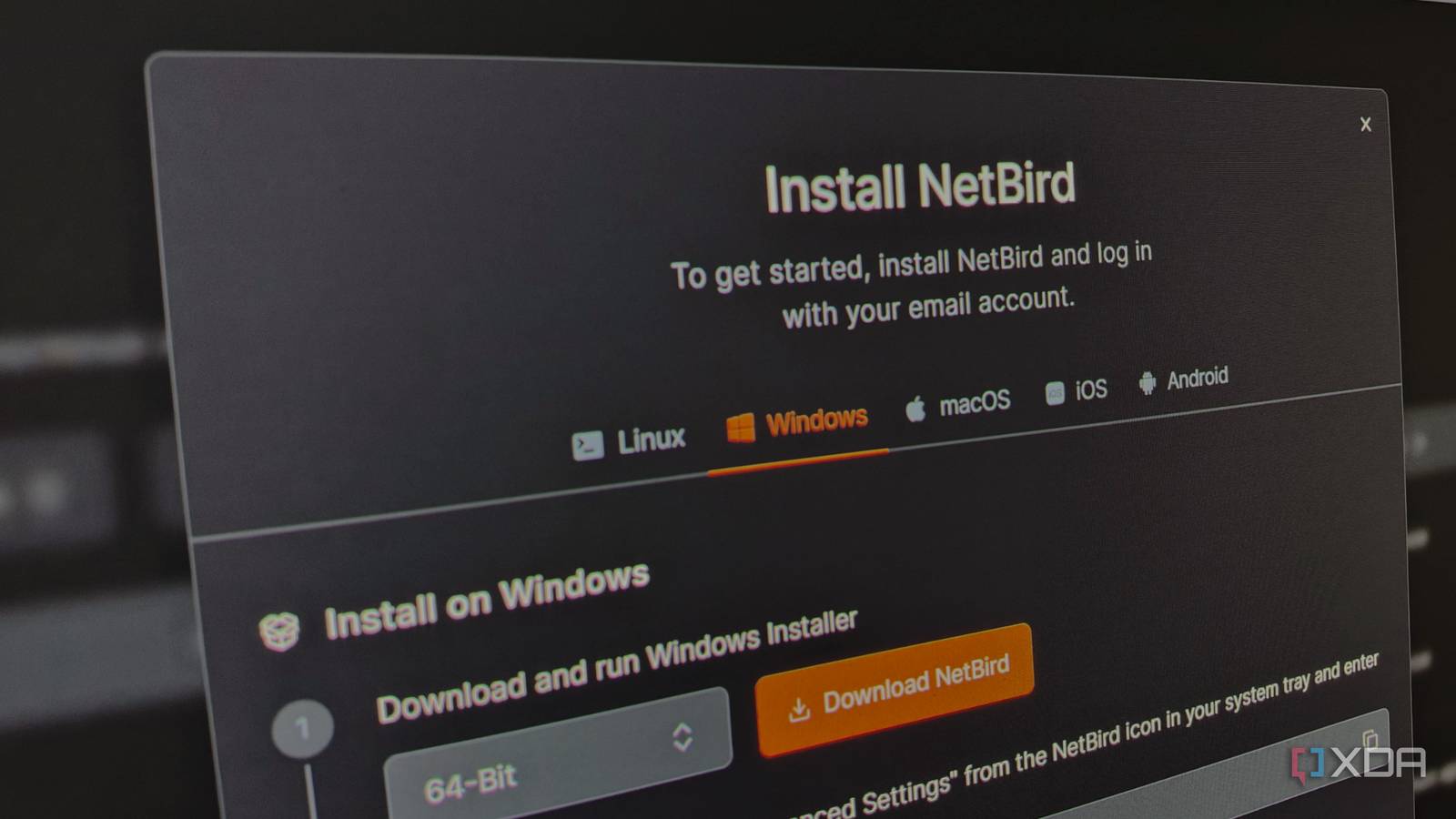
Published Oct 28, 2026, 5:00 PM EDT His love of PCs and their components was born out of trying to squeeze every ounce of performance out of the family computer. Tinkering with his own build at age 10 turned into building PCs for friends and family, fostering a passion that would ultimately take shape as a career path. Besides being the first call for tech support for those close to him, Ty is a computer science student, with his focus being cloud computing and networking. He also competed in semi-pro Counter-Strike for 8 years, making him intimately familiar with everything to do with peripherals. Starting up a home lab is a very rewarding endeavor locally, but most setups hit the same wall around the same time. You get your Jellyfin instance up and running with your favorite shows and movies, your Immich library up as a Google Photos replacement, maybe a few other experimental containers. Then you leave the house and attempt to access them while on public Wi-Fi or cellular, and nothing loads. For many self-hosters, remote access is seen as the last hurdle or "final boss" of their setup, and that checks out when you parse through all the different advice that gets passed around. Port forward this, never port forward that, VPN here, WireGuard there—it can make your head spin if you're new. Even as someone who knows their way around home networking, NetBird simplified everything to a few copy-pasted commands and client installations, and my services were accessible from everywhere within minutes. Getting a private network running shouldn't take a weekend NetBird made it incredibly simple NetBird's standard cloud-based deployment is about as close to "a few clicks" as a mesh VPN can get. You create an account, install the client on the machine running your services along with anything else you intend to use to access them, and then sign in on each of those. After that, you're basically done. The devices appear on the dashboard with addresses on a private range that they reach each other through, and it doesn't take forwarding any ports or writing configs by hand. The reason why it works so quickly and reliably is the same reason why other services like Tailscale also work so well. NetBird builds a mesh on top of WireGuard and uses ICE, which is a NAT traversal technique that finds direct paths between two devices. If a path can't be found, it falls back to a relay server that NetBird runs, which keeps your services accessible even in cases where port forwarding isn't possible. That traffic is also encrypted end-to-end, so virtually no privacy risk here. After getting online, everything was accessible immediately. I could browse and backup my Immich library, stream from Jellyfin, and even SSH into any part of my home lab that the client was installed on. The dashboard also lets you sort devices and users into groups with custom access policies, which is useful if you plan to have anyone besides you logging on. NetBird covers public access, too All without opening a port Private access solves the problem for you and anyone in your immediate circle, but plenty of home labs host things for other people. I run TeamSpeak and game servers for friends, and while I could ask everyone to install a VPN client to join up, I doubt I'd have many takers. Those services were the reason I relied on port forwarding, until I moved house. My new ISP stuck me behind CGNAT, which basically closed that door on me for good. NetBird's integrated reverse proxy opens that door again. You can create the service you wish to host through the dashboard, and NetBird will provision a public domain with TLS automatically. Incoming traffic will hit NetBird's proxy cluster, which then forwards it through an encrypted tunnel to your machine running the service—no port forwarding required. On the standard cloud deployment, you can use a free domain on NetBird's shared proxy infrastructure, or bring your own. NetBird also adds the ability to lock the services behind SSO, a PIN, or a standard password, which is great for web-based services. A standard reverse proxy setup that most home lab users deploy won't work with layer 4 TCP and UDP services like the aforementioned VOIP and game server, but NetBird has you covered here too. You can expose these through the same cluster, but because they're layer 4 services, you can't put SSO, password, or PIN protection on them, so the security is only as good as the service itself allows. The convenience comes with trade-offs You're trusting an external service On NetBird Cloud, NetBird’s management service registers your devices, distributes keys, and enforces your policies. It never carries your traffic, which flows directly between devices or through a relay that can’t decrypt it. If that service goes down, existing connections will be fine but you won't be able to tweak them or add new ones until it's back. There's also potential for friction across devices that don't support the NetBird client, which admittedly isn't many, but it's something to consider. Relayed connections might keep things working in the event something drops out, but they add latency and share the relay’s bandwidth, and you can feel that when streaming. Abstraction can cut both ways, too: when my Immich access stalled over DNS resolution and NetBird’s lazy connection setting, tracking it down took far longer than the original setup did, but that's the price of admission. Self-hosting NetBird answers most of these objections You can host the same control plane, and it's completely free and open-source If you're like many home lab enthusiasts, you've probably developed a healthy distrust of putting part of your home infrastructure in the hands of a company, but NetBird addresses that, too. NetBird’s entire control plane is open source and self-hostable, which is where I ended up. Moving off Cloud doesn't change how I use my devices or how the control-plane functions, it just changes which server they phone home to. It’s also far more approachable than self-hosting a VPN used to be. NetBird’s quickstart script deploys the whole stack on one VM, and the project estimates about five minutes if you already have a domain and a server. Recent versions combine management, signal, relay, and STUN into a single container and include built-in user management, so you don’t need a separate identity provider just to log in. This is definitely more than just a few clicks, though. You'll need a VPS with a public IP and a domain with proper DNS records pointing to it. The VPS can be of a very modest spec, because all it's really responsible for is authentication, presenting the web dashboard, and relaying traffic. Start with NetBird's cloud deployment if you're just starting If remote access is what’s standing between you and a home lab you can use from anywhere, NetBird Cloud is one of the fastest ways to get that done. Install the client, sign in, write a policy or two, and your services follow you wherever you go. If owning the control plane starts to matter to you, you can always move to the self-hosted version while using the same clients.
Remote access feels like the “final boss” of running a home lab, but NetBird made it a few clicks
Full Article
Original Source
Read the full article at Xda-developers →KhanList aggregates and links to publicly available news content. We do not host full articles from third-party sources. Always verify important information with original sources.