
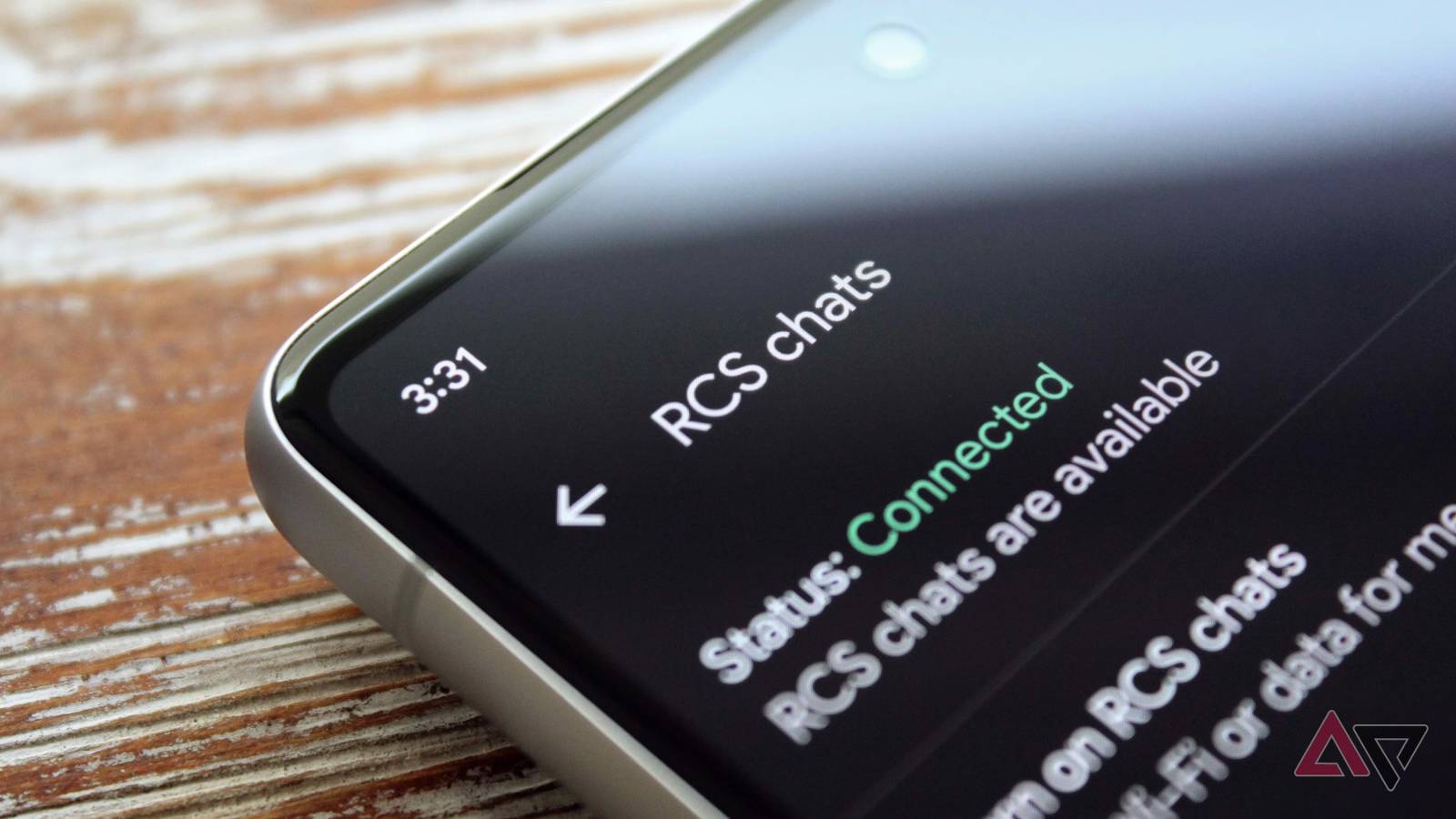
Published Nov 9, 2026, 1:00 PM EST No one in my friends and family circle, which includes mostly non-tech-savvy people, uses text messages for communication. That's enough for me to label text messages ancient. I ditched text messaging a long time ago, and I haven't looked back since. I use RCS in Google Messages every day to send and receive messages on my Android phone. However, I'd still say text messages sometimes seem more reliable than RCS because of its inconsistencies in Google Messages. If you search online, you'll see many people raising the same issue. I can overlook a couple of missing features, but I don't love something unreliable, especially when I depend on it. I used to feel the same way about RCS in Google Messages, though I've toned down my criticism because I was able to fix the issues. RCS broke my Google Messages, and these fixes got it working again. RCS stopped working on Google Messages after I ported my number It wasn't very reliable before that, either RCS dropped randomly on my Android phone multiple times since I started using RCS. I have never tried to find solutions online as to why it's happening and was convinced the carrier was to blame for the RCS issue. That was one of the major reasons I ported my number to another provider, but it completely backfired. I put myself in even bigger trouble. Switching carriers made it worse, since I couldn't get it to set up. The setup was stuck at "Trying to verify your phone number," and I stopped hoping it'd fix itself in the next few days. This incident opened my eyes, though. Instead of blaming the carrier, I started looking for solutions that fix RCS issues on Google Messages, regardless of the carrier. I'm glad I finally made the right decision. How I fixed RCS issues on Google Messages A few simple tricks got RCS working again My first step was clearing the app cache. The process is the same as clearing the cache in any app on your Android phone, and it takes only a few seconds. Open Settings on your phone, find Google Messages on the Apps page, go to Storage, then tap Clear cache. These are the steps I followed on my Samsung Galaxy phone, though the process is largely the same on most Android phones. However, if you don't update apps regularly, check that you have the latest version of the Google Messages app before clearing the cache. I didn't need to do this because I've set the Google Play Store setting to auto-update my apps. So, I moved to the next troubleshooting option. I had more fun with it because it was my first time clearing Carrier Services data on my phone, though it was a bit more complicated than clearing Google Messages' cache. On my Galaxy phone, I have the Carrier Services app that supports and enables RCS messaging. I cleared Carrier Services data the same way you'd clear data on Google Messages. Open Carrier Services in Settings, scroll, tap Storage, and tap Clear data. Next, I turned off RCS chats and rebooted my Galaxy handset. After restarting my phone, I enabled RCS chats in Google Messages settings, and this time around, I didn't get any errors. I got RCS working again on Google Messages. These fixes may still not fix RCS issues on your phone It's important to identify what's causing the problem The above steps worked for me. However, this doesn't mean they can fix all RCS problems. The RCS on your phone can act up for different reasons. It might be an internet issue rather than anything complicated. So, check whether your phone's network and internet are working before setting up RCS. Also, to send and receive RCS messages, all parties involved must have RCS enabled on their phones. If you have issues sending RCS messages to some contacts, their setup is likely the issue, not yours. If nothing works, contact Google by sending feedback and explaining the issue. Some carriers also disable RCS, so you may also need to check with your provider. I love RCS in Google Messages, but it needs more attention No one wants things to stop working abruptly, especially if you rely on them heavily. As a customer, I don't care who's at fault or who needs to address issues. I want it to work when I want. Google needs to look into the reliability part because there are several complaints online. When it's not at fault, the company should convey its position to the users if things break. In addition, I want Google Messages to borrow some of iMessage's excellent features, like auto-delete. I hope Google Messages fixes these before it turns 15 in 2029.
RCS broke my Google Messages; these fixes got it working again
Full Article
Original Source
Read the full article at Androidpolice →KhanList aggregates and links to publicly available news content. We do not host full articles from third-party sources. Always verify important information with original sources.