
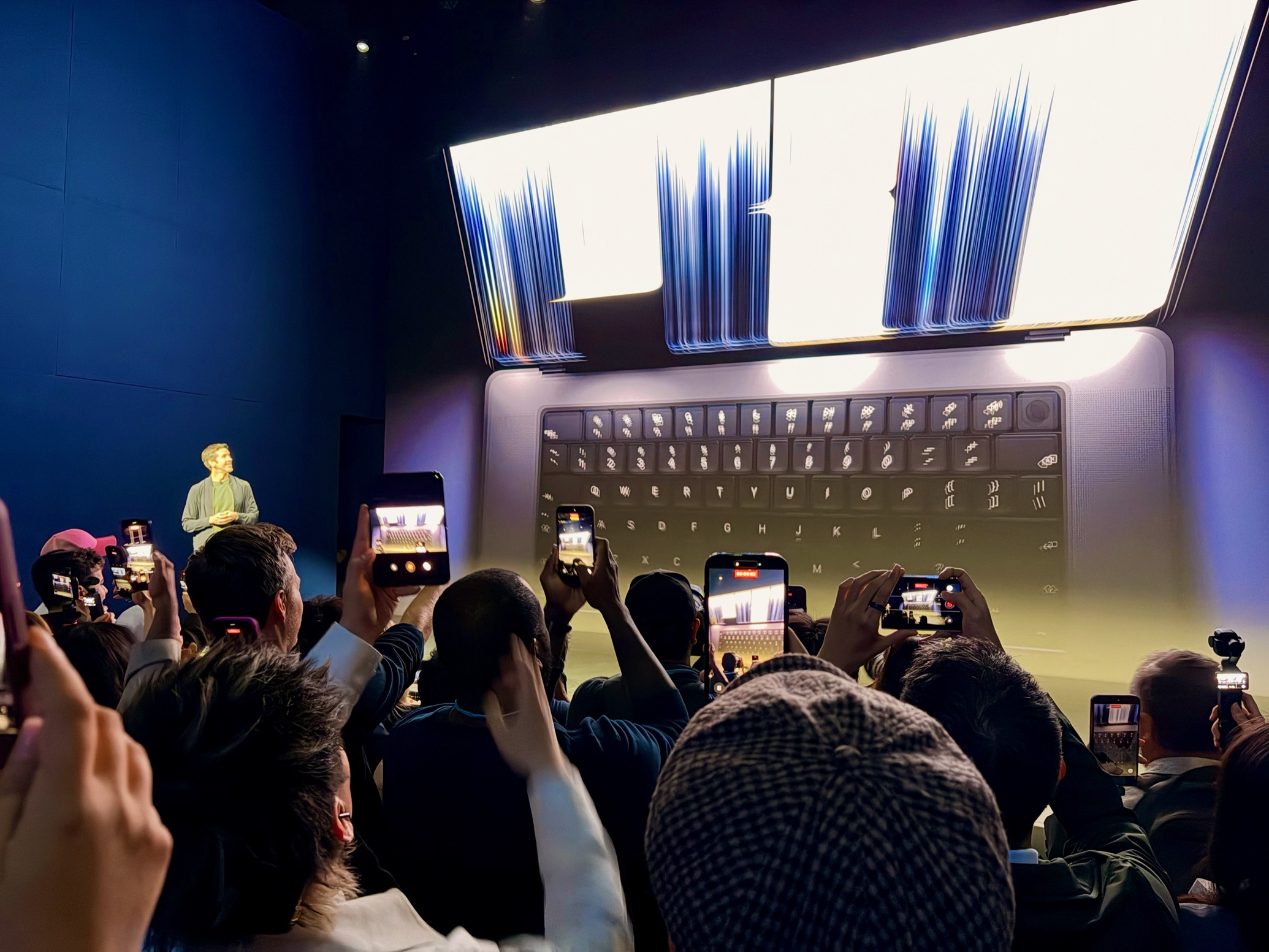
John Ternus introducing the new MacBook Pro. Hello from Los Angeles, where I’ve gotten a first look at the new MacBook Pro with PROLED XDR display. This is an all-day event, so I expect to learn much more as we get going, but the hands-on area is completely backed up, so I’m going to put some stray thoughts here right away. It’s not the MacBook Ultra I was standing right next to John Gruber when John Ternus announced on stage that we were about to see the new MacBook Pro, and he gave a shrug of resignation. John had come around to thinking that it might be called the MacBook Studio. I didn’t think Apple would go there, and I guess I was right? In the long run, technology introduced at the high end comes down to the lower end eventually. Creating a whole new line of MacBooks above the MacBook Pro would imply that Apple is more or less permanently committed to having an additional differentiated product line. I didn’t think it would go that far, when presumably all Mac laptops will get touch and OLED… eventually. However, these new laptops are still a cut above when it comes to what they cost… and as a result, Apple is still selling the older MacBook Pro M5 Pro and Max models as well. This is very much what the company did when the first Retina MacBook Pro models hit the scene—and were so expensive that it needed to keep the more affordable non-retina models around. For a while. But again, inevitably, every MacBook Pro and then every Mac became a Retina Mac. And so it didn’t really make sense to create a new category of MacBook, nor does it today. An unusual upgrade Usually, a new MacBook Pro brings powerful new chips—but not this time. These new laptops have the same M5 Pro and M5 Max chips that are in the still-available previous models. According to reports from Bloomberg’s Mark Gurman, that’s because Apple decided not to release M6 Pro and Max chips and instead jump straight to M7 next year. So… no new chips. But the body design is entirely new, something that happens only once every few years. In addition to that PROLED XDR display (it’s a pun and all in caps and I don’t know what to think about the name?) that is a real touchscreen, the big change is that the new laptops are appreciably lighter—about 15% lighter. The 14-inch model weighs 3.0 pounds (1.38kg), compared to 3.5 pounds (1.60kg) on the previous models. The 16-inch model goes from 4.7 pounds to 4.0 pounds. The new 14-inch model is closer to a 13-inch MacBook Air in weight than the old 14-inch model is. It’s also almost imperceptibly smaller—hundredths of an inch thinner, less than a tenth of an inch wider, and about two-tenths of an inch less deep. So, smaller, but not so much that you’d notice. Obviously the priority was getting the weight down. You know what weighs the most in a laptop? The battery. And Apple’s claiming 22 hours of battery life (24 for the 16-inch model) on these systems, which is unchanged from the older ones. That’s good news in that they managed to be lighter without sacrificing battery life, but it’s bad news for anyone who was hoping for Apple to maybe stretch battery life a bit more. Minor touch affordances Another question I had coming into this event was just how much effort Apple would make to adapt the macOS interface for touch. The answer is: A little, but not a lot. When you touch the screen, the interface makes subtle adaptations—more spacing in menus, more feedback when selecting and dragging items—but what it doesn’t do is flip into some new Touch Mode that looks and behaves totally unlike the Mac. Not surprising, really—this is a conventional laptop with touch, not a convertible with a fold-back or flip-around hinge that makes it into something more like a big tablet. If Apple wants to make that laptop in the future, it can—and it can add a more complex touch mode then. Instead, this interface strikes me as Apple doing right by its own MacBook Pro users by making the touch interface nice, but also acknowledging that for most people, touch will be an additive part of interfacing with their Mac, on top of keyboard and trackpad. That said, one portion of Apple’s intro video showed a developer using Xcode to test an iOS app, and they were touching the app in the iOS simulator. That… is a really cool use case. For the first time, developers will be able to touch their apps right on their laptop screen during development. Apple sees the light “I think you’re all really going to like this,” Ternus said on stage as he revealed the light-up Apple logo on the back of the new MacBook Pro. Spoken like someone who has been at Apple for many years and remembers the Old Ways. Lighting up the Apple logo on the back of the display was always a fun feature. I’m sure there were all sorts of practical reasons why it made more sense to put a metallic laser-cut Apple or whatever back there, but not only did it feel less fun, it deprived the world of cafés full of little glowing Apple logos. Imagine the lost branding opportunities, Apple! So… it’s back. I look forward to hearing Apple’s storytelling behind that decision, if there is any beyond the obvious, “why not?” But it warms my heart to see a glowing Apple logo and I hope that this retro design trend makes its way to every Apple laptop over time. (Next up: Bring back the “breathing” sleep indicator.) If you appreciate articles like this one, support us by becoming a Six Colors subscriber. Subscribers get access to an exclusive podcast, members-only stories, and a special community.
Quick thoughts about the new MacBook Pro
Full Article
Original Source
Read the full article at Sixcolors →KhanList aggregates and links to publicly available news content. We do not host full articles from third-party sources. Always verify important information with original sources.