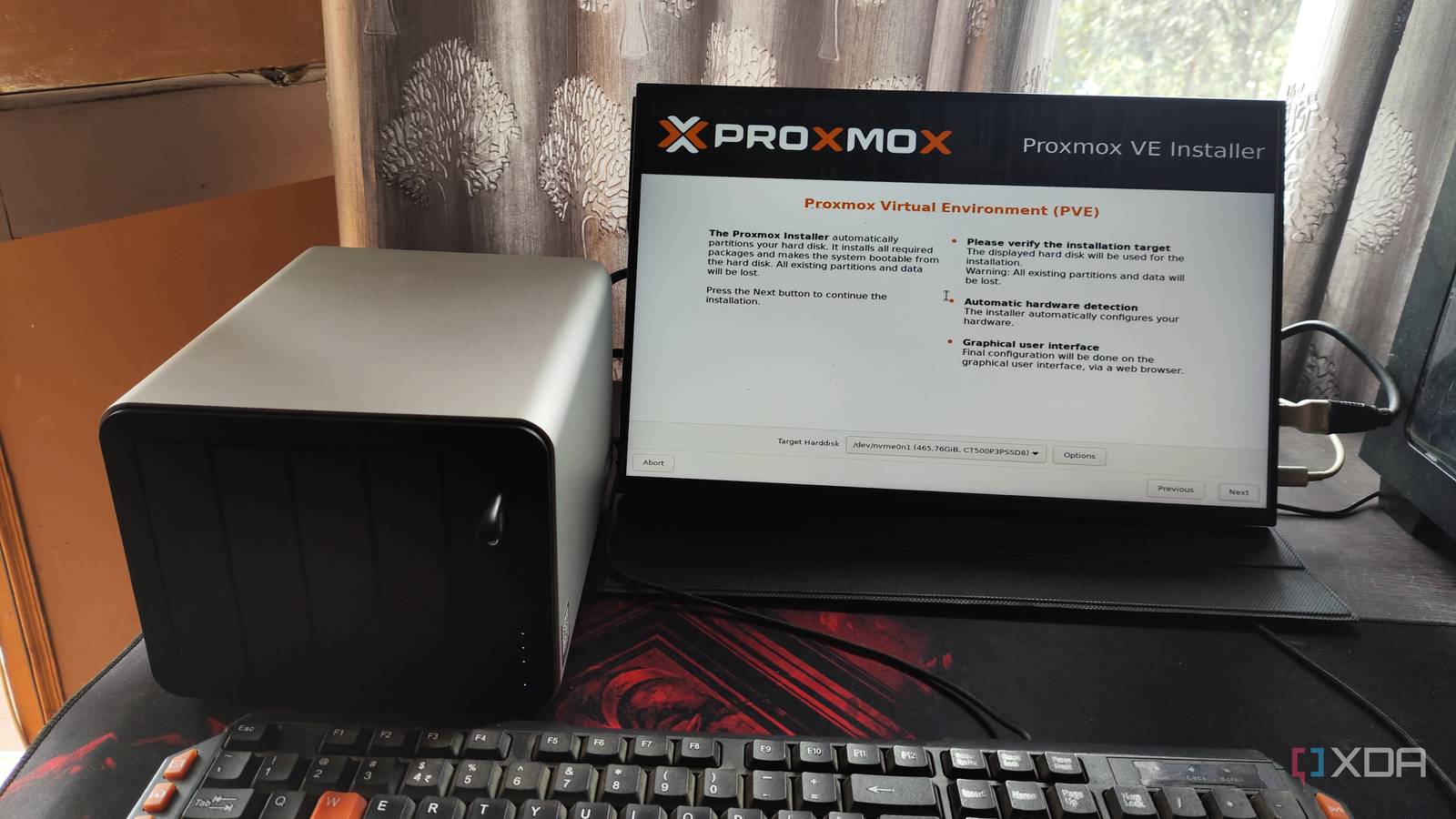
Published Aug 4, 2026, 9:00 AM EDT His love of PCs and their components was born out of trying to squeeze every ounce of performance out of the family computer. Tinkering with his own build at age 10 turned into building PCs for friends and family, fostering a passion that would ultimately take shape as a career path. Besides being the first call for tech support for those close to him, Ty is a computer science student, with his focus being cloud computing and networking. He also competed in semi-pro Counter-Strike for 8 years, making him intimately familiar with everything to do with peripherals. A home server can wear many different hats, and a very large part of its identity comes directly from the OS you choose to run. In terms of what's easiest to get up and running with, Unraid and TrueNAS are recommended a ton for beginners, and their lower barrier to entry is the primary reason for that. They're purpose-built for server management in the home using a GUI, but in terms of robustness, they don't have feature parity with a type 1 hypervisor like Proxmox. Proxmox has a feature set that can accommodate things much more complex than a home server stack, and that's why it's commonly thought to be overkill for those starting with their first home server, but it's actually one of the best choices for exactly that reason. Proxmox VE is not heavy software. It is Debian Linux with KVM, LXC, and a web interface on top, and it runs comfortably on very modest hardware. While you're not going to touch most of what it has to offer initially, it gives you a great amount of flexibility as your home server ambitions continue to grow, which they most certainly will. Every risky change becomes reversible with Proxmox You get a more comprehensive "undo" switch On Proxmox, it's possible to snapshot a container or virtual machine before a risky change, and rolling back returns the entire guest to the state it was in, meaning the operating system, installed packages, config files, and all other data are reverted together. It's as if nothing happened at all, which is the best kind of rollback. The other operating systems don't completely lack snapshotting, but it's not as comprehensive. TrueNAS apps have a rollback button that reverts to a previous version and can take a snapshot before acting, though rollback covers the application and data in mounted host paths is not migrated back with it. On Unraid, containers are recreated from their image, so going back means pointing the template at an older tag and restoring appdata from a backup plugin. Both roll back a layer while leaving the machine underneath untouched, but it's not quite the same as being able to instantly rollback to a prior container state. Your services are isolated from each other on Proxmox It's as segmented as you want to make it One of the biggest added benefits of running Proxmox is the separation it provides by default. Every service on Proxmox can run in its own container or virtual machine, with its own filesystem, its own dependency tree, and its own memory and CPU ceilings. That's because there is no other way to run anything; everything is either contained to a VM or an LXC, so that means you can sequester your local AI stack to one LXC and your Samba and Immich shares to another. Or, alternatively, these can all have their very own container. Most of the conventional NAS operating systems can run virtual machines, and Unraid is excellent at things like passthrough, but most of the time, when you run anything through the OS's app catalog, those apps all run on the same shared Docker daemon, on a host userland the vendor controls. Containers share a kernel everywhere, including on Proxmox, but at least on Proxmox you can promote anything you want to a full VM with its own kernel the moment you decide it's worth isolating that far. This lack of isolation also hits when updating the OS: when Unraid 7.2 shipped its redesigned interface, several popular plugins were incompatible and were uninstalled automatically during the upgrade. Not what you want for a home server that's supposed to be up 24/7. It's just ordinary Debian underneath Proxmox exposes the host underneath it all Underneath Proxmox is an ordinary Debian machine, and you are allowed to use it for whatever you please. TrueNAS actually states the opposite outright in its own documentation: installing packages by any route other than the web interface can leave the system inoperable. The benefits this affords you is more than just another surface to install things upon. You get ZFS directly rather than the slice an interface chooses to expose, so you create datasets, set properties per dataset, and script replication with zfs send. You pass a controller straight through to a guest when a workload wants the hardware, and that's something I've taken advantage of myself. My own home server runs Proxmox, and has two SAS drives mirrored on an LSI HBA flashed to IT mode, with containers bind-mounted to datasets on that pool. Proxmox lacks the end-user polish that other NAS operating systems have It's as close to a blank canvas as it gets Now, Proxmox is about as far away as it gets from being a plug-and-play home server OS. Proxmox has no file sharing at all. No SMB screen, no NFS screen, no permissions editor, no share wizard, and any implementation of these things has to be done through an LXC or VM. I run a Samba share for my SAS drive array that's hosted in an LXC; the setup was very simple and quick, but it's not as simple as loading up a share in Unraid or TrueNAS. Unraid's array is a second thing Proxmox has no answer to. Files are stored whole on individual disks with ordinary filesystems, protected by up to two dedicated parity drives, and you can mix drive sizes freely as long as parity is at least as large as your biggest data disk. Native ZFS, like I host on my own Proxmox box, cannot do that. If you're building from a pile of mismatched drives, you should probably just buy Unraid. TrueNAS, meanwhile, gives you ZFS with a better interface over it than Proxmox has, with datasets, shares, permissions, and disk health in one coherent place. The learning curve of Proxmox is worth riding I'm still learning things about it today, and it runs my entire home server stack Proxmox gets in your way a lot when you're first starting with it, but that steep learning curve doesn't come without reward. Besides the usual broken enterprise repo fix and learning the ropes of how to create and manage containers, the rest can be learned as you go, and most of it is a one-time ordeal. And the best part is the fact that once you do learn how Proxmox functions, all of the abstractions that come along with something like a TrueNAS are unnecessary for you, because you know how to do the same thing on Proxmox without dealing with the base shifting underneath you. Sticking with TrueNAS for a moment, it migrated its app backend from Kubernetes to Docker with a hard cutover date for automatic migration, and reshuffled its virtualization layer across several releases. These things simply do not happen on Proxmox unless you want them to. Even if you do want some of that click-and-go experience back, it's possible: Proxmox 9.1 can pull OCI images and run them as application containers, putting the Docker catalog within reach without a dedicated virtual machine. It is a tech preview, and Proxmox still ships no Docker engine, but we can all see the vision. Proxmox is the most robust home server operating system, for better and for worse The word "overkill" implies waste, and while it's certainly likely that most home server owners will not be using 100% of Proxmox's features, the future flexibility that they give you is almost too valuable to give up. You're not spending anything besides time learning how to use it, so it's worth it in that regard. There's also nothing wrong with using something like HexOS, stock Unraid or TrueNAS, especially if you want to get up and running as quickly as possible.
Proxmox is total overkill for running a single home server, and that's exactly why you should use it
Full Article
Original Source
Read the full article at Xda-developers →KhanList aggregates and links to publicly available news content. We do not host full articles from third-party sources. Always verify important information with original sources.