
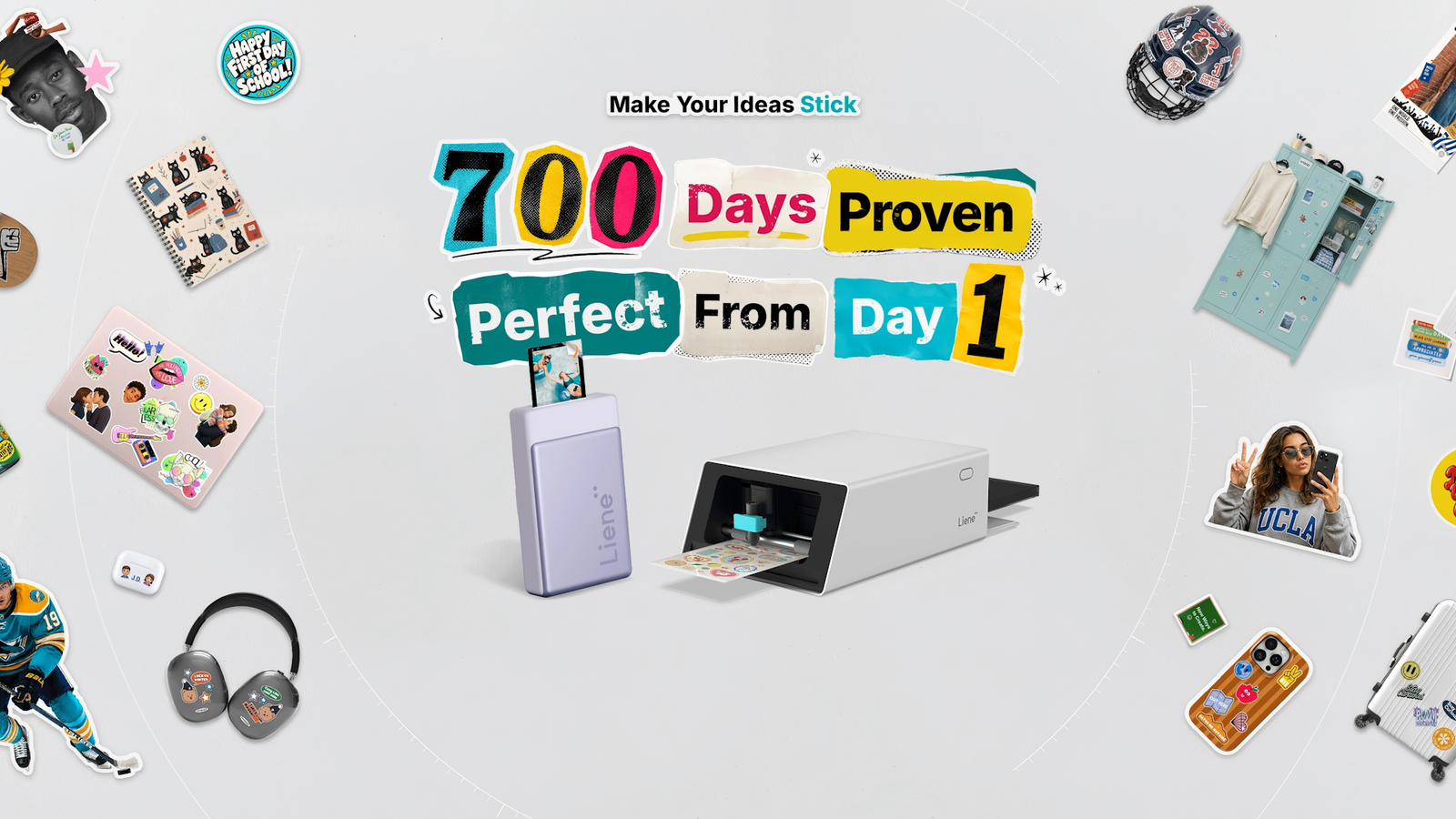
Published Aug 28, 2026, 10:45 AM EDT The below articles are sponsored by one of our partners. Product choices and opinions expressed are from the sponsor and do not reflect the views of the XDA editorial staff. If you have ever tried to make your own stickers at home, you probably know the drill. You print an image on a regular inkjet printer, carry the still-damp sheet over to a separate cutting machine, line everything up, and hope the blade follows your outline. Add a laminating step if you want the sticker to survive being handled, and you are looking at three devices, three handoffs, and a fair amount of trial and error before you get a result you are happy with. Liene built the PixCut S1 to collapse that whole process into one machine. The Starter Kit pairs the printer with sticker and photo paper so you can go from an idea on your phone to a finished, laminated, precisely cut sticker without leaving your desk. What the PixCut S1 actually is Liene PixCut S1 Dimensions 11 x 7.7 x 4.1 inches Connectivity Bluetooth Brand Liene The Liene PixCut S1 Starter Kit is an all-in-one machine that prints, laminates, and cuts custom stickers in one automated pass. Built over 700 days and phone-first (not phone-only), it works with iOS, Android, iPad, Windows 10 or later and macOS 12 or later. The kit includes 18 sheets of 4 x 7 inch sticker paper and 18 sheets of 4 x 6 inch photo paper to get started right away. The PixCut S1 is best described as an all-in-one printer and cutter. It prints, laminates, and cuts in a single automated sequence rather than asking you to shuttle a sheet of paper between separate machines. Liene calls it an all-in-one printer and cutter rather than just a printer, and that distinction matters because the cutting and lamination stages are built into the same body as the print head, rather than bolted on as an accessory. It is also considerably smaller than most printers people already have. Liene says the PixCut S1 is 70 percent smaller than a traditional home printer, which is a reasonable claim to make given that most printers are not designed to also laminate and cut. That footprint is part of the pitch. A device this compact can sit on a desk, in a dorm room, or in a classroom cupboard without demanding its own dedicated space. How the printing and cutting actually works Under the hood, the PixCut S1 uses 300 dpi thermal dye sublimation printing rather than the inkjet process most home printers rely on. A 1280-dot thermal print head maps each image to 1280 individual thermal elements, each capable of producing 256 tonal levels, which is how the printer builds out a claimed 16.7 million colors. The image is laid down in yellow, magenta, and cyan layers, then finished with a protective overcoat that handles the lamination step automatically as part of the same pass. Credit: Liene Once the image is printed and laminated, the cutting stage engages. The Liene companion app generates the cut path from your design, and built-in sensors align the blade to the printed image so the cut follows your outline rather than an approximation. That sensor-guided registration is arguably the harder engineering problem to solve, since a laminated sticker printer is not especially novel on its own, but getting a cutter to reliably track a printed outline without manual alignment is what makes the workflow feel automatic rather than fiddly. Not just a phone app It would be easy to assume a device this size, and its focus on stickers, is built purely around a phone app, but The PixCut S1 is phone-first, not phone-only. The companion app supports iOS and Android phones and tablets, as well as iPads, and there are desktop apps for Windows 10 or later and macOS 12 or later. In practice, that means you can rough out a design on your phone, then move to a tablet or a full desktop app if you want finer control over layout before you print. The app also has more than 10,000 templates and creative assets, so you are not starting from a blank canvas every time, and it accepts custom JPG, PNG, and HEIC files if you want to work from your own photos. Seven hundred days from idea to shipping product Liene has been fairly open about how long the PixCut S1 took to build, and the company leans on that timeline as evidence of deliberate engineering rather than a rushed product cycle. Development began with project initiation in July 2023, the product design was completed in March 2024, and the project went to crowdfunding in September 2024 before moving into mass production in January 2025. That is close to two years from the first concept to a shipping unit, which is a long runway for consumer hardware in this price bracket. Credit: Liene The crowdfunding campaign gives some sense of how the idea landed with an early audience. It closed with 3,330 backers and just over HK$7 million pledged, and Liene reports more than a million dollars in total preorders since. The company's own brand material describes the PixCut S1 as proven by more than 75,000 users across those 700 days of development and early use, a figure Liene frames with the line "700 Days Proven, Perfect From Day 1." Take the marketing language for what it is, but the underlying timeline and backer numbers are a reasonable proxy for real demand rather than a product that appeared out of nowhere. What is in the Starter Kit The Starter Kit pairs the printer itself with 18 sheets of 4 x 7 inch sticker paper and 18 sheets of 4 x 6 inch photo paper, so you can start printing stickers and photos as soon as they arrive rather than sourcing your own supplies first. It is worth noting the PixCut S1 is designed around Liene's own paper stock, which is a fair trade-off given that the automatic lamination and cutting steps depend on the paper behaving predictably. Who this is actually for Credit: Liene The PixCut S1 is aimed less at hobbyists who already own a dedicated cutting machine and more at people who have never owned one and do not want to learn a complicated new workflow to get started. That includes people making custom labels and stickers for small projects, classrooms building materials for students, or anyone who wants to turn phone photos into something physical without a multistep process. Liene is positioning it as an entry point into sticker making rather than a replacement for the dedicated craft cutters some hobbyists already use, and the compact size and phone-first workflow back that framing up. If the idea of turning your own photos into laminated, precisely cut stickers appeals to you, the PixCut S1 Starter Kit gives you everything you need to try it without adding three separate devices to your desk.
Print, laminate, and cut stickers with Liene’s PixCut S1
Full Article
Original Source
Read the full article at Xda-developers →KhanList aggregates and links to publicly available news content. We do not host full articles from third-party sources. Always verify important information with original sources.