
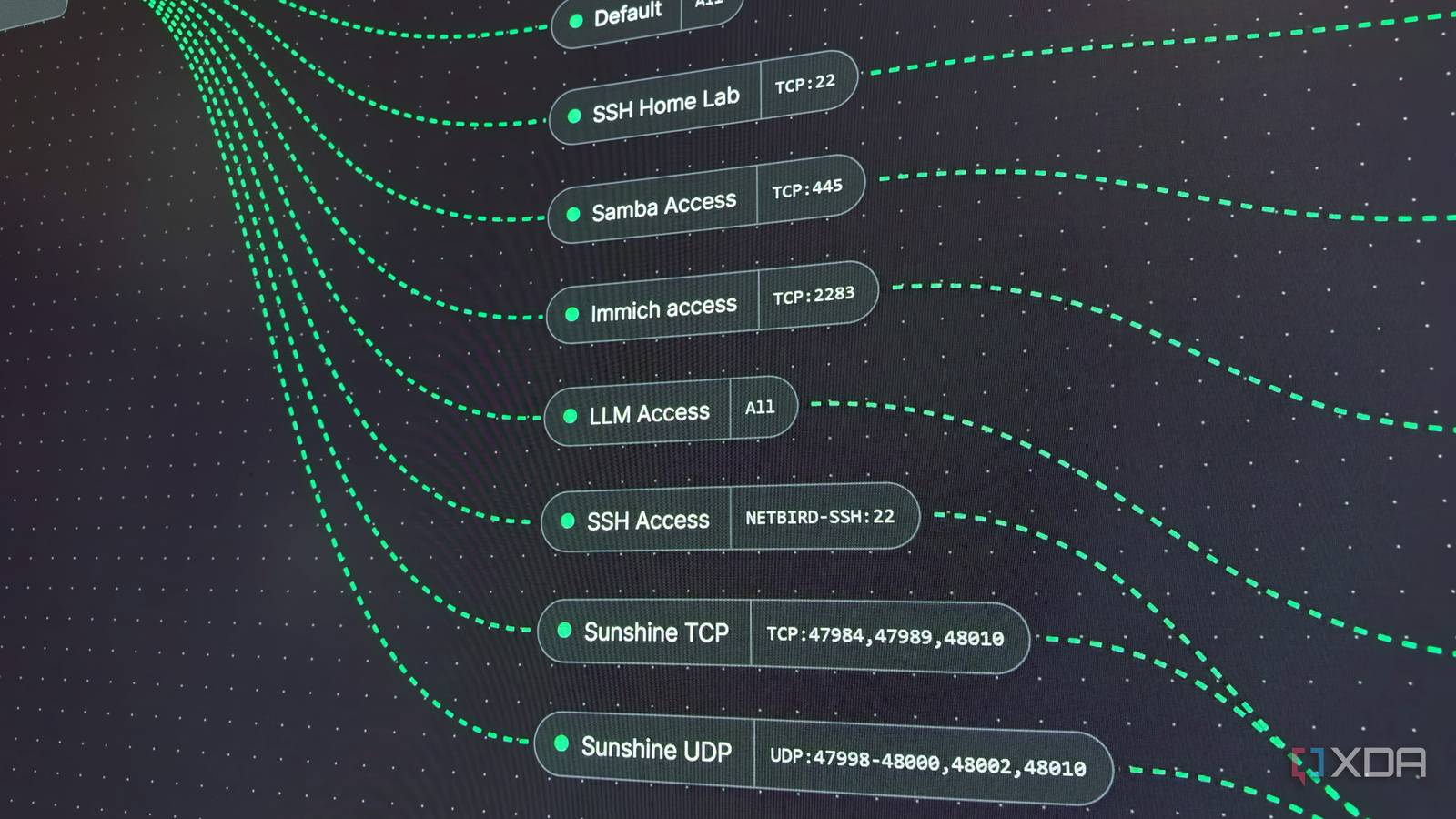
Published Nov 7, 2026, 1:00 PM EST His love of PCs and their components was born out of trying to squeeze every ounce of performance out of the family computer. Tinkering with his own build at age 10 turned into building PCs for friends and family, fostering a passion that would ultimately take shape as a career path. Besides being the first call for tech support for those close to him, Ty is a computer science student, with his focus being cloud computing and networking. He also competed in semi-pro Counter-Strike for 8 years, making him intimately familiar with everything to do with peripherals. Forwarding ports has long been a fundamental part of taking ownership of your home network. It's often the first thing that novices dip their toes into because they want to host a game server or access something on their LAN while they're away, and it's not immediately obvious why it might be a bad idea. Port forwarding still works for plenty of people, but it’s no longer the right first step for anyone new to self-hosting. A growing number of ISPs don’t give customers a public IPv4 address at all, but perhaps more importantly, the tools that replace it are now good enough that even people who can forward a port have little reason to do so. An open port is an ajar door to your network And anyone can knock A port forward acts as an instruction to your router to forward any traffic on a specific port to a device. It doesn't matter who's sending the traffic as long as it lands on that specific port, so an automated port scanner looks exactly the same as your own devices as far as the router is concerned. Those scanners are constantly active, both from legitimate and nefarious sources. Palo Alto Networks’ Unit 42 put a large amount of deliberately insecure honeypots online, and their report from 2021 says that most were compromised within a day, and some within minutes. A home lab service with a strong password is a harder target than a honeypot, but the same tools are probing it, and your services that are exposed to the wider internet are at risk. Every port you forward for a particular service widens the attack surface of your network, and now you're responsible for making sure your security bases are covered. The login page, admin panel, and the app's own vulnerabilities are all yours to worry about when the service is exposed via port forward. An overlay network is the alternative method for exposing services, and by today's standards, it should be the first option that people reach for over port forwarding. Setting up an overlay network is easier than forwarding a port There are so many great options, too Port forwarding looks like a one-step job until you try it. You need access to your router’s admin page for starters, and if you’re doing it properly, you also need a reverse proxy with TLS certificates in front of everything. Oh, and if your IP isn't static, you'll need Dynamic DNS, too. There's also a chance it can't work for you: as IPv4 addresses run out, ISPs increasingly rely on carrier-grade NAT (CGNAT), which shares one public address across many customers. Your router no longer has a public IP of its own, so inbound traffic stops at the ISP’s NAT before it ever reaches you. CGNAT is standard practice on mobile networks and increasingly common on home connections. This is what happened to me when I moved. My new ISP put me behind CGNAT, and my port forwards were no longer functional. That's when I reached for an overlay network, and I went with NetBird. You install the client on your server, PC, and phone, sign in, and the devices find each other. Each client connects outward to NetBird’s coordination services or your own self-hosted control plane. Those services help peers exchange connection details and establish a direct tunnel through whatever NAT sits between them, and when a direct path isn’t possible, traffic falls back to a relay, and it stays encrypted end to end. That’s how I securely reach Immich, Jellyfin, and SSH into my home lab from my phone without touching my router. NetBird is far from the only option available in this space. Tailscale is a very popular option that uses the same underlying protocol, and if you really want to get into the nitty-gritty, you can create these tunnels yourself with vanilla WireGuard. Even public services don't need an open port You can reverse proxy these services through NetBird Setting up remote access through NetBird or Tailscale doesn't solve the problem of public access for something like a game server, though. If all of your friends have to install a mesh VPN client to play on your Minecraft server, there's a good chance some of them just won't play. NetBird thankfully has a reverse proxy feature that allows for access from outside the mesh. It can handle Layer 4 traffic, meaning raw TCP and UDP, alongside normal web services. A proxy on a publicly reachable server accepts incoming connections and forwards them over the encrypted mesh to the machine at home, so your friends connect to it like any other server address. They never see your home IP, and your router never opens a port. The open port still exists on the proxy server but that door stays ajar off of your own network. Tailscale Funnel covers similar ground for web apps, but only accepts TCP connections on a few fixed ports with no UDP support, which would rule out anything like a game server. Pangolin is another great option that's perfect for this exact kind of game server setup, too, though it requires some more manual configuration. Self-hosting can be done without forwarding a single port If you're setting up remote access for your home lab or even just a single service, it's worth it to do so through an overlay network like NetBird, Tailscale or Pangolin. There are edge cases where port forwarding is still the right call, but it's no longer the default, and I think that's better for everyone. NetBird
Port forwarding at home is dead, and that’s probably for the best
Full Article
Original Source
Read the full article at Xda-developers →KhanList aggregates and links to publicly available news content. We do not host full articles from third-party sources. Always verify important information with original sources.