
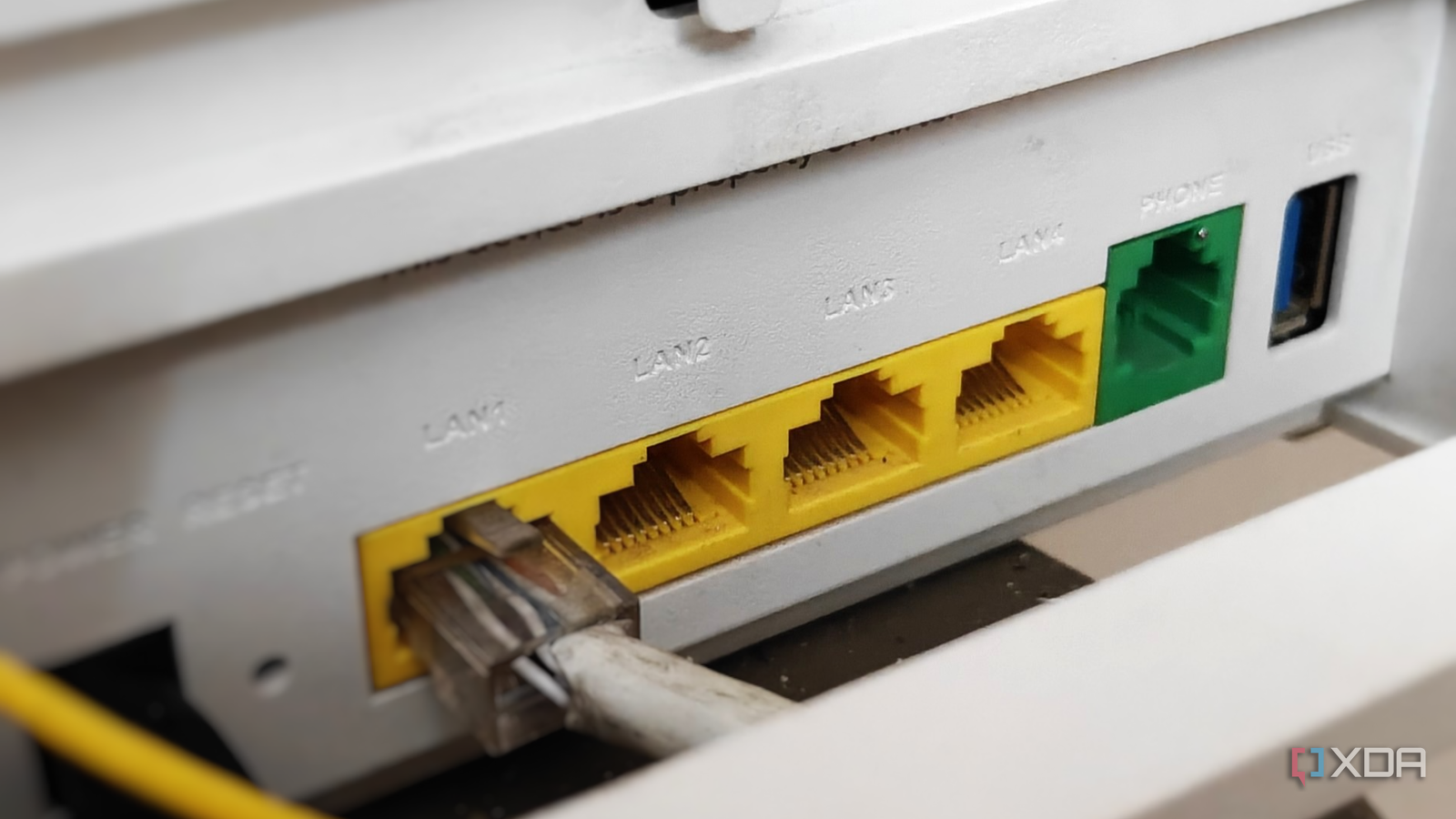
Published Sep 1, 2026, 8:00 AM EDT After a 7-year corporate stint, Tanveer found his love for writing and tech too much to resist. An MBA in Marketing and the owner of a PC building business, he writes on PC hardware, technology, and Windows. When not scouring the web for ideas, he can be found building PCs, watching anime, or playing Smash Karts on his RTX 3080 (sigh). A wired connection beats wireless any day, which is why many PC users prefer Ethernet to Wi-Fi. It isn't subject to wireless shenanigans and allows you to enjoy your connection's full speed. You just need a way to route a cable from your router to your PC to use your internet plan to the fullest. That said, many users unknowingly throttle their Ethernet speeds by selecting the wrong LAN port on their router. If you've plugged into a gigabit port instead of a 2.5 GbE port, you're wasting your expensive multi-gig plan. Not every LAN port on your router is the same Most people might assume otherwise Most consumer routers, even today, provide a single 2.5 GbE port, which is meant for the incoming WAN connection from your ISP. If you've subscribed to, say, a 2 Gig plan, your router is most likely equipped to receive the 2,000 Mbps connection. However, when you're routing to a PC or smart TV using one of the LAN ports, you'll be limited to Gigabit speeds (1,000 Mbps) only, since that's all most routers are capable of. Most users might assume that their "2.5 GbE equipped" router is supplying multi-gig speeds to each of their wired devices. They'll still use a seriously fast Gigabit connection, which, without running a speed test, will seem perfectly fine. Routers with an additional 2.5 GbE port for LAN are uncommon, and most ISPs are unlikely to provide users with one, even those using multi-gig internet. It's still important to use the right LAN port on your router, since it can have 2.5 GbE and Gigabit ports side by side. Without reading the small text or the color code properly, you may mistakenly plug your PC into a Gigabit port. Of course, those using a NAS will likely have a switch to bypass the router's LAN ports altogether. This will help them supply multi-gig speeds to all wired devices. Most users, though, will assume that the WAN and LAN ports on their router are the same. To truly enjoy your high-speed connection to the fullest, you'll need a switch or an aftermarket router with multiple 2.5 GbE ports. YuanLey 6 Port 2.5G Network Switch Gigabit internet users don't need to worry about it yet Multi-gig internet is far from common Of course, most people don't use multi-gig internet in their homes. In fact, most US homes are limited to 300 Mbps plans, a far cry from the 2 Gig, 5 Gig, or faster plans that are offered in select regions. If you have a Gigabit (or slower) internet plan, you can plug your PC or other wired devices into any LAN port. Each of them will support Gigabit speeds, so you won't be missing out on anything. While getting a switch is still useful to expand the number of Ethernet ports available and avoid router congestion, it's not strictly necessary for the average user. If you need faster-than-gigabit local transfers, such as between your NAS and PC, an aftermarket router with multi-gig connectivity can be helpful, even if your internet plan is limited to Gigabit speeds. Gigabit plans are becoming more common and are likely to remain the upper limit of premium plans for the majority of users. For the time being, extra 2.5 GbE ports on the router isn't something you should worry about. Ubiquiti Dream Router 7 You need the right equipment to fully enjoy your multi-gig Ethernet speeds Without enough multi-gig LAN ports on your router, you're essentially bottlenecking your Ethernet connection. Even with a modern router that has multiple 2.5 GbE ports, you need to plug your cable into the right one to ensure maximum bandwidth. While Gigabit plans are far more common than 2 Gig or faster plans, the right networking hardware is still necessary for multi-gig local transfers.
Plugging into the wrong LAN port on your router can bottleneck your multi-gig Ethernet
Full Article
Original Source
Read the full article at Xda-developers →KhanList aggregates and links to publicly available news content. We do not host full articles from third-party sources. Always verify important information with original sources.