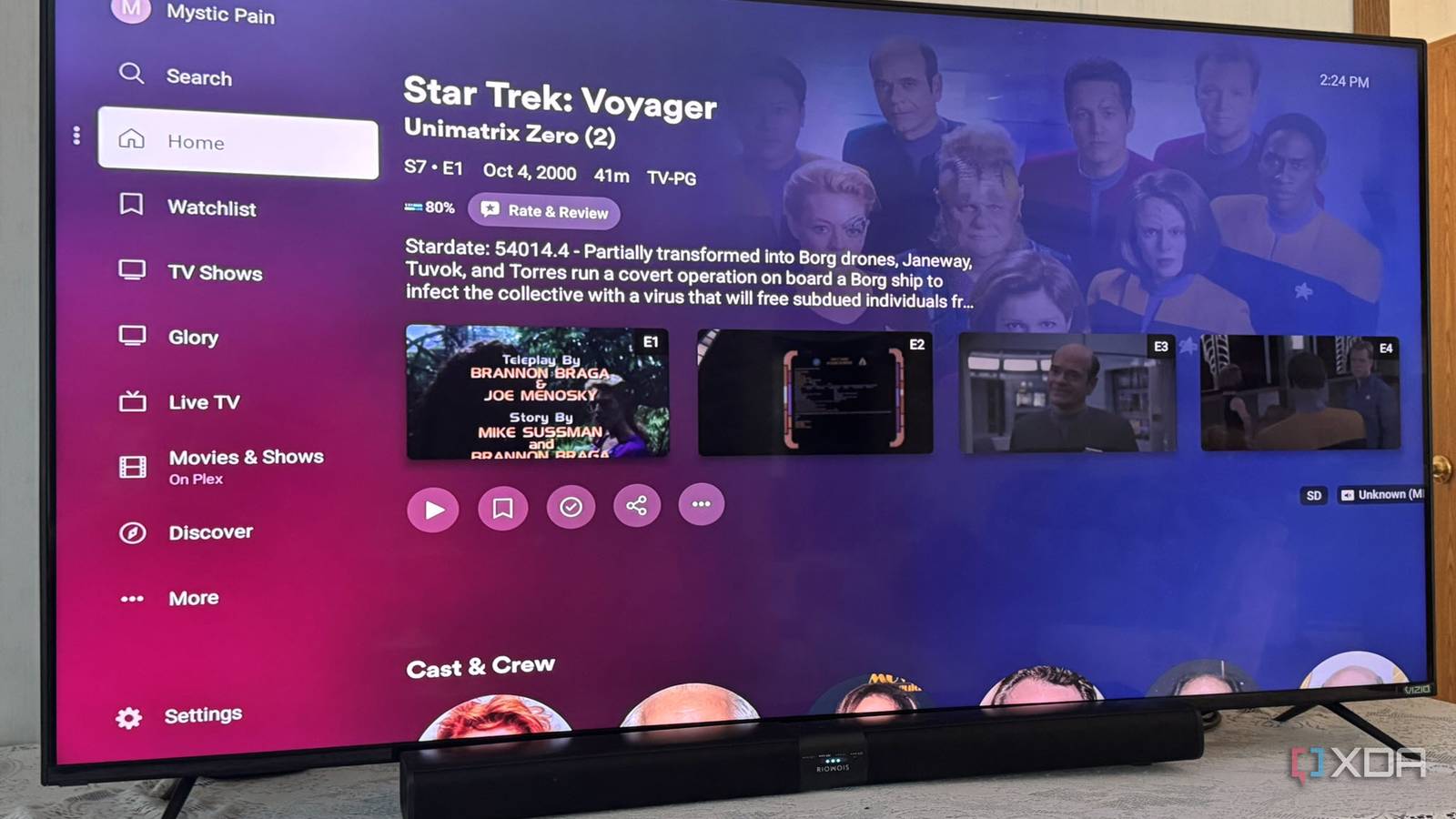
Published Aug 13, 2026, 6:00 PM EDT Based in rural Minnesota, Brian Burgess worked in IT for 10 years before finding his passion for writing about consumer technology. Brian earned his degree in computer and network technology in 2000. He held various IT positions, including help desk support, router installations for IBM, database administration, and other associate network administration roles. He's been a personal technology journalist for 18 years and has written thousands of articles about Microsoft products and services, Android, iOS, streaming, and more. He has written for notable tech sites including XDA, InformationWeek, How-To Geek, Byte, groovyPost, and others. When he is away from the keyboard, you will hear him playing guitar, working outdoors, and watching Star Trek. Enthusiasts in the self-hosted media community have been swearing by Plex for years. I was excited when it first debuted and promptly set up a server. I've had an off-and-on relationship with the media server ever since the Plex Pass price increased and premium features are behind the paywall. However, that isn't the only thing to complain about. When the company released the "New Plex Experience" with the app's redesign, it was another reason to question my Plex loyalty. I decided to go back to the classic version (10.26.0.x or lower), but it's not simple on all devices. A new and clunkier Plex New doesn't mean improved The most notable change to the new app is the redesigned UI. It shows tabbed buttons as a replacement for the hamburger menu, making it easier to access more settings. The new button row is fine for accessing Home, Libraries, On Demand, Discover, and Live TV, but other navigation is more problematic. The design code is also the same across platforms — what works on the big screen doesn't necessarily work on my Pixel. With the classic hamburger menu gone, many settings I am accustomed to finding now seem buried. Some features have also been removed, like sharing playlists, DVR scheduling on mobile, sidebar library pinning, watch parties, and more. The redesigned app is a slower experience Responsiveness is an issue In addition to the new tab-style buttons on the screen and other UI changes like expanded artwork backgrounds, the redesigned app makes navigation more difficult and feels less responsive. It takes longer for actions to happen when buttons are selected, menus are opened, and media starts playing. It's one of the reasons I switched to Jellyfin for my media. In fact, I have experienced a real lag in playback compared to the classic version, especially when scrubbing or resuming my media. There seem to be several seconds that pass before my video appears on the screen after hitting play, and delays when skipping through them. I thought it was my server at first, but after that checked out, I was left with the app upgrade being the culprit. Switching back to the previous version of the classic app fixed (most) playback issues; the classic version isn't perfect, either. When I upgraded to the new app, I immediately noticed the app freezing up or crashing in the middle of watching something. Those issues have me questioning how fast this rewrite was pushed out to the public before adequate beta testing was completed. I often find myself relaunching the app and manually finding the spot I was at to keep watching. Going classic isn't always easy Going back depends on the device It might seem like a matter of uninstalling the new version and downloading the classic app. That is true to some extent, but how easy it is depends on the device. For instance, I can sideload the classic APK on Android (including Fire TV OS) and disable Play Store auto-updates, or install the app on Windows and Mac from an archive site. On iOS and Roku devices, it's a different story. For iOS, you need developer access or to get the old Plex .ipa file from an iTunes backup, remove metadata, and reinstall. Apps can't be sideloaded on the locked-down Roku OS without being a dev. Also, Roku apps can only be updated through its store, and Plex doesn't offer old and new versions anyway. So, if you really want the classic version, you can always spend a few bucks on an Onn Android TV stick from Walmart and sideload it that way, or get a Fire TV Stick — not the new Fire TV Select stick with Vega OS because apps can't be sideloaded on it. OS Windows, macOS, Linux Individual pricing Free, $6.99/month, $250/lifetime Paying more for Plex Pass features Too expensive for premium options While app redesigns are part of all software, the biggest annoyance is how Plex Pass pricing changed. Remote streaming used to be free before 2025. Later that year, the company changed its policy, requiring either Plex Pass or the Remote Watch Pass to stream your content from anywhere. That, along with other features, has been bundled piecemeal behind the Plex Pass paywall, and the subscription prices continue to increase. While you can't avoid Plex fees entirely, the Remote Watch Pass rule applies only to the new app. I can keep using the old mobile app rules (at least for now), which saves me some money. I've been happier with the classic Plex app Overall, I am glad I switched back to the classic version of the Plex app. Also, since I consume most of my Plex media on Windows, Google TV, and Android, switching back to the classic version wasn't a problem. On my other devices, like Roku, I just use the new app or Jellyfin (which I'm moving closer to anyway). Still, to be fair, Plex could release a patch to help fix the new app's design and quality issues, and I could be back to using it soon.
Plex's classic app is better than its modern redesign, so I went back
Full Article
Original Source
Read the full article at Xda-developers →KhanList aggregates and links to publicly available news content. We do not host full articles from third-party sources. Always verify important information with original sources.