
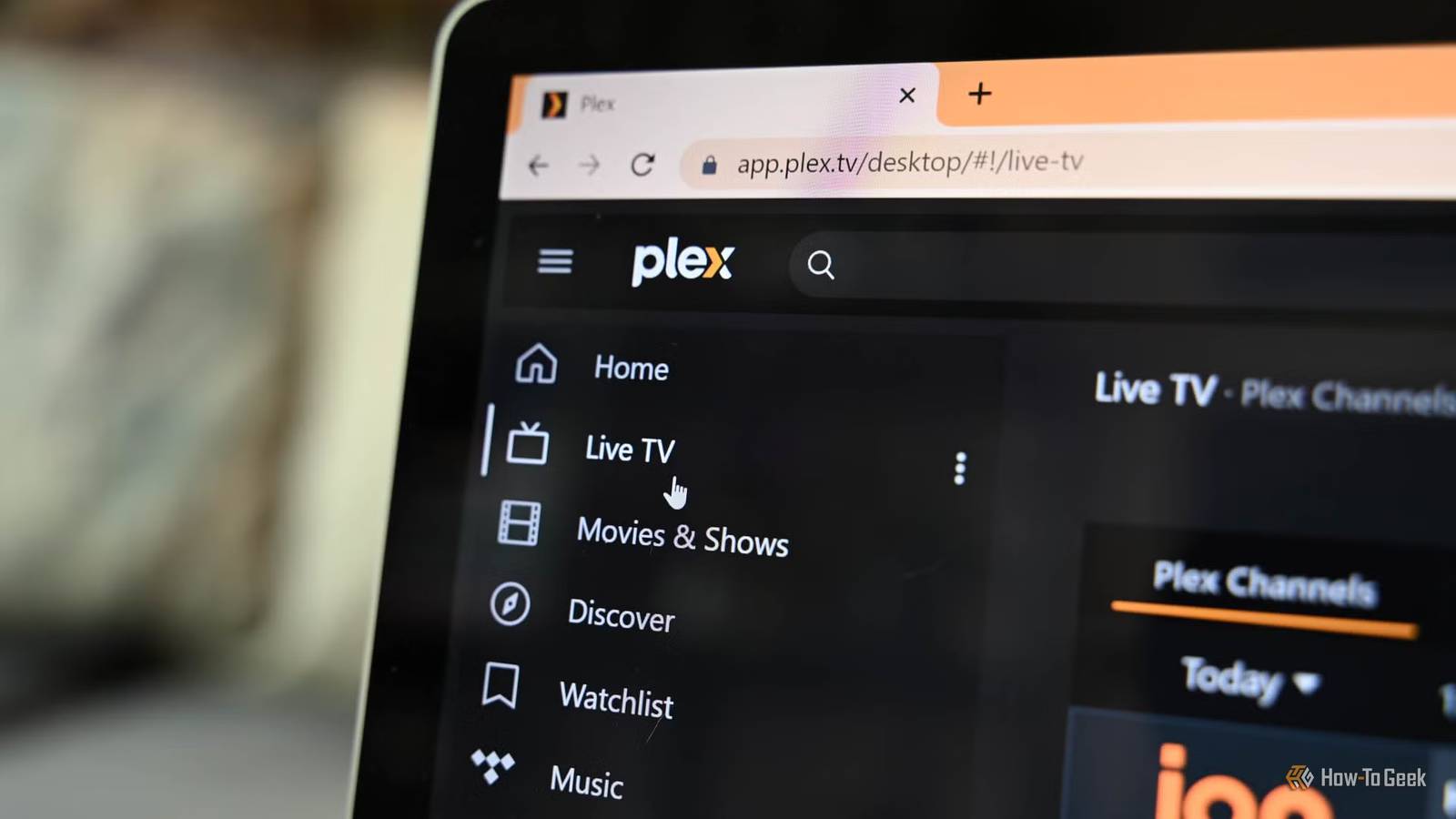
Published Nov 2, 2026, 8:30 AM EST Nick Lewis is an editor at How-To Geek. He has been using computers for 20 years --- tinkering with everything from the UI to the Windows registry to device firmware. Before How-To Geek, he used Python and C++ as a freelance programmer. In college, Nick made extensive use of Fortran while pursuing a physics degree. Nick's love of tinkering with computers extends beyond work. He has been running video game servers from home for more than 10 years using Windows, Ubuntu, or Raspberry Pi OS. He also uses Proxmox to self-host a variety of services, including a Jellyfin Media Server, an Airsonic music server, a handful of game servers, NextCloud, and two Windows virtual machines. He enjoys DIY projects, especially if they involve technology. He regularly repairs and repurposes old computers and hardware for whatever new project is at hand. He has designed crossovers for homemade speakers all the way from the basic design to the PCB. Nick enjoys the outdoors. When he isn't working on a computer or DIY project, he is most likely to be found camping, backpacking, or canoeing. This summer, a Lifetime Plex Pass increased in price from $250 to a whopping $750. Over the last year or so, an increasing number of features have either increased in price or become paid features. If you built a home media server to escape subscriptions and subscription creep, then those changes probably haven't sat very well. Today, there is more interest than ever in the replacements for Plex. Foremost among those replacements is Jellyfin, but it isn't the only good alternative out there. Plex keeps raising the price for self-hosters The lifetime pass used to make a lot of sense For nearly 10 years, the Lifetime Plex Pass cost $120 before jumping to $250 in April 2025 and $750 in July 2026. Once, the math on the Lifetime Plex Pass made a lot of sense. Even at $250, it paid for itself completely in less than 4 years when compared to the subscription. However, the current price—$750—takes nearly 11 years to break even. To further add insult to injury, Plex added a $250, 5-year subscription option. Now, you could buy 5 years of access for the same price that lifetime used to cost. The change to the lifetime pass wasn't the only change either. Remote streaming is now a paid feature Plex removed free remote playback in April 2025, which means you need a Plex Pass (on the owner's side) or a Remote Watch Pass on the viewer side. The Remote Watch Pass released for $2 per month and has already climbed to $3 per month in 2026. Shortly after, Plex blocked third-party clients in September 2026. That means that remote playback is functionally paywalled. A subscription is the very thing self-hosting helps to avoid When I first started self-hosting, I did so specifically because I wanted to avoid indefinite subscriptions. Most people using Plex were in the same boat. You pay for software once (or never, in the case of free, open-source software), provide your own hardware, and then add whatever media you want. Plex's current subscription-first approach runs contrary to that. If you're a new user, you're just signing up for another subscription. You can use a VPN or Tailscale to get around the remote streaming paywall, but setting up a VPN for remote access the hard part about migrating to several Plex alternatives. If you go to that trouble, you may as well just switch. Jellyfin is the most popular Plex alternative A free, open-source server with no paywalls Jellyfin is a free and open-source media server originally forked from Emby. It supports TV, music, movies, and audiobooks. Unlike Plex, Jellyfin gives you hardware transcoding, live TV (if you integrate it), and remote access are all completely free. Most major TV platforms and operating systems have Jellyfin apps, and some, like Windows and Linux, have multiple options you can choose from. Jellyfin TV clients used to be a bit hit-and-miss, but my experience over the last few years has been that they're now pretty reliable. The only real snag is remote streaming. In order to stream remotely, you need to tunnel into your home network or directly expose Jellyfin to the internet. Given the negative security implications of exposing Jellyfin to the web, I opt to host a simple WireGuard server on my server instead. When I want to watch something while away from home, all I do is connect to my WireGuard server first. That allows me to stream Jellyfin as if I were sitting at home. Emby is the closest thing to Plex A commercial option with a one-time fee My Emby home screen.Credit: Joe Fedewa / How-To Geek Emby is the project on which Jellyfin was originally built. Today, it is still a viable replacement for Plex, and has most of the same features as Jellyfin. Emby is available as both free and paid software; the "Premiere" tier unlocks hardware transcoding, which is essential for any server that streams to a variety of devices. Emby's Premiere lifetime license runs about $120, though it sometimes discounts to about $100. If you want a polished layout, consistent apps between platforms, and no subscription, Emby is a very good option. LibreELEC and Kodi skip the server completely Kodi takes the home theater PC approach If you don't stream your media to multiple devices, you don't really need a server like Plex, Jellyfin, or Emby. You can just plug a computer into your TV and play your media back over an HDMI cable. The easiest way to do that is with LibreELEC and Kodi. LibreELEC is a minimalist Linux distro designed specifically for use with a home theater PC (HTPC). It comes packaged with Kodi, which is a media app that has a user interface that is designed to be easy to use from across the room. Plex still works, but it is harder to justify today Plex is still excellent, but it is increasingly treating the self-hosting community as subscribers. The entire point of self-hosting is to retain control of your data and avoid subscriptions—the exact thing Plex is moving away from. If you're looking for a free Plex replacement, I'd recommend Jellyfin. It is stable, easy to set up, and has an enormous community. If you just want to play media on your TV, try out LibreELEC and Kodi.
Plex keeps getting more expensive. Here’s what people are switching to
Full Article
Original Source
Read the full article at Howtogeek →KhanList aggregates and links to publicly available news content. We do not host full articles from third-party sources. Always verify important information with original sources.