
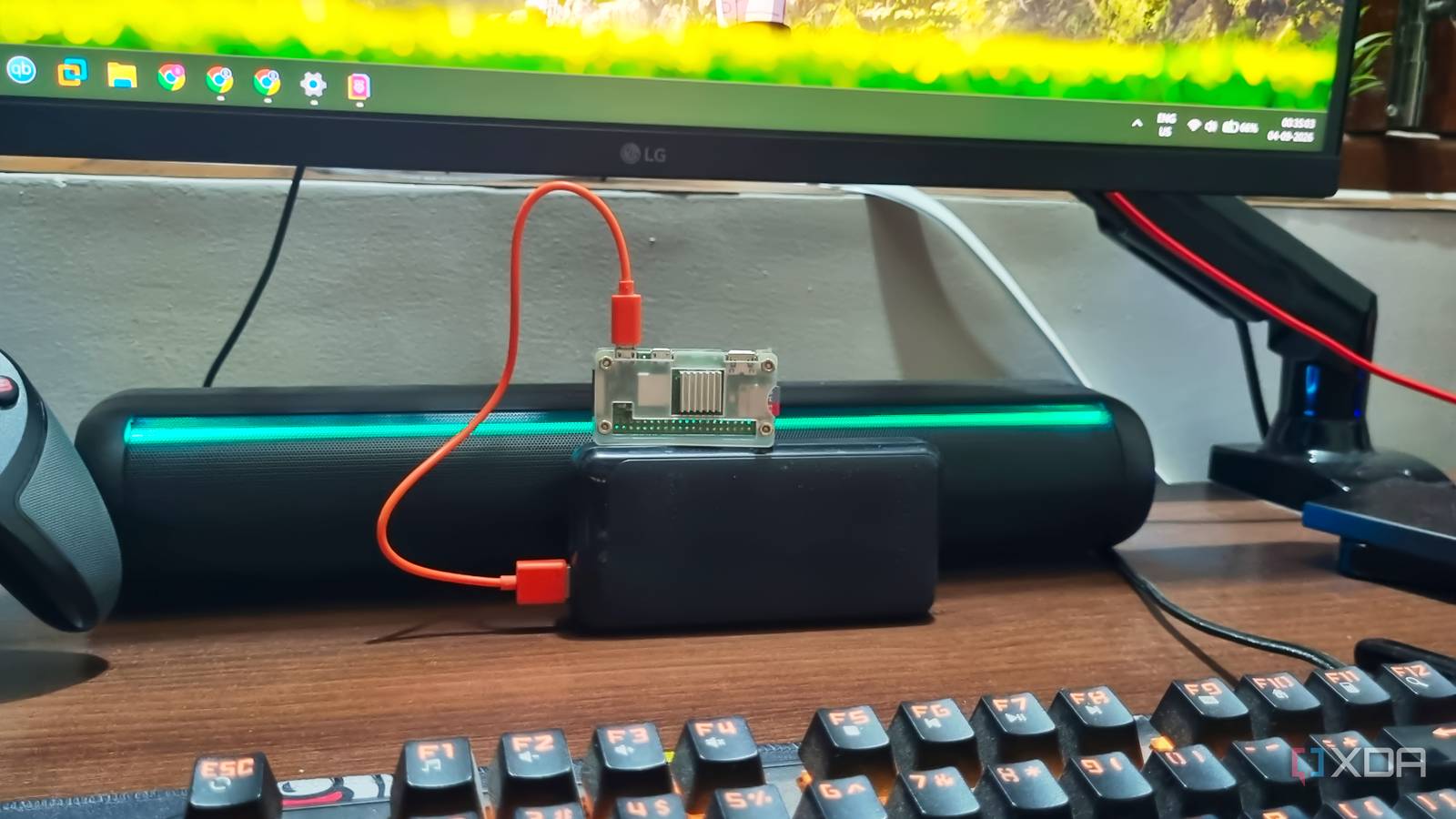
Published Sep 5, 2026, 11:00 AM EDT Abhishek is an author at XDA who covers computing. He has loved computers since he got the Lenovo G570 in 2012. Abhishek holds a master's degree in computer applications and began his writing career in 2018. He loves writing how-to articles, listicles, and informational posts on popular operating systems and web services. He closely follows the Windows Insider program and tests new Insider builds to discover upcoming experimental features and upgrades. His past work includes long-term collaborations with reputed publications like Tom's Hardware, and Windows Latest. When not writing anything, he is busy watching new episodes of One Piece or searching for something binge-worthy. The Raspberry Pi is undoubtedly the most interesting piece of tech I've ever heard about. It's small yet fully functional and can work with other sensors and devices to build IoT and automation projects. Even if you don't want to use its GPIO capabilities, you can use the top-end models like the Raspberry Pi 5 as a PC. Other use cases obviously fall into the self-hosted department, where there is a plethora of options to build a useful server. But even before you embark on the self-hosted journey, the first choice you must make is the operating system. Like every computer, the Raspberry Pi needs an OS to let you interact with it. While distribution variety is a good thing, it's one of the reasons many users cannot make it past their first project. The wrong OS choice can push you into deep problems, and I want you to avoid that. Operating system abundance is a good thing But choices become difficult A quick web search for the best Raspberry Pi OS shows numerous suggestions but no concrete answer. Raspberry Pi operating systems vary with the use case, and you might see the Raspberry Pi OS desktop edition as an obvious choice. It's also one of the closest things you can get to a desktop experience, especially if you are a newbie. You can also choose pure CLI operating systems with no desktop, along with popular options like Ubuntu and a few others. Then there are niche use-case options, like LibreELEC to turn the Raspberry Pi into a media streaming server, or RetroPie to turn the SBC into a retro game emulation machine. I have not yet discussed other distros, like moOde Audio OS, that convert your Pi into a streaming server. I used it to revive an old speaker system, and now it has Bluetooth connectivity with speakers. Incorrect OS selection can ruin your experience Complex OS editions After being dazed by so many options, you begin to consider installing the official Raspberry Pi OS with a desktop, because it seems like an obvious choice. Rather than learning to navigate the terminal, you get a simple head start with an OS that resembles your regular computer workflow. It has a desktop with icons and menus, and basic tasks like enabling an internet connection and setting up apps via a built-in package installer look promising. But it won't work with every Raspberry Pi model. So what's the option? Use a CLI OS like the Raspberry Pi OS Lite or Ubuntu Server, both of which lack a desktop environment. That's a mistake I made on my Raspberry Pi Zero 2 W, after I switched to the CLI version of the official OS. Suddenly, I was staring at a blank terminal with bare-minimum configuration options, and when I started installing packages, errors popped up like crazy. A syntax issue, lack of permissions, incorrect directory, and whatnot. I might sound biased with my suggestion, but I regret not picking DietPi as my first Raspberry Pi OS. While it's a CLI OS like Ubuntu and the official one, it gives beginners much more breathing room. DietPi puts more effort into being an easy-going OS with built-in tools, a dedicated software installation option, and a nice CLI dashboard with all the useful information. DietPi puts thought into the basic actions that can be a problem for someone new to SBCs. Its whiptail menus make it feel like a regular OS with interactive apps. You have to navigate them with a keyboard, but it's so much better than the terminal. But if you go with something like Ubuntu Server or the official offerings, every action requires a command. Be it adding a USB drive, mounting it, assigning user permissions, installing packages, or controlling services. Matching usability with resource requirements An operating system should complement the hardware Performance problems can show up if you pick the wrong OS. For example, the official Raspberry Pi OS desktop edition can work comfortably on something like the Raspberry Pi 5 or 4B, but becomes a pain for the Raspberry Pi Zero 2 W. Even the 32-bit version of the desktop edition brings the Raspberry Pi Zero 2 W to its knees, as the 512MB of memory cannot keep up with the demands of a graphical environment. When choosing an OS for your SBC, focus on its resource requirements. Carefully evaluate what it needs and whether your SBC has enough hardware resources to meet the target. It’s crucial because after installing the OS, the Raspberry Pi should have enough left to run your tools like Docker or even independent packages. So, DietPi is a great choice for a Raspberry Pi Zero 2 W, while Raspberry Pi OS Desktop runs nicely on the Raspberry Pi 4B with 4GB RAM. I prefer a lean approach, and DietPi lets me achieve that with the basic terminal knowledge I possess. You can go for an OS with a desktop environment if you find remote SSH cumbersome and prefer a GUI to configure the system and fix issues. If you want to free up maximum resources, you have to pick a CLI OS. But there’s even a solution like DietPi that makes the process less arduous. Similarly, you can pivot to a desktop experience on DietPi or other CLI distros by installing a lightweight desktop environment like XFCE. I’ve experimented with most of them, and I picked DietPi because I want to squeeze out every bit of performance I can. Choose wisely Focus on an OS that provides a solid base and is minimally complex. A slightly advanced user will focus on performance more because troubleshooting isn’t a problem. But if you are completely new to self-hosting, a desktop-based OS or something like DietPi (both of which have good software support) should be a priority. Estimate the amount of free system resources you’ll be left with after installing the OS, and whether the SBC hardware can actually run it without stutters. Raspberry Pi 5 CPU Arm Cortex-A76 (quad-core, 2.4GHz) Memory Up to 8GB LPDDR4X SDRAM The Raspberry Pi is back, and the fifth iteration of the SBC is a lot more capable than the older models. From a new quad-core Arm Cortex-A76 CPU, support for dual monitor setups at 4K 60Hz, and a dedicated power button, there's a lot to love about this palm-sized computer. Operating System Raspberry Pi OS (official) Ports 2× USB 3.0, 2× USB 2.0, Ethernet, 2x micro HDMI, 2× 4-lane MIPI transceivers, PCIe Gen 2.0 interface, USB-C, 40-pin GPIO header GPU VideoCore VII Starting Price $60 Wireless Connectivity Bluetooth 5.0, Dual-band 802.11ac Wi-Fi
Picking the wrong Raspberry Pi OS will kill your first project faster than bad hardware ever could
Full Article
Original Source
Read the full article at Xda-developers →KhanList aggregates and links to publicly available news content. We do not host full articles from third-party sources. Always verify important information with original sources.