
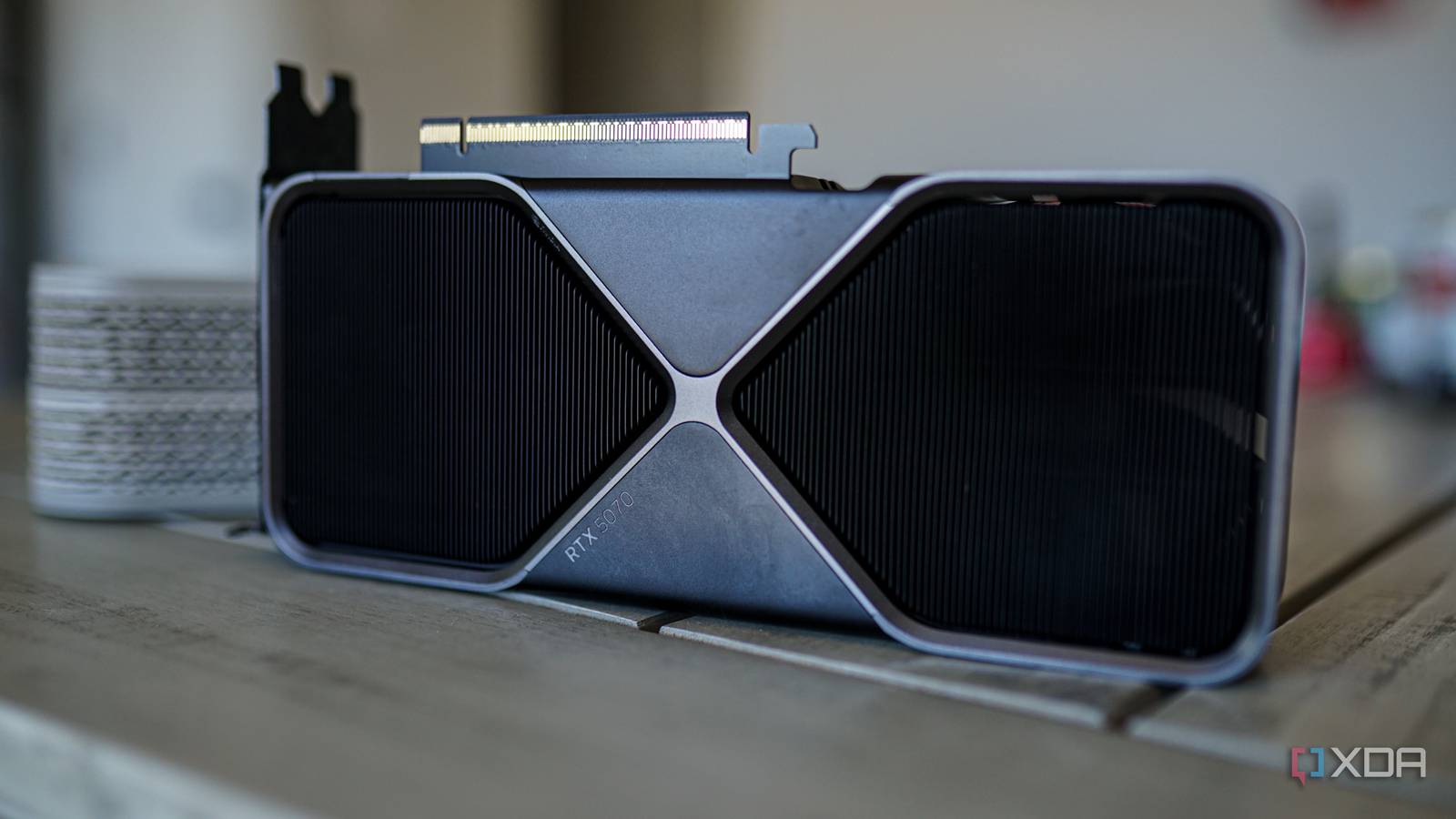
Published Nov 1, 2026, 12:00 PM EST Hamlin has been in the tech field for over nine years. Since 2017, his work has appeared on MakeUseOf, Android Police, OSXDaily, Beebom, and more. He served as the Senior Editor at Valnet's MakeUseOf for over two years before joining XDA. He uses a high-end gaming rig for desktop use and a MacBook for traveling, but dislikes some of the quirks of macOS. You're more likely to catch him at the gym or on a flight than anywhere else. When I upgraded to AM5 earlier this year, I opted for an X870E motherboard, which supports PCIe 5.0 for both the GPU and NVMe drives. That's double the bandwidth of PCIe 4.0, which sounds like a big step up. And while I bought a Gen 5 SSD to take advantage of that extra bandwidth, my RTX 4090 is still a PCIe 4.0 GPU, so I'm not benefiting at all there. But here's the thing: even if I had stayed on AM4 and upgraded to an RTX 5090, the older PCIe 4.0 interface wouldn't really have held it back. Going from 31.5GB/s to 63GB/s may seem impressive, but if your GPU doesn't come close to saturating the available bandwidth in the first place, what's the point of having twice as much? That's the situation we're in with the current crop of GPUs. Outside of a couple of specific scenarios, gaming performance barely benefits from PCIe 5.0. So if you're planning to get an RTX 50-series or RX 9000-series GPU, and you're worried your motherboard only supports PCIe 4.0, trust me, you have other things to worry about. Your GPU isn't constantly waiting for data over PCIe Because most of the data it needs is already in VRAM PCIe bandwidth numbers can give people the wrong impression that the GPU needs all the bandwidth it can get. But the reality is that it doesn't need the PCIe connection to access textures, frame buffers, and other game data already stored in VRAM. It has its own memory interface for that, which is significantly faster. The RTX 5090, for instance, has almost 1.8TB/s of memory bandwidth. Even the entry-level RTX 5060 has a memory bandwidth of 448GB/s. PCIe 5.0 x16's 63GB/s of theoretical bandwidth doesn't hold a candle to those numbers. So once a game has loaded the assets it needs into VRAM, the GPU can work with them without constantly pulling the same data through the PCIe slot. Of course, data still needs to move between system RAM and VRAM, especially when games stream in new assets. But unless those transfers are held back by the available bandwidth, doubling it isn't going to improve performance in any meaningful way. If anything, having enough VRAM is way more important because the last thing you want is your GPU relying heavily on the PCIe connection to access data in system RAM. Even the RTX 5090 runs just fine on PCIe 4.0 You're better off worrying about CPU bottlenecks than PCIe limitations If PCIe 4.0 were actually holding back current GPUs, you'd expect the RTX 5090 to show it. After all, it's the fastest consumer GPU money can buy. But when Steve from Gamers Nexus tested it across PCIe 3.0, 4.0, and 5.0, gaming performance barely differed between Gen 4 and Gen 5. Even going all the way back to PCIe 3.0 only resulted in a performance drop of around 1-4% in his tests. That's a surprisingly small penalty for cutting the available bandwidth from 63GB/s to 15.75GB/s. Now you see why PCIe 5.0 support shouldn't be anywhere near the top of your priorities, especially when it comes to your GPU. Of course, if you're still using a motherboard that supports PCIe 4.0, chances are your CPU isn't particularly new either. So if you install something like the RTX 5090, I'd be more concerned about your aging CPU holding it back than the PCIe interface, especially at 1440p or lower resolutions. If you're considering a platform upgrade, do it for the CPU, not PCIe 5.0 support, which you'll likely get anyway. PCIe 5.0 matters more for some lower-end GPUs But a faster interface alone won't make up for insufficient VRAM Credit: Hardware Unboxed There's an exception to this whole PCIe 5.0 debate, however. Some entry-level GPUs, like the RTX 5050, RTX 5060, and RTX 5060 Ti, use only eight PCIe lanes, so the generation suddenly matters more. If you install any of these GPUs in a PCIe 4.0 motherboard, you'll immediately cut its available bandwidth in half. And if your card only has 8GB of VRAM, things can get worse when a game needs more memory than it has available. That's when the GPU may need to rely more heavily on system RAM, and the slower PCIe connection can hurt frame rates and cause stuttering. That said, even though PCIe 5.0 can reduce the performance penalty when your GPU runs out of VRAM, the fact that it has to rely on slower system RAM in the first place means you're still going to take a performance hit. PCIe 5.0 bandwidth isn't going to make your RAM behave like dedicated VRAM. That's why you should be hell-bent on getting a GPU with at least 12GB of VRAM in 2026 rather than worrying about your motherboard's lack of PCIe 5.0 support or your GPU having only eight PCIe lanes. Why obsess over a GPU spec that doesn't make a difference? If you're building a new PC and your motherboard supports PCIe 5.0, then great, you're already covered on that front for the foreseeable future. But I wouldn't get a new motherboard just because the GPU I'm eyeballing supports PCIe 5.0. It's going to perform almost identically on PCIe 4.0, and you're not going to be able to tell the difference without looking at benchmark results. I'm in the opposite situation, though. I have a PCIe 5.0 motherboard, but I don't have the GPU yet. And I'm in no rush to upgrade either. I'm all for newer standards when they solve an actual problem, but for most GPUs on the market today, PCIe 5.0 is solving a problem that doesn't exist yet.
PCIe 5.0 doubles PCIe 4.0's bandwidth, but your graphics card barely cares
Full Article
Original Source
Read the full article at Xda-developers →KhanList aggregates and links to publicly available news content. We do not host full articles from third-party sources. Always verify important information with original sources.