
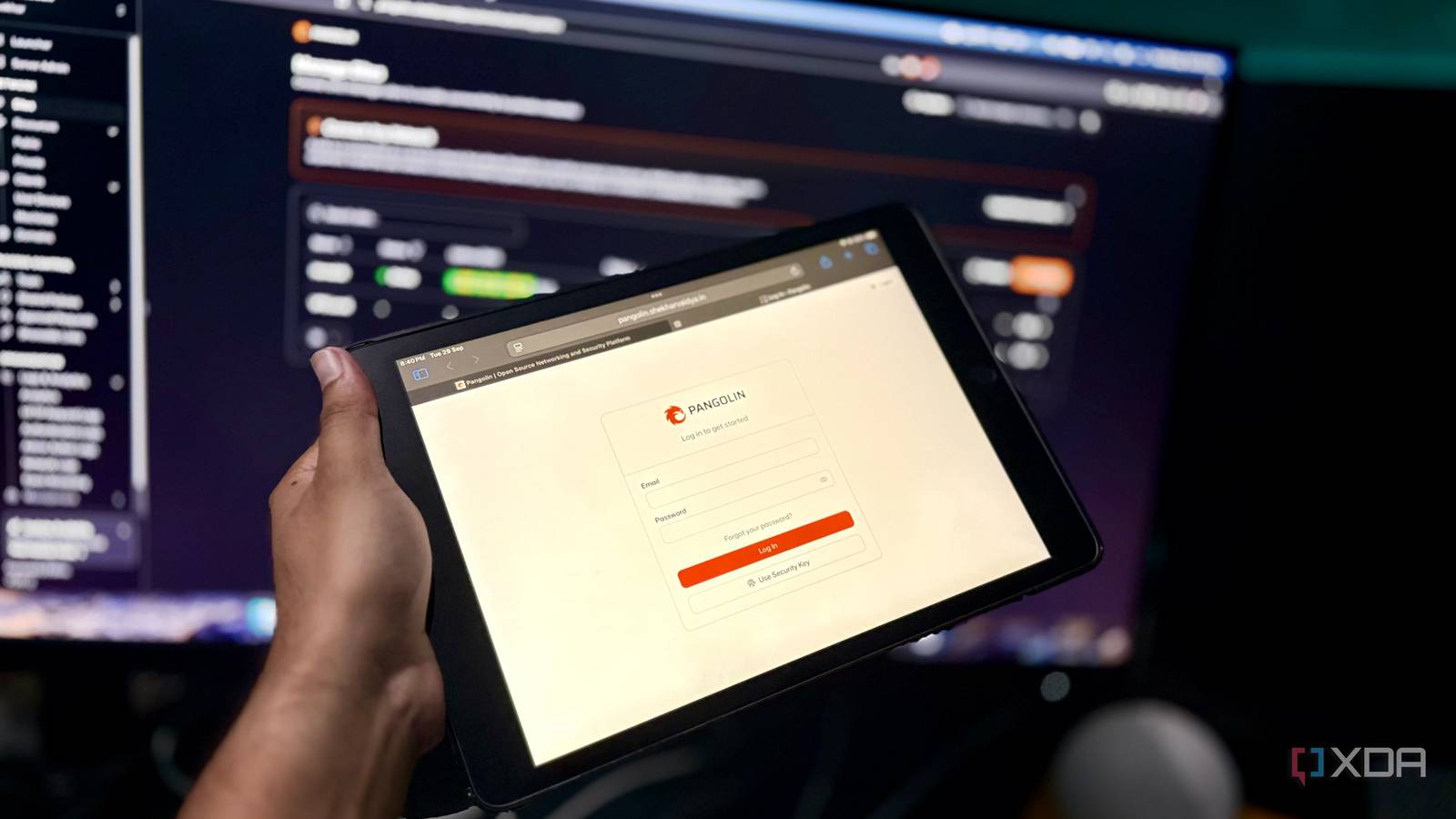
Published Sep 29, 2026, 5:00 PM EDT Shekhar Vaidya is a veteran technology journalist and computer science engineer. He is the founder of TechLatest, where he has spent years providing technical analysis on hardware and Windows ecosystems. Now a Computing Writer at XDA, Shekhar leverages his deep background in NAS, storage solutions, and PC internals to help readers master their tech. I have two internet connections for my homelab, but neither gives me a simple path for incoming traffic. Both are behind CGNAT, which makes traditional hole-punching on my router difficult. For my homelab, where I have many apps that need public access, my redundant internet setup doesn't help at all. After running back and forth looking for a solution, I finally settled on Pangolin, and here's what changed. I couldn't open a port even if I wanted to Two ISPs. Neither would let me in. I live in the countryside, and though it has many perks over a metro city, it comes with a few downsides as well. One of the downsides is that I have a limited number of ISPs available for the internet, and most of them are local. For my homelab, I have subscribed to two ISPs. Why two? Because of a smaller number of users, the connection is generally stable, and outages are rare. But if the connection is down for some reason, the outage typically lasts 12 to 24 hours, or longer if it is a weekend. The second connection helps keep the homelab up when the primary is down. But the more concerning thing is that both the connections are behind CGNAT. That means each shares a carrier-side public IP, which isn’t publicly accessible from the internet. And behind CGNAT, there is no traditional way to forward any port from the router. Even if inbound access were available for me, I wasn’t interested in making my home router the public-facing entry point for multiple homelab services. There are multiple services on my homelab that I never want to be accessible from the internet, like admin dashboards. But there are a few services that need public access. Immich, Jellyfin, and Nextcloud are among the most used services in my homelab, and I use them even when I am away. Since traditional port forwarding wasn’t an option for me, I needed something to establish the connection outward from my network. How Pangolin gets around it My server calls out. My router hears nothing. Pangolin helps me reach my self-hosted services from anywhere in the world without relying on an inbound connection to my home internet. Let me be clear before you jump to the comments section and say I could have just used Cloudflare Tunnel. I have used it in the past, and why I replaced Cloudflare Tunnel with Pangolin is a whole different story I've already told. Pangolin has three major components — Newt, Gerbil, and Traefik. Newt runs on my home server and is used to connect my homelab to the Pangolin control plane for establishing the outbound connection. Pangolin itself is hosted on a VPS, since it requires a public IP. Gerbil builds a secure, encrypted tunnel using WireGuard, and Traefik routes the traffic to the appropriate application it requested. Internet -> VPS -> Traefik -> Gerbil/tunnel -> Newt -> app. The Pangolin control plane handles all the tedious jobs under the hood. And my CGNAT connections don’t care about the whole process because the traffic never directly hits my router. There were a few snags that I faced while setting up the service for the first time; for example, Newt and the service had to share the same Docker network, but that’s just how Docker works. But it is a one-time thing, so once set up, I didn’t have to look back. But as mentioned earlier, not all my services need to be publicly accessible. There are many services, such as Portainer and AdGuard Home, that are only meant for me. So, for those types of services, I access them with a private mesh VPN like NetBird and Tailscale. With Pangolin and NetBird, I am covered from both ends, and the best part is I don’t have any inbound ports on my router. Pangolin Self-hosted, open-source for exposing your own services under your own domain. What living with it is actually like It's just another URL. That's also the catch. The important question is how it works after the initial one-time setup. Honestly, I don’t open the Pangolin dashboard every day, and that is the best outcome. For example, while I am traveling and need some documents urgently, I just open Nextcloud in the browser using the public domain name, and I download them. It is as simple as that. I don’t need to worry about the underlying tunnel or the home network. It behaves like any other web service. Adding a new service to Pangolin takes less than 30 seconds. Once I am done deploying a new service on my homelab, and if it needs to be publicly accessible, I open the Pangolin dashboard and add it as a new public resource by using just a few basic details. The new resource name, subdomain, and local IP address with its port. Done. But there are a few downsides to this setup if you are thinking of setting it up in your homelab. The first and most important one is that it is not free. The Pangolin service itself is free, but it requires a VPS with a public IP to work, and renting a VPS is another recurring expense. For me, all internet traffic first goes to Germany and then reaches my home server. Why Germany? Because my VPS’s public endpoint is in Nuremberg, as it is cost-effective. Personally, a few ms delay isn’t a big tradeoff, but if you host services where each ms is crucial, then you will have to rent a VPS near your location. Since a VPS is a piece of infrastructure owned by someone else and you just rent it, it becomes another dependency; if you miss a bill or the host faces an outage, it directly affects your homelab’s remote access. And if you see it security-wise, even though my home server isn’t directly exposed, the services are still publicly reachable, so a few further steps are needed to make it more secure. I personally use Pocket ID for SSO wherever applicable and put CrowdSec at the front for edge protection. The trade-off I'm happy to live with Pangolin offers a simple way out of the CGNAT wall for someone who wants normal URLs for their self-hosted services without relying on a client being installed on every device. But it is not universally the right fit. If you are happy with a mesh VPN for private access, then you are already good. But if you want a publicly accessible HTTPS URL for your services without any unnecessary overhead, and you can live with the VPS cost and another dependency, Pangolin is worth a try.
Pangolin lets me reach my own apps from anywhere, and I didn't have to open a single port
Full Article
Original Source
Read the full article at Xda-developers →KhanList aggregates and links to publicly available news content. We do not host full articles from third-party sources. Always verify important information with original sources.