
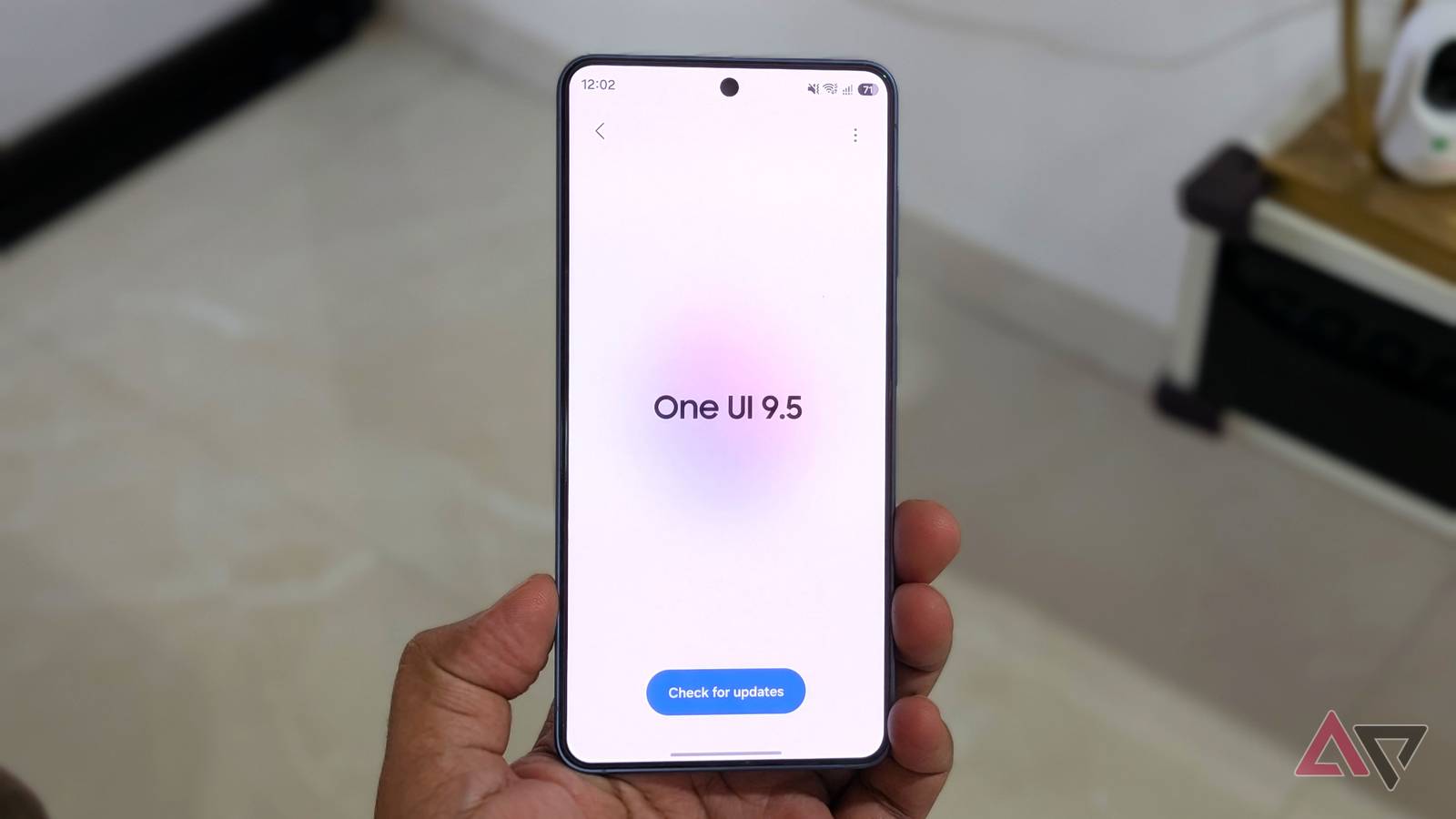
Published Nov 26, 2026, 4:41 AM EST Pankil is a Civil Engineer turned freelance writer from Ahmedabad, India. As a long-time Windows and Android user, he has extensive knowledge of both operating systems and specializes in creating how-tos and troubleshooting guides. Pankil has been writing about Windows, Android, and iOS since 2021. He has written over 2000 articles across reputable publications like MakeUseOf, Android Authority, GuidingTech, and TechWiser. Outside of his writing endeavors, Pankil is an avid football fan and loves to plan his international travels with his wife in his free time. The first beta of Samsung's One UI 9.5 is here, and it brings native app lock, Tap to Share, a live depth effect on lock screen wallpapers, and a lot more. But beyond those flashy headline features, I'm enjoying a bunch of smaller, almost boring improvements that nobody's really talking about. These are all changes that have made my Galaxy phone slightly less annoying to use. Quick Settings controls are easier to find No need to scroll endlessly One UI 9 made the Quick Settings panel more flexible than ever. You can finally resize the volume and brightness sliders and even flip them vertical if that's your thing. But one thing that kept bugging me was that adding a new toggle meant scrolling through a long list every single time. One UI 9.5 finally fixes this by showing a search bar right there while you're editing the panel. You can now simply search for the shortcut you need and add it. Face and fingerprint unlock finally work together Unlocking apps has never felt this quick I've set up both fingerprint and face unlock on my Samsung Galaxy S26, and I love having both options. It's especially handy for unlocking banking and messaging apps. Until One UI 9.5, though, Galaxy phones defaulted to fingerprint unlock. So, if I needed to use my face for unlocking, I had to manually select that option before it'd actually work. One UI 9.5 fixes this by letting both face and fingerprint recognition work simultaneously. So, if I'm already looking at the screen, the app will usually unlock before I even get a chance to use the fingerprint sensor. Open Word and PowerPoint files without Office apps My Files just made Office apps optional As someone who only needs to view documents and presentations on my phone occasionally, I've never really liked having to keep apps like Microsoft Word and PowerPoint installed just for that. Thankfully, I no longer need them just to open DOCX and PPTX files. One UI 9.5 lets Samsung's My Files open these Office files natively. My Files can only preview and print these Office files, but for me, that's more than enough. Of course, if you often need to make minor edits, you'll still need Office apps. Clear all app caches at once My Files just got a built-in cache cleaner In One UI 9.5, My Files also shows a Free up storage option when you open the Manage storage menu. Here, you'll see a few suggestions, like emptying the Recycle Bin, deleting pre-edit backups, clearing temporary trash data, and my personal favorite, deleting app caches. Yes, the app cache option lets you clear all your app caches at once. This isn't something you should do all the time, but it can be handy if you're looking to free up space without deleting your apps. It basically wipes all the temporary files your apps have collected over time. Android used to offer a similar option natively back in the day, but it doesn't anymore. Download new ringtones for your Galaxy One UI 9.5 brings a nostalgic surprise This one's a nice bit of nostalgia, especially for anyone who's been a Galaxy user for years. The ringtone menu in One UI 9.5 now shows a download button. Tap it, and you'll get the option to download older versions of Samsung's Over the Horizon ringtone, going all the way back to 2011. There are some other classic Samsung tones thrown in, too, and yes, they're all free to grab. You can set these as your ringtone or alarm tone. It's not a long list, though, so if you want more variety, a dedicated ringtone app is still the way to go. Keep your favorite features a tap away Android's accessibility menu hides some really useful features that everyone can benefit from. For instance, Extra dim can keep the screen as dim as possible at night, Live Caption can add subtitles to any video you're watching, and the Assistant menu gives quick access to shortcuts like screenshots and volume controls. Accessing these options, however, usually means going to the Accessibility menu, opening the Quick Settings panel, or keeping an accessibility shortcut parked on the navigation bar. One UI 9.5 simplifies this with a floating shortcut that's visible all the time. You can move it anywhere on the screen and even tuck it away when you don't need it. And yes, you can customize exactly what shows up in this menu by heading to Settings > Accessibility > Accessibility shortcuts > Floating button. One UI 9.5 beta is so worth it The above list just covers some of my favorite One UI 9.5 upgrades, but there's obviously a lot more good stuff. The Weather app, for instance, now shows personalized weather updates for your destinations, the Phone app shows the search bar at the bottom, and Privacy Display on the S26 Ultra is more useful than ever. The One UI 9.5 beta is only available for the Galaxy S26 series right now. If you have one, you can sign up for the beta through the Samsung Members app and start poking around these changes yourself.
One UI 9.5 brings these smaller upgrades everyone's sleeping on
Full Article
Original Source
Read the full article at Androidpolice →KhanList aggregates and links to publicly available news content. We do not host full articles from third-party sources. Always verify important information with original sources.