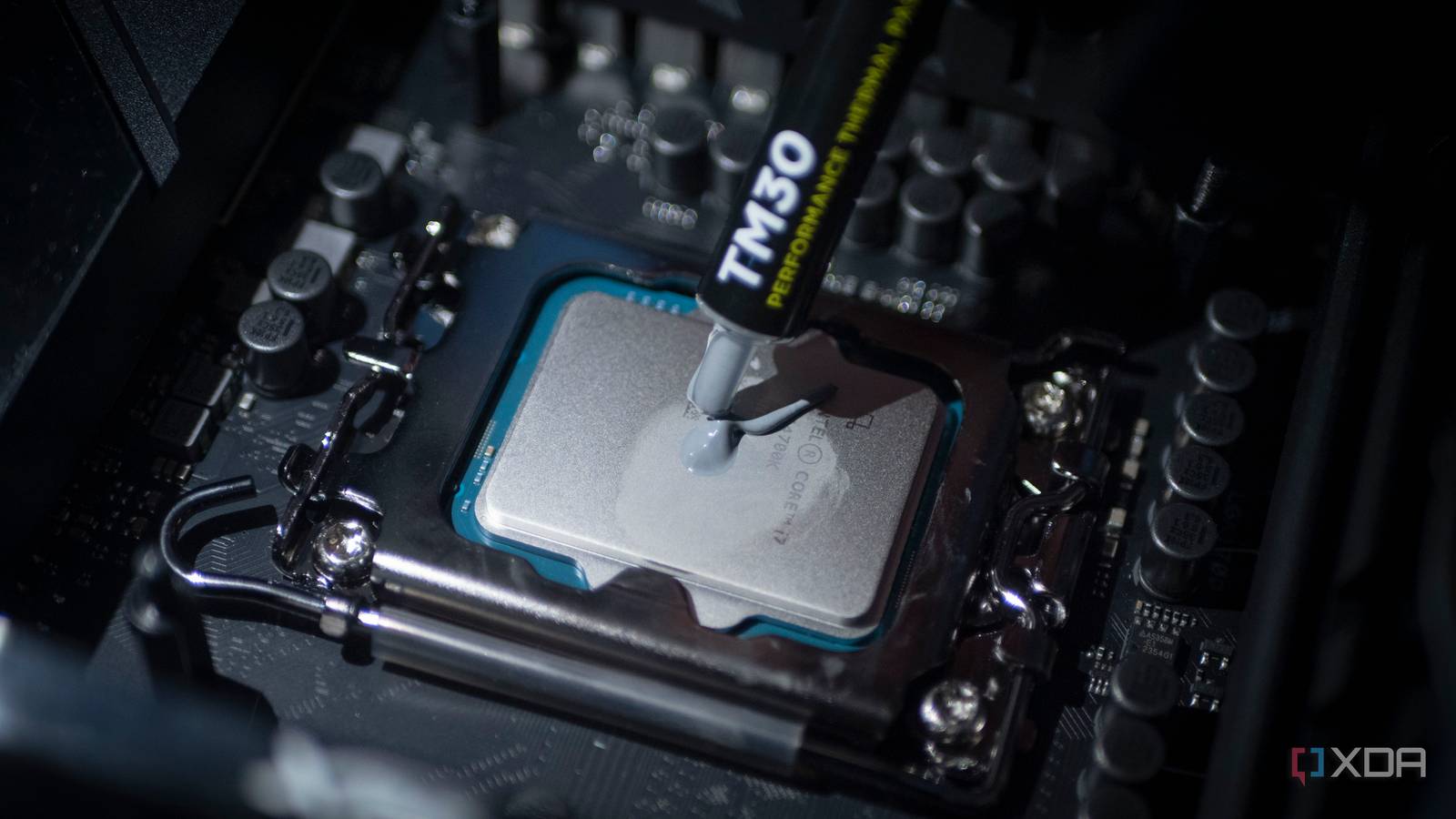
Published Aug 15, 2026, 7:00 AM EDT Abhinav pivoted from a career in banking to pursue his first love in writing. Even while working full-time, he continued contributing as an editor-at-large, a role he has held for more than 7 years. A lifelong tech enthusiast who has built three gaming and productivity powerhouse PCs since 2018, his passion for technology keeps him closely following the semiconductor industry, from NVIDIA and AMD to ARM. His MSc dissertation explored how artificial intelligence will reshape the future of work, reflecting his curiosity about the wider social impact of emerging technologies. If it has been a few years since you built your PC, chances are you haven't thought of this component since you put your cooling solution on top of your CPU's heat spreader at all. Over time, your PC starts running hotter than it used to, the fans spin up sooner, and load temperatures creep past numbers you had never seen before. You don't notice any of this until a demanding game drops you straight to the desktop. When this happens, a number of things will cross your mind. You'll suspect your GPU, the drivers, or the processor, and rule those out by reading one guide after another. What won't be suspected until the very end of the troubleshooting journey, however, is the thermal interface material, and I say this because it's something that has happened to me on three different occasions. What makes thermal interface material degradation so hard to spot? It's a silent performance killer that no one suspects When it comes to modern PCs, most components have their own unique distress signals. Your SSD will throw out SMART warnings, a poorly-configured or failing DIMM stick will cause blue screens, CPU trouble might cause your PC to fail POST, failing GPUs produce visual artifacts and black screens, and malfunctioning fans... well, they just won't spin. A degrading thermal paste, reasonably, doesn't come with any of these signs, because it degrades gradually. The temperatures will steadily climb a degree or two at a time over months, and nothing on your screen will ever announce it. You'll learn to acclimatize to a machine that runs a little warmer each season, perhaps start using more powerful fan curves, or experiment with undervolting. Sometimes, you'll just point fingers at the ambient temperature like I have multiple times. What complicates this diagnosis even further happens to be a function that has been deliberately engineered to protect modern chips from frying themselves. Because these chips start to throttle clocks long before any real damage occurs, chances are, your PC will continue to function as normal and yet continue to lose performance by hitting the thermal limit progressively quicker. Thermal paste ages in ways you will not notice Two failure modes, and one warning sign A standard thermal paste is made of silicone or hydrocarbon oils along with conductive fillers, which, like any other liquid, will eventually dry out with time. The compound slowly begins to lose the properties that let it conduct heat, which the heat itself becomes a catalyst for. The second reason is pump-out, where repeated heating and cooling cycles push the paste outward from the center of the die over months and years until the coverage thins at the center of the heat spreader. Both CPUs and GPUs suffer the same problem, but GPUs often have it worse. Not only does the paste beneath the GPU die age over time as expected, but the thermal pads cooling the memory and power delivery components degrade as well. The bigger problem, I would argue, is accessibility. Replacing thermal paste on a CPU usually means taking twenty minutes to remove a cooler, whereas a GPU often has to be completely disassembled, which makes maintenance far more intimidating for most PC builders. After all, how many of us are actually comfortable pulling a GPU apart? Protecting your PC from thermal throttling requires preparedness A benchmark for reference, and a tube of fresh TIM when necessary The issue of thermal interface material and its silent degradation is particularly challenging, and quite pressing as it directly impacts performance. So you might ask, how does one take care of a problem that's easy to fix, but hard to diagnose? A simple solution is to start preparing before anything goes wrong. A gradual temperature rise that you cannot compare against something effectively tells you nothing, so give yourself a reference point. When your build is fresh (or when you've freshly re-applied thermal compound on either the CPU or the GPU), run a benchmark or stress test that you can repeat, and record the peak and sustained temperatures alongside ambient conditions. Later, when you come to a point when you start to suspect the thermal performance of your PC, you can run the very same test and compare the data you've recorded. As a rule of thumb, a rise of ten degrees or more at the same load, with everything else kept the same, tells you that your thermal interface material needs changing. Although I benchmark my setup several times a week due to the nature of what I do, I recommend running a full diagnostic benchmark on your components once every six months to ascertain if you're getting the best value out of your components, and not losing it as wasted heat. I normally use 3DMark's Speed Way test for GPU benchmarks, and Maxon Cinebench 2026 for the CPU. Free alternatives like FurMark, however, are just as great at reporting the data you need. 3DMark 3DMark is a popular benchmarking utility that includes a collection of benchmarks to test your GPU's performance with various settings. The free version of the program is enough to run some basic tests, while the paid version unlocks additional tests to collect more information. Don't let the heat beat your performance Thermal paste is one of the cheapest components that go in a PC, and yet, it has an enormous bearing on the performance ceiling your rig is allowed to hit. The simplest trick is to not just sit around waiting for crashes or overheating to become obvious, but carry out basic maintenance through benchmarking to know where your PC's performance stands.
One part of your PC is aging faster than everything else, and it isn't the one you'd guess
Full Article
Original Source
Read the full article at Xda-developers →KhanList aggregates and links to publicly available news content. We do not host full articles from third-party sources. Always verify important information with original sources.