
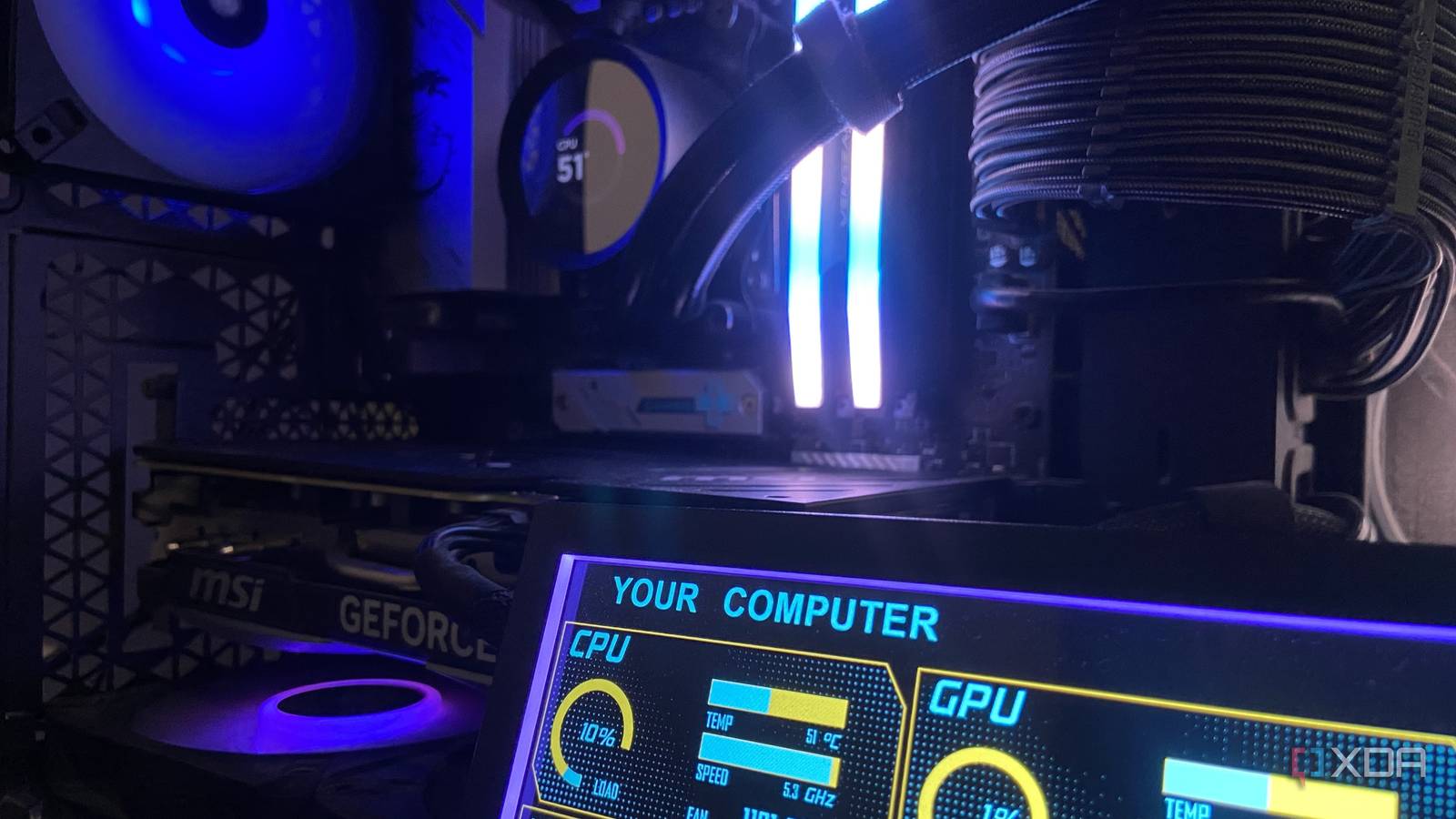
Published Sep 11, 2026, 7:00 AM EDT Abhinav pivoted from a career in banking to pursue his first love in writing. Even while working full-time, he continued contributing as an editor-at-large, a role he has held for more than 7 years. A lifelong tech enthusiast who has built three gaming and productivity powerhouse PCs since 2018, his passion for technology keeps him closely following the semiconductor industry, from NVIDIA and AMD to ARM. His MSc dissertation explored how artificial intelligence will reshape the future of work, reflecting his curiosity about the wider social impact of emerging technologies. Sign in to your XDA account The first thing that comes to mind for most enthusiasts wherever power limiting is mentioned is that it would come with a fairly straightforward compromise. After all, less power should mean less performance, no matter whether it's applied to the CPU or the GPU. That, of course, is true, but it's only half the story, and the other half would be surprising to most, if not all, especially if they haven't tinkered with the power slider in a while. I tested three power limits on my Ada Lovelace GPU, ranging from 100% to 80% using 3DMark, documenting everything from benchmark scores, average and peak fan speeds, temperatures, and clock speeds at every step. The performance trade-off, surprisingly enough, turned out to be smaller than I expected, but arguably, the more interesting result was in how the card got quieter. The slider that makes your PC quieter It's like a volume knob for your GPU, and you never have to touch the clocks The method that I'm experimenting with is making incremental cuts to the power slider through the MSI Afterburner, and it's worth understanding what it does before you start dragging it around. First, it is technically a form of undervolting, and MSI itself designates it as such in their overclocking and undervolting guide. It is a little different from undervolting in that you're not dialing in a specific voltage, but rather capping how many watts the card can draw, and the GPU's boost algorithm trims clocks and voltage on the fly to stay underneath that ceiling. This means you never have to manually adjust your core and memory clocks yourself, or touch a voltage-frequency curve for that matter. This makes it a low-risk way into what's technically "undervolting". You're never forcing a fixed voltage that your particular GPU may not be stable at, and you're moving in the conservative direction in that you're asking your card for less, and not more, which keeps you inside the rated envelope. Establishing the ceiling At 100%, the RTX 4070 Ti Super is free to stretch its legs As everything is benchmarked against this metric, the first 3DMark Speed Way test covered my RTX 4070 Ti Super's baseline performance, which returned a score of 6,410, landing squarely in the 71st percentile at 64.11 FPS, averaging 2,752 MHz on core and delivered an average temperature reading of 76°C during the run. This is standard for a twin-fan SKU. The fans roared, averaging 2,396 RPM and peaking at a high 3,305 RPM. This established my ceiling relating to maximum power, maximum sustained clocks, and highest fan-speed spikes. As I said, everything following this is measured against this baseline, and that enables me to see how much of this performance can be reasonably traded in exchange for a quieter and more efficient operation. 90% power seemed to be the sweet spot Take 10% off the top, and the card barely notices This is likely going to be news to no one, but manufacturers pad the voltage on their chips. It's as true of the RTX 5090 as it is of the Ryzen 9 9950X3D. There are good reasons for it, of course, as they need to account for silicon variance and guarantee stability across all SKUs. The side effect, however, is that your AIO and GPU fans can end up working harder than they need to, all while the chips draw more power and radiate more heat than the workload asks for. Both undervolting and power-limiting are ways to trim that excess. At 90% power, my own RTX 4070 Ti S lost just 2.3% of its Speed Way score, dropping from 6,410 to 6,263 while the average FPS fell from 64.11 to 62.63. Interestingly enough, for that sub-3% hit, peak fan speed fell four times as much, going from 3,305 RPM down to 2,968 RPM, which is a 10% drop. 80% is a trade, but I can see a case for it You can make it quieter still, but with a bigger performance impact Pushing the power limit down to 80%, the card fetched a score of 5,908 in Speed Way, which was a steeper 7.8% drop from the baseline, while the average FPS fell down to 59.08. The peak fan speed dropped from 3,305 RM to 2,605, which as a massive 21% reduction, and the GPU ran 3°C cooler at 73°C. There's a reason why I still see how it could be a compelling exchange for certain builds and workloads. Of course, small-form-factor systems are the first that come to mind. Shaving 21% off the peak fan speed for a handful of frames is a trade many SFF builders would take in a heartbeat, especially since the card loses a modicum of that performance to thermal throttling anyway. It also holds for anyone running a media or living-room PC dabbling in Plex streaming or light gaming who can benefit from the acoustic uplift. Power Limit Speed Way Score Variance from baseline Graphics FPS Avg Core Clock Avg Temp Avg Fan RPM Peak Fan RPM 100% 6,410 — 64.11 2,752 MHz 76°C 2,396 3,305 90% 6,263 -2.3% 62.53 2,631 MHz 75°C 2,382 2,968 80% 5,908 -7.8% 59.08 2,136 MHz 73°C 2,161 2,605 If you're close to your PC, your ears will thank you for power limiting If you look at only the averages, the data will not seem compelling. At 90%, average fan speed dropped by only 14 RPM, while the average temperature fell by a single degree. Had my logs only recorded those numbers, I would have happily concluded that the power slider does nothing for the noise. The peak column, however, tells the story of the actual gain, which moved from 3,305 RPM to 2,968, then again, to 2,605. This simply means that the card has stopped surging, which means the dramatic excursions to the top of the fan curve become far less frequent, and far less severe, and that very consistency is what makes power limiting valuable to users.
One GPU setting made my entire PC quieter, and it has nothing to do with the fan curve
Full Article
Original Source
Read the full article at Xda-developers →KhanList aggregates and links to publicly available news content. We do not host full articles from third-party sources. Always verify important information with original sources.