
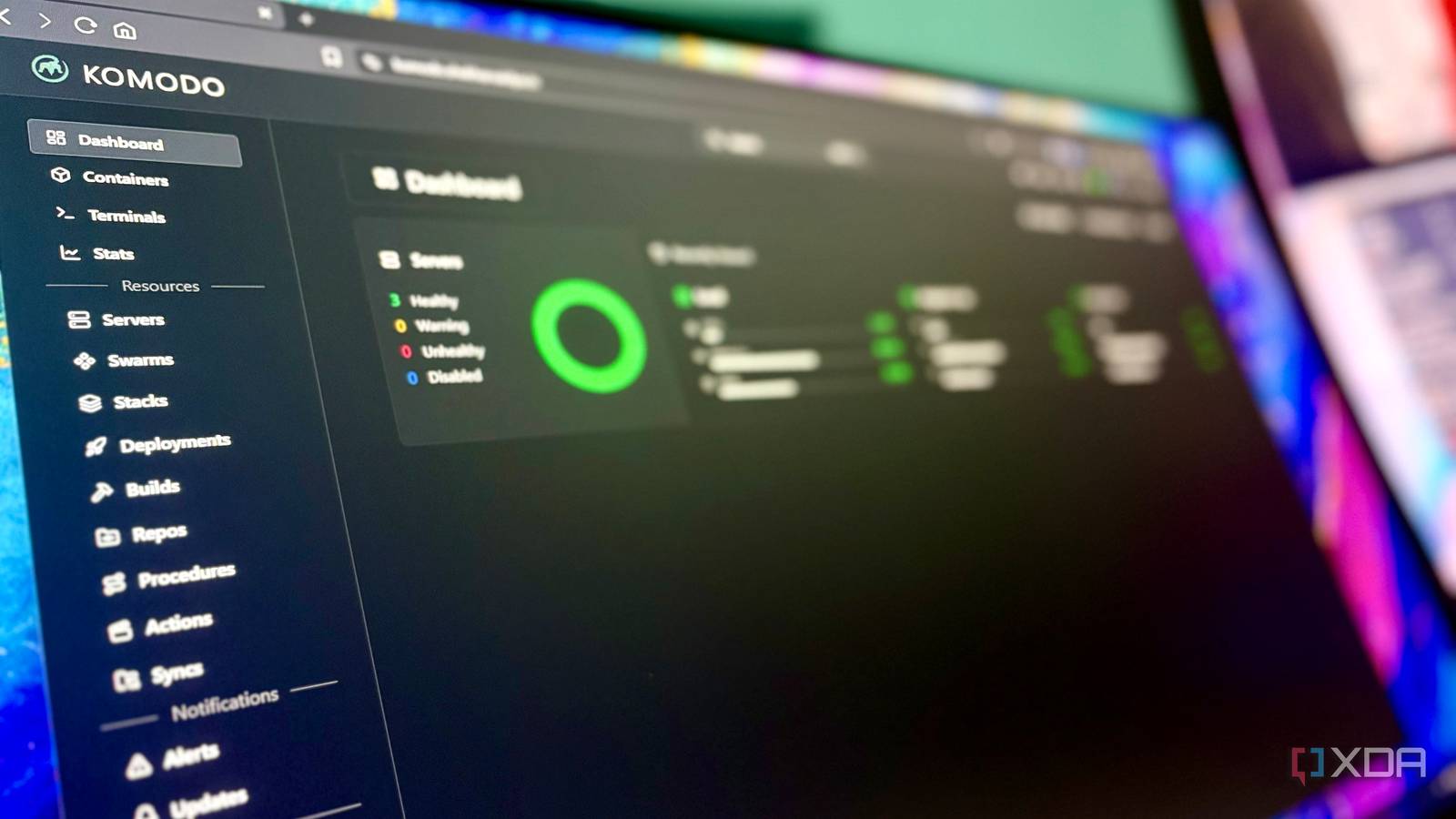
Published Aug 25, 2026, 2:01 PM EDT Shekhar Vaidya is a veteran technology journalist and computer science engineer. He is the founder of TechLatest, where he has spent years providing technical analysis on hardware and Windows ecosystems. Now a Computing Writer at XDA, Shekhar leverages his deep background in NAS, storage solutions, and PC internals to help readers master their tech. Managing three enterprise servers might be easy, with generous resource limits and foolproof tools for every task. But managing three home-baked, self-hosted servers that you set up with resource limits in mind is much more complicated than it looks. Even a simple task to check the server health can mean opening three different SSH sessions. SSH sessions are easy, but figuring out which hostname, which server, which service, and which terminal is tough. I have been managing my three different machines by jumping from one SSH session to another and from the Portainer dashboard to a Coolify dashboard. After getting frustrated with this repetitive routine, I started looking for a single dashboard for all three machines, and that’s when I came across Komodo. Three servers, three different problems SSH was the easy part I started self-hosting with just a $5 VPS on DigitalOcean half a decade ago. Back then, I mostly hosted small WordPress blogs and HTML/CSS portfolios. But that is ancient history. Fast-forward to today. I have a bare-metal Debian server at home, two VPSs on Hetzner, and an old Synology NAS. The home Debian server (2 cores/12GB RAM) is the brain of my homelab; all compute happens there. The NAS handles the storage front, the first VPS (2 vCPU/4GB RAM) handles the public ingress, and the other VPS (4 vCPU/8GB RAM) hosts my indie tools. Since I use the NAS only for storage, let's ignore it. That leaves me with three different setups hosted in different locations. SSH itself isn’t difficult. But I kept getting annoyed deciding which dashboard to open and whether I was executing the right commands on the right terminal session. Each one is already properly configured. The Docker management, the monitoring dashboard, the server dashboard. Individually, they are all pretty clean, but the annoyance is with me. The dashboards may look different — Portainer on the home server and Coolify on the second VPS — but when it comes to SSH, they all look the same. One wrong command in the wrong SSH session can take down the whole instance. Another major issue is that the VPSes have public static IPs, but since both my ISPs are behind CGNAT, I can’t directly access the home server. I always need another layer like NetBird or Tailscale to access the home server remotely. This constant annoyance pushed me toward Komodo. It has two major pieces: the Core and the Periphery. The Core is a control plane for managing the servers, and the Periphery is an agent that interacts with them. So, I put the Core on one box, and the Periphery on all three. The goal wasn’t to eliminate SSH or any other individual dashboards but to stop treating every routine check as a separate server-management session. After implementing Komodo, it was the first time I had all three machines finally together in one place. Komodo turned them into one machine Then the dashboard changed everything The best thing is I didn’t have to install the full Komodo stack (Core, Postgres, FerretDB, and Periphery) on all three machines. For me, the installation and configuration were a little different because each machine had a different networking scenario. But honestly, that was a me problem, not Komodo’s. The payoff was clear at first glance. One dashboard for all three machines. I don’t want to turn this into a feature list, but a couple of them are worth talking about. The Containers tab showed a simple table with all the workloads from all three machines, sorted by server, state, and network. A no-brainer table with all the information I would need. The reason I am talking about the Containers tab specifically is that it is the hub of most of what is happening across my infrastructure. Previously, I had to SSH and then run docker ps to view the container details, and that meant three different Termius sessions. But this single tab replaces all those repetitive steps and gives more. With just one click on any particular container, I get its details page. You can agree with me on this: docker ps is usually the first step in troubleshooting, and if we find anything unusual, we investigate that. But after Komodo, those steps faded away. I now open the Containers tab. It also replaced Beszel for me. If you are not aware, Beszel is a tiny service to monitor your server telemetry, like CPU, RAM, disk, and network usage. Beszel was already a perfect solution for me, but it was again a separate dashboard. The Stats tab on Komodo does the same thing, but it fits the workflow better. I get a single graph for monitoring the load of all three machines, along with CPU, RAM, disk, and network. Obviously, I can separate these by server, but why would I want three different graphs for the same metrics? These were just the tip of the iceberg; if I started talking about each, it would be a long article. The lesson isn’t that Komodo is better than the services I was using. Individually, they're among the best in their respective segments. What Komodo is doing is simplifying the management layer. I still have three machines in three different places, but my workflow no longer depends on each one's location, OS, or networking. Komodo Komodo is a self-hosted fleet management platform for Docker. One Core dashboard controls containers, stacks, and stats across multiple servers via lightweight Periphery agents — no SSH required for routine management. It works, but it's not watching my back The dashboard trusts me more than it probably should One unified dashboard is heaven for a homelab with multiple machines, but at the same time, I am trusting that dashboard to represent what is happening across all three. By default, my account has Super Admin privileges, meaning I can do almost anything in it. The interface ultimately trusts me not to override the boundaries I've established. The distinction is between a "read-only" intention and hard enforcement. For example, Beszel is a read-only monitoring tool. I can view the metrics, but I can’t act on them, whereas Komodo lets me take action on all containers at once and even prune the system. This is both a good and bad thing. Keeping all the eggs in one basket is convenient but also risky if something breaks. In the end, I have a single account across my three machines. I am not trying to give a security lecture, but this is the reality. If the account is compromised, it will take all three machines with it. I tried to harden the setup by adding passkey 2FA and closing the Komodo exposed port, but these are still just precautionary measures. But that doesn't ultimately make the setup bad. The important thing is that Komodo reduces management friction, but it doesn't replace judgment, access controls, networking, or basic server hygiene. Yes, it made my server operations easier, but it didn’t make them foolproof. I stopped thinking about which server Termius, Beszel, Portainer, and Coolify are individually great tools, and I never favored replacing any of them. And none of these have disappeared. I still reach for them when troubleshooting something major, but for small tasks and daily routines, I no longer open multiple dashboards. I open one Komodo tab. Komodo’s individual features aren’t the win. It’s the reduction in brain drain. My daily routine changed from "which server do I need to connect to?" to "what do I need to manage?" The servers are still as complicated as before, but now I don’t need to carry those complications each time I open a dashboard.
One dashboard replaced my three separate SSH sessions, and now I can't imagine managing my homelab any other way
Full Article
Original Source
Read the full article at Xda-developers →KhanList aggregates and links to publicly available news content. We do not host full articles from third-party sources. Always verify important information with original sources.