
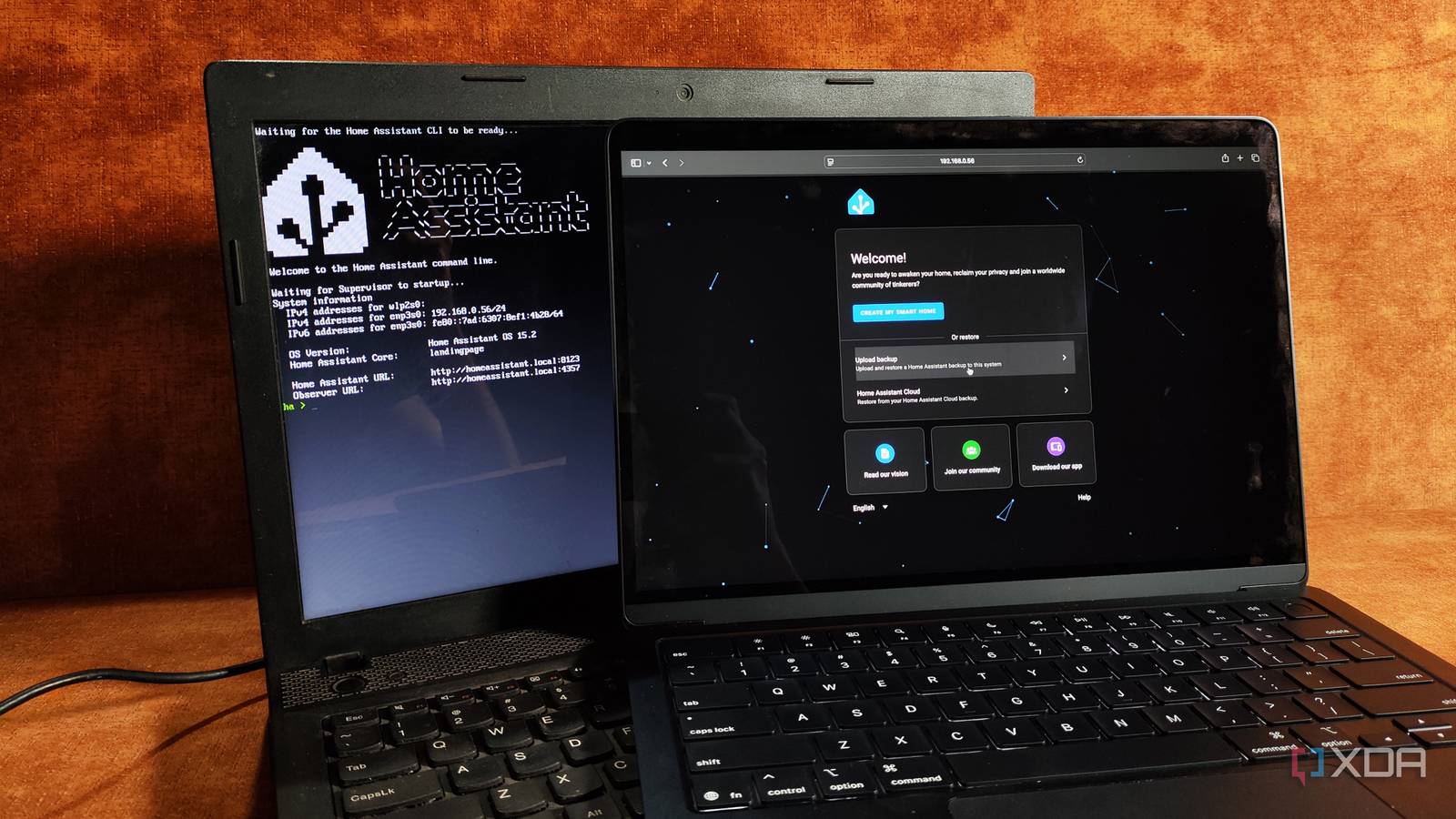
Published Aug 21, 2026, 5:01 PM EDT His love of PCs and their components was born out of trying to squeeze every ounce of performance out of the family computer. Tinkering with his own build at age 10 turned into building PCs for friends and family, fostering a passion that would ultimately take shape as a career path. Besides being the first call for tech support for those close to him, Ty is a computer science student, with his focus being cloud computing and networking. He also competed in semi-pro Counter-Strike for 8 years, making him intimately familiar with everything to do with peripherals. The smart home hub is a consumer product category where the device can look like so many different things. Depending on ecosystem and brand, there can be multiple different avenues to take, and when it comes to Home Assistant, that number only gets larger. While purpose-built hardware has its benefits, the humble dedicated computer can be one of the best ways to host it, and that old laptop you have lying around is possibly the best suited out of the available options. The hardware headroom it grants you is there, even if you don't need it right away The dedicated hardware isn't as well-equipped Home Assistant Green pairs a quad-core ARM SoC with 4GB of RAM and 32GB of soldered eMMC storage, all of which is entirely reasonable for the type of install you'll be doing on day one. Compare it with a business laptop from the late-2010s, and the picture gets a lot more stark. These types of systems usually have at least 8GB of RAM, some x86 quad-core, and a SATA SSD the clears the performance bar comfortably. Initially, it seems like overkill, but rarely does a Home Assistant install stay static in scope. The database grows the longer you run it, ESPHome compiles firmware locally, cameras take up a chunk of performance, and if you were to add in something like Whisper, now you're looking at a real-time inference load. This isn't anything exotic by smart home standards, and while an old laptop isn't the top of the mountain in terms of a Home Assistant host, it's the mid-ground that helps you build a real foundation. A screen, keyboard, and battery are all already included A dedicated way to interface with Home Assistant, as well as a built-in UPS of sorts Every headless installation has at least one night where it goes down and doesn't come back up. I've experienced this with my own server, and sometimes the only fix is physical access. If you're using an old laptop in this scenario, the access is provided for you. Peripherals are integrated and you can fix whatever you need to just by opening the lid. The battery is the obvious advantage, and it's the most commonly cited reason for using an older laptop for self-hosting. It allows for any sort of hard-cut in power to be softened by the internal battery, acting as a UPS. This can be especially crucial for Home Assistant, as sudden shutdowns are exactly how corrupted databases can arise. What purpose-built hardware still does better There's a reason why they sell The SwitchBot Hub 3 (R) is an excellent example of a smart hub that is useful within your smart home, provided you have other devices in the SwitchBot ecosystem. Smart Home hubs are built for purpose; they're fanless, silent, power-sipping machines that barely register to your senses, and an old laptop from 2016 is the opposite of that. It has a fan that's probably full of dust, thermal paste that's cracked and aged, and it idles higher than anything that's actually engineered to be a hub. The battery is also worth addressing, because despite being a great backup, holding aged cells permanently at full charge can degrade them faster and cause them to swell, and charge thresholds aren't standard. They're usually enforced by an embedded controller through a kernel driver, and support for this varies heavily by brand. ThinkPad and Dell, for instance, expose start and stop controls, but an ASUS device will probably only support a simple toggle. Your mileage will vary here. There are a couple of other practical obstacles that tend to get in the way of the old laptop approach: the first of which being suspension. When you close a laptop's lid, it will cause it to go into standby or sleep mode. There is a fix for this, but a fair number of users have reported that the configuration edit it requires doesn't seem to stick 100% of the time. Additionally, if you're planning on running Home Assistant OS on the bare metal, the install requires UEFI boot mode enabled and Secure Boot switched off, two factors that rule out some older machines from easily working for this purpose. There's also the small-ish elephant in the room: laptops don't have Zigbee, Thread, or Z-Wave radios, so any processing of those waves will require a USB radio, which is an additional cost. A laptop is the best way to dip your toes in Despite all of those caveats, a laptop is the perfect starting device for Home Assistant. The battery and lid issues have fixes, and while they might be a bit temperamental, there are plenty of people running them without issue right now. On the radio front, Home Assistant Green, a dedicated device for Home Assistant, doesn't come with any onboard wireless radios whatsoever, and adding them incurs the same dongle cost as the old laptop. Power draw and mechanical age are very real, but you're not paying upfront for those. This is supposed to be hardware you already own, and that's the beauty of reusing old tech.
Old laptops make better Home Assistant servers than any smart home hub, and they cost nothing to deploy
Full Article
Original Source
Read the full article at Xda-developers →KhanList aggregates and links to publicly available news content. We do not host full articles from third-party sources. Always verify important information with original sources.