
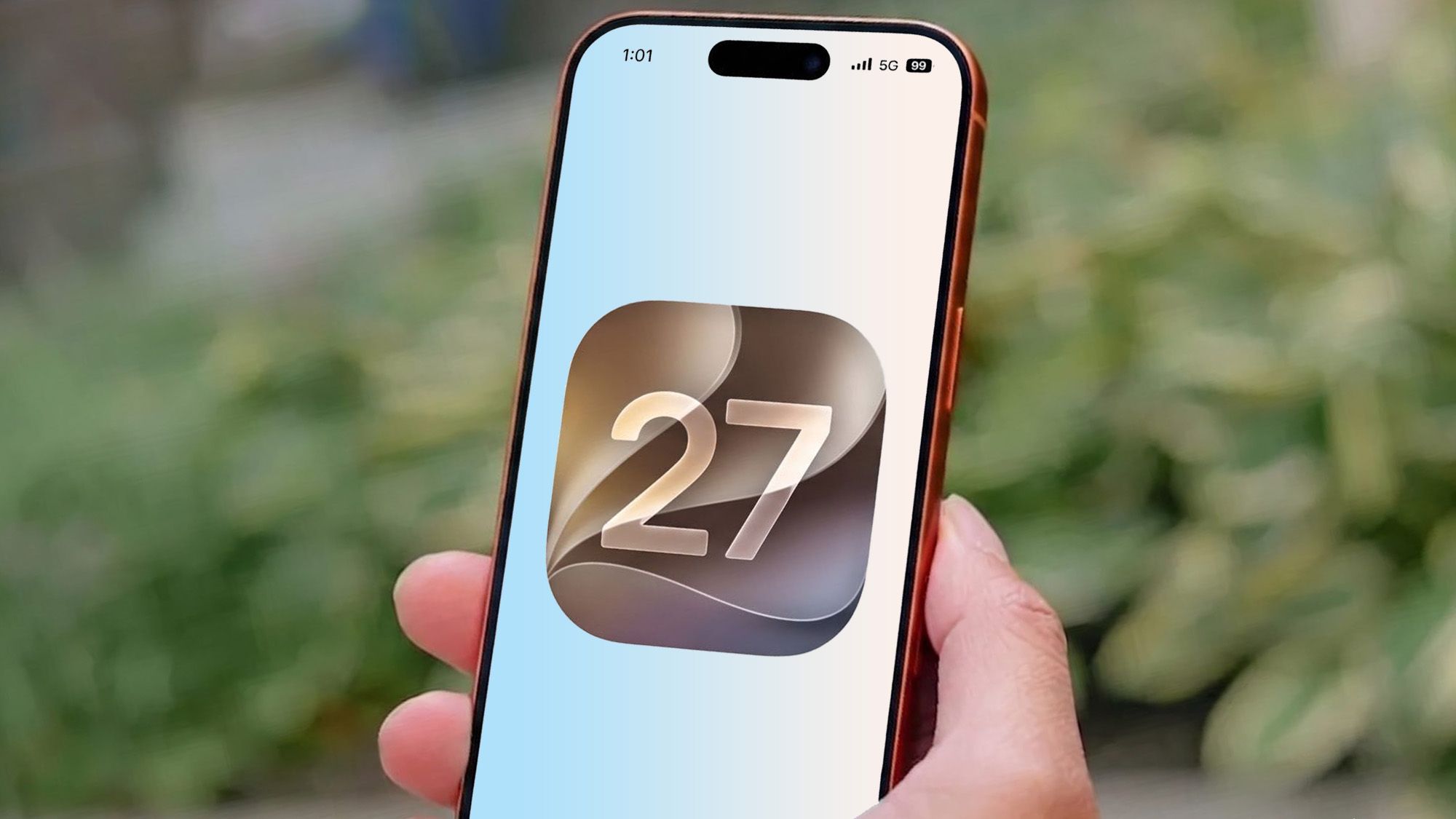
Over the past few years I have spent an inordinate amount of my time sitting in virtual queues, waiting for my chance to buy something. Recently my phone was sitting in one for around four hours as I attempted to book a family trip to Disneyland Paris. Since it was the day bookings opened, it seems as though half of Europe was doing the same thing.Waiting is bad enough, but it was made worse by the fact I got distracted partway through waiting and missed my window. That means starting the whole process again, and mentally kicking myself for letting myself get distracted attempting to troubleshoot my temperamental 3D printer. This is far from an isolated case for me, either.So you can imagine my excitement when I found out about the new "Notify Me" feature in iOS 27, with the promise that it can monitor webpages and alert you to any changes. Unfortunately spending time with Notify Me shows that Apple hasn't really gone far enough.What Notify Me is, and how it works (Image credit: Tom's Guide)Notify Me is an artificial intelligence feature for Apple's Safari browser. The idea is that you can single out a webpage and have Apple's AI tell you when things change. That can be general changes, or it could be something specific that you describe with a written prompt.The main thing to remember about Notify Me is that the AI doesn't monitor that page all the time. Instead you have to tell it when it should come back and see what's changed. Your options are to do this hourly, daily, weekly or monthly. You also get to set the exact time, day or date (depending on the frequency) that the AI goes back to check.It's a very simple feature that can be accessed from the Safari menu bar which sits on the left-hand side of the URL bar — which is typically at the bottom of the screen on iPhone and iPad. It's easy to find and use, which is more than I can say for a lot of features in iOS 27.From a practical stand point, Notify Me has everything going for it. Apart from the fact its usefulness is currently rather limited.Sign up to the Tom's AI Guide weekly newsletter summing up all the biggest AI news you need to know. Plus, analysis from our AI editors and tips on how to use the latest AI tools!Hourly checks aren't enough to be truly useful (Image credit: Tom's Guide)I'm not saying that Notify Me is useless in its current form, quite the opposite in fact. The tool is ideal for keeping tabs on certain pages in the long-term. Use cases include keeping tabs on restocks, or checking for discounts on specific products. The pages that you would only look at periodically, checking in very briefly before going back to whatever you would normally be doing.Notify Me saves you the effort of remembering to do this yourself, especially if you want to check on some sort of schedule. You don't need to take time out of your day to look, when you have an AI that has been instructed to take care of that for you.But in the short term? Notify Me's scope is still a little too limited for my liking.Typically getting to the front of a virtual queue means you get some kind of grace period to complete whatever transaction you're doing. In the case of my trip it was 20 minutes, but I've seen them vary anywhere between 10 minutes and an hour. Obviously, having a tool that refreshes a page once an hour at most is not ideal for dealing with these kinds of situations. By the time the AI checks the page, it'll already be too late and you'll have missed your spot.Really it would be better if Apple expanded Notify Me for much smaller periods of time. Five to ten minutes would expand its usefulness by a lot, since it would be as close to real-time monitoring as we can hope for with a free AI tool. But even increasing page refreshes to 30 or 15 minutes would make it a more useful and versatile tool.Bottom line (Image credit: Shutterstock)Notify Me is definitely a useful tool, but its scope is too limited right now. The fact that you can instruct AI to check webpages for any kind of change you can describe is pretty incredible. But it's very much a long-term tool, that a lot of people probably won't get much use out of. It certainly has the potential to offer a lot more, though.The question is whether Apple can actually do that. AI needs a lot of resources to run, and the more you utilize it the more pressure it's going to put on your hardware. In fact, we don't know where this processing is done or how it affects your phone, so there's no telling what sort of stress checking a page multiple times an hour might inflict. Even if Apple has just released the fastest phones we've ever tested.But I hope that this is just the start of what Apple has planned, and that Notify Me will be getting an expansion in future versions of iOS and Apple Intelligence. After all, the less we all have to sit in virtual queues to try and get tickets to the next big concert or event, the better. (Image credit: Future)Follow Tom's Guide on Google News and add us as a preferred source to get our up-to-date news, analysis, and reviews in your feeds. Make sure to click the Follow button!More from Tom's Guide I tested the iPhone 18 Pro Max's variable aperture camera — here's the resultsApple increased the price of iPhone 18 Pro battery repairs — here's how much you'll pay nowSiri in iOS 27 actually lives up to the hype — here are 3 truly unique uses
Notify Me is easily one of the best features iOS 27 has to offer — but it needs to do better
Full Article
Original Source
Read the full article at Tomsguide →KhanList aggregates and links to publicly available news content. We do not host full articles from third-party sources. Always verify important information with original sources.