
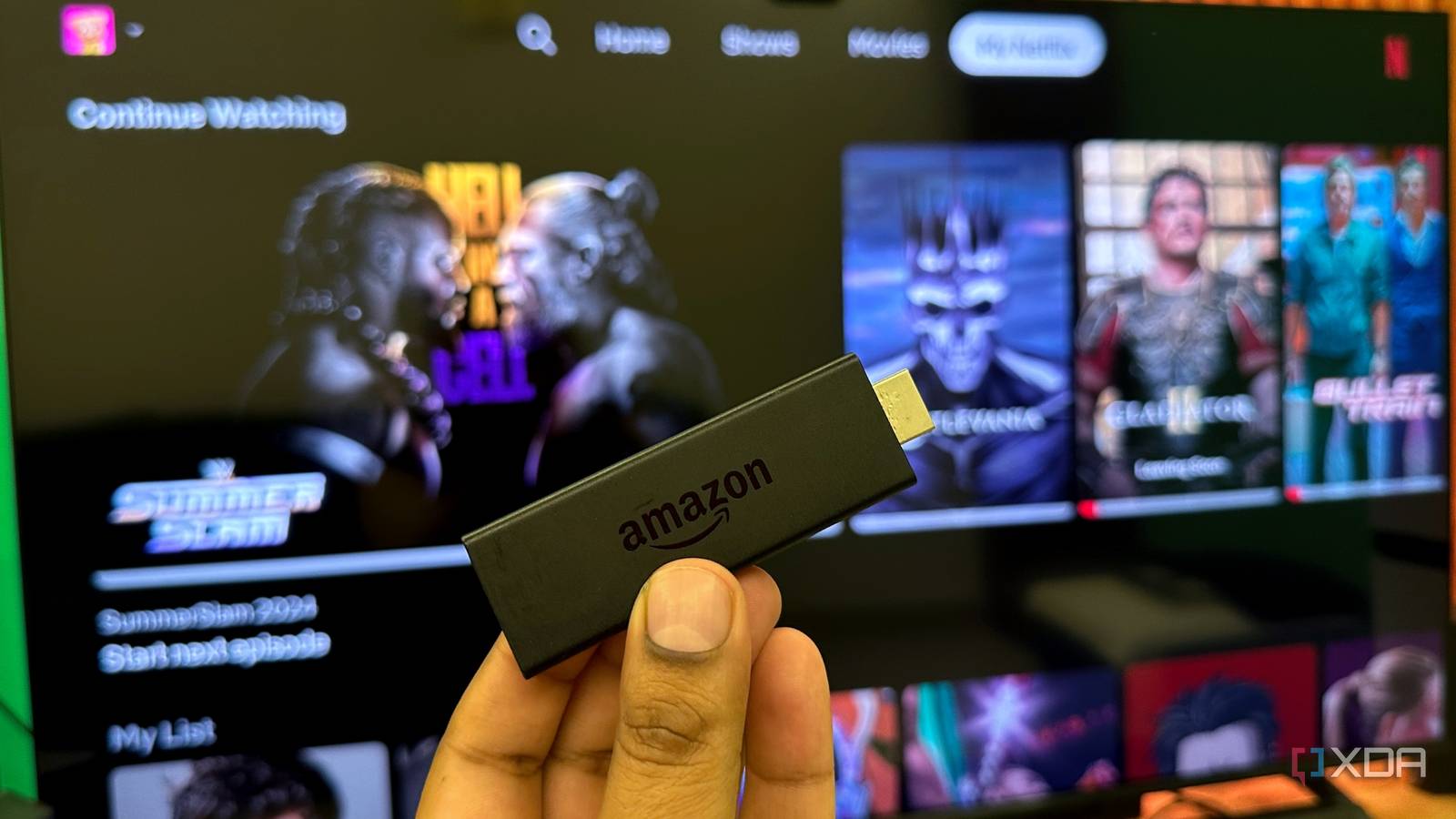
Published Sep 13, 2026, 3:00 PM EDT Gaming has been Samarveer’s greatest passion, and the Literature graduate in him takes immense joy in dissecting games for their themes, messages, and impact. Samarveer holds a deep appreciation of gaming, and considers the platform to be the most immersive and impactful across all media. He can be found engaging with gaming communities online, always ready to debate the finer points of ray tracing or itching to write an 8-page collegiate thesis on any game that impacts him emotionally. There was a time when I, like millions of others, used to believe that buying a new 4K TV is all I would need to get the best possible picture quality for my TV shows and movies. Sure, the panel quality itself varied depending on budget, but by and large, 4K quality is supposed to mean 4K, right? That's what anyone might think, but only until you realize that while watching Netflix, the picture quality isn't quite what you've seen for yourself. The difference comes from the streaming stick you've attached to the TV — you could be watching the same Netflix show on the same account and even the same TV, but depending on the stick you're streaming from, Netflix may deliver a noticeably different playback experience. That difference isn't necessarily hiding in the Netflix app or the TV itself. It's buried in the hardware sitting underneath that app. Netflix doesn't treat every streaming box equally Your streaming stick can be "4K" and still be the weakest link Put two streaming boxes on the same TV, sign into the same Netflix account, and play the same title, and you might be very surprised by what happens. One can look properly crisp in 4K HDR while the other looks noticeably softer, sometimes dropping to 720p or even lower. Netflix makes its own decisions about which streaming stick deserves better picture quality, and which, worse. You may very well blame your TV for this, or even your Wi-Fi, but the truth is that Netflix doesn't treat every piece of hardware as an interchangeable doorway to its service. What sits between your internet connection and your TV — the streaming stick — can determine the maximum quality you're allowed to receive. Netflix knows what your hardware is capable of handling before you press Play. Anyone running a bargain Android TV box, older streaming hardware, or any uncertified devices with modified software will easily encounter such a situation. These things may very well advertise 4K output on the box, but that doesn't automatically mean that Netflix will serve them 4K video. That's because Netflix already knows what hardware it's dealing with, and what your hardware is licensed and capable of handling before you ever press Play. Your streaming box decides how good Netflix's picture quality is allowed to be. There are three things standing between your box and Netflix's best quality It isn't enough for the hardware to say it can do 4K Netflix uses Widevine DRM to protect its streams. Widevine is Google's digital rights management system for video content on browsers and devices. With Widevine, L1 means that the sensitive parts of the video protection are handled through the device's secure hardware. By contrast, L3 is the software-only level. Now, Netflix says that an Android device that is stuck at L3 can only play Netflix in SD. If you want to check what Widevine level your streaming stick is playing at, you can. Just download the DRM Info app from your streaming stick's app store, and it will immediately tell you whether the device is L1 or L3. Widevine L2 exists as a middle security tier, but it's rarely used or seen on modern consumer devices. The next checkpoint is Netflix's device support and certification layer. Having a streaming box with an L1 certification isn't enough to make a mystery Android box a certified Netflix player. Netflix maintains supported-device lists, and uncertified Android hardware can lose access to the service altogether. That's why a box can have perfectly respectable specifications and still be a terrible Netflix machine. The next time you're trying to figure out if a bargain-bin streaming box you're eyeing is worth the purchase, you can check the exact model against Netflix's supported-device information. That's better than trusting the manufacturer's 4K sticker. Ultimately, the hardware itself has to handle the video. This is where dedicated decoding for formats (HEVC, AV1) comes in. Netflix explicitly states that every device in the chain has to support the quality you're asking for, which is why it's always a good idea to check your streaming box's chipset and codec specifications, along with its HDMI and HDCP capabilities. The bottom line here is that Netflix doesn't just care if your TV is 4K. What it cares more about is if the streaming box is trusted, certified, and technically equipped to deliver that 4K stream. Good Netflix playback costs more than just a 4K sticker The expensive part hides everything underneath it Now, for a streaming box manufacturer, getting Widevine L1, HEVC, and HDCP isn't as easy as checking a few boxes for free. When it comes to getting all of these together to support the best possible quality, there are licenses, certificates, hardware requirements, patent royalties, and engineering work, all involved. Widevine L1, for instance, doesn't cost money to enable, but building its supporting hardware capable of protecting encryption keys, does. HEVC decoding, too, needs dedicated silicon and can carry patent royalties. Rounding up the expenses is HDCP, which adds another layer of licensing and key management for protected HDMI output. Admittedly, these costs don't look enormous individually, but they do add up when you're trying to build a streaming box for rock-bottom money. That is why the cheapest Android TV boxes can look absurdly good on paper while cutting corners where Netflix actually cares. This doesn't apply to just Netflix Other streaming services just differ in how strictly they draw the line The DRM problem isn't uniquely Netflix's headache. Widevine belongs to Google, while Microsoft's PlayReady and Apple's FairPlay handle protected playback elsewhere, and major streaming services rely on one or more of these systems. Disney+ and Max, for example, enforce similar DRM and HDCP requirements, but they're known to be a bit more forgiving on where exactly the quality drops. Apple TV+ leans on FairPlay and Apple's own hardware path, so the failure modes look different. The loosest one, of course, is YouTube. It leans much less on hardware DRM for most content, which is why a cheap box that chokes on Netflix HD can easily push 4K YouTube content, which would only confuse its users. Codec and HDMI limitations are even less negotiable, though. Absolutely no streaming service can conjure hardware decoding or a protected 4K output path out of thin air if your cheap streaming box simply does not have them from the start. Fire TV Stick 4K Max with 2-year extended warranty The Fire TV Stick 4K Max with a 2-year extended warranty can be yours for just $40 right now. The box deserves more attention than it gets We spend hundreds or thousands on a television, then treat the little device plugged into it as an afterthought. Yet that box can influence the viewing experience far more than its size suggests. Spending slightly more can matter less for performance than for what you are buying into. That is why I would never choose a streaming device purely for its processor, RAM, resolution badge, or bargain price. The details matter, because they tell you whether the hardware was built to play nicely with the services you use. For Netflix, the best box isn't necessarily the one with the biggest numbers. It is the one Netflix has the fewest reasons to distrust.
Netflix can secretly make your 4K TV look worse, and your streaming box is why
Full Article
Original Source
Read the full article at Xda-developers →KhanList aggregates and links to publicly available news content. We do not host full articles from third-party sources. Always verify important information with original sources.