
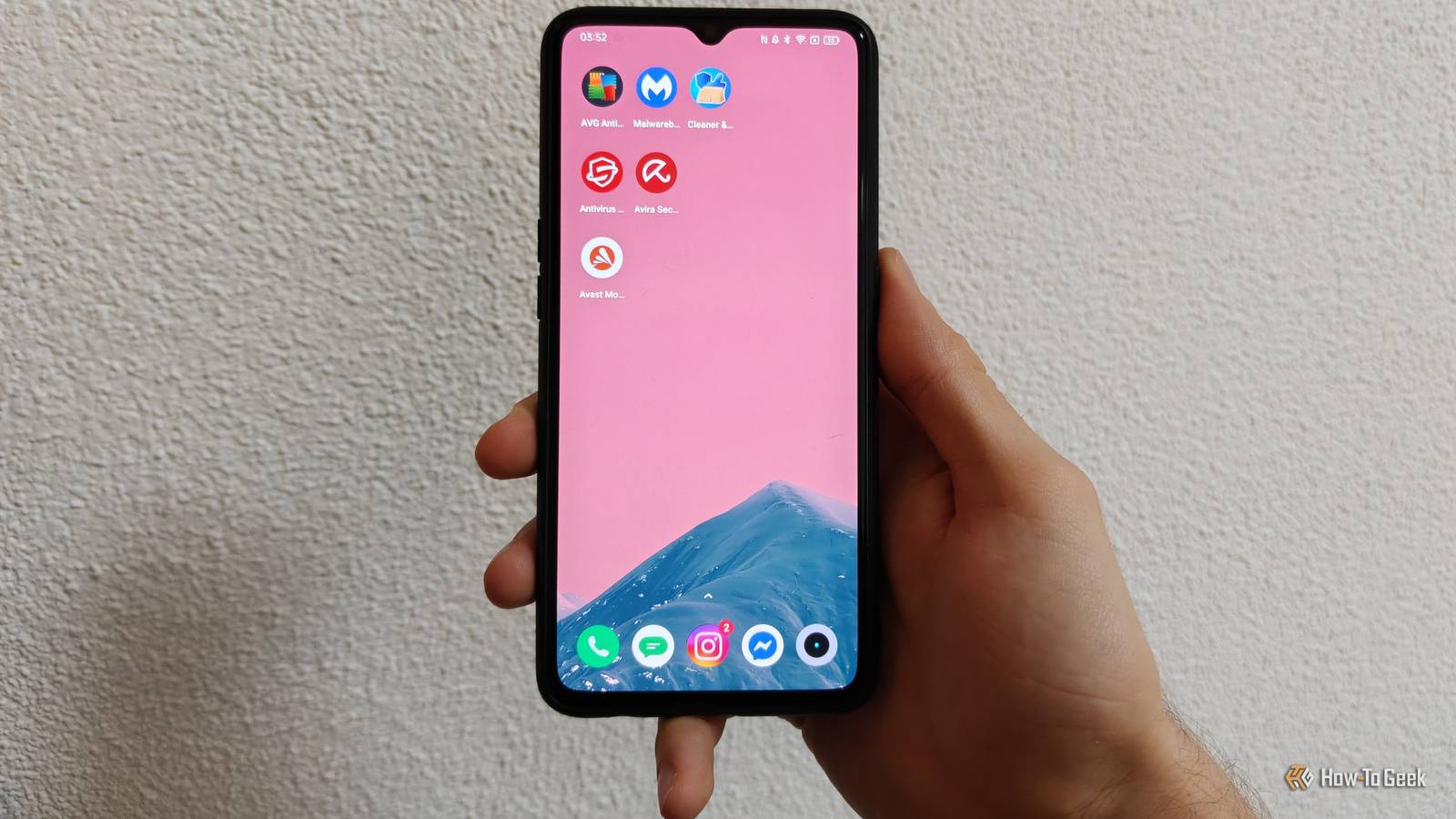
Published Nov 27, 2026, 9:00 AM EST Ismar is a Senior Author at How-To Geek. He previously worked as a writer, editor, and general manager at a content agency before joining the team in 2023. He began his writing career in 2021 after completing a BA in English Language and Literature. Beyond How-To Geek, Ismar has contributed to Red Stag Fulfillment and Authority Hacker. He has also worked on various SEO projects to help clients improve their search visibility. Ismar has been around Windows PCs since the age of three, so friends and family naturally chose him as the resident tech support. His projects often involve tinkering, such as disassembling mechanical keyboards and gaming mice to mod his beloved gear. He also enjoys pushing hardware to the max through overclocking while staying on a reasonable budget. An avid gamer, Ismar has logged thousands of hours across various genres, including first-person shooters, RPGs, racing games, and roguelites. When he is not at his desk, he is probably exploring other people’s phones to discover their quirks and features or experimenting with the latest AI tools. In his free time, Ismar enjoys spending time with his wife, working out at the gym, playing guitar and bass, cooking gourmet meals, and traveling. Above all else, he’s a proud cat owner. Antivirus software used to be one of the most important pieces of software you could run on an old Windows PC, so many people reasonably carried this habit over to their phones. Even today, plenty of Android users firmly believe an antivirus app is essential. Just look at the download counts of some of these apps on the Play Store. My wife recently installed one after a security scare. So, I had to explain what was actually happening and why an antivirus app wasn't going to solve her problem. My wife thought creepy ads meant her phone was infected Her phone wasn't actually compromised If you've ever browsed the World Wide Web, you've likely come across those unsettling ads that hit a little too close to home. You know the ones where the ad seems to know your age, gender, location, and maybe even your interests. Well, my wife came across one such ad while doing some holiday shopping. It seemed to know where she lived, which left her petrified. She thought her phone was infected and collecting her data, so she quickly installed an antivirus app to try to get rid of it. I had to explain to her that this didn't mean her phone was infected or compromised and that there was no immediate reason to believe her data was in danger. Websites and apps rely heavily on third-party advertising networks, which use a great number of signals to guess who you are so they can serve you tailored ads that you're more likely to engage with. These ad services rely on your IP address, cookies, browser telemetry, and a whole range of other sources to infer who you might be. A surprising amount of information can be inferred just from looking at the data your phone sends to the websites you visit, such as your public IP address, web browser, and display resolution, all of which can contribute to browser fingerprinting. Your IP address alone, which websites see the instant you connect to them, can be enough to estimate your approximate location, which may have contributed to the ad my wife saw. It can get a lot creepier than this, though, as some SDKs within apps collect information about your behavior and share it with advertising partners, helping them serve oddly specific ads. I bet you've seen those "claim a refund if your flight was delayed or canceled" ads every single time you book a flight. Some websites take this way too far, though, to the point that they start to resemble actual viruses. They ask you to allow browser notifications upon your first visit, and if you accept, they can start spamming you with alarming messages claiming your phone has been hacked, even though the notifications themselves don't mean anything has happened to your phone. You probably don't need an antivirus Your Android phone already has several layers of protection The vast majority of people don't need to install an antivirus app on their Android phone because their device already has plenty of ways to protect itself. Google Play Protect is Android's built-in security tool that checks apps before installation, scans your phone for malware, and warns you about potentially harmful apps. On that note, we can't talk about phone security without talking about sideloading apps. Sideloading apps is much riskier than downloading apps from the Play Store. Google screens apps for malicious code and other potential abuses before they go live on the Play Store, which is an important layer of protection. If you sideload an app from GitHub or some other website, you're bypassing this review process. Google Play Protect scans sideloaded apps, and it can even block unverified apps if they request sensitive permissions that a hacker could potentially abuse. It can feel restrictive at times, which is why some tinkerers opt to disable Google Play Protect, but I strongly recommend against doing this unless you absolutely know what you're doing. And it's just one of several security mechanisms modern Android uses. Sandboxing is another fundamental protection mechanism and, interestingly enough, it's also part of the reason why antivirus apps can't do much on your phone in the first place. Every Android app runs in an isolated sandbox, so whether it's your powerful antivirus app, a calculator, or some ad-riddled video game, none can access another app's private data and data in memory. An antivirus can inspect another app's installation file, compare its hash against a database of known threats, and use a few other methods to identify a potentially malicious app, but ultimately, it can't access another app's private folders or live data. In contrast, Google Play Protect is integrated with Google Play services, which provides core system functionality and supports on-device app verification and cloud-based threat checks. Your habits are your phone's most important security barrier Your phone can't always save you from phishing Assuming your phone is still supported and receives regular security patches, and you install them as soon as they come out, you're already on the right track to keeping it protected. There are a handful of other ways you can keep your phone and data protected, though. One option is using a VPN, which has actually become a major feature and selling point for antivirus apps. A VPN can hide your public IP address from the apps and websites whose traffic passes through it. They see the VPN server's IP instead, so those "we know where you are" ads might start displaying ads based on the place you're tunneling to. Another thing you can do is block trackers and even ads at the DNS level. I run AdGuard Home on my home server to protect devices on my network from unwanted trackers — you'd be shocked just how much it blocks during regular internet use. If you don't want a self-hosted solution, just switch to a DNS filtering service on your phone directly, such as AdGuard DNS. Apps can help you set them up, but you can configure it through your phone's Private DNS settings directly. Just remember that DNS filtering won't block every ad or tracker. Still, your phone habits will ultimately play a big role in how safe your data is. Avoid suspicious websites and apps, don't fall for phishing emails, block third-party cookies in your browser, clear your browser's cookies regularly, and turn off personalized ads in your Google account to limit how Google personalizes ads. You might also want to reset or delete your Android Advertising ID while you're at it, although apps can use other identifiers for tracking. You don't need an antivirus app on your Android phone You don't need to install a third-party antivirus app just to keep your phone protected, especially if you keep Google Play Protect enabled and your phone up to date. You can go a step further with a VPN and DNS filtering, and while some antivirus apps bundle these features, you don't need an antivirus app to get them. Pick whatever options you trust the most and that align with your needs, especially before paying for features you might not even use.
My wife installed an antivirus app to stop creepy ads, but she didn't need it
Full Article
Original Source
Read the full article at Howtogeek →KhanList aggregates and links to publicly available news content. We do not host full articles from third-party sources. Always verify important information with original sources.