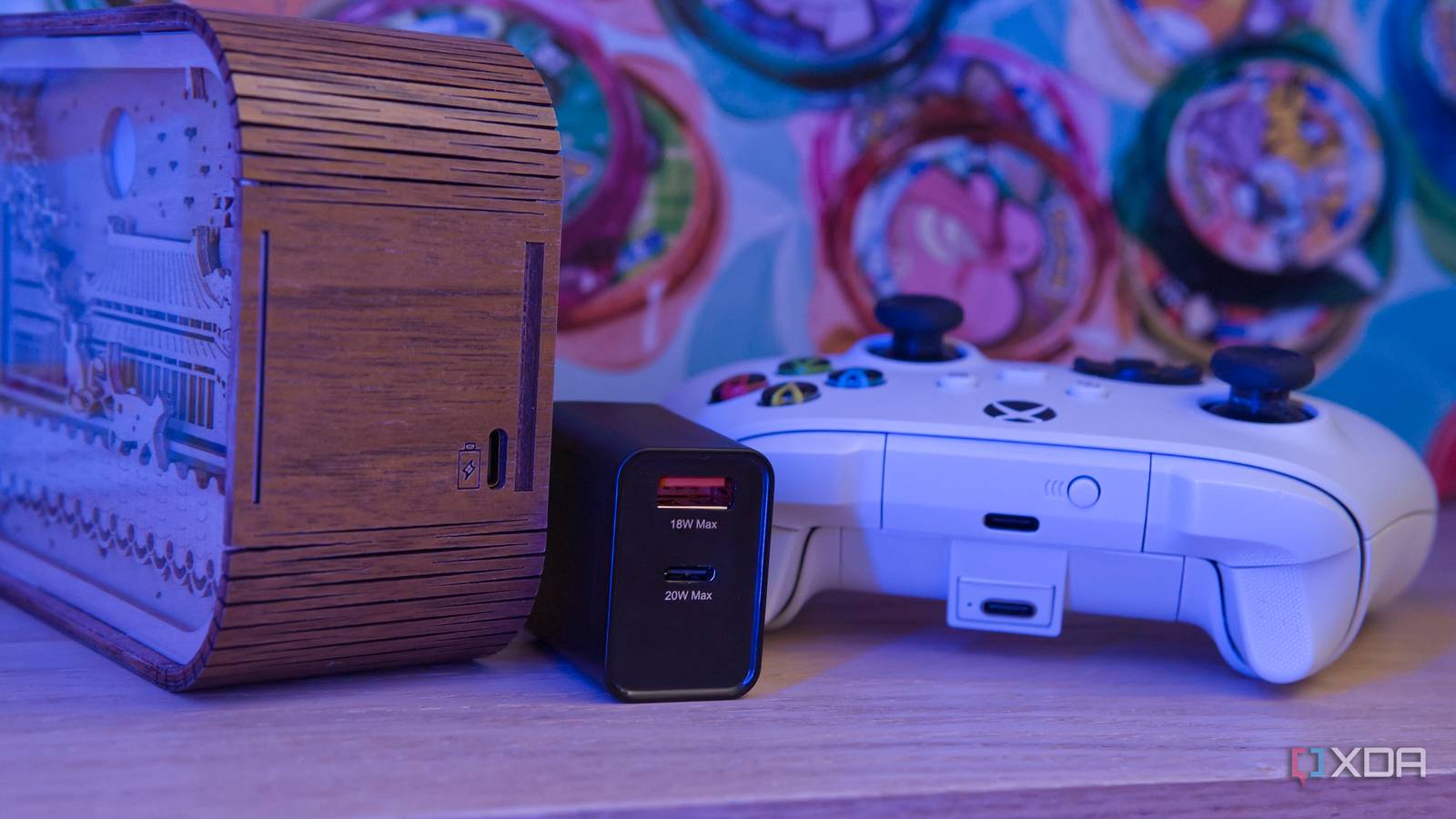
Published Aug 7, 2026, 7:00 AM EDT João has been covering the tech world for over 7 years, with a heavy focus on laptops and the Windows ecosystem. I also love all things tech and videogames, especially Nintendo, which he's always happy to talk about. Prior to joining XDA in 2021, he worked at Neowin: https://www.neowin.net/news/poster/jo%C3%A3o-carrasqueira/ It's not news at this point that USB hasn't exactly been able to deliver on its lofty promises and goals. The "Universal" part of that acronym doesn't always hold up when it comes to power and data transfer speeds. But it was only recently that I discovered just how ridiculous this problem can be. I had always assumed that you'd only run into issues with cables and chargers not being powerful enough for a given device, but as it turns out, some devices can be too outdated for modern chargers, too. Let me explain. How I found the problem (and solution) I thought my devices were broken A few weeks ago, I was cleaning one of the rooms in the house when I came across a decorative light I hadn't used in a while. It was naturally out of battery, so I plugged it into my USB-C charger only to find that it didn't charge. Since it had been so long, I kind of assumed it had just broken for one reason or another, so I didn't give it much thought. Then, I bought an Xbox Wireless Controller with a third-party rechargeable battery. When the battery ran out, I went to charge it, only to find that it too didn't work. This time I was more invested in the outcome, so I started testing every cable I could. It was only when I plugged it into a USB Type-A port on my Mac Mini that the battery finally showed any charge coming in. This discovery prompted me to try the same for the decorative light that failed to charge before, and sure enough, that too worked this way. And not too long after, I bought a mini handheld vacuum cleaner with a USB-C charging port only to find that it behaved the exact same. For whatever reason, USB-C-to-C cables and chargers didn't work, and I had to resort to older USB Type-A ports to charge them. Why does it happen? Poorly implemented USB-C ports I couldn't think of a good reason why a device with a USB-C port might fail to charge with a USB-C-to-C cable, but as turns out, there's an explanation, and of course, it comes down to cost-cutting measures. I came across this Reddit comment, there's a major difference in how power delivery works on USB-C chargers compared to USB Type-A. USB Type-A connectors always feed 5V to one of the pins in the connector as soon as they have a power source, so a sink device (meaning the device that needs to be charged) doesn't need to have any special characteristics in order to receive power from it. Devices designed to be used with USB Type-A were often designed with that assumption that there would always be a 5V input from the USB connector no matter what. With USB-C connectors on power sources, no charge is sent down the cable until there is a sink device on the other end that indicates it's ready to receive a charge. As explained in the official USB-C specification, this is done by including a couple of tiny resistors (one on each side) in the connector that indicate to the source device that there is a sink device attached, ready to receive power. Essentially, what's happening with these devices in my home is that they were designed with the idea of using a USB Type-A charger in mind, and USB Type-A to Type-C cables will usually have a pull-down resistor built into the cable itself to account for the lack of it on the sink device. USB-C-to-C cables don't have these resistors, since they're expected to be on the devices themselves. The manufacturer likely didn't test anything other than the included charging cable, or it may have just hastily transformed an existing device to use USB-C without looking into the proper specifications it should adhere to. It may also come down to simple cost-cutting, even though these resistors should be extremely cheap to include. This is just the tip of the iceberg USB implementations are always a mess This is arguably the worst-case scenario of USB-C implementations, when manufacturers don't even include the basic design principles that any USB-C device should have. But USB-C has become an increasingly powerful connector, and at the same time, an increasingly confusing one. The top tier of USB-C chargers and cables can now go as far as providing 240W of power and 80Gbps of bi-directional bandwidth. But finding cables that support those specs can be a challenge, and it's an even bigger one to even know that you have to find one of them. The "universal" part of USB-C may make you think any old cable and charger will work with your device, but there could be some research you need to do before you click the buy button. Of course, the USB Implementers Forum has tried to address this with proper branding, but it's still hard to know how much power your laptop or phone may need from a charger to charge at full speed. And if you're buying cables from shady sellers on Amazon or, worse yet, places like AliExpress and Temu, you have little guarantee that it even matches the specs you're going for. It's always a good idea to buy from a reputable brand that clearly labels its products with the appropriate specs. Some good examples are Plugable and OWC, though there are others. There isn't a solution Unfortunately, the nature of a unified connector design means there will always be some confusion in regards to what devices support which features, and it only gets worse when companies don't even properly adopt the specification. Before this, I didn't realize how bad it could get, but hopefully my cautionary tale will help others realize their devices may not be broken after all.
My USB devices weren't charging until I tried a USB Type-A port instead
Full Article
Original Source
Read the full article at Xda-developers →KhanList aggregates and links to publicly available news content. We do not host full articles from third-party sources. Always verify important information with original sources.