
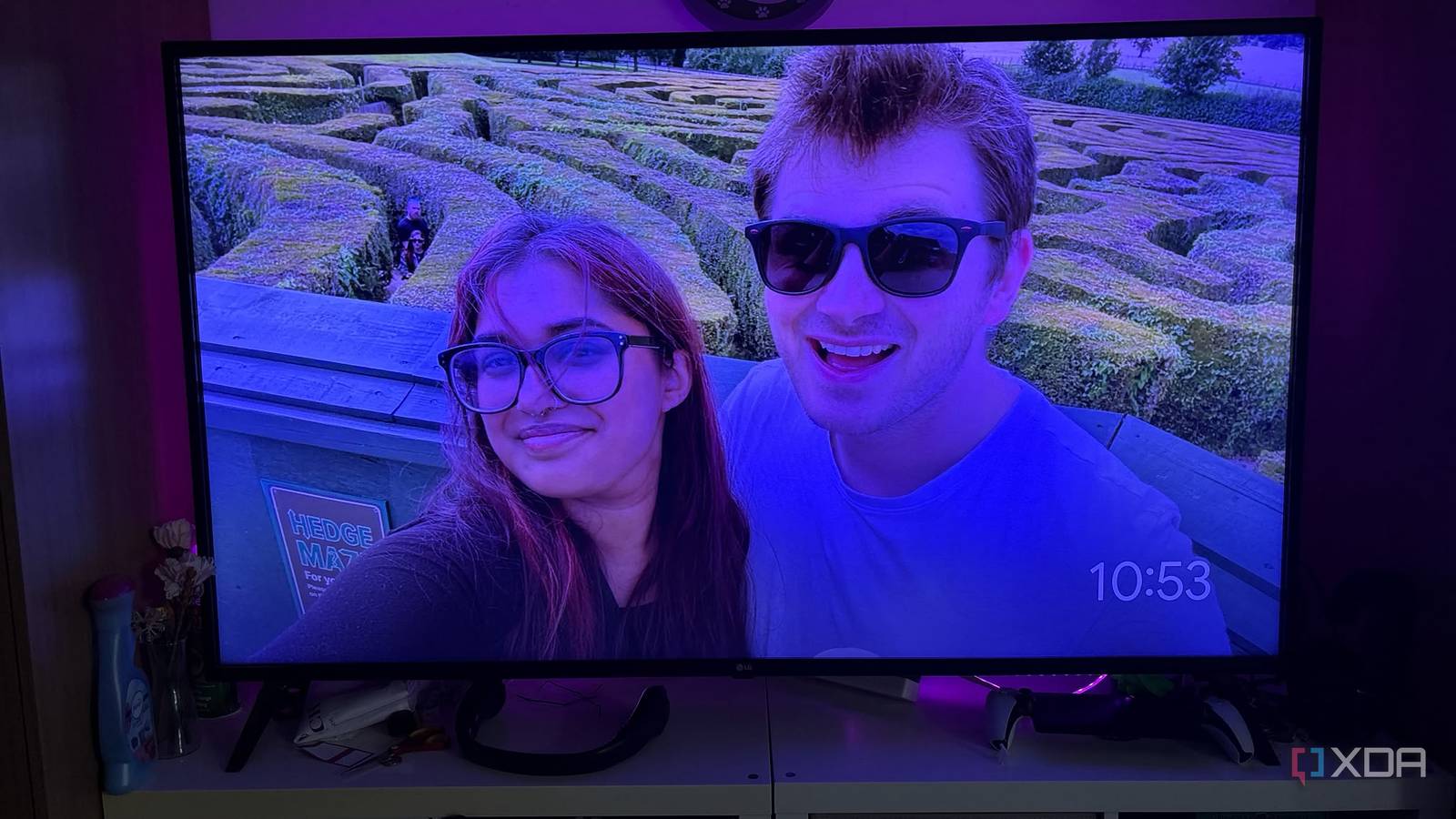
Published Nov 27, 2026, 6:00 PM EST Jasmine is Software and PC Hardware Author at XDA with years of tech reporting experience ranging from AI chatbots right down to gaming hardware, she's covered just about everything. Whether it's breaking news about the latest AMD NPUs or creating video tutorials on social media platforms, Jasmine has contributed to the world of AI and tech in a variety of ways including interviewing the CEO of Razer, AMD's Director of Product Marketing and the VP of Lenovo. Passionate about gaming and PC technology, she has built countless computers, keyboards and other peripherals - knowing them inside and out. Many modern smart TV ambient modes lock photos/slideshows behind cloud ecosystems, compress image quality, or inject sponsored content and telemetry alongside personal photos. I don't want to have a persistent internet connection just to display a basic screensaver. My solution was to host a personal photo library locally via Immich on an existing NAS, then pull those photos onto the TV over the local area network via a dedicated client app. By feeding my pictures to my TV directly from a self-hosted local server, my display becomes a zero-telemetry, zero-subscription digital gallery that no longer serves me ads or recommendations. The software stack is simple But it varies based on the TV you have My first thought when I wanted to display my photo library on my TV was to use a built-in USB slideshow, but I quickly noticed it had a lot of friction. Despite the simple method of plugging a USB flash drive directly into your TV, it's impractical for daily use, as it requires me to manually unmount it, copy new photos over, and it lacks dynamic album creation. Depending on your TV, it can also suffer from clunky, dated built-in media players. Instead, I decided to use Immich, an open-source self-hosted photo and video backup solution. It runs via a Docker Compose stack on minimal hardware — I host it on a two-bay consumer NAS. Once it's set up, it automatically organizes uploads from your phone over local Wi-Fi. Once my Immich setup was sorted, the next thing I needed to do was set up the TV client. This will depend on what TV and setup you have. For Google TV, you can use a dedicated third-party open-source client like Immich TV that connects directly to a local IP address rather than requiring a domain name, reverse proxy, or SSL certificate. If you have an Apple TV, you can use Immich Frame or a local SMB share piped into the native Apple TV Photos/Screen Saver app via a local Mac/NAS share (if you're hoping to avoid third-party apps entirely). I have an LG TV where there's no official Immich app in the LG Content Store itself, so I had to install a community-built client by installing the LG Developer Mode app from the store and then installing the IPK with the WebOS Dev Manager on my PC. I went with Immich-Lite, a lightweight alternative designed specifically for older LG TVs running WebOS 3 and 4. I blocked my TV from the internet altogether I got fed up with the ads While I didn't have to, I decided to take this a step further and sever my TV's internet connection altogether. When a smart TV remains connected to the internet, you get background DNS queries to manufacturer tracking domains as well as firmware updates that can re-enable ACR. The ultimate issue for me is the constant UI slowdowns caused by ad carousels loading on the home screen. One solution is to never connect your TV's built-in smart OS to Wi-Fi or Ethernet and instead plug in an external streaming stick. However, this does come with the issue of your TV not being connected to your local network either, which means this Immich trick won't work. So I decided to block WAN access at the router level, so my TV stayed connected to the LAN. I assigned a static IP to my TV in my router's admin panel. I then applied a WAN block. This might sometimes fall under parental control settings or firewall rules. Target your TV's specific IP address to drop all outbound traffic to the internet while permitting local subnet traffic. This way, your TV or streaming box retains full high-bandwidth access to your local Immich server over Wi-Fi or Ethernet while any attempt to reach external cloud servers, ad networks, or update servers will fail. Lastly, it was time to set it as a screensaver I wanted my photos to appear when I walked away The last issue I needed to overcome was manually setting up the Immich app whenever I wanted the screensaver active. But there is a way to trigger this logic automatically so that your photo gallery appears seamlessly when left idle rather than requiring manual app launches. Depending on your TV, you can configure the Immich app as the system's default ambient mode service: For Google TV, go to Settings, then System Settings, select your Ambient Mode, and set the timer to trigger after however many minutes of inactivity works for you. On Apple TV, you can point the native Aerial/Photo screensaver settings to the local shared album and set Start After to the specified amount of time. I set up a dedicated TV display album in Immich, and added new photos from my phone, which automatically updated what appeared on the screen within seconds over LAN. No USB drives or cloud uploads required. I also enabled slow pan/zoom and hid any static UI overlays in the client app settings to prevent static element retention or burn-in on my TV screen. There's minimal maintenance And it's all free Photos taken on my phone now appear on my living room TV automatically over local Wi-Fi, without any cloud compression, and my screen never displays ads or prompts for privacy policy re-acceptance. Once the initial 20-minute Docker and router setup was complete, the ongoing system requires zero subscription, zero cloud storage fees, and minimal maintenance. I don't want to deal with data collection and ad impressions, so I want to treat my TV strictly as a local display panel and keep personal media on my own hardware. Immich OS iOS, Android, web Key highlights Self-hosted iOS compatible Yes Android compatible Yes Immich is a self-hosted photo and video backup solution that runs on a home lab or NAS.
My TV shows my own photo library when nobody's watching, and it never phones home
Full Article
Original Source
Read the full article at Xda-developers →KhanList aggregates and links to publicly available news content. We do not host full articles from third-party sources. Always verify important information with original sources.