
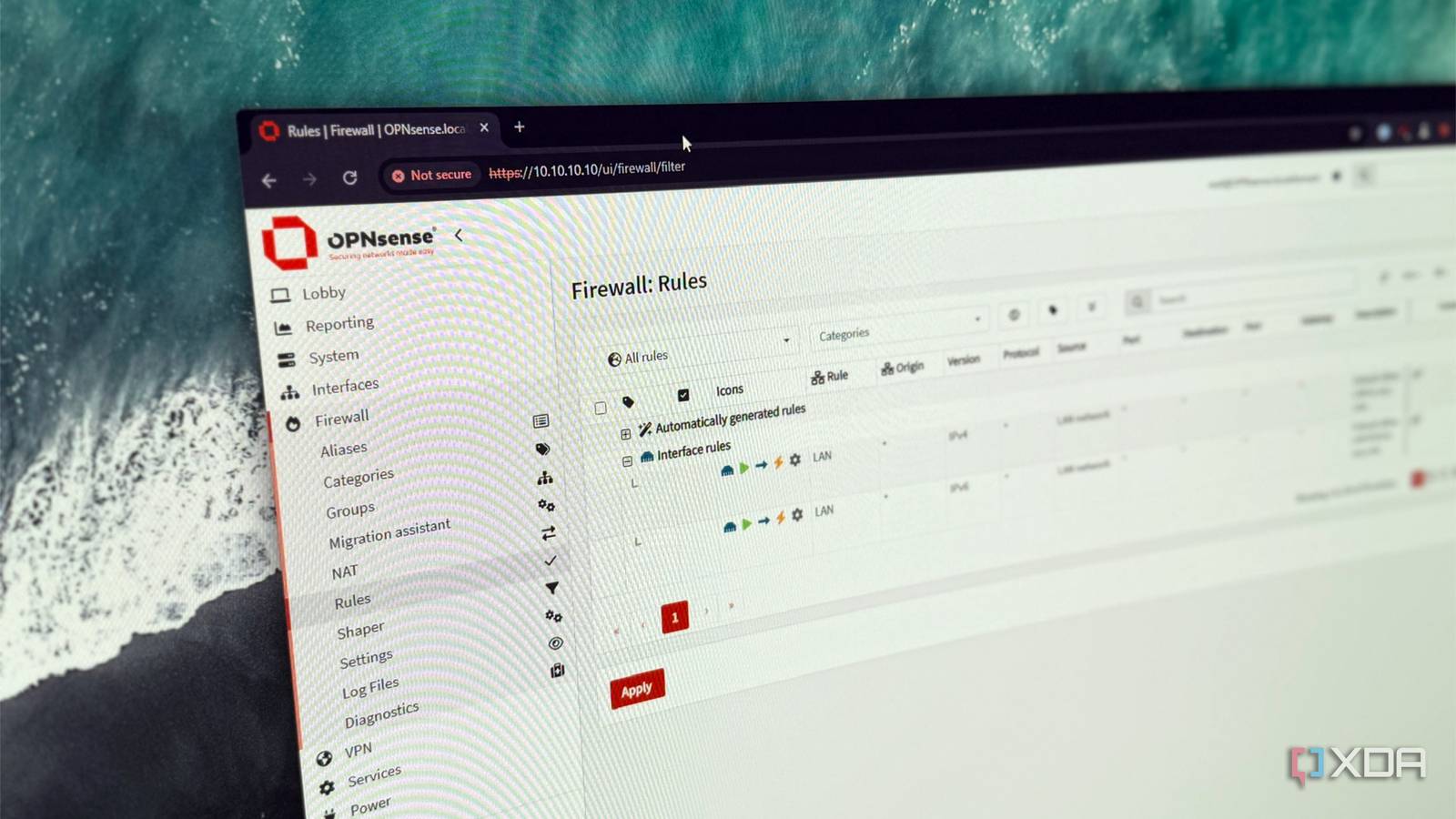
Published Sep 25, 2026, 10:00 AM EDT Maker, meme-r, and unabashed geek, Joe has been writing about technology since starting his career in 2018 at KnowTechie. He's covered everything from Apple to apps and crowdfunding and loves getting to the bottom of complicated topics. In that time, he's also written for SlashGear and numerous corporate clients before finding his home at XDA in the spring of 2023. He was the kid who took apart every toy to see how it worked, even if it didn't exactly go back together afterward. That's given him a solid background for explaining how complex systems work together, and he promises he's gotten better at the putting things back together stage since then. I knew my smart TV phoned home. Everything does. What I didn't expect was when it did it. My TV was at its loudest when I wasn't watching anything, and it kept checking in with its maker after I'd switched it off. I spotted it while mirroring my network traffic to see exactly what my devices were sending to the internet, and the TV was the device I couldn't stop staring at. So I moved it onto its own network segment behind an OPNsense appliance, logged every lookup and connection it made, and then wrote firewall rules just for it. The rules work on pretty much any firewall, and the logs turned up a surprise that went against what I'd read going in. What my smart TV does when I'm not watching It's loudest when the screen is doing nothing The thing most people worry about has a name: automatic content recognition, or ACR. Think of it as Shazam for your screen. The TV grabs frames or audio every so often, turns them into fingerprints, and matches them against a library of shows and ads. A 2024 study from UCL, UC Davis, and UC3M found ACR traffic while watching broadcast TV and while using the TV as a plain HDMI display, but not inside third-party apps like Netflix. That study looked at Samsung and LG. My 75-inch TCL QM9K runs Google TV, which muddies things. Google says the Google TV platform itself doesn't use ACR, but the brands building on it can add their own. So I watched it for a few hours instead. Here's what it talked to in each scenario: Scenario Duration Distinct domains TCL services contacted Connections to TCL servers Joining a new network First 12 minutes Not logged Not logged 79 Idle on the home screen 27 minutes 32 1 8 Standby, screen off 23 minutes 6 1 3 Powering on First 4 minutes 21 14 28 Nintendo Switch 2 over HDMI 20 minutes 2 1 1 Streaming YouTube 20 minutes 21 1 2 Almost all of TCL's traffic goes to Leiniao, TCL's smart TV software company, on servers in Microsoft's Azure cloud. The busiest moments had nothing to do with watching. Moving the TV to a new network triggered 79 connections to TCL in 12 minutes. Turning it on made it check in with 14 TCL services within four minutes, 10 of them in the first 12 seconds. Turning it off didn't stop it either. With the screen dark, the TV kept contacting one TCL host on the same roughly 10-minute rhythm it keeps while it's on. A community teardown of TCL's update software links that same host to reporting and analytics. It also maintains an always-on connection to an Azure server on port 6179, but it only ever sends a tiny heartbeat every few minutes, whatever I was doing. The HDMI test didn't go the way I expected Given the study, I expected HDMI to be the worst case. It was the quietest. In 20 minutes of playing my Nintendo Switch 2, the TV opened a single new connection to TCL, and its long-lived Azure connection moved about 140 bytes. I can't see inside encrypted traffic, but there was no sign of a steady fingerprint stream. That's this TV, though—not every TV. Streaming YouTube looked much the same from TCL's side. The TV reached plenty of Google servers for video, thumbnails, and ads, but it still only checked in with TCL's analytics host every few minutes. It also played fair with DNS. All 303 of its logged lookups went to my firewall, with no hardcoded resolvers and nothing on the DNS over TLS port. To be fair to the TV makers, the same study found that turning off the viewing-information settings really did stop ACR traffic on Samsung and LG sets. So flip whatever toggles your TV has first. But a toggle is a promise, and promises get reset by firmware updates and new terms-of-service screens. Texas has sued several TV makers over this kind of data collection, including Samsung, Sony, LG, Hisense, and TCL. Giving my TV its own network and its own rules The logic matters more than the firewall My TV played by the DNS rules, which means whole-network ad blocking with Pi-hole would catch most of it. Plenty of devices don't play along, though. They can use a hardcoded resolver like 8.8.8.8, or hide their lookups inside DNS over TLS or DNS over HTTPS. The fix is a firewall that forces a device to use your DNS and closes the side doors. I used an OPNsense DEC750 on version 26.7.4, but OPNsense is free and runs on a spare mini PC or VM. The same logic works on pfSense, OpenWrt, UniFi, or Firewalla, so adjust the menus for your hardware. First, isolation. The TV gets its own network segment, whether that's a spare LAN port, a VLAN, or its own Wi-Fi network. I used a spare port on the DEC750, so the rules apply only to the TV, and a compromised TV can't wander around the rest of the network. Here are the rules I set up, with a placeholder for the firewall IP: Number What the rule does Why it matters How I did it in OPNsense 1 Redirects any port 53 DNS traffic not addressed to [your firewall IP goes here] back to the firewall's resolver Defeats hardcoded DNS servers Destination NAT rule sending it to 127.0.0.1 2 Blocks outbound port 853, TCP and UDP Stops DNS over TLS and QUIC Block rule on the TV interface 3 Blocks a list of known DNS over HTTPS servers Stops DoH, which hides inside normal HTTPS Block rule using a URL Table alias of DoH server IPs 4 Blocks the TV from reaching private IP ranges Keeps it off the rest of your LAN Block rule against an alias of the private ranges 5 Blocks your TV brand's ACR and telemetry domains The actual point of all this Unbound blocklist, scoped to the TV network Rules 3 and 5 lean on published lists. HaGeZi's blocklists include DoH server IPs for firewalls, plus native tracker lists for Samsung, LG webOS, Roku, and Amazon, and OPNsense can subscribe to both by URL. There's no TCL list, and HaGeZi Pro didn't include either TCL host I wanted gone, so I added on-hweudc-o.api.leiniao.com and na-newuser-tcl.cedock.com by hand. Block exact hostnames rather than whole domains, since TCL's domains also serve the launcher and updates. And don't block Google's own domains on a Google TV, unless you enjoy a very expensive picture frame. The TV tested it for me. Within 10 minutes, its next lookup of the analytics host showed up in OPNsense's Unbound report, blocked by my custom list. One thing tripped me up before I started: the DEC750 had quietly lapsed off its Business Edition license and couldn't fetch updates. Switching it to the free Community Edition fixed that, two major upgrades later. And because my eero router intercepts plain DNS, I had to send Unbound's lookups upstream over DNS over TLS before any of my logs meant anything. The TV never tried to dodge my DNS, so they had nothing to catch anyway. OPNsense OPNsense is one of the best self-hosted firewalls you can get, and it's free to use. My TV still works, it just can't phone home Casting is the one thing I gave up With the blocklist live, I repeated the power-on and idle tests. Both TCL hosts I targeted were stopped on their first try, and the analytics host hasn't had a single connection since. The rest of TCL's services still check in at startup, since I left the launcher and update hosts alone. Metric Before rules After rules Connections to TCL's analytics host while idle 8 in 27 minutes 0 in 20 minutes TCL services contacted at power-on 14 12 Connections to TCL at power-on 28 22 Attempts to get around my DNS Nothing I tested broke. The home screen loaded normally, Google's own promos for movies to rent included, since those come through the launcher rather than an ad server. YouTube played start to finish, the firmware update check and TCL's network test passed, and the Switch 2 still flipped into Dolby Vision and Filmmaker Mode on its own. The one real casualty is casting from my phone. My phone and TV no longer share a network, so they can't find each other. An mDNS reflector fixes that, but that's a job for another day. You don't need a dedicated firewall for any of this Your TV's privacy toggles should work to stop it phoning home. But toggles get reset, and mine kept reporting to TCL with the screen off regardless. Two lines in a DNS blocklist stopped that, and the firewall rules make sure a less polite TV can't route around them. If you already own a firewall that can follow per-device rules, it's an afternoon well spent.
My smart TV's outbound traffic genuinely worried me, and now it has its own rules
Full Article
Original Source
Read the full article at Xda-developers →KhanList aggregates and links to publicly available news content. We do not host full articles from third-party sources. Always verify important information with original sources.